



 Fabian Lainé
Tips
Subnautica 2: the 1.2 “Between Friends” update finally unlocks base building — “Shrink”, alignment guides, and tracking beacon
In brief
The 1.2 « Among Friends » update for Subnautica 2 completely transforms base building with alignment guides, a « Shrink » option that finally works, and an obstruction list for rejected placements. Beyond the advertised co-op features, this is a real overhaul of the building system that unblocks situations that had been stuck until now.
Update 1.2 for Subnautica 2's early access has been rolling out since Wednesday, August 19, and Unknown Worlds has this time published its patch notes in French. The update's official name in the French-language client is “Entre amis” ("Among Friends"): that's the label to look for.
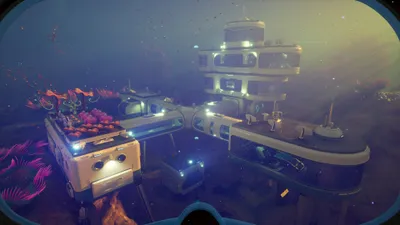
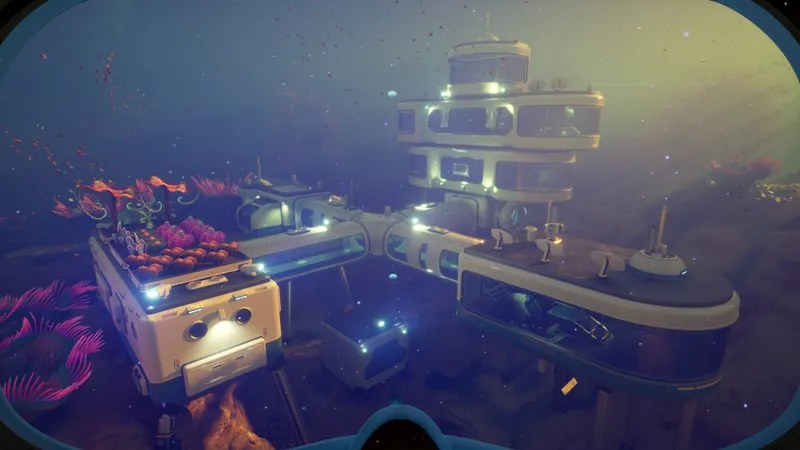
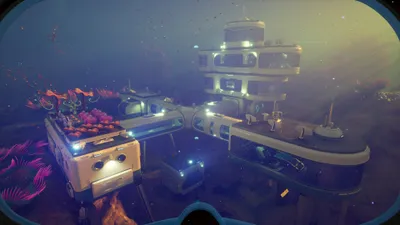
Behind the co-op features highlighted by the studio, 1.2 is above all a major overhaul of the base-building system. Six points change the way you build: the placement interface gets alignment guides; the "Shrink" option now actually deconstructs a room properly; a list of obstructing elements is displayed when a room refuses to be placed; trash cans now destroy whatever is thrown into them; it's no longer possible to build inside the Gigagnathe; and the tracking beacon, announced the day before without any details, now has instructions for use.
Alignment guides in the placement interface
This is the most structural addition of the bunch, and it comes down to one line: the placement interface for the base-building system has been improved, notably with the addition of alignment guides. The studio explicitly lists this among the changes requested by players.
Until now, lining up two compartments or connecting two modules on uneven terrain came down to eyeballing it. Markers displayed during placement remove most of that guesswork. The notes don't describe their appearance or the situations in which they appear: that will need to be checked module by module.
Four placement fixes come alongside this addition: diagonal base elements work again, those placed near ladders are no longer rejected, two stacked ladders ("previously very difficult," says the studio) now hold in place, and posters can now be placed side by side. The outlines of base elements no longer intermittently disappear.
"Shrink" finally deconstructs an entire room
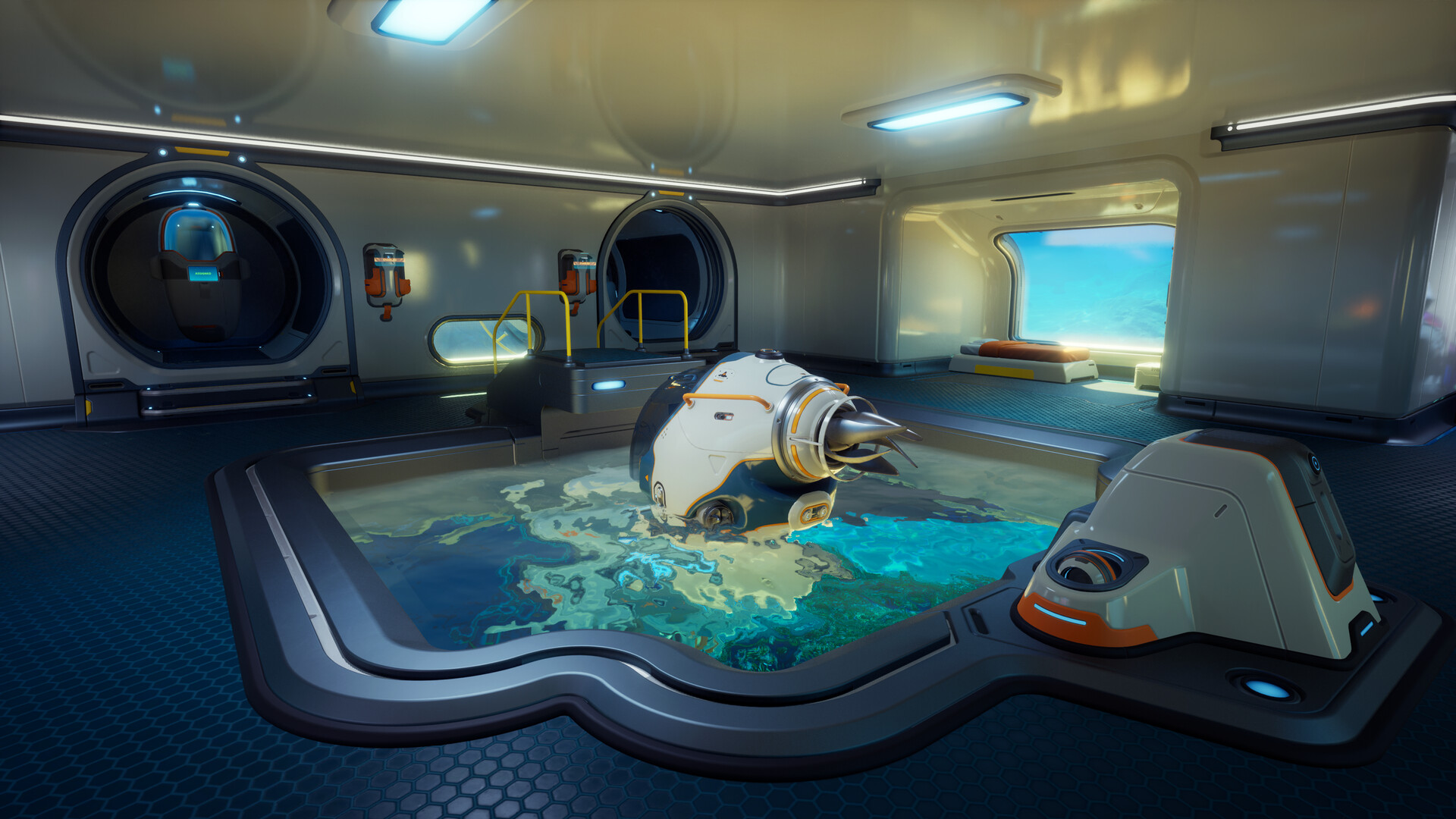
This is the fix that unlocks the most situations. When modifying a base, size changes are now properly accounted for: it is now possible to fully deconstruct a room using the "Shrink" option.
The previous issue lay in that very phrase. A size change wasn't being registered, so "Shrink" never went all the way: the room would shrink on paper but stay stuck in place. In practice, a room placed in the wrong spot became a permanent fixture, and the only clean way out was to refund the entire base. Since 1.2, it can be dismantled like any other element.
Related fixes cover the entire dismantling process: habitat beacons no longer persist, indestructible, after a deconstruction, a shrink, or a refund; items placed in a growbed no longer remain floating after the base is refunded; a docked Pup is no longer teleported to coordinates 0,0,0 in the same situation.
What the game displays when it refuses a build
Second interface addition: a list now displays the elements blocking a construction. No more silent refusal, where you'd nudge the projection around at random until it fit. The obstruction indicators, which sometimes didn't display at all, are fixed at the same time.
Three blockages with no apparent logic are gone: the clock's construction zone was much larger than the object itself; the projection of the diving elevator's column ignored world objects, resulting in an elevator that clipped through them once built; the power cell terminals could only be built in the lower part of bases or in the middle of rooms.
Two abusive placements are removed: no more utility objects inside a room's walls, no more axum/scrap furniture outside a base.
Functional trash cans, sealed-off gigagnathe
The trash cans used to be useless. They now work: objects placed inside them are destroyed one by one after five seconds. This mechanic has a practical consequence — emptying a pile of junk isn't instantaneous. The patch notes don't say whether the object remains recoverable during this delay.
Conversely, 1.2 closes a door: it is no longer possible to build a base inside the gigagnathe. Let's call it what it was, an exploit, and it's been removed. If your current save has a facility housed there, don't count on it staying.
The studio also plugged some parasitic entry points along the way: a hole gave access to the reception center's battery terminal through the outer wall, and several under-map passages have been sealed. Creature spawn points now better account for bases, to prevent them from popping up inside.
The tracking beacon and portable item stands
What the beacon actually does
The studio's video devlog had announced it without saying anything about it. The patch notes give it two uses; the second is the real one.
First use: you place a beacon inside a portable item — the notes cite the example of a cabinet — and that object becomes a short-range beacon. It's a proximity marker, to be treated as such.
Second use, the one to remember: if you're holding one or have one in your inventory during a respawn, your black box's range is increased. The beacon is therefore carried like insurance. It's not worth keeping in a base chest, but on you, before a dive you're not certain you'll return from.
No figures come with these two lines: no base range, no increased range, no recipe. Any value circulating today comes from a player's own measurements, not from the studio.
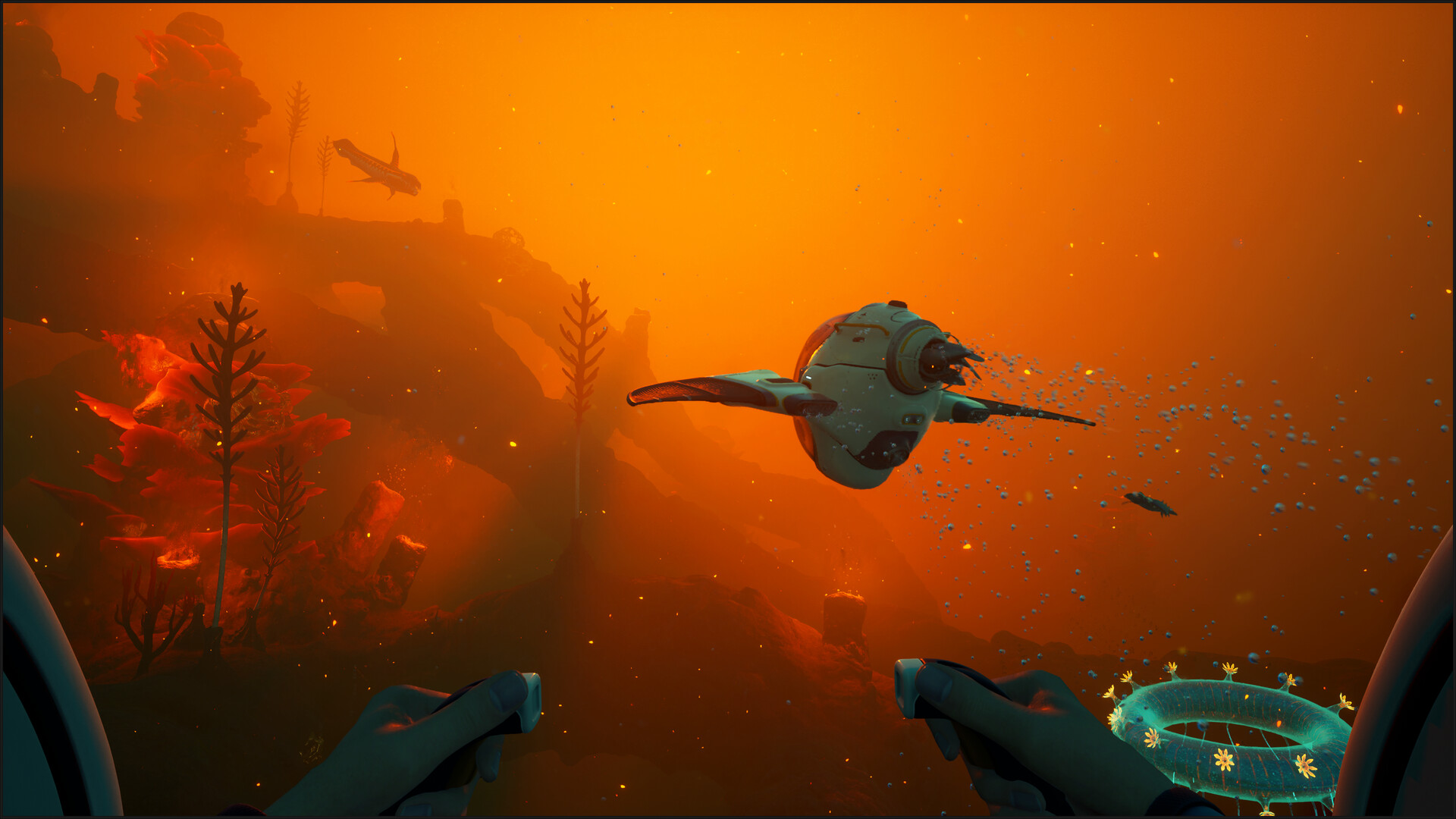
Tracking also improves elsewhere: signals lighten the HUD (icons grow larger as you approach, text appears on hover when they're far away), and a marker placed on an object at 150 m no longer displays at 500 m.
Portable item stands change status
Two evolutions. New mounts for portable items now appear in wrecks and human-built sites early in the game: the resource becomes accessible sooner. And they finally share the same name everywhere — they used to be called either "wall mount" or "attachment point," which made any guide unreadable.
Their handling also gets several fixes: tools no longer get stuck on the mount at the back of the Seatruck, you can no longer retrieve a portable locker from very far away, and items dropped and thrown at the same time no longer duplicate.
Power and cultures: silent breakdowns fixed
This is the most useful part. Several generators would stop producing without any indication, after a specific delay.
| Element | What happened before 1.2 | Trigger |
|---|---|---|
| Hydraulic turbine | Production interrupted, propeller motionless even while producing | After 120-160 minutes of play, when the player moves away |
| Solar panel | Production interrupted | After 45-60 minutes, on a save with multiple bases |
| Metal culture | The new resource inherited the growth time of the previous one | Replacing the resource in an occupied culture |
| Bioreactor | Refused algae blocks and nutrient blocks as fuel | Permanent |
| Trash can | Did not destroy any item | Permanent |
The metal cultures section is the most extensive: they would produce while the interface reported insufficient power, would keep running even when moved out of range of their power source, and would cut power to cultures placed in series behind the first one. The audio message tied to them would trigger upon arrival in the root canyon instead of upon scanning.
On the distribution side, power transmitter ranges now display correctly in multiplayer, where clients used to see too many or would lose ones that should have been there. A base no longer keeps its power supply once its energy storage is depleted. Finally, the Seatruck dock now refuses docking when there isn't enough space — putting an end to Seatrucks stuck on their dock — and its icon now matches the new model.
Interface comfort, and where to start today
Four adjustments save time during building sessions. Pinned recipes now highlight as soon as you pick up a resource they require, and their items are no longer greyed out. The position in the builder menu is now remembered when reopened. Save codes can now be pasted directly into the Cloud download field. And audio logs now display elapsed and remaining time.
For an ongoing save, this Thursday, August 20th, four actions are worth doing in order:
- Check on all your generators. A hydraulic turbine or solar panel that's been stopped for hours will restart: check the status of each base, especially secondary ones you no longer visit.
- Fix your misplaced pieces. This is the window to straighten out a crookedly built base, since "Deconstruct" now removes an entire room.
- Craft a tracking beacon and keep it on you. Its value lies in your inventory, not in a locker.
- Bring back your algae blocks and nutrient blocks. They power the bioreactor, which no longer consumes its fuel when powered off.
Deployment is automatic and free of charge. If nothing shows up on your client, restarting Steam is usually enough; otherwise, the studio directs you to its support.
Share this article
Which change in 1.2 helps you the most with building your base?
Frequently asked questions
How do the alignment guides work in building?
They appear while placing a piece and removed most of the guesswork of aligning two compartments or connecting modules on uneven terrain. The patch notes don't specify their exact appearance or every case where they show up, so it's worth checking module by module.
Does « Shrink » finally remove a room stuck in the wrong spot?
Yes, since 1.2. Before, a size change wasn't saved, which made the room permanent. Now it can be dismantled like any other element. This is the fix that unblocks the most situations according to Unknown Worlds.
How do you actually use the tracking beacon?
The second use is the real one: if you're holding one or have it in your inventory when reprinting, the black box's range increases. It's meant to be carried like insurance before a dive far from base, not stored in a locker. Exact range figures aren't official yet.
What major issue with generators and cultures does 1.2 fix?
Silent failures. Hydraulic turbines, solar panels, and metal cultures would stop producing without notice after specific delays. That's now fixed. Metal cultures also used to inherit the growth time of the previous resource, which no longer happens.
Do trash cans work now?
Yes. Items placed inside are destroyed one by one after five seconds. Emptying a pile of scrap is therefore no longer instant, but the notes don't specify whether the item remains recoverable during that delay.
Key takeaways
- Alignment guides in the placement interface remove the guesswork of aligning two compartments or connecting modules on uneven terrain
- The « Shrink » option finally deconstructs an entire room, freeing players from a permanent base in the wrong spot
- A list now displays the elements blocking a build instead of silently rejecting the placement
- The tracking beacon increases the black box's range when reprinting, making it most useful carried in hand before a dive far from base
- Silent failures of generators and cultures are fixed — hydraulic turbines, solar panels, and metal cultures no longer stop without warning
Comments
No comments yet. Be the first to react!
Leave a comment
Similar guides
Latest articles








Your opinion counts
Rate Subnautica 2
Click a star to rate