



 Fabian Lainé
Full Guide
Tomodachi Life: Dream Life — How to Import, Transfer, and Share Your Miis (2026 Guide)
In brief
Tomodachi Life: Une vie de rêve closes the door on QR codes, but opens four paths for importing your Mii: the console's Mii editor, the free Miitopia demo with its access keys, the amiibo workaround to recover your old 3DS residents, and above all local wireless play to exchange with other players. This guide breaks down each method, its pitfalls, and how to choose based on your situation.
Unlike the 2014 3DS installment, Tomodachi Life: Une vie de rêve offers no QR codes for exchanging Miis. It's therefore impossible to scan a creator's character spotted on social media to install it directly on your island. That said, not everything is locked down: there are now four reliable methods for bringing in Miis from outside sources — including Miis from creators found online — and one method for sending your own to another player.
This guide details each of them, along with their requirements and pitfalls: importing from Miis saved on your console, going through Miitopia's free demo to grab Miis online, bringing back your 3DS residents via an amiibo, and local wireless sharing between two consoles. All of them work on both Nintendo Switch and Switch 2, on the game's current version 1.0.4.
What Nintendo allows — and what's blocked
Before picking your method, let's lay out the framework set by the game's official FAQ:
- You can create new residents from the faces of Miis saved on the console (Switch or Switch 2), meaning any Mii created in the system editor or used in Nintendo Switch Sports and similar titles.
- There is no direct import from another piece of software such as Miitopia: you always have to go through the console's Mii editor.
- The reverse transfer is impossible: a Mii created in Une vie de rêve cannot be sent back to the console or to another game.
- Each player can save up to 70 Miis, and every console user has their own island: nothing is shared between accounts.
- The only direct exchange between players goes through local wireless, with no need for a Nintendo Switch Online subscription.
Method 1: reusing the Miis saved on your console
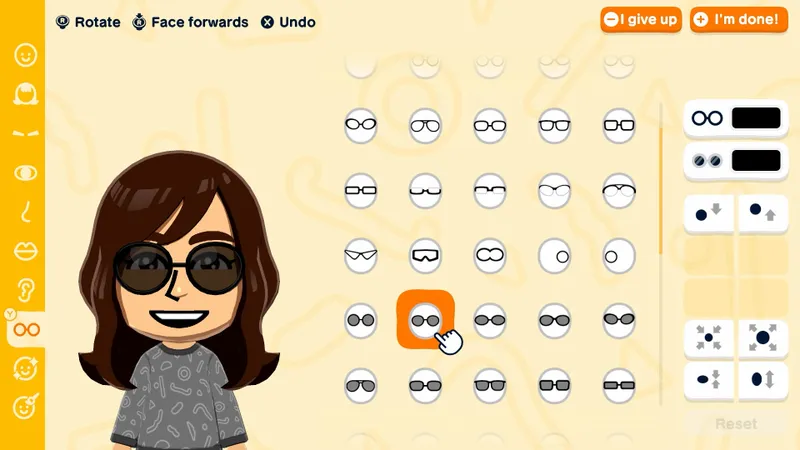
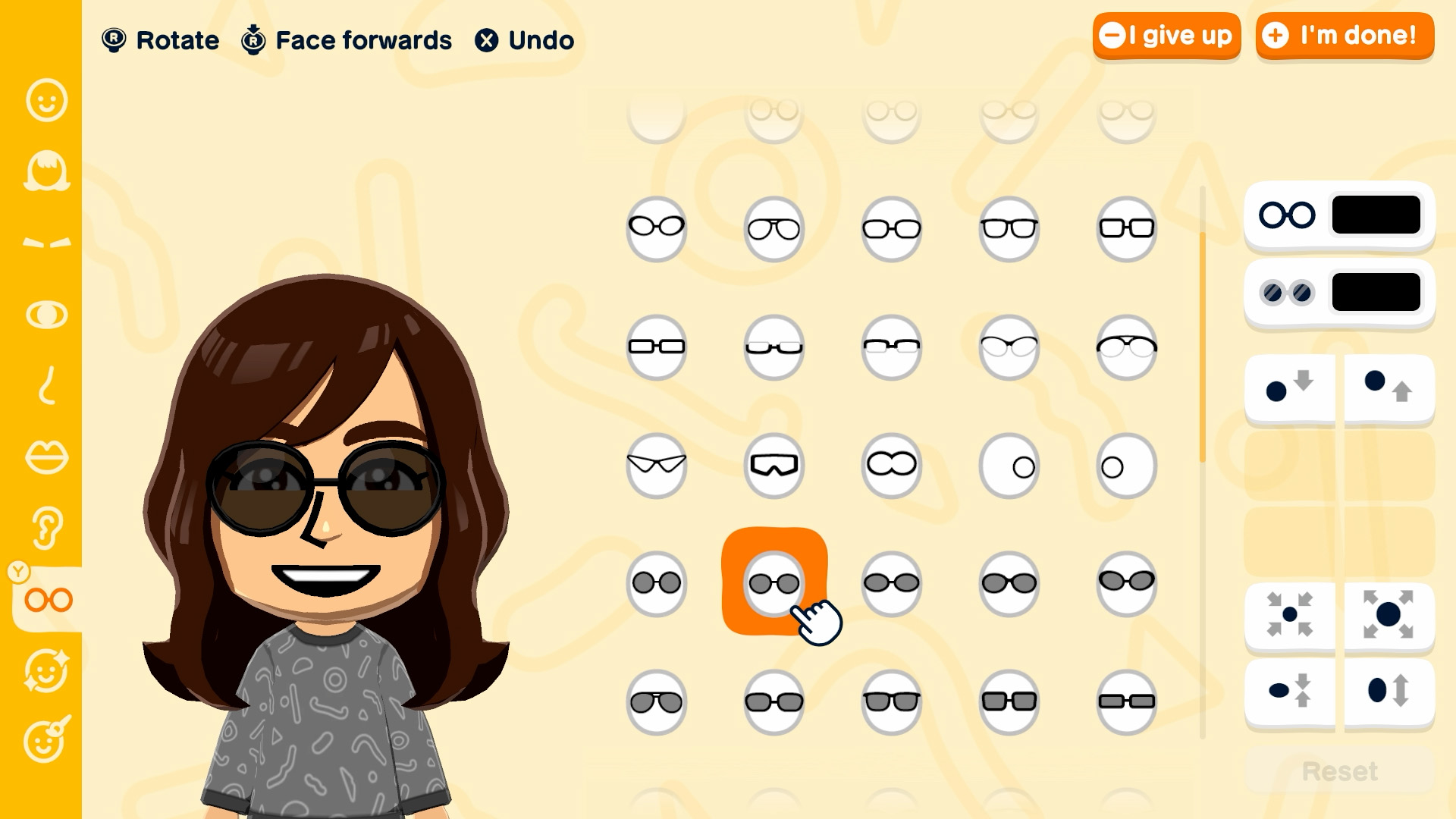
This is the gold standard, and the only fully official route. When creating a potential resident, the game offers you the option of starting from a Mii face already present on the console instead of building everything by hand. The appearance is carried over exactly as is; all that's left is to define what belongs specifically to Une vie de rêve: the voice, the personality, the little quirks, and the resident's name.
Think of it the other way around too: any Mii you want to see show up on your island must first exist in the console's Mii editor (Console Settings, Mii section). It's this principle that makes the following two methods possible, which are, at bottom, just roundabout ways of feeding that editor.
Method 2: Miitopia's free demo to grab Miis from the internet
With no QR codes available, the community found a workaround: Miitopia, whose free demo on the eShop includes the access key system. Every creator who publishes their Miis in Miitopia gets a key; by entering it, you download their characters. Here's the full process:
- Download the Miitopia demo from the eShop (an internet connection is required for the whole process).
- In the Mii menu of the demo, choose to add Mii via an access key.
- Find keys on dedicated communities — the Miipedia site and the r/Miitopia subreddit list thousands of them, from fictional characters to celebrities.
- Once the Mii is retrieved, copy it to the console: it then appears in the system's Mii editor.
- In Tomodachi Life: Une vie de rêve, create a new resident from this face.
Two limits to keep in mind: makeup and wigs applied in Miitopia don't survive the transfer to the console — only the "base" face is kept —, and each imported Mii obviously counts toward the 70-resident limit.
Method 3: bring back your Mii from 3DS using an amiibo
Nintendo hasn't provided any transfer tool between the 2014 Tomodachi Life and Une vie de rêve. If you're determined to recover the face of your old residents without resculpting them from memory, there's still a hardware bridge: amiibo.
- On 3DS, open the amiibo settings from the quick menu and register the desired Mii as the figure's owner. New 3DS and 2DS read NFC natively; the original 3DS and 3DS XL models require the NFC reader accessory.
- On Switch or Switch 2, head to the Mii section of the console settings: when creating a Mii, choose to copy from an amiibo and scan the figure.
- The face is then available in the system editor, ready to be imported into the game like any other console Mii.
Expect one Mii per figure and per round trip: to bring back ten residents, you'll need to repeat the process ten times. And as with the other methods, only the appearance travels over — personality and relationships from the 3DS era are permanently lost.
Method 4: local wireless play to exchange between two consoles
The only true player-to-player exchange goes through "Local Wireless" mode, which unlocks once your first two Mii become friends. It lets you send Mii and creations to a nearby player, each on their own console with their own copy of the game. Here's how, as described by Nintendo support:
- From the island, press the X button to open the menu, then select "Local Wireless".
- Accept the community guidelines, then save your game when prompted.
- One player starts "Search for Players", the other selects them from the list, and each confirms the connection.
- Then choose to send a Mii or a creation: the original stays on your island, it's a copy that goes to the other player.
Several conditions and restrictions apply:
- Both consoles must be running the same version of the game — update to 1.0.4 on both sides before trying.
- To exchange creations, both players must have built the creation workshop on their island.
- You can only share your own creations: a Mii or item received from another player cannot be sent back, even after being modified.
- Since the 1.0.3 update on June 26, 2026, sending is blocked if your island name or player name contains numbers or text subject to display restrictions. If sending fails, rename before trying again.
- The player receiving Miis will need to build houses for them to move in.
And what about showing off your Miis to the whole world?
This is the real frontier of this installment: there is no online sharing of the game's Miis, and Nintendo has deliberately restricted certain built-in image-sharing features, as explained on a dedicated support page. Screenshots and videos taken with the console's capture button remain allowed, however, including on social media.
The community has organized itself accordingly: sites like Tomodachi Share don't offer files to download, but rather recreation tutorials detailing, feature by feature, the facial settings of a Mii to reproduce in the editor. It's handmade, but it's currently the only way to "copy" a Mii from Tomodachi Life: A Dream Life spotted online.
Which method to choose depending on your situation
- You're playing solo and want to quickly populate your island: create your faces in the console's Mii editor, or pick up Miitopia access keys to import well-known characters in just a few minutes.
- You're coming from the Tomodachi Life 3DS: the amiibo method is the only one that preserves your original faces, provided you've kept the 3DS and a figure on hand.
- You're playing with family or friends: local wireless is made for you, no subscription required, as long as you follow the rule about names without numbers and keep both games on the same version.
One last piece of advice before you import in bulk: the 70-resident limit arrives faster than you'd think, and removing an installed Mii comes at a cost in the game. It's better to save a few spots for future babies and potential visiting residents than for a fifteenth TV show character.
Share this article
Which import method will you try first?
Frequently asked questions
Why aren't there QR codes like on the old 3DS version?
Nintendo deliberately removed this feature. Instead, the free Miitopia demo serves as a relay with its access keys — less direct, but more secure against abuse.
How can I retrieve creators' Mii found online?
Download the Miitopia demo, get an access key published by the creator on sites like Miipedia or r/Miitopia, then copy the Mii to your console's Mii editor. From there, import it into Une vie de rêve like any other local Mii.
Are my old 3DS Mii lost forever?
No, but it's complicated. Amiibo serve as a bridge: save the desired Mii to a figure on 3DS, then scan it on Switch to retrieve its face. One operation per Mii, per amiibo.
Can I share the Mii I created in Une vie de rêve online?
Impossible: Nintendo blocks any online file-sharing of Mii from the game. You can only post screenshots, or describe feature by feature how to recreate your Mii in the editor so others can rebuild them manually.
Is local wireless play really subscription-free?
Yes, completely free and without Nintendo Switch Online. But be careful: both consoles must be up to date (v1.0.4), and island and player names must not contain numbers or restricted characters, otherwise the transfer will fail.
Key takeaways
- Direct import from another game doesn't exist: all Mii must first go through your console's Mii editor
- The free Miitopia demo becomes your internet relay for retrieving creators' Mii thanks to access keys
- Amiibo let you bring back your Mii from the 3DS, but require a manual operation per figure
- Local wireless play is the only true way to exchange between players, with no subscription required, as long as you avoid numbers in your names
- You're limited to a maximum of 70 Mii: manage your collection before importing en masse
Comments
No comments yet. Be the first to react!
Leave a comment
Similar guides
Latest articles







Your opinion counts
Rate Tomodachi Life: Living the Dream
Click a star to rate