



 Fabian Lainé
Full Guide
Tomodachi Life: A Dream Vacation: update 1.0.4 and corrupted save, what to do in 2026
In brief
The 1.0.4 update for Tomodachi Life: Une vie de rêve, released on July 23, 2026, fixes a critical bug that was corrupting save data when using the island builder. This guide explains how to check your version, understand what the patch actually addresses, and above all set up two essential safeguards: save data cloud backup and smart console profile management.
The latest update for Tomodachi Life: A New Horizon carries the number 1.0.4 and has been available for download since July 23, 2026. As of August 6, it's still the most recent version: the history published by Nintendo Support stops there, and no 1.0.5 has been announced.
Its main fix is anything but trivial. In rare cases, using the island builder could corrupt save data, to the point that the game would then refuse to start on subsequent sessions. In concrete terms: a lost island, with no warning whatsoever at the moment the damage occurs. If your console is still running 1.0.2 or 1.0.3 — which happens as soon as automatic software updates are turned off — you're still at risk.
This guide takes stock of what 1.0.4 actually fixes, how to check your version in thirty seconds, and above all the two habits that protect an island representing dozens of hours of play: save data cloud backup and clean management of console profiles.
Checking your version in thirty seconds
No need to launch the game — the official method is done from the HOME menu. It takes less than a minute, updates included, provided your console is online.
- Connect your Nintendo Switch 2 or your Nintendo Switch to the internet.
- From the HOME menu, highlight the Tomodachi Life: A New Horizon icon without launching it.
- Press the + Button or the – Button on your controller: the version number appears below the software's name.
- If it doesn't say Ver. 1.0.4, select Update, then Via the Internet.
- Once installation is complete, the new version number appears directly on the title screen.
One detail worth noting if you're exchanging Miis with someone nearby: Nintendo points out that all participants must be running the same software version to play together. A console stuck on 1.0.3 facing off against a console on 1.0.4, and the local wireless connection simply won't cooperate.
What version 1.0.4 actually fixes
The official English patch notes list four fixes by name, plus the usual mention of other issues addressed behind the scenes.
- Save data corruption after using the island builder. The bug was rare, but final: the game would no longer restart afterward. This is by far the most serious reason to install this update.
- Freezing after resolving a Mii's troubles. Progress would no longer register correctly and an error would cause the game to close. Those who go through comforting conversations back-to-back early in the game were the most affected.
- Clothing shop posters. The Miis featured on them weren't displaying correctly.
- Ferris wheel and TV station posters. The Miis put in the spotlight were being selected unevenly: always the same faces, while other islanders never appeared.
The last two points are cosmetic, but they explain a frustration frequently reported by players since April: the impression that the game only displays a handful of residents on its display fixtures, regardless of the island's size.
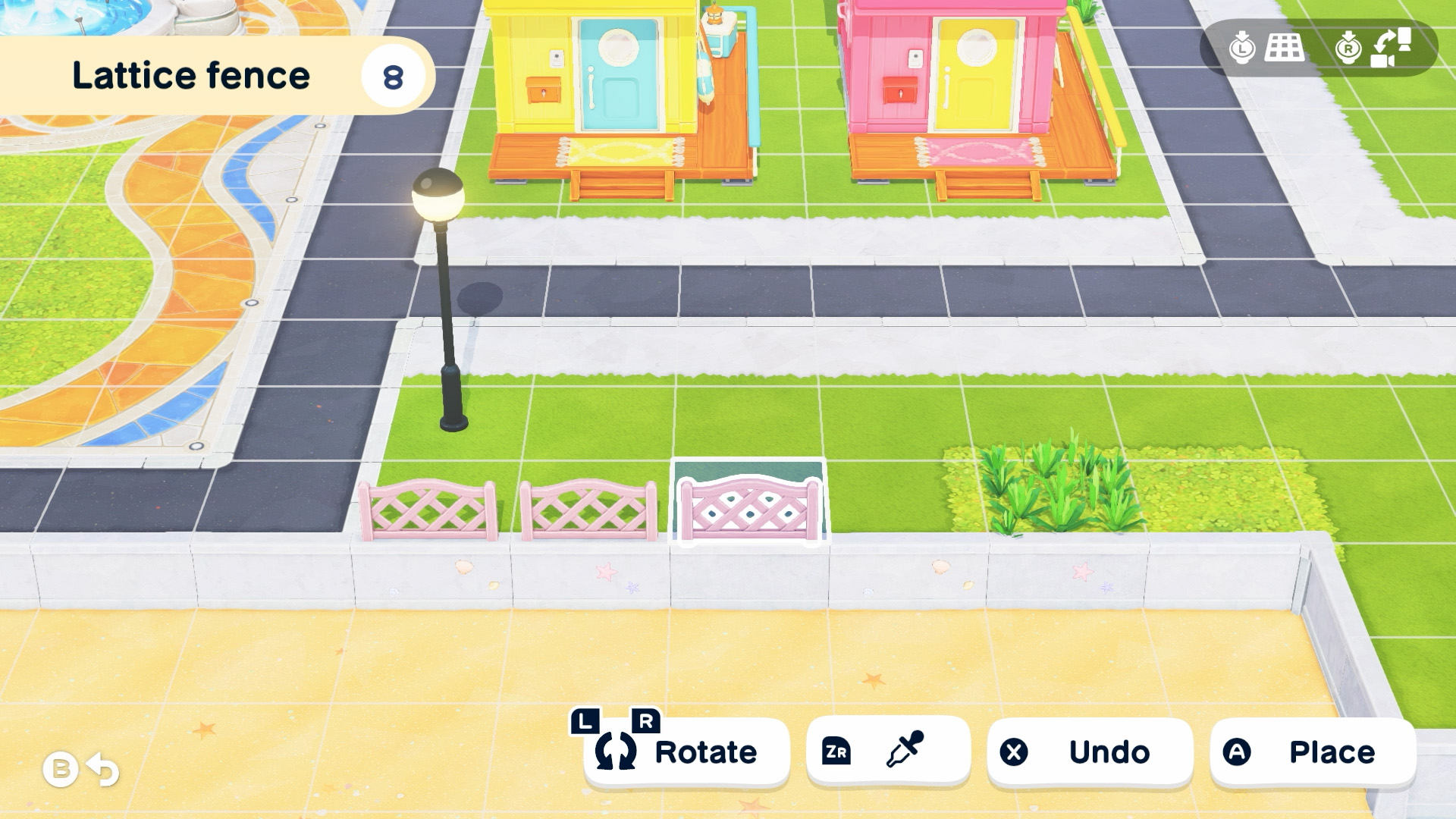
The island designer, a sore point since launch
Put end to end, the timeline of patches tells a fairly clear story: three of the four updates released since the April 16, 2026 launch touch, directly or indirectly, on saving or island layout.
| Version | Date | Notable fixes |
|---|---|---|
| 1.0.1 | April 23, 2026 | General fixes not detailed by Nintendo |
| 1.0.2 | May 15, 2026 | Progress blocked after building the island; "Your save data is corrupted" message after a successful confession or after several Miis move in; wishing fountain impossible to place back once put away with the island designer |
| 1.0.3 | June 26, 2026 | Incorrectly displayed money amount blocking progress; error on repeated happiness increases; incorrect day count since becoming a couple or getting married; taught words pronounced incompletely |
| 1.0.4 | July 23, 2026 | Save corruption linked to the island designer; blockage after resolving a Mii's problems; shop, Ferris wheel, and TV station billboards |
The common point between 1.0.2 and 1.0.4 deserves to be highlighted: in both cases, the error occurs when saving or on the next startup, not during the faulty action itself. So you could play an entire evening thinking everything is fine. Hence the importance of not relying solely on the local save.
Save data cloud, your only real safety net
Good news, and it's not automatic with Nintendo: Tomodachi Life: Une vie de rêve is indeed among the titles compatible with the save data cloud. The game's official page mentions it in the Nintendo Switch Online features section. An active subscription is required.
The path is as follows: System Settings → Data Management → Save Data Cloud, then select the relevant user and the software. The screen displays on the right the most recent save kept on the console, along with its date and time.
- Automatically Copy Save Data is enabled per user, not for the entire console. Check it on every profile that has an island. Once enabled, the copy is triggered when you exit the software or when you put the console into sleep mode.
- Copy Save Data sends the console's save to the cloud. Download Save Data does the opposite. In both cases, overwritten data is lost: read carefully which direction the operation goes before confirming, especially if you're trying to recover an island after a crash.
- If your Nintendo Switch Online subscription expires, access to the cloud is cut off, but your copies remain recoverable if you resubscribe within 180 days.
The habit to adopt is simple: before a long island-redesign session with the island designer, quit the game to the HOME menu. The automatic copy runs at that moment, giving you a clean restore point dated just a few seconds earlier.
One island per profile: the consequences to know
Nintendo is explicit on this point in its dedicated FAQ for the game: save data and islands are created separately for each user on the console and are never shared between them. Each person has their own save file.
Two practical consequences follow. First, deleting a user account on the console permanently erases the island associated with it, with no possibility of recovery on the console's side. Second, if you want to experiment with bold layouts without risking your main island, a second profile gives you a full sandbox — provided you carefully check which user is selected before launching the game.
Local multiplayer: the naming rule introduced in 1.0.3
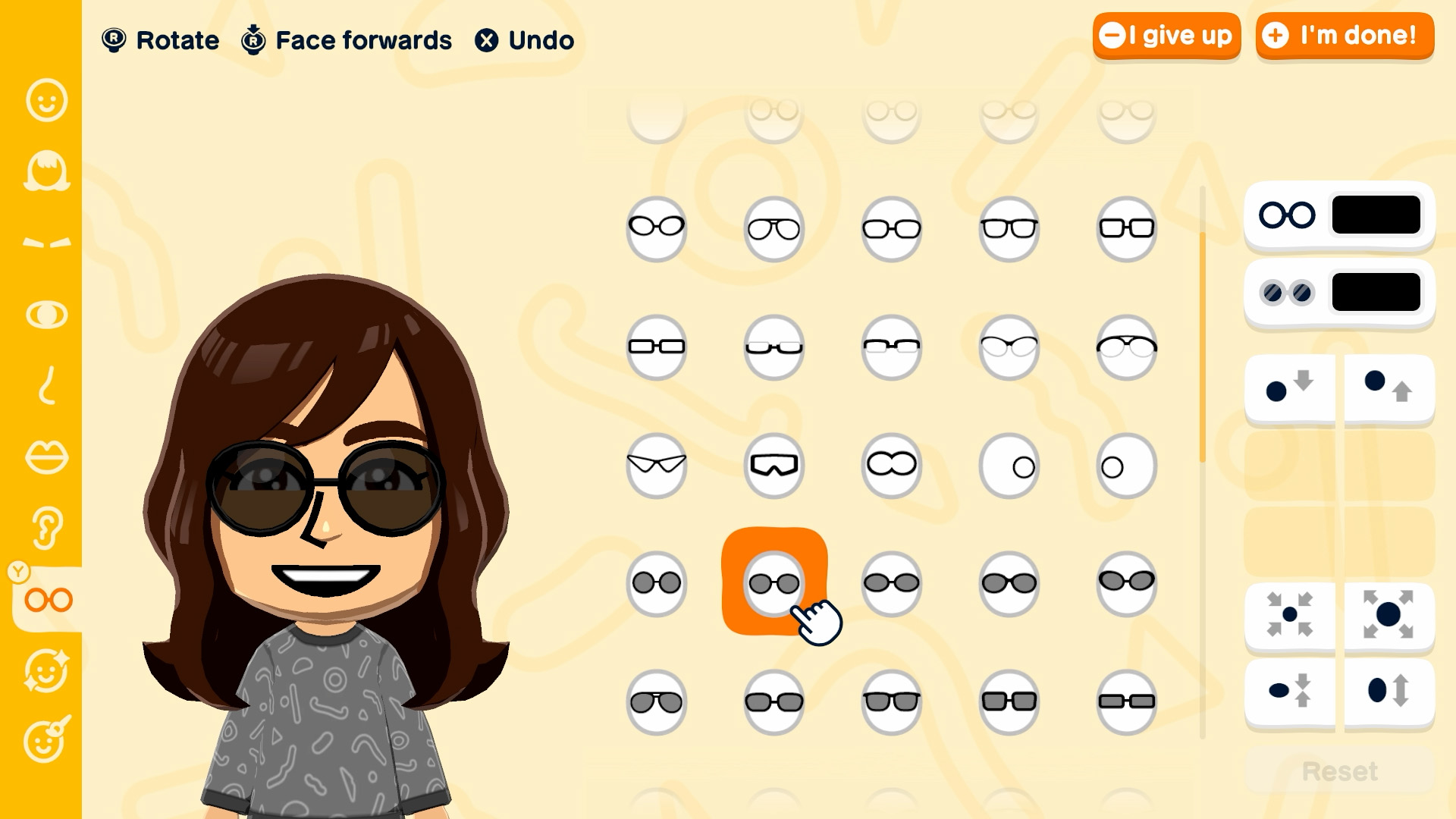
This is the most discreet change of the summer, and the one causing the most confusion. Since version 1.0.3 released on June 26, 2026, Mii and other creations can no longer be sent via local wireless communication if the island's name or the player's name contains digits or text subject to display restrictions.
The symptom is frustrating: the exchange fails without the game explaining why. If you named your island "Island 2" or slipped a year into your nickname, that's likely where the problem lies. The fix is done in-game, in two separate places:
- Island name: X button → Island Info → Edit next to the name. You can type it yourself or pick from the suggestions, and the mouth-shaped icon lets you adjust the pronunciation.
- Player name: X button → Settings → Player Settings. This menu also includes your birthday and the color of your hands.
Note in passing that Nintendo has deliberately restricted certain image-sharing features within the game, due to its very open-ended mechanics — the publisher has released a dedicated support page to explain this. This does not prevent you from posting your screenshots and videos on social media, which remain allowed under Nintendo's usual guidelines.
Cleaning up without breaking your save
Many of the issues reported since April stem from islands overloaded with abandoned creations or hastily taught words. The game offers proper cleanup tools that should be favored over workarounds.
- Edit or remove an islander: X button → Islander List → select the Mii. The Remove option displays the cost of the operation before confirmation; take the time to read it, as it isn't symbolic.
- Edit or delete a creation: head to your island's creation workshop, then Creation List. Deletion requires double confirmation via Delete.
- Clean up the island's word list: X button → Island Info → Island Word List. The Y button edits a term, including its pronunciation; the X button switches to delete mode. Once a word is deleted, your islanders stop using it.
This last point is worth doing now: 1.0.3 specifically fixed a bug that prevented taught words from being pronounced in full. A cleaned-up word list, on an up-to-date version, finally gives the expected result when spoken aloud.
What's next?
Let's face the facts: the four updates released since April 16, 2026 are exclusively bug fixes. None of them add content, buildings, or events. Nintendo is consolidating, and nothing currently suggests that a content update is in the pipeline.
In practical terms, your roadmap comes down to three steps: update to 1.0.4, enable automatic save copying on the profile hosting your island, and get into the habit of quitting the game to the HOME menu before a long island-building session. It's a small thing, and it's exactly what separates a fifty-hour island from a startup screen that no longer responds.
Share this article
Have you ever experienced a corrupted save issue on Tomodachi Life or another Switch game?
Frequently asked questions
My game is running on 1.0.2 or 1.0.3, do I really need to update to 1.0.4?
Yes, absolutely. The island builder corruption bug is rare but permanent: your game will refuse to start afterward. If you're planning to redesign your island, this update is essential.
How do I know if save data cloud backup is enabled for my profile?
Go to System Settings → Data Management → Save Data Cloud Backup, then select your user and Tomodachi Life. You'll see the date and time of the last saved backup. Make sure automatic backup is checked.
My Nintendo Switch Online membership just expired, will I lose access to my cloud saves?
No, cloud access is cut off but your backups are kept for 180 days. You can resubscribe within that window and recover your islands without any issue.
I want to create a second island to test things risk-free. How do I do that?
Create a second user profile on your console, then launch Tomodachi Life with that profile. This starts a completely independent island. Just make sure the right user is selected before launching the game.
My Mii exchange in local multiplayer keeps failing with no error message, what's the issue?
Since 1.0.3, island or player names containing numbers or restricted text block wireless exchanges. Rename your island and your nickname using only plain letters, then try again.
Key takeaways
- Version 1.0.4 fixes a rare but devastating save corruption issue caused by the island builder, making an urgent update necessary.
- Checking your version takes thirty seconds from the HOME menu without even launching the game.
- Save data cloud backup, accessible via Nintendo Switch Online, remains your best protection against losing an island to a crash.
- Creating a second profile lets you test risky layouts without putting your main island at risk.
- Since 1.0.3, island or player names containing numbers block local wireless exchanges.
Comments
No comments yet. Be the first to react!
Leave a comment
Similar guides
Latest articles







Your opinion counts
Rate Tomodachi Life: Living the Dream
Click a star to rate