



 Fabian Lainé
Tips
Apex Legends: Respawn blames Radeon RX 9070 XT crashes on the driver and recommends rolling back to 26.7.1 — and Octane's passive finally restores all its HP
In brief
Respawn has released two urgent notes: a workaround for the Radeon RX 9070 XT crashes (rolling back to driver 26.7.1), and four major fixes including the repair of Octane's passive, which was no longer restoring all of its HP. The balance AMA takes place this Thursday evening at 7pm.
Respawn published two short notices back to back, on August 25 and August 26, 2026. They don't announce any content, but one of the two fixes a very targeted hardware issue, and the other corrects a Legend passive that hadn't been doing its job for a while.
Radeon RX 9070 XT: the official workaround
The August 25 notice fits in two sentences, and it's the more useful of the two:
“UNDER INVESTIGATION: we are investigating a crash affecting players equipped with an AMD Radeon RX 9070 XT GPU. For an immediate fix, please roll back to the previous driver version (26.7.1).”
Three things to take away from this, and nothing more:
- The model is named. Respawn doesn't mention the RX 9000 lineup as a whole, nor NVIDIA cards. If your card isn't a 9070 XT, this workaround doesn't concern you.
- The cause pointed to is the driver, not the game — otherwise Respawn would fix it server-side rather than asking for a rollback.
- This is a workaround, not a fix. The studio writes "under investigation": the situation will evolve, and you'll need to update the driver again once it's resolved.
Rolling back to 26.7.1, properly
A driver rollback is easy to botch, and a half-uninstalled driver produces exactly the symptoms you were trying to get rid of. Here's the procedure to follow:
- Download the 26.7.1 driver archive from AMD's support page first — before uninstalling anything, otherwise you'll be left without accelerated display to go get it.
- Uninstall the current driver using AMD's cleanup utility, not just through "Add/Remove Programs".
- Install 26.7.1, then disable automatic updates for the AMD software — otherwise the faulty driver will come back on its own.
- Relaunch Apex Legends and check over a full match, not just in the menu.
If the crash persists after rolling back to 26.7.1, this probably isn't the issue at hand: Respawn only describes one specific case, tied to a particular card + driver combination.
The August 26 patch: four lines, one of which touched balancing
The following day's patch notes list four fixes. The first one isn't cosmetic:
| What was fixed | Why it mattered |
|---|---|
| Octane's passive once again restores full HP, as intended | It's the Legend's identity: a truncated passive regeneration completely changes his stim → retreat → return to combat cycle |
| Rare cases where a player would get locked out of nearly all their actions in battle royale | A match-blocking issue, with no way out other than a voluntary crash |
| Gibraltar could sprint faster than intended by combining the Fast Shotties perk with the Corrupted Stock | A tank with an unintended movement speed, tied to a specific combination |
| Rubberbanding, stutters, and jerky movement after reconnecting | Reconnecting mid-match becomes playable again instead of being a punishment |
Octane's fix is the one that should change how you play. If you had stopped relying on his regeneration to get back into the fight between two engagements, give it another try: the intended behavior has been restored.
Gibraltar's goes the other way. The Fast Shotties + Corrupted Stock combination was producing abnormal movement speed; it has now been brought back down to the expected value. A build centered around that speed will no longer deliver on the same promise.
Today is the balance AMA
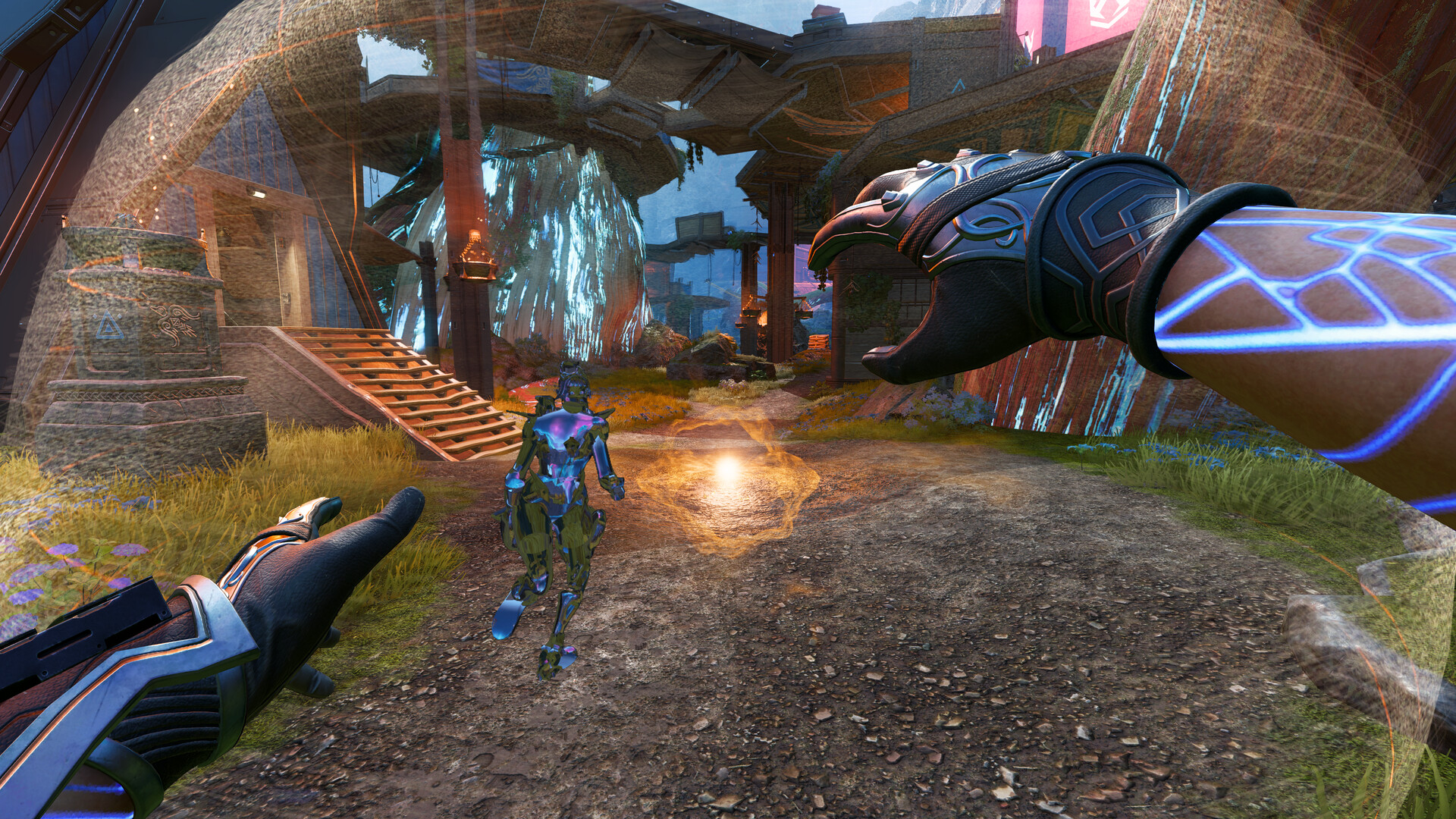
Respawn is holding an AMA this Thursday, August 27, 2026, from 10 a.m. to 12 p.m. Pacific time — that's 7 p.m. to 9 p.m. in Paris — dedicated to Legend and weapon balance. Four team members will be answering: RSPN_Caseroos, RSPN_JayBiebs, RSPN_ConMon, and RSPN_hypnotik.
The studio has laid out its rules: only two hours, so questions should be focused on the Legend or weapon meta, one to two related questions per person, and good faith is expected. Off-topic questions will be used to pick the theme of the next AMA.
The practical takeaway: if you want Gibraltar's speed, Octane's passive, or the state of the meta discussed, this is the window, and it's a short one.
If you're crashing without a 9070 XT
The workaround published by Respawn is narrow: one card, one driver. It shouldn't be applied blindly to another configuration — rolling back a healthy driver creates more problems than it solves.
Two of the August 26 fixes, in fact, may explain what looks like a crash but isn't:
- The lockout of nearly all actions in battle royale. The game keeps running, the image keeps moving, but nothing responds anymore. From the outside, it's indistinguishable from a freeze — and it was a bug, now fixed.
- Stuttering after reconnecting. A player returning to a match would experience rubberbanding and jerky movement, which gets mistaken for a network or GPU issue.
In other words: before touching the driver, first check that the game is updated with the August 26 patch. Two of the most commonly reported symptoms come from there, not from the hardware.
The recap
- Radeon RX 9070 XT crashing: roll back to driver 26.7.1 and turn off automatic updates in the AMD software.
- Octane: his passive has been fixed, his gameplay loop is back to what it was before.
- Gibraltar: the abnormal sprint speed from Fast Shotties + Corrupted Stock has been removed.
- Reconnecting: no more systematic rubberbanding after returning to a match.
- Tonight, 7 p.m.: the balance AMA, two hours long.
Respawn publishes these patch notes in English only, including on the French Steam page. Perk and attachment names are therefore left in their official spelling.
Share this article
Have you also had crashes or weird disconnects in Apex these past few days?
Frequently asked questions
I'm crashing in Apex Legends — should I roll back to driver 26.7.1?
Only if you have a Radeon RX 9070 XT. That's the only case Respawn has documented. Before touching your driver, first check that the game and your drivers are up to date as of August 26th, since two fixes address symptoms that resemble crashes.
How do I properly roll back to driver 26.7.1?
First download the archive from AMD, uninstall using AMD's cleanup utility (not Add/Remove Programs), install 26.7.1, then disable automatic updates so it doesn't revert on its own.
Octane has been fixed — what does that change for my gameplay?
His passive once again restores 100% of HP instead of a reduced amount. If you had stopped relying on his regeneration to get back into fights between engagements, his combat cycle is reliable again.
Is the Gibraltar nerf a big deal?
It targets a specific combination: Fast Shotties + Corrupted Stock. If you had built around that abnormal speed, you lose an advantage that wasn't intended. For other setups, Gibraltar is unaffected.
When will the AMD driver need to be updated again?
Respawn is still investigating. As soon as the issue on AMD's side is resolved, the studio will let you know. For now, 26.7.1 is the reliable workaround.
Key takeaways
- The RX 9070 XT crashes stem from the AMD driver, not the game — roll back to 26.7.1 and disable automatic updates
- Octane's passive once again restores full HP: his stim → retreat → return to combat loop is back in working order
- Gibraltar loses his abnormal sprint speed when combining Fast Shotties and Corrupted Stock — a quiet but real nerf
- Two invisible but crucial fixes: unblocking actions and ending rubberbanding after reconnecting
Comments
No comments yet. Be the first to react!
Leave a comment
Similar guides
Latest articles






Your opinion counts
Rate Apex Legends
Click a star to rate