



 Alexandre Jollier
Full Guide
Mistfall Hunter Crossplay: How to Play with Friends
In brief
Mistfall Hunter offers full crossplay between PC, PS5, and Xbox Series X/S via an internal Player ID system. Before inviting your friends, you need to complete the tutorial and a first solo expedition to Hollowgrave — expect about twenty minutes. Once unlocked, the Friends menu centralizes everything: cross-platform friend adding, party management for up to three players, optional matchmaking.
Crossplay in Mistfall Hunter works between Steam, PS5, and Xbox Series X/S - a shared matchmaking pool, direct invites via Player ID. The only catch: the feature doesn't unlock right at the start of the game. You first have to get through the full introduction before you can access it.
What awaits you before you can invite a friend
From the very start, Mistfall Hunter locks you behind its tutorial. There's no way to skip the steps: the Friends menu remains inaccessible until you've completed two separate sequences. The first is the classic tutorial - combat, the extraction mechanic, falling to the boss, returning to the Hub. The second is a solo expedition to the Hollowgrave.
Expect around twenty minutes all in, more if you explore. It's short, but there's no way around it.
Step 1 - Finish the tutorial
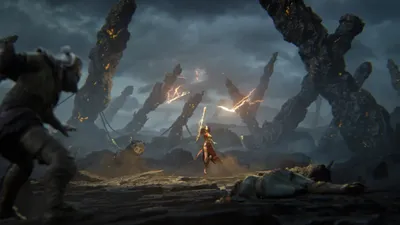
At launch, the game takes you straight into an introductory area. Learn the basics of combat and extraction, face off against the tutorial boss (spoiler: you're supposed to lose), then extract. You then arrive at the Hub, your base of operations. Don't go looking for the crossplay menu yet: it doesn't exist at this stage.
Step 2 - Complete a solo expedition to the Hollowgrave
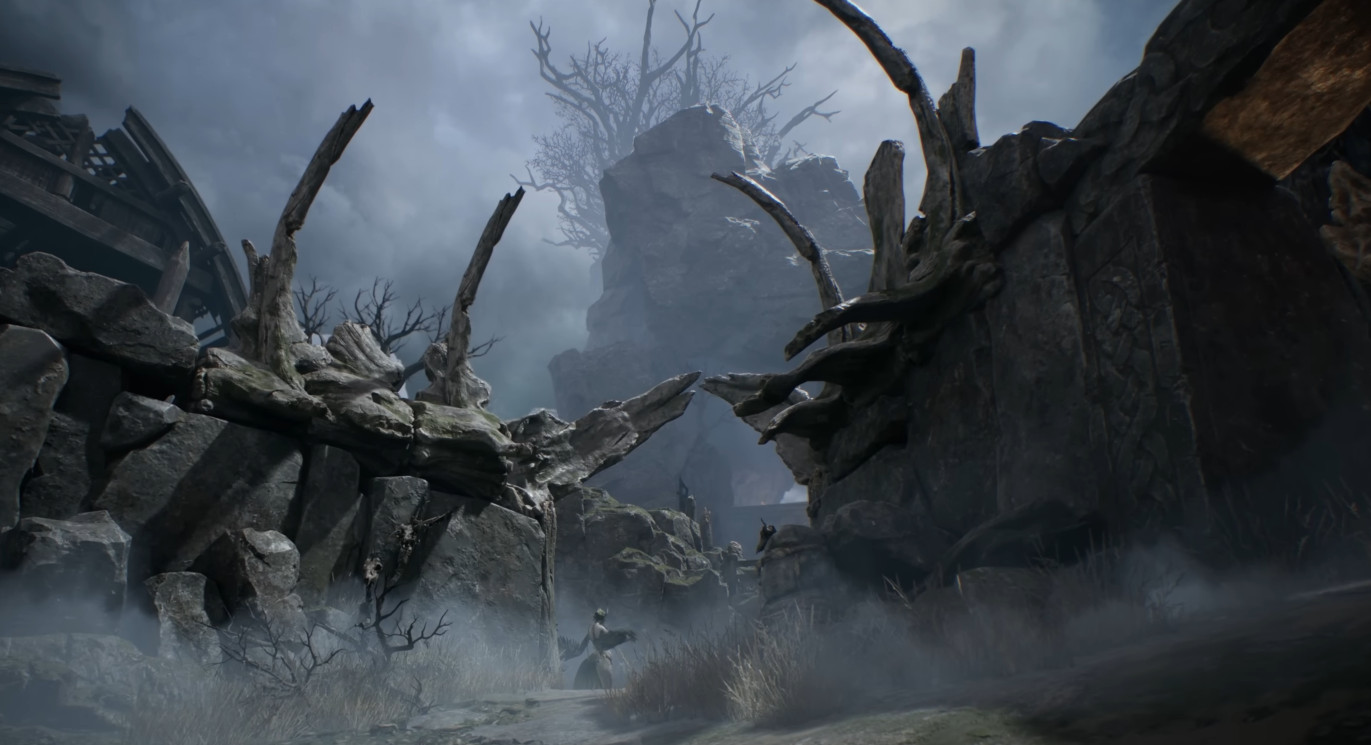
From the Hub, head to the Hollowgrave and start a solo run. This expedition is still part of the game's introduction - several features remain locked here. Talk to Pip during the run, extract successfully, then return to the Hub.
Once back, talk to the newly available NPCs until you receive the objective to return to the Hollowgrave. It's this second trip that unlocks the Friends menu.
Step 3 - Access the Friends menu
At the start of this second visit to the Hollowgrave, look at the top-left corner of the screen: a box will appear there. Open it, then press the command shown in the bottom right to access the Friends menu.
This menu brings together three things:
- Your friends list
- Pending requests
- Your block list
Adding a cross-platform friend
Mistfall Hunter doesn't use Steam, PlayStation Network, or Xbox friends lists. The system relies on an in-game Player ID - a numeric identifier unique to each account, displayed under your username and level in the settings. This is what you need to exchange with your friends on other platforms.
In the search bar of the Friends menu, enter your friend's Player ID or username. Once the request is accepted, you can invite them directly into your session, regardless of their platform.
Setting up your party
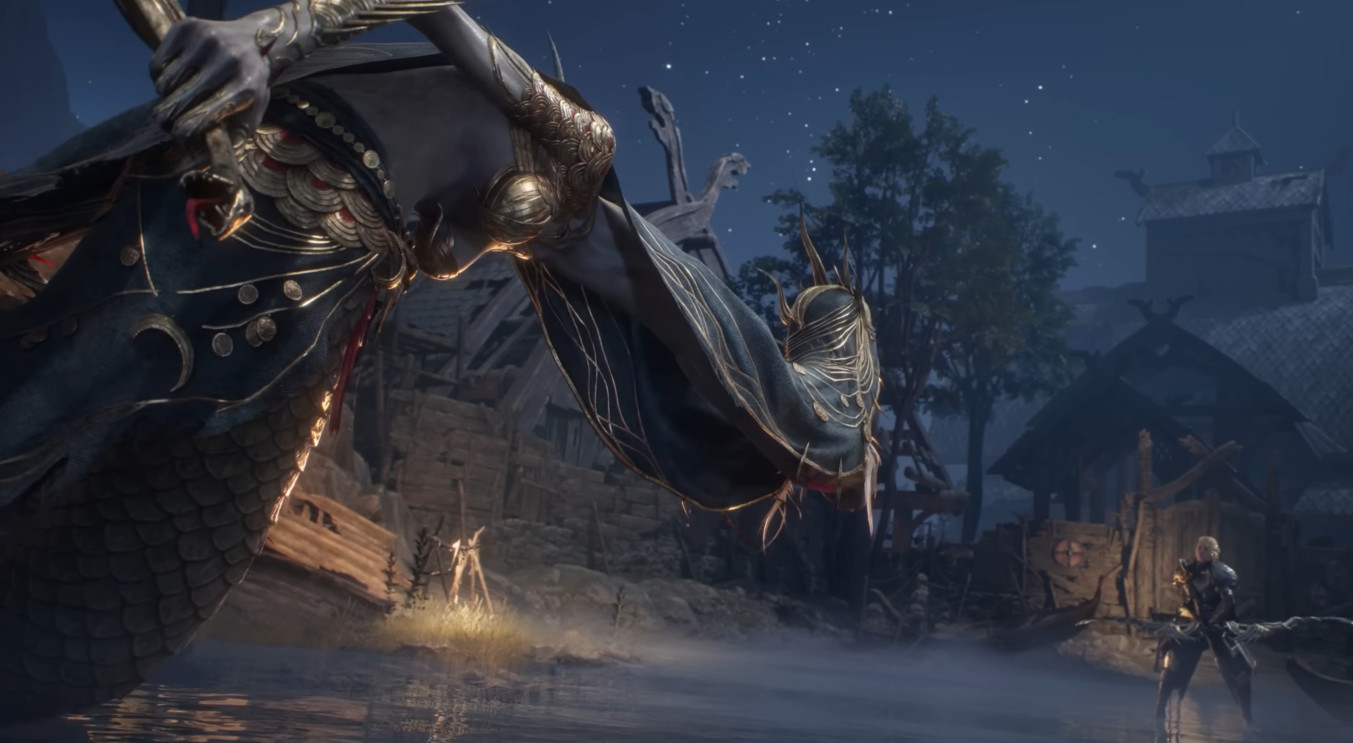
Mistfall Hunter supports parties of two to three players. By default, the Fill Party option can automatically complete your team with a third player via matchmaking.
- Duo only: turn off Fill Party - no third player will join via matchmaking.
- Trio: leave Fill Party turned on or invite a third friend manually.
Note
In open matchmaking, you may run into teams of three players even if you're playing as a duo. Keep that in mind before heading out on a lightweight expedition.
What crossplay doesn't do
Playing together across platforms, yes. Sharing your progression, no. Characters, loot picked up, camp upgrades - all of it stays tied to your original platform. If you're playing on PC and your friend is on PS5, you can farm together, but each of you keeps your own gains on your own side. Steam discussions confirm this point, with several PC players who tested crossplay with friends on PS5 reporting a lack of data synchronization.
Share this article
What holds you back the most before playing crossplay with your friends?
Frequently asked questions
How do I add a friend who plays on another platform?
Access the Friends menu (unlocked after the tutorial and the first expedition to Hollowgrave), then enter their Player ID or username in the search bar. Once the request is accepted, you can invite them directly to your runs.
Do I really need to finish the tutorial before playing with friends?
Yes, the Friends menu remains completely locked until you've finished the tutorial and launched a solo expedition to Hollowgrave. This is part of the game's introduction, expect around twenty minutes.
Does my progression sync if I play with a friend on another platform?
No. Characters, loot, camp upgrades — everything stays tied to your original platform. You farm together, but each of you keeps your own gains on your side.
Can I play in a duo without a third player automatically joining us?
Yes, disable the Fill Party option before launching your expedition. In open matchmaking, however, you might still run into trios even while in a duo.
Key takeaways
- Crossplay works between Steam, PS5, and Xbox via a unique Player ID system, not through the platforms' native friend lists
- Two mandatory steps before accessing the Friends menu: complete the full tutorial and succeed in a solo expedition to Hollowgrave
- Parties support two to three players; disable Fill Party to play in a duo without a third player via matchmaking
- Progression stays tied to your original platform — no syncing of characters, loot, or upgrades between PC and console
Comments
No comments yet. Be the first to react!
Leave a comment
Similar guides
Latest articles







Your opinion counts
Rate Mistfall Hunter
Click a star to rate