



 Alexandre Jollier

Tier List
Big Walk Tools: Complete List and How to Use Them
In brief
Big Walk demands flawless team coordination, and every tool matters for making progress without going in circles. This guide runs through all the available items - from the essential walkie-talkie to inventory accessories - explaining concretely what they bring to a group and how to prioritize them depending on your challenges.
Big Walk is built around cooperation, and pretty quickly you'll run into puzzles that require the right tool at the right time. The game only limits you to one item per person at the start, so knowing what each item does - and which one to prioritize - saves you from wandering around a tower at midnight with no light.
Here's all the available gear, sorted by function, along with what it actually brings to the table in a group.
Inventory: manage how many items you carry!
By default, you can only carry one item. Two accessories change that:
- Fanny pack: gets around the one-item-per-person limit, but only for small items like radios or the walkie-talkie. Handy, not miraculous - it's no substitute for a real second slot.
- Backpack: adds a genuine second inventory slot. Unlike the fanny pack, it accepts items of any size and shape. If you have to choose, it's clearly the more versatile of the two.
Communication: stay in sync with the team
Big Walk quickly punishes groups that spread out without a way to reconnect. Four tools cover that need:
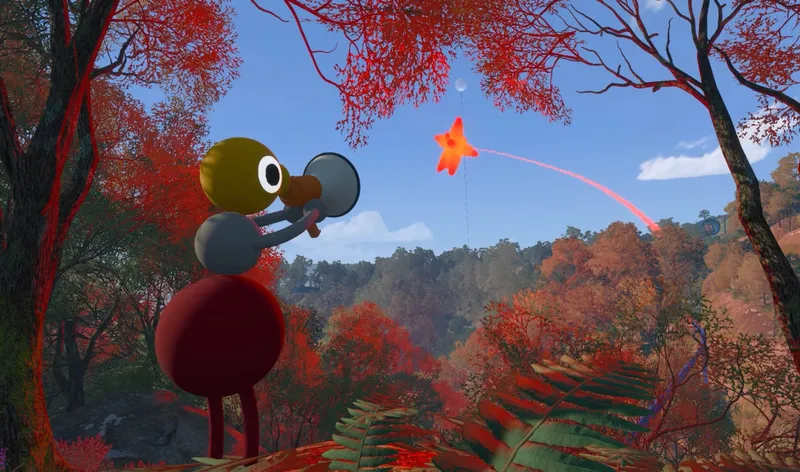
- Walkie-talkie: the most important item in the game for coordinating a group. It lets you talk to your teammates regardless of the distance between you. If you can only keep one item as a priority, this is it.
- Flare gun: fires a flare to signal your approximate position on the map. Useful when someone gets lost or separated from the group.
- Paintbrush: lets you draw markings on the ground or on surfaces to leave clues for your teammates. A kind of asynchronous message for the team.
- Laser pointer: used to point out a precise direction to your allies. Simple, but remarkably effective when words aren't enough to describe a location.
Localization: don't get lost as a group
Three tools help you locate puzzle areas and stay on track together.
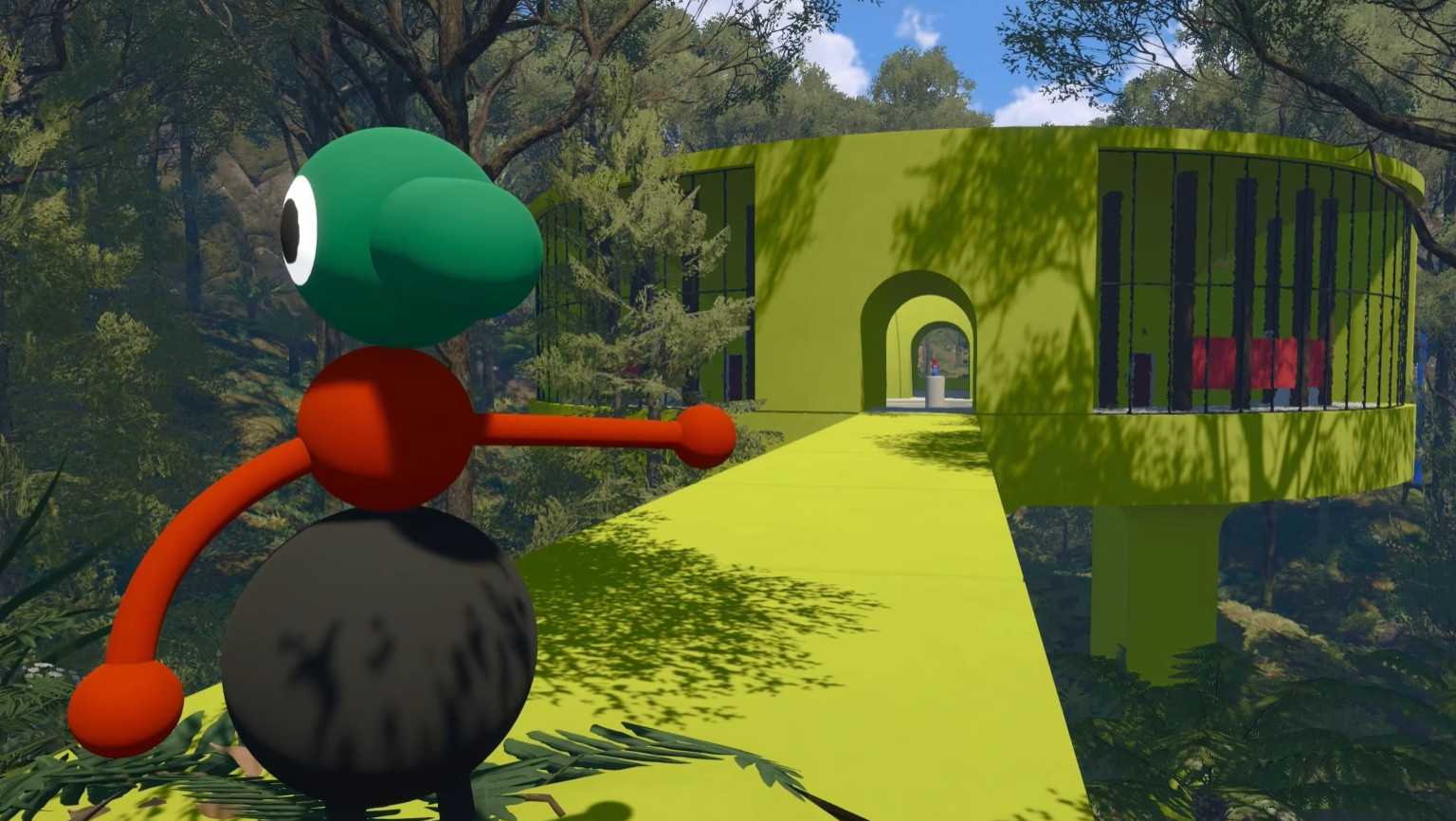
- Map: there are two versions. A large static map is found in the map room, and a foldable map can be picked up elsewhere. The latter shows the exact locations of puzzles - clearly the most useful one for active exploration.
- Binoculars: zoom in on distant areas to spot puzzle zones. Ideal before setting off on a trek to avoid unnecessary back-and-forth trips.
- Compass: displays directions as you move around the map. You can then call out headings to your teammates so the group doesn't scatter.
Puzzles: technical equipment
This category groups together the tools directly tied to solving puzzles.
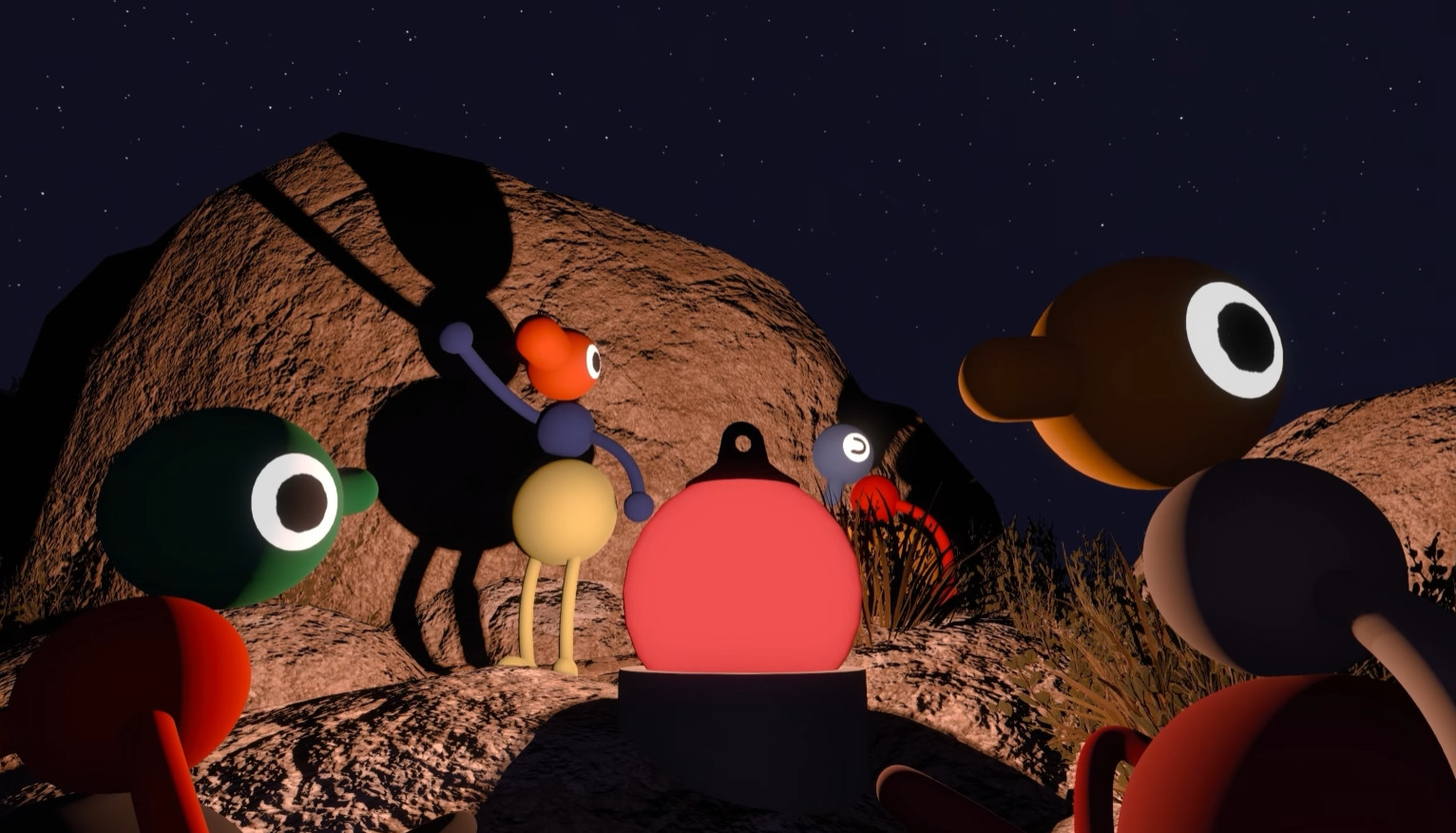
- Ball lamp: not essential for solving a puzzle by itself, but nearly mandatory for lighting your way at night. Without it, moving around in the dark becomes downright painful.
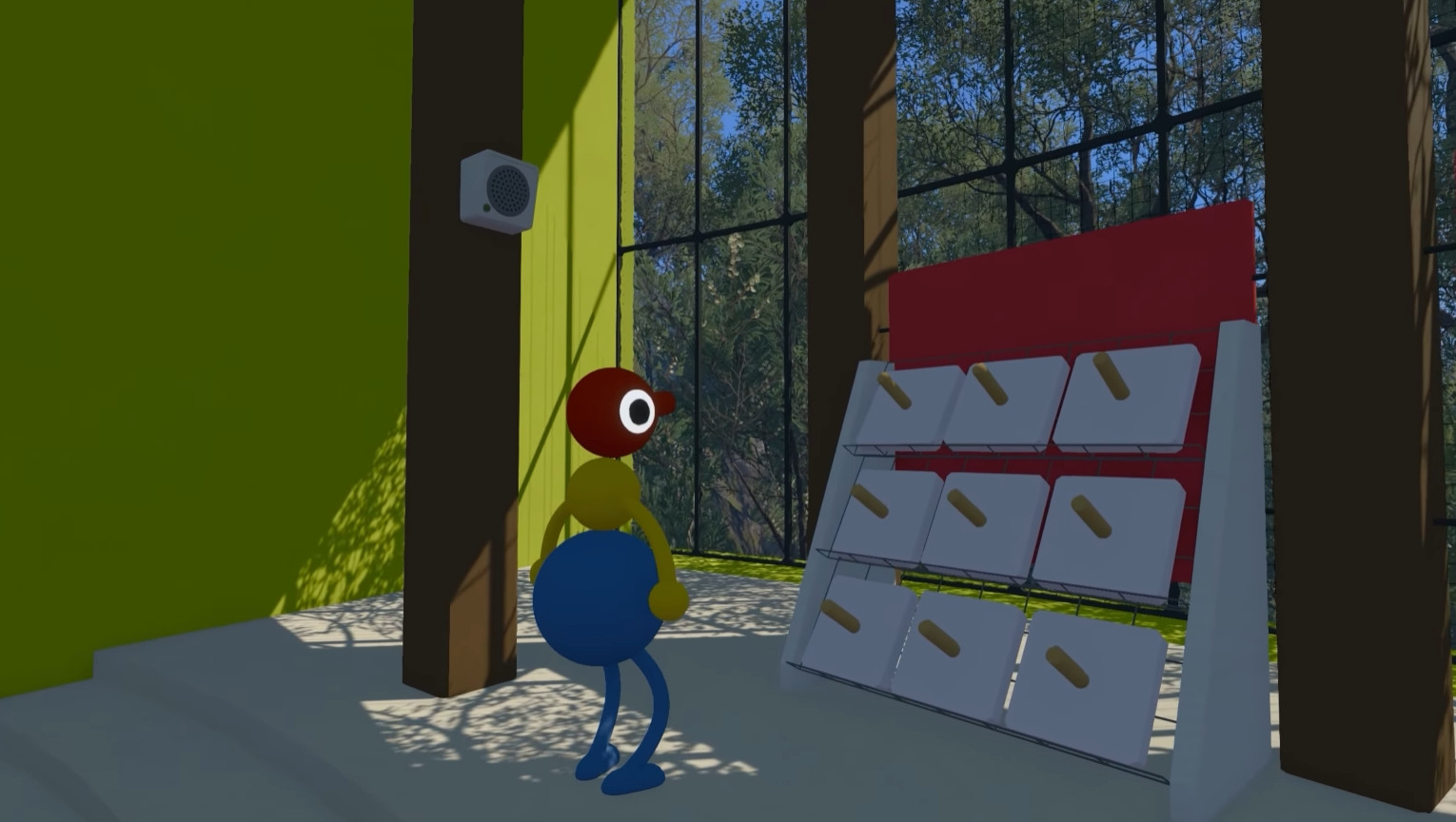
- Key cutter: needed to shape keys into a usable form, to be placed to complete the Tower challenges (Red, Yellow, Blue, and Drawbridge). Without this tool, those challenges are simply blocked.
- Sound shrine: walk in a circle around it to change its pitch and solve the associated audio puzzles. One of the least obvious mechanics to figure out without guidance.
- Telescope: look through the lens to spot hidden targets or distant objects. It also automatically highlights them so they're easier to find on the map afterward.
Overall, the walkie-talkie and the backpack are the two items to secure first if your group is just starting out. Everything else mostly depends on the type of challenge you're facing.
Share this article
Which tool would you miss the most while exploring?
Frequently asked questions
Do you really need the walkie-talkie to progress?
Yes, it's the most crucial tool in the game. Without it, coordinating your team becomes practically impossible, especially when someone wanders away from the group. If you only keep one item as a priority, it should be this one.
What's the difference between the fanny pack and the backpack?
The fanny pack works around the one-item-per-person limit, but only for small items like radios or the walkie-talkie. The backpack, on the other hand, adds a real second inventory slot that accepts any item, regardless of size. The backpack is clearly more versatile.
How do you use the sound sanctuary?
You need to walk in a circle around it to change its pitch and solve the associated audio puzzles. It's one of the least obvious mechanics to understand without a hint, so expect to rely a bit on experimentation.
Is the ball lamp mandatory?
Technically not to solve a puzzle, but moving forward in the dark without it becomes downright painful. It's practically mandatory if you're exploring at night.
What exactly does the key cutter do?
It shapes keys into a usable form that you place to complete the Red, Yellow, Blue Tower and Drawbridge challenges. Without this tool, those challenges are simply locked.
Key takeaways
- The walkie-talkie is the absolute top-priority item for keeping your group in sync at a distance.
- The backpack outclasses the fanny pack by offering a real second slot for all items.
- The foldable map and the binoculars are your allies for spotting puzzles without multiplying back-and-forth trips.
- The key cutter is mandatory to unlock the Tower challenges (Red, Yellow, Blue, Drawbridge).
- The ball lamp turns nighttime exploration from a nightmare into a viable experience.
Comments
No comments yet. Be the first to react!
Leave a comment
Similar guides




Latest articles








Your opinion counts
Rate Big Walk
Click a star to rate