



 Fabian Lainé
Full Guide
Baldur's Gate 3: cross-save, cross-play and Xbox Play Anywhere, the guide to playing everywhere in 2026
In brief
Larian updated Baldur's Gate 3 on August 3, 2026 to keep cross-play running and to integrate Xbox Play Anywhere, letting owners of the digital Xbox version download the PC version for free. Three distinct mechanics — Xbox Play Anywhere, cross-platform saves, and cross-play — are set up separately, and this guide separates what actually works from what breaks the moment mods get involved.
On August 3, 2026, Larian rolled out an update to every version of Baldur's Gate 3, exactly three years to the day after the PC release. It brings no new content: its purpose is to keep cross-play running as the Xbox version joins the Xbox Play Anywhere program. The studio lists build 4.1.1.7398727 on PC and PS5, 4.1.1.7445165 on Xbox Series, and 4.1.1.7451994 on Steam Deck; on PlayStation, the patch shows up as version 1.096.
In practical terms, anyone who owns the digital Xbox version can now download the PC Windows version without paying a cent more, and pick up their campaign right where they left it. For everyone else — Steam, GOG, Mac, PS5 — Larian's cross-platform save has actually been around for a while, but it's still poorly known: it's disabled by default and requires two steps outside the game before it will work.
This guide separates three mechanics that are constantly mixed up: Xbox Play Anywhere (one purchase, two Microsoft devices), cross-platform saves (your progress travels via your Larian account), and cross-play (playing together from different platforms). All three are set up separately, and two of them break the moment you touch mods.
Xbox Play Anywhere: what you actually get
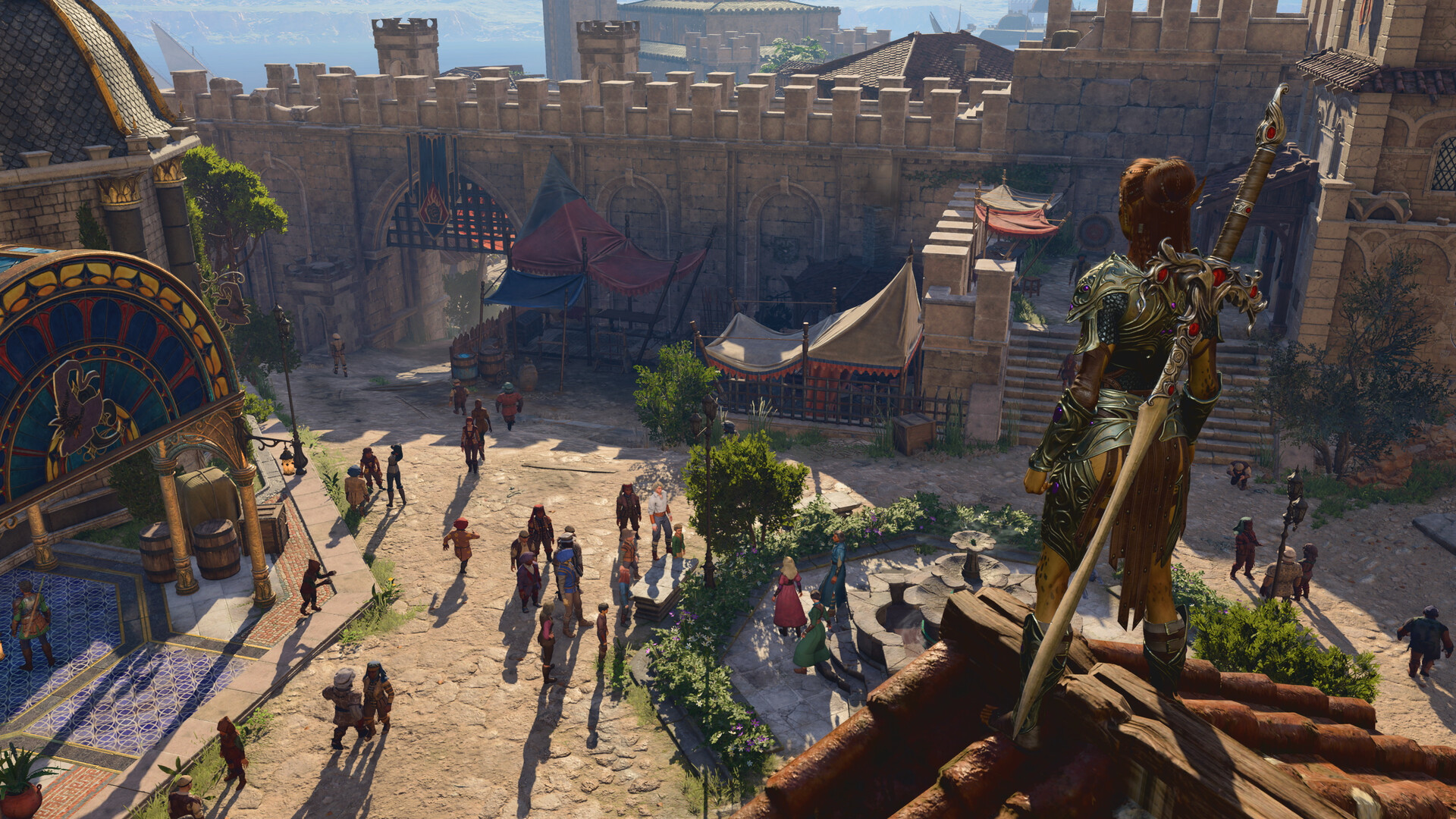
The idea behind Microsoft's program is simple: a digital purchase within the Xbox ecosystem grants access to both versions, console and PC Windows. Saves, achievements, and any additional content are shared through your Microsoft account, with no extra steps required.
What's covered:
- A digital purchase of Baldur's Gate 3 on the Xbox Store grants access to the PC version (Microsoft Store / Xbox app), and vice versa.
- Progress, achievements, and add-on content carry over from one machine to the other.
- Handheld devices running Windows that are compatible with the program are included on the same footing as a desktop PC.
What's not covered, and this is where a lot of people get it wrong:
- A physical Xbox copy doesn't unlock any rights to the PC version: the program is built on a digital license.
- Your Steam, GOG, PS5, or Mac copies remain outside its scope. Play Anywhere doesn't bridge to them — that's the job of Larian's cross-platform save, described below.
- It's not an entry in the Game Pass catalog: you have to own the game.
Cross-platform save: the full procedure
This is the feature that lets you start Act 1 on PC in the evening and finish Act 2 on PS5 over the weekend. It runs through Larian's own servers, not Sony's or Microsoft's: no PlayStation Plus subscription or Game Pass is needed to use it.
- 1. Create a Larian account on the studio's website, or log into your existing one.
- 2. Go to larian.com/account/connected and link each of the relevant platforms: Steam, GOG, PSN, Xbox.
- 3. In-game, on each platform, open Options, go to the Gameplay tab and enable the Cross-Platform Save line. The most common mistake is only enabling it on one side.
- 4. From the main menu, log into your Larian account using the dedicated button.
- 5. In Load Game, files retrieved from the cloud are identified as cross-platform saves.
The limitation to keep in mind: only your last five saves are sent to the Larian cloud. If you're playing with around twenty manual save files spread across three characters, most of them will never make it. The habit to get into before switching machines is to make a clean manual save on the character you want to transfer, then launch the game on the other platform without overwriting that five-file window.
Second point of friction: mods. A modded PC save becomes incompatible with the PS5 and Xbox Series versions. This isn't a bug, it's a direct consequence of the fact that consoles only accept mods distributed through the manager built into the game.
Cross-play: setting up a session with PC, Mac, PS5 and Xbox
Cross-play arrived with Patch 8, in April 2025, and is also based on the Larian account. It allows PC, Mac, PlayStation 5 and Xbox Series players to join the same session. The August 3, 2026 update simply kept it compatible across the different builds — hence the requirement for everyone to be up to date before starting a co-op session.
The steps to follow:
- Each participant links their platform to their Larian account at larian.com/account/connected.
- In Options, Gameplay tab, check Allow Cross-Play.
- From the main menu, open Larian account management, then the friends list, and add your friends by their Larian username. Invitations don't go through Steam or Xbox Live: it's Larian's network that makes the connection.
- To resume an existing campaign: in Load Game, select the save, check the Cross-Play box on that specific file, load it, then invite from the Multiplayer menu.
- To start from scratch: Multiplayer, Cross-Play tab, Create, invite, set your options and launch.
Two details that waste time. First, cross-play is enabled per save: a game created without the option can't welcome a friend on another platform, you need to check the box on the file before loading it. Second, there is no public cross-play lobby: you either go through a direct invitation or limited visibility to friends. There's no point looking for a list of open games.
Mods: the rules that apply as soon as you step outside PC single-player
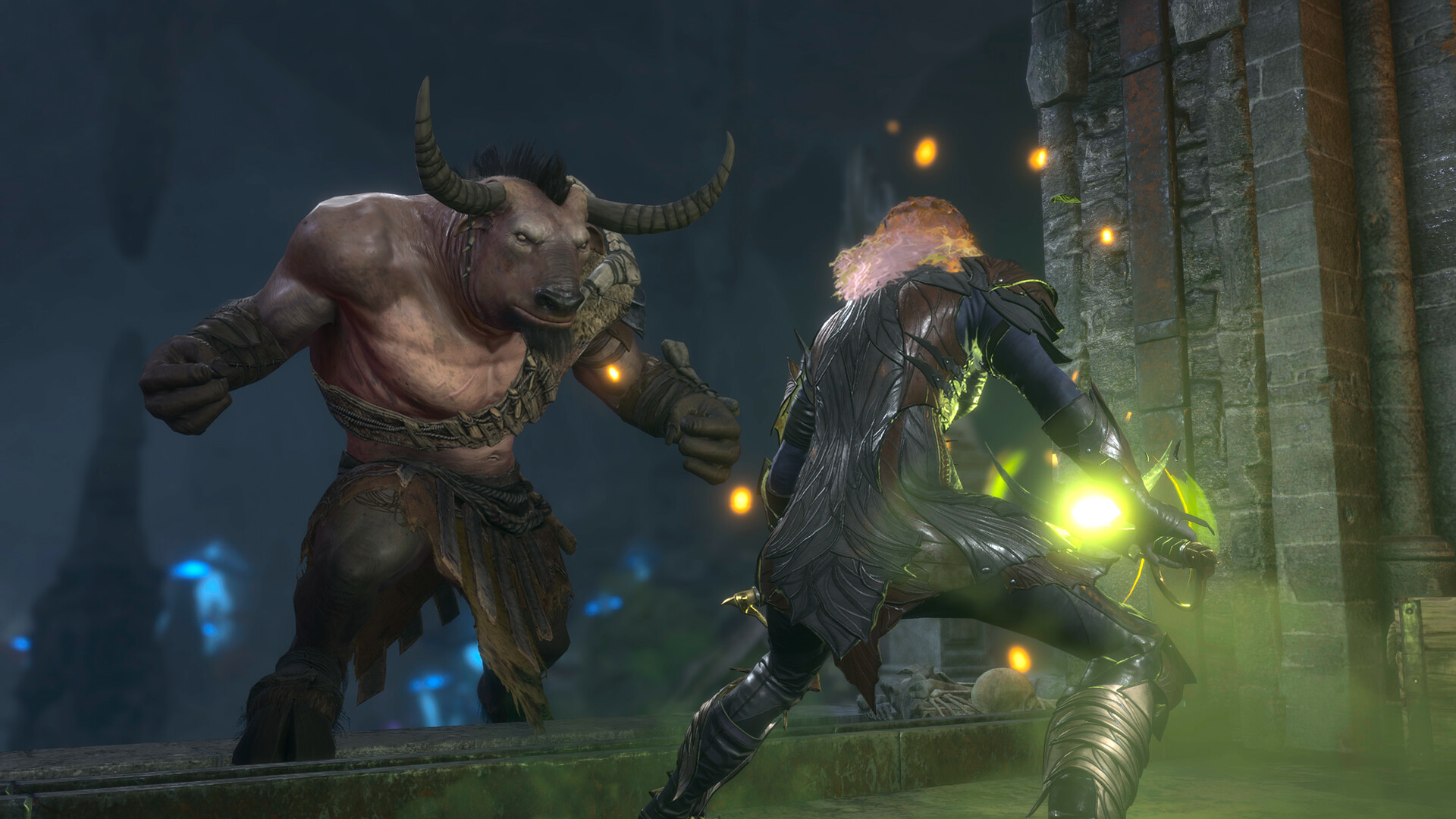
This is the number one source of failed sessions. Three rules are enough to get by:
- Same mods, same versions. All players in a lobby must have exactly the same mods, in the same versions. A mod verification window opens on connection and shows what needs to be installed, updated, downgraded, or disabled.
- A hundred mods maximum on console. A save that exceeds this cap cannot be joined by a PS5 or Xbox Series player. The "Available on Mac and Console" filter in the built-in mod browser lets you check each entry's compatibility ahead of time.
- Third-party mods stay on PC. Anything from external sites like Nexus Mods relies on scripts that console versions don't run. For a mixed session, stick to the in-game mod manager.
If your goal is to play the same campaign everywhere, the practical conclusion is blunt but clear: build that character in an unmodded version, or accept that it stays on your PC.
Troubleshooting: the recurring issues
| Symptom | Likely cause |
| No cloud save appears | The option isn't enabled on both sides, or the two platforms aren't linked to the same Larian account |
| An old save never shows up | It's fallen outside the window of the last five synced files |
| The PC save is rejected on console | Presence of mods, or the hundred-mod cap has been exceeded |
| The cross-play invitation is greyed out | The loaded save doesn't have the Cross-Play box checked |
| Unable to join a friend | Different builds: the August 3, 2026 update must be installed everywhere |
Before doing anything, copy your PC save folder, located at %LOCALAPPDATA%\Larian Studios\Baldur's Gate 3\PlayerProfiles\Public\Savegames\Story. The game has had some unpleasant episodes on this front: a February 2026 update had to fix corrupted saves and a block at the transition between Act 2 and Act 3, before hotfix #36 on March 26, 2026 caught up with the performance crashes introduced in the process. A local copy costs nothing.
Is this the right moment?
Larian marked the anniversary with a 30% discount across all platforms, with staggered windows: Steam and GOG until August 6, Xbox until August 10, PlayStation 5 until August 12. On Steam, that brings the game down to €41.99 instead of €59.99.
The math differs depending on your situation. If you're already playing on Xbox Series digitally, you have nothing to buy: the PC version is already yours, you just need to download it. If you were torn between console and PC, buying on Xbox becomes by far the most cost-effective option since it covers both. And if you're already set up on Steam or PS5, the worthwhile move isn't a second copy but activating cross-platform saves, which costs nothing and will follow you to whichever machine is hosting the session.
One last reminder: Baldur's Gate 3 will not receive any more content. Patch 8 in April 2025 was announced as the last major update, and everything released since then falls under maintenance — save fixes, stability, and now this Play Anywhere compatibility. What you set up today, you won't be reconfiguring six months from now.
Share this article
In your view, what's the biggest obstacle to playing Baldur's Gate 3 everywhere?
Frequently asked questions
I own a physical copy of Baldur's Gate 3 on Xbox. Can I download the PC version for free?
No. Xbox Play Anywhere only works with digital licenses purchased from the Xbox Store. A physical copy grants no rights to the PC version. However, you can link your Xbox account to a Larian account and use cross-platform saves to pick up your progress on other compatible platforms.
My PC save is full of mods. Can I continue it on PS5?
Only if you remove all the mods. A modded save becomes incompatible with consoles, since PS5 and Xbox Series only accept mods from the game's built-in mod manager. The simplest solution: create a character on an unmodded save if you want to travel between platforms.
I can't see my cloud saves on my second platform. What's wrong?
Three possible causes: you haven't enabled the Cross-platform Save option in each platform's Options menu, the two machines aren't linked to the same Larian account, or your save has fallen outside the window of the five most recently synced files. Check these three points before you panic.
How can I play cross-play co-op between my PS5 and my friend's PC?
You both need to link your platform to a Larian account at larian.com/account/connected, enable Allow Cross-play in the Options menu, add each other via your Larian username, then start a session with the Cross-Play box checked on your save. Be careful: everyone must be updated to the August 3, 2026 build, or you won't be able to connect.
How many mods can I install on my PS5 without breaking everything?
A hundred mods maximum. Beyond that, console players won't be able to join your save. Use the "Available on Mac and Console" filter in the built-in mod browser to check compatibility before installing, and forget about third-party mods from Nexus Mods — consoles can't run them.
Key takeaways
- Xbox Play Anywhere links a digital Xbox version to its Windows PC version, with automatic save and achievement sharing via Microsoft
- Larian's cross-platform save system lets you switch between PC, Steam, GOG, PS5, and Mac, but requires enabling the option in each platform's Options menu and linking your accounts on larian.com
- Cross-play brings PC, Mac, PS5, and Xbox Series together in the same session, but each save must have the Cross-Play box checked and everyone must be on the same build
- Mods cut the ties: a modded save becomes incompatible with consoles, and cross-play sessions require the exact same mods in identical versions
- Only your five most recent saves sync to the Larian cloud — beyond that, you'll lose them when switching platforms
Comments
No comments yet. Be the first to react!
Leave a comment
Similar guides

Latest articles








Your opinion counts
Rate Baldur's Gate 3
Click a star to rate