



 Alexandre Jollier

Beginner's Guide
Windrose Pirate Ship: How to Get and Use It
In brief
Discover how to get your first pirate ship in Windrose by completing Doctor Galen's quests, then learn how to upgrade it using the carpenter's workbench and the dock to reinforce your ship with cannons and a better hull.
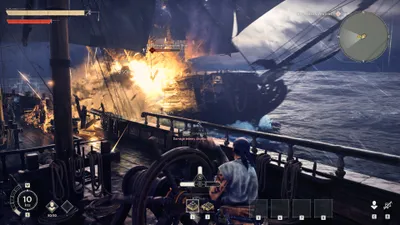
Sailing across the stormy seas of Windrose aboard a pirate ship is essential to fully experience the adventure. This article will help you acquire your first ship and progress it further.
How to get your first pirate ship
At the very start of the adventure, your character doesn't own a ship, which makes the experience a bit tedious. However, you can get a ship very early in the main storyline.
After completing the tutorial that shows you how to sail, you'll meet Doctor Galen, a crucial character who survived the attack on your former ship and wants to recruit a crew to hunt down the pirates responsible for this misdeed. This doctor, who has a small boat available, only owns a tiny vessel, but it will be your first experience taking your first steps on the water.
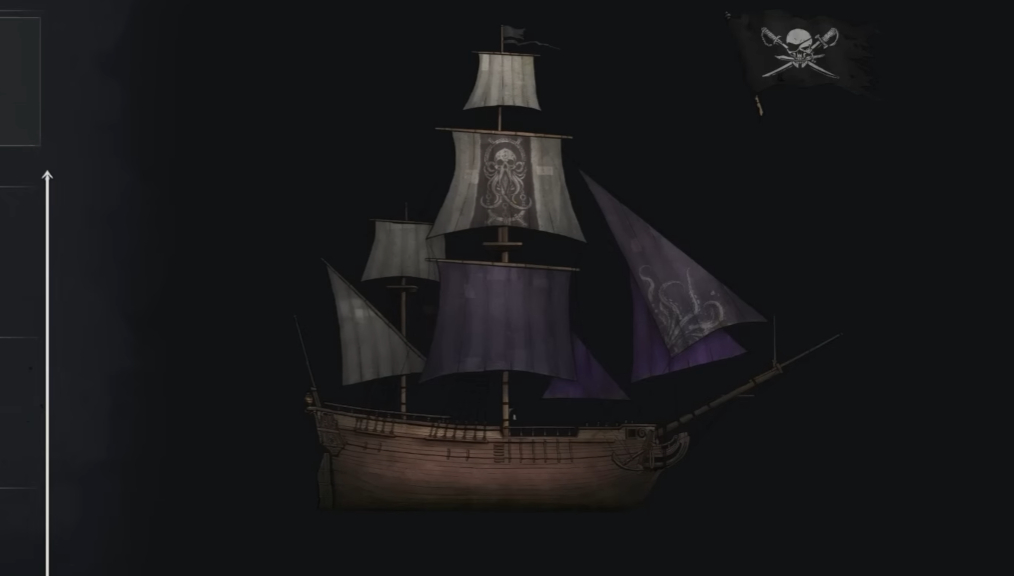
Talk to Doctor Galen and wait. Two new main quests will appear: "I Need a Bigger Boat" and "Save the Crew". The first will knowingly lead you toward a bigger ship, but in order to benefit from it, there are a few prerequisites to complete. Upon arrival, you'll notice that the ship needs repairs. Here's the material needed to rebuild the ship to make it seaworthy:
- 100 units of wood
- 20 nails
- 20 coarse fibers
- 10 ropes
Once you've gathered all the necessary material, go back to the ship and interact with it to repair it. That's when another condition comes into play before you can take command of it: you need to have at least seven crew members. This will lead you to the "Save the Crew" quest.
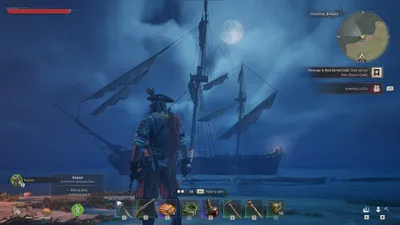
The game will ask you to travel to five different locations, infiltrate pirate camps, and rescue your captured crew members. Once you've rescued all seven members, return to your building and ask your crew to tow it out to sea. You are now the proud owner of your first real ship in Windrose!
Upgrading your vessel
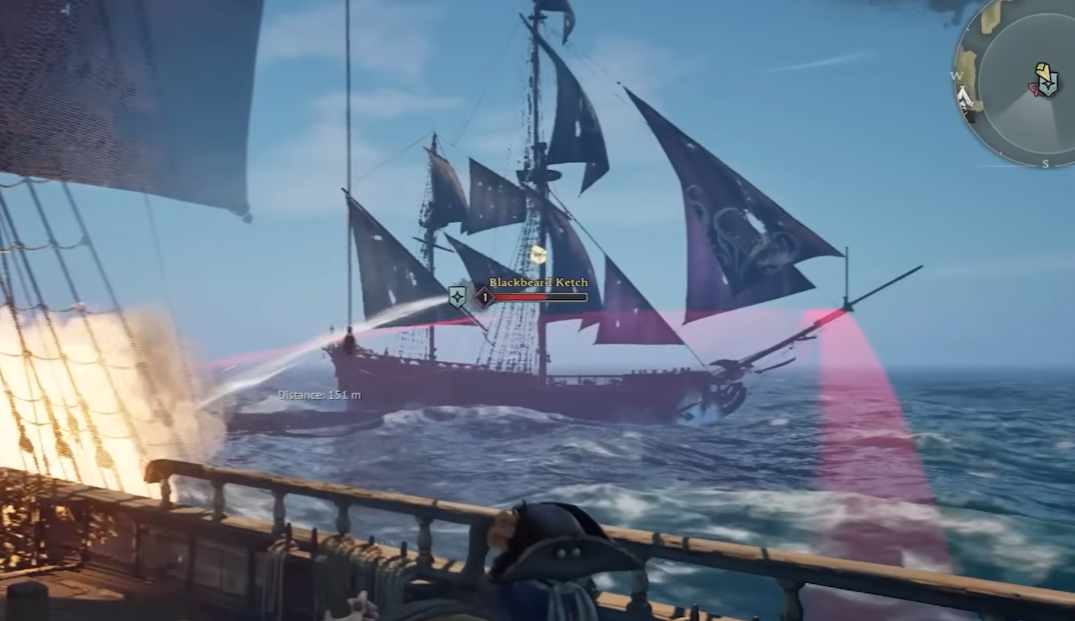
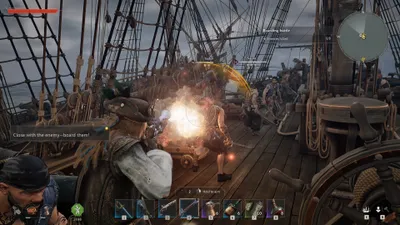
Return to your base to talk with Dr. Galen and discover the possible upgrades. A new tutorial will teach you the basics of owning a ship. First, you'll need to take down a Blackbeard ship near your camp. This will unlock upgrades.
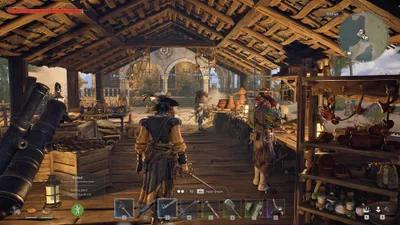
To make these upgrades, you'll need two base stations: a carpenter's bench and a dock, as each has its own role. The carpenter's bench lets you craft cannons, an upgraded hull, and boarding equipment. But you won't be able to equip the upgrades without the help of a dock, a structure that obviously needs to be placed near water.
From the dock, you can select your new ship and check its inventory and available equipment slots. After crafting an item at the carpenter's bench, put it in your inventory, and once you're at the dock, all you have to do is drag the item for the building you've selected from your inventory to the slot on screen. This will equip the item on the building.
Note
The dock also lets you rename your building and access other future upgrades, but again, all of this only works when the building is docked. You can always summon your building back to your location by pressing the Escape key followed by "K".
Share this article
Which aspect of Windrose's naval system interests you the most?
Frequently asked questions
When can I get my first ship in Windrose?
You can get your first ship very early in the main storyline, after completing the sailing tutorial and meeting Doctor Galen. You'll start with a small vessel before gaining access to a bigger ship.
What materials do I need to collect to repair my ship?
You need 100 units of wood, 20 nails, 20 coarse fibers, and 10 ropes to repair your ship and make it seaworthy.
How many crew members are needed to take control of my ship?
You need to recruit at least seven crew members by completing the "Save the Crew" quest before you can take control of your ship.
Where should I place the dock to equip my ship?
The dock needs to be positioned near water, since it's from this structure that you'll be able to equip the upgrades crafted at the carpenter's workbench onto your ship.
How do I equip upgrades on my ship?
Craft the upgrades at the carpenter's workbench, place them in your inventory, then at the dock, drag the item from your inventory to the available slot on the screen to equip it on the ship.
Key takeaways
- Get your first ship by completing the "I Need a Bigger Boat" quest after meeting Doctor Galen.
- Collect 100 units of wood, 20 nails, 20 coarse fibers, and 10 ropes to repair your ship and make it seaworthy.
- Recruit at least seven crew members by completing the "Save the Crew" quest before taking control of your ship.
- Use the carpenter's workbench to craft cannons and upgraded hulls, then the dock to equip these upgrades on your ship.
- Rename and manage your ship from the dock, where you can check the inventory and available equipment slots.
Comments
No comments yet. Be the first to react!
Leave a comment
Similar guides


Latest articles







Your opinion counts
Rate Windrose
Click a star to rate