



 Fabian Lainé


Full Guide
Halo: Campaign Evolved Co-op: Split Screen, Crossplay and Cross-Progression, the Complete Guide
In brief
Halo: Campaign Evolved offers four-player online co-op and two-player split-screen, but the mechanics remain poorly explained in-game. This guide breaks down shared progression, crossplay, partial cross-progression, and above all the pitfalls that block achievements — starting with the difficulty modifiers that absolutely must be turned off for the entire group.
Twelve days after the launch of Halo: Campaign Evolved, co-op remains the most poorly documented part of the game. The basic principle fits in one line — four players online on PC, Xbox Series X|S and PlayStation 5, two players in split-screen on consoles — but nothing in-game explains who unlocks what, what syncs across platforms, or why some achievements stubbornly refuse to trigger.
The most rewarding rule is also the least known: co-op progression is shared and permanent. Joining a friend who has already finished the campaign opens up missions you've never reached, and a skull they pick up in front of you is credited to you even if you'd never found it. Conversely, letting the least advanced player lead the squad limits the whole group for the entire session.
Here are the exact rules, as published by Halo Studios' official support, and the pitfalls that cost the most time when playing together.
What co-op actually unlocks
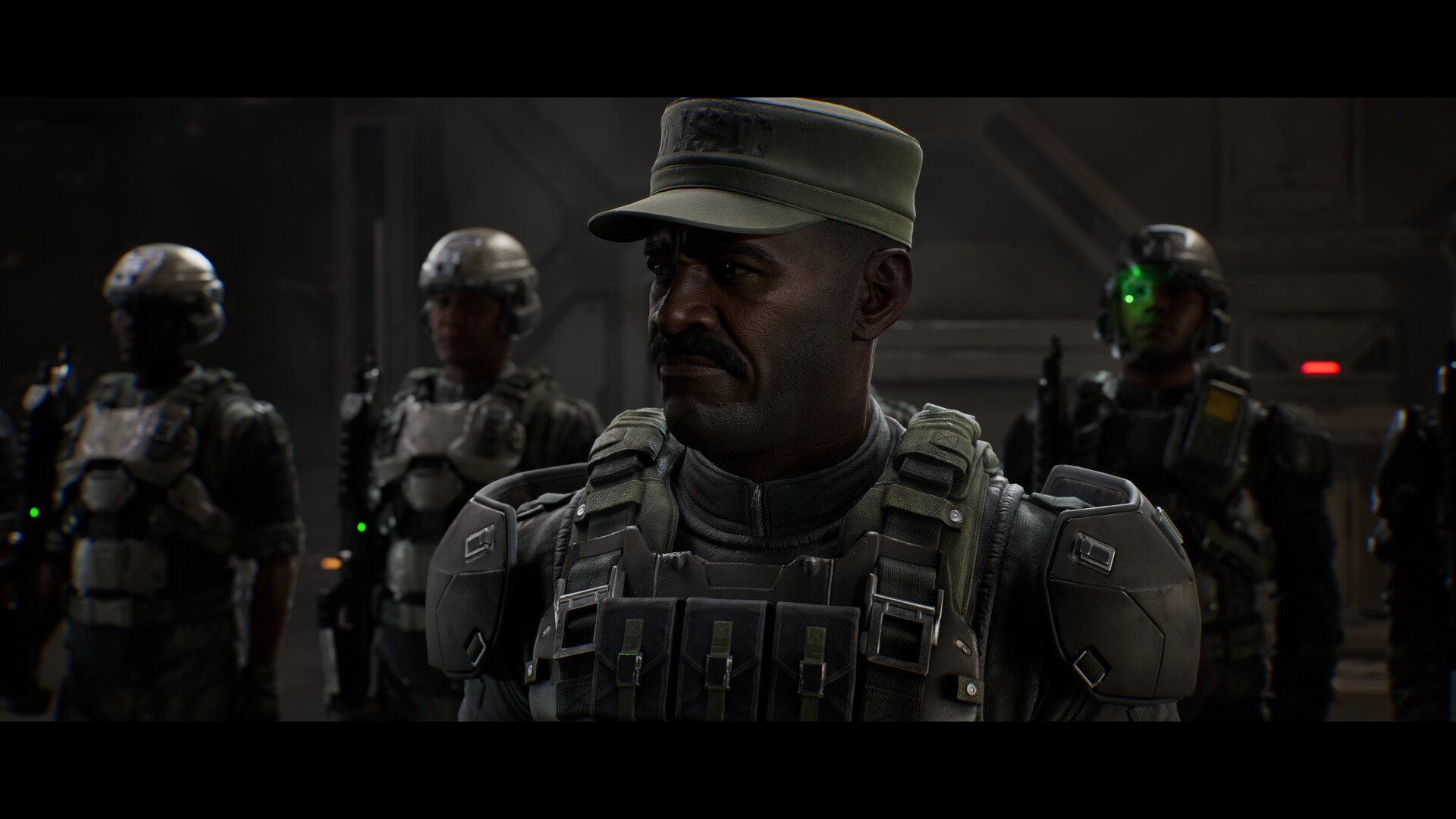
The squad leader dictates the available content. A co-op campaign session relies on the host's progression to determine which missions and skulls are accessible to the whole group. Joining someone who has finished the campaign gives you access to missions you haven't yet reached and skulls you haven't discovered. Joining someone who's just starting out limits the squad to whatever they've unlocked, regardless of your own progress.
Unlocks obtained during a session are kept for good. Missions, rally points, skulls and terminals are permanently granted to all members present. Two things matter here: finishing mission 5 unlocks mission 5 for everyone, but not missions 1 through 4; and if a player picks up a skull or terminal they already own again, the item is credited to squad members who hadn't found it yet.
The consequence is huge for collectible hunting: out of the game's 42 skulls, 39 are picked up out in the field, and the 13 terminals aren't marked any better. A session led by someone who knows the locations is worth several hours of solo searching.
Split-screen on PS5 and Xbox Series: the exact procedure
This is the remake's big selling point on PlayStation: a Halo game in split-screen on a Sony console, a first. Getting it running is tricky, though, because the order of operations matters.
- Launch the game with one or two profiles already signed in on the console.
- Plug in the second controller before reaching the main menu. If it isn't connected, the option to add player 2 simply won't appear.
- From the main menu, player 2 presses A (Xbox) or X (PlayStation). If they aren't linked to any profile, the game will ask them to choose one.
- On PS5, player 2's PlayStation Network account must already be linked to a Microsoft account before signing in this way. Guest accounts aren't supported.
There are two limitations to be aware of once the game is running. Player 2 gets access to a reduced settings menu — controls, accessibility — but can't touch global options like the graphics mode. More importantly, they can't change their armor or weapon customization from split-screen: all of that has to be set up beforehand, by signing in on the console as the primary player.
On the subscription side, neither Game Pass nor PlayStation Plus is required for two-player split screen. As soon as this duo invites two players online to form a squad of three or four, however, a subscription may become necessary depending on console sharing and the account connected to the system. On PC, split screen doesn't exist: it's a console exclusive.
Crossplay: two friends lists, and why invites fail
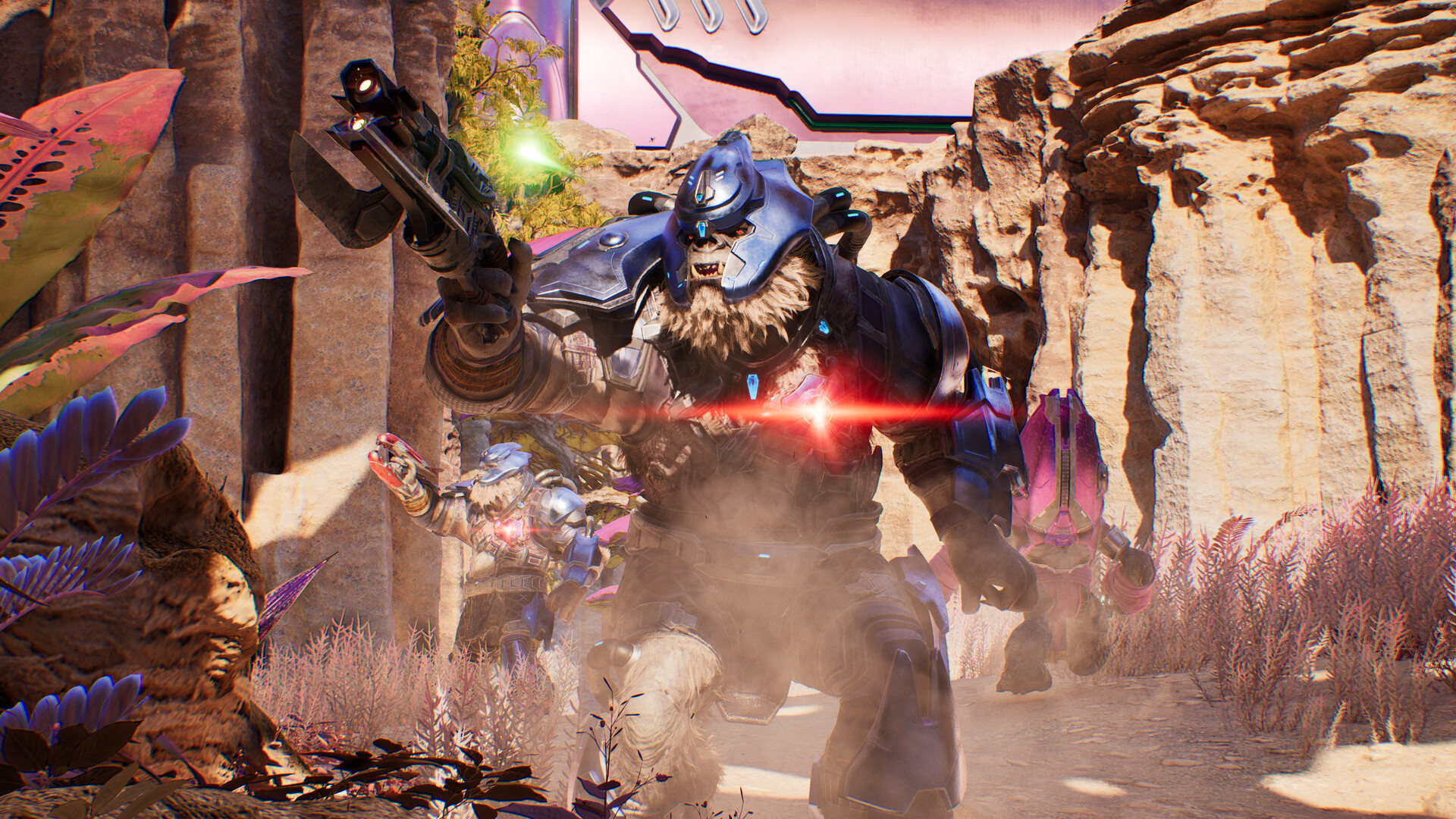
The game manages two separate lists. The platform list pulls in your native Xbox, PlayStation Network, or Steam friends. The cross-platform list only works with Xbox Gamertags: to play with someone on another machine, you need to be friends on the Xbox network. Searching for a PSN or Steam username will never turn up a result.
To add a Gamertag: the Xbox mobile app (the game displays a QR code), the Xbox Social widget in the Game Bar on Windows (Windows + G), or xbox.com. Remember the four-digit suffix, like #1234, without which the right profile doesn't always show up.
The most common cause of invites that never arrive lies elsewhere: a linked Xbox account set to "offline". If you invite from Steam or PlayStation while your Xbox status is hidden, the invite can fail without any error message whatsoever. Second cause: on PS5 and on Steam, cross-platform invites show up in the game's interface, and you need to be at the main menu to receive them — you accept with L3 on PS5, with the Z key on Steam.
If nothing still gets through, check two settings: the cross-platform play option, in the account settings, which may have been turned off; and squad privacy, which toggles between "friends can join" and "invite only." Privacy settings on the Microsoft account or platform can also block everything.
Cross-progression: what carries over, what stays put
Syncing runs through the linked Microsoft account. It's partial, and the distinction has real consequences.
| Syncs across platforms | Doesn't sync |
|---|---|
| Unlocked missions and rally points | Checkpoints in an ongoing mission |
| Skulls and terminals | Exact player position |
| Achievements and trophies | — |
In other words: finish your mission before switching machines. A mission started on PS5 and resumed on PC won't restart where you left it, but at the last unlocked rally point. The July 29 patch (build 2026.07.25.1112544) had already imposed this logic on everyone: it reset in-progress mission saves upon installation, while keeping acquired missions and rally points.
The setting that voids your squad achievements
This is the costliest trap in co-op mode. Difficulty modifier presets — adjustable damage resistance from 10% to 2,000%, shield recharge speed, damage and melee multipliers from 25% to 300%, infinite ammo reserves, or a magazine that never empties — prevent unlocking a portion of the achievements and trophies.
And the rule applies to the whole squad: it's not enough to disable your own modifiers, every member of the group must have their preset set to "none". A single teammate who left a preset active is enough to void everyone's achievements, including your own. The setting is found in the gameplay settings, general section, modifier preset entry. Worth checking at the start of every session: nobody remembers to reset it to "none" after an evening spent with 300% damage.
Friendly fire follows a similar but distinct logic. It's the squad leader's setting that applies to the whole group, and a change only takes effect when starting a new campaign: changing it and then resuming a save in progress does absolutely nothing. When enabled, it also affects AI-controlled allies: UNSC Marines don't take kindly to grenades thrown blindly.
Known bugs that specifically hinder multiplayer
- Navigation markers won't advance until the entire squad has crossed them. This isn't a display issue: if one player lags behind, the next objective won't show up for anyone.
- Two betrayals: after the first generator, destroying the Banshee blocks progress in the match. To be avoided in a squad, where it's easy to end up shooting at anything that flies.
- Choppy cutscenes when the screen's refresh rate isn't a multiple of 30 Hz. Switch to 60, 120, or 240 Hz, enable your TV's Game mode, or turn off VRR.
- Pausing the game during a cutscene and then resuming can desync picture and sound, or even briefly freeze the scene.
- If the squad leader leaves or disconnects, the session ends for everyone and returns to the main menu. The match's network quality also depends entirely on their connection: have the player with the best connection host, not just the most available one.
Linking your Microsoft account is irreversible in-game
On PS5 and Steam, the campaign requires a Microsoft account linked to an Xbox Gamertag. The process involves an eight-character code valid for fifteen minutes, to be entered on the Microsoft linking portal — once that time runs out, it's back to the main menu and you have to start over. Nothing complicated, but two points deserve attention.
First, the link cannot be undone from within the game. Unlinking requires a support ticket with Halo, and it makes you lose the progress tied to that platform — missions, modes, skulls, terminals — which remains attached to the Microsoft account. Second, once two accounts have been unlinked, support won't process a new request for that pair for 180 days. Triple-check the email address entered: that's the kind of mistake that locks an account for six months.
A detail that matters in a squad, since everyone sees your customization: cosmetics purchased remain tied to the purchasing platform, while those claimed via Halo Waypoint follow the Microsoft account.
The protocol to follow before starting a session
Three minutes of checking can save you an entire wasted evening. Have the player who is furthest ahead in the campaign and has the best connection host the session: they're the one who unlocks the content and carries the network load for everyone. Ask everyone to confirm their modifier preset is set to "none" if you're playing for achievements. Settle the friendly fire question before starting a new campaign, not in the middle of the second mission. And if one member of the group is hunting collectibles, let them know that a skull picked up by someone else will still be credited to them: no need to search the same corner four times over.
One setting remains that official support doesn't cover. According to halo.fr's reference guide, encounter difficulty is calibrated based on the number of players, both in terms of enemy count and threat level. No official figures have been published, but with four players on Legendary, the density of enemy waves bears no resemblance to solo play, which changes everything when it comes to managing ammo and vehicles.
Share this article
How do you play Halo: Campaign Evolved in co-op?
Frequently asked questions
If I join a friend who has finished the campaign, do I unlock all their missions?
Yes, but only up to the point they've reached. If your friend has completed the campaign, you gain access to every mission and skull they've found. On the other hand, completing mission 5 only opens mission 5 for others, not missions 1 through 4.
Why aren't my achievements unlocking in co-op?
Check that every member of your squad has the modifier preset set to "none" in the gameplay settings. Just one teammate with an active modifier is enough to block achievements for everyone, including you.
How do I add a friend playing on another platform?
You need to add each other on Xbox via Gamertag. On Steam or PlayStation, searching for a username won't work. Use the Xbox mobile app, the Xbox Social widget in the Game Bar (Windows + G), or xbox.com to find and add the Gamertag along with its four-digit suffix.
Does split-screen work on PC?
No, split-screen is a console exclusive (PS5 and Xbox Series X|S). On PC, only online play with up to four players is possible.
If I switch platforms mid-mission, where do I resume?
You restart at the last unlocked checkpoint, not the exact spot where you closed the game. Finish the mission before switching to another machine to avoid losing your in-mission progress.
Key takeaways
- Co-op progression is permanent: every skull, every terminal, every mission you unlock is added to the account of every member present.
- The host dictates what's accessible — joining someone further along opens up missions you hadn't reached, but following a less advanced player holds back the entire squad.
- Crossplay requires a linked Xbox Gamertag to add players from other platforms; an invite can fail silently if your Xbox status is hidden.
- Difficulty modifiers enabled on any teammate disable achievements for the entire squad, even yours.
- Cross-progression only syncs unlocked missions, skulls, and terminals — resuming a mission in progress from another platform restarts at the last checkpoint.
Comments
No comments yet. Be the first to react!
Leave a comment
Similar guides




Latest articles







Your opinion counts
Rate Halo: Campaign Evolved
Click a star to rate