



 Fabian Lainé
Equipment
Crimson Desert Guide: Hiding Helmets and Head Gear
In brief
Crimson Desert lets you easily hide your helmets and head gear via the Options menu. Find out how to access these settings on PC, PS5, and Xbox Series X/S, along with the different options available for customizing how your gear is displayed.
In Crimson Desert, the time has come to hide helmets and other head gear. That's exactly what we're going to look at right now!
Hiding helmets in Crimson Desert
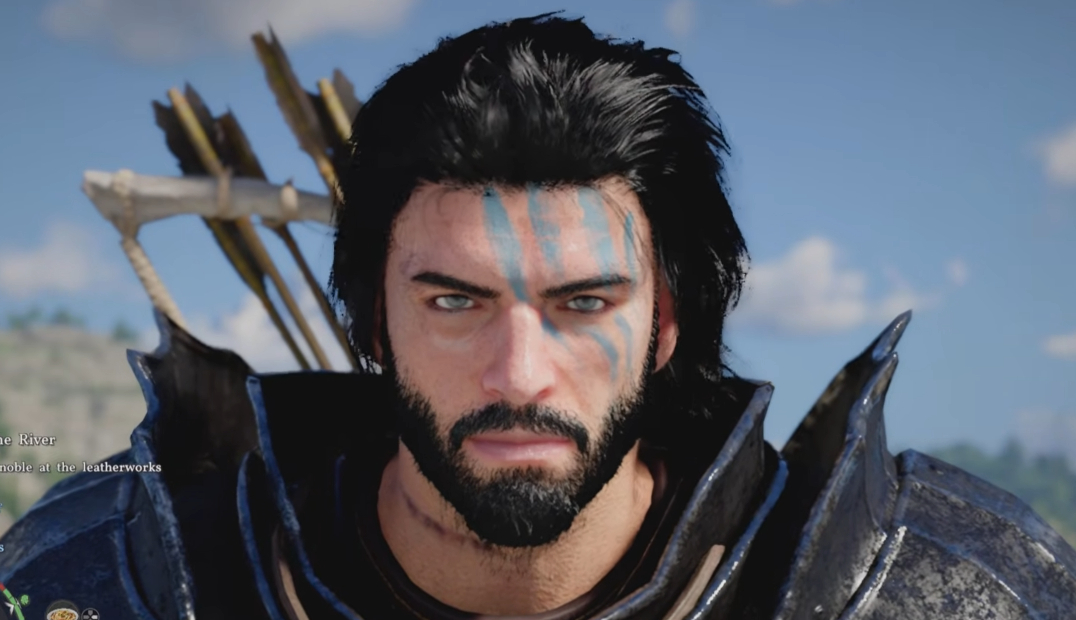
Hiding helmets and head gear in Crimson Desert is very simple, you need to do it from the options. Press the right button to bring up the menu, then go to the Others tab to access Options. Open the Language and Gameplay tab, and choose from the options to hide your helmet or not.
Helmet visibility options
You have several choices regarding your head gear:
| Option | Description |
|---|---|
| Always Show | Always shows head gear (default option). |
| Show in Combat | Displays gear only during combat. |
| Hide in Cutscenes | Hides gear during cutscenes. |
| Always Hide | Permanently hides head gear. |
Note
Certain helmet abilities, such as those revealing clues, don't work if the gear is hidden...
Instructions on different platforms
On PC (Keyboard/Mouse)
- Press Esc to open the pause menu.
- Click on Others → Options → Settings.
- Go to the Language and Gameplay tab.
- Select Show Head Gear and use the A/D keys to navigate between options.
On PS5
- Hold the start button to open the pause menu.
- Use R1/L1 to access the Others tab.
- Select Options with L2/R2.
- Go to Settings with the D-Pad.
- Navigate to Language and Gameplay and choose the desired option.
On Xbox Series X/S
- Hold the start button to open the pause menu.
- Use RB/LB to go to the Others tab.
- Select Options with LT/RT.
- Go to Settings with the D-Pad.
- Navigate to Language and Gameplay and choose the desired option.
Hiding accessories and gear
While it's important to point out that Crimson Desert allows you to hide helmets, it should be noted that currently, weapons and armor cannot be hidden. However, certain accessories can be hidden for the characters Kliff, Damiane, and Oongka. This is also done in the Language and Gameplay menu, just above the helmet display option.
Pearl Abyss has announced that a future update will make it possible to hide the weapons and shield displayed on characters' backs when they are not in combat.
Share this article
Which helmet display option do you prefer to use?
Frequently asked questions
How do I hide my helmet in Crimson Desert?
Open the pause menu, go to Others > Options > Settings, then head to the Language and Gameplay tab. There you'll find the head gear display option with several visibility choices.
What are the different helmet display options?
You have four options: Always show (default), Show in combat, Hide in cutscenes, or Always hide. Choose the one that best matches your preferences.
Does hiding my helmet affect my abilities?
Yes, some helmet abilities, particularly those that reveal clues, don't work if the head gear is hidden.
Can I hide my weapons and armor?
No, weapons and armor currently can't be hidden. However, Pearl Abyss has announced that a future update will allow players to hide weapons and the shield displayed on characters' backs outside of combat.
Key takeaways
- Access helmet visibility settings via Menu > Others > Options > Language and Gameplay
- Four display options are available: always show, show in combat, hide in cutscenes, or always hide
- Be careful: some helmet abilities don't work if the gear is hidden
- Weapons and armor can't currently be hidden, but a future update will allow it
Comments
No comments yet. Be the first to react!
Leave a comment
Similar guides

Latest articles






Your opinion counts
Rate Crimson Desert
Click a star to rate