



 Fabian Lainé
Full Guide
Counter-Strike 2: the 2026 beginner's guide — modes, CS Rating, economy and settings to get started
In brief
Counter-Strike 2 remains free-to-play and dominant in 2026. This guide covers the essential modes (Premier, Competitive, Deathmatch), the CS Rating system and its colour tiers, round-by-round economy, the seven Active Duty maps, and the technical settings that make the difference between a beginner who struggles and a player who actually improves.
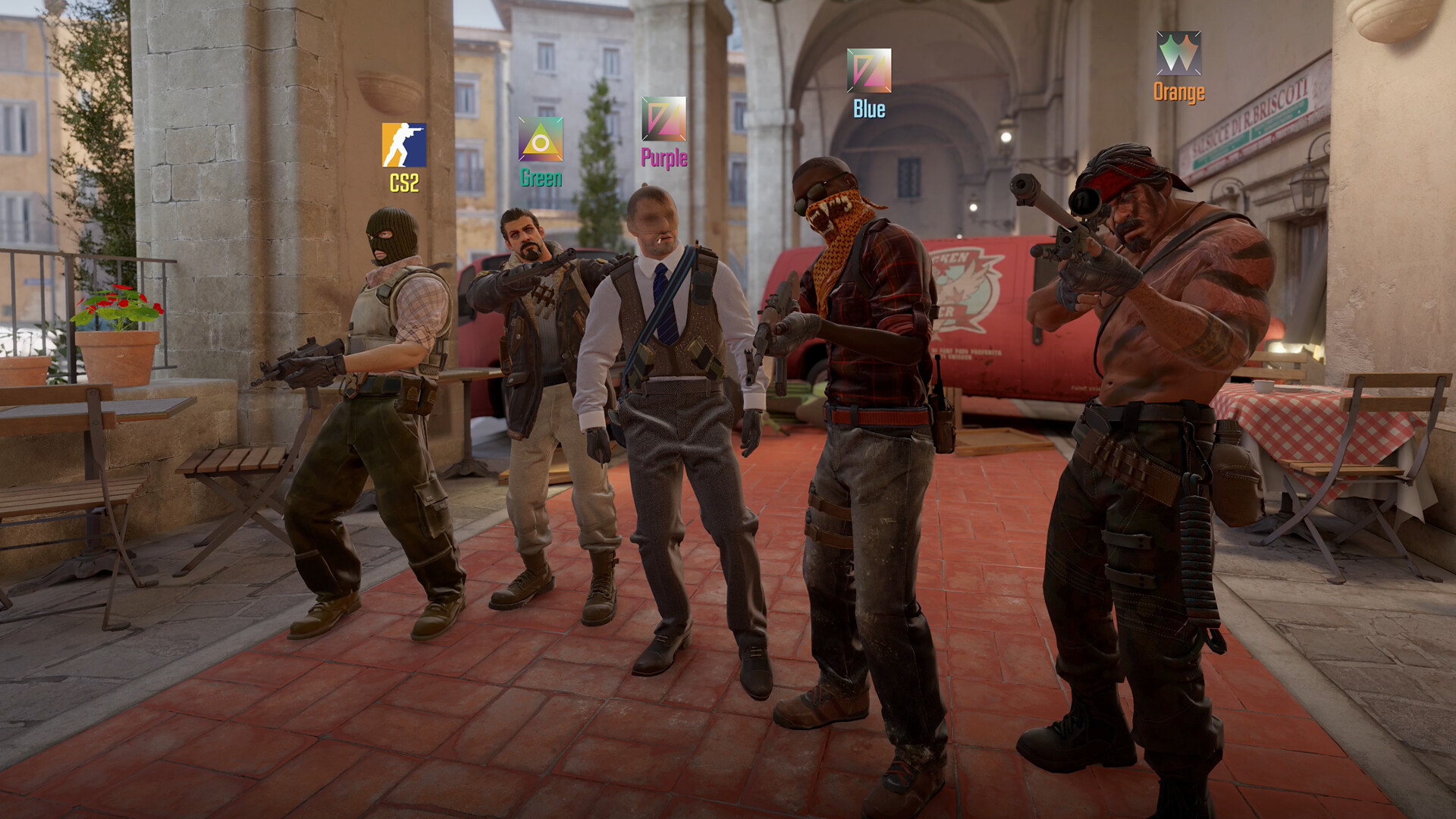
Nearly three years after replacing Global Offensive, Counter-Strike 2 remains one of the most played shooters on the planet, and it's still free on Steam. In 2026, Valve continues to polish its Source 2 engine with regular adjustments to shooting, animations, and map selection, but the core of the game hasn't changed: five versus five, a budget to manage round after round, and aim that forgives nothing. If you're jumping in this year or coming back after a long break, this guide covers everything you need to master before your first serious match: the modes, the famous CS Rating, the Active Duty pool, the economy, and the settings that change everything.
Counter-Strike 2 in 2026: a free-to-play FPS still at the top
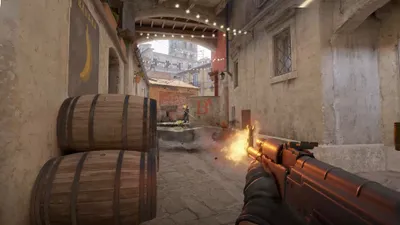
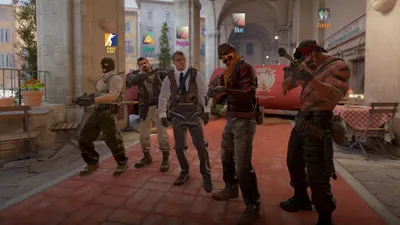
Counter-Strike 2 launched on September 27, 2023 as a free-to-play title, purely and simply steamrolling CS:GO to succeed it. The game now runs on Source 2, with volumetric smoke grenades that react to gunfire and explosions, a "sub-tick" shooting system meant to register your clicks as close as possible to the actual input, and regular animation overhauls in 2026. The founding principle, though, hasn't budged: two teams of five, Terrorists planting the bomb (the C4) and Counter-Terrorists defusing it, in a multi-round format where every bullet and every dollar counts. The learning curve is brutal for a newcomer, but that depth is precisely what explains the franchise's exceptional longevity.
Since the game is free, the first useful decision concerns Prime status: a paid upgrade that places you in a pool of verified players (fewer cheaters and throwaway accounts) and unlocks access to cosmetic rewards. It's not mandatory to play, but strongly recommended once you're hooked.
Choosing your game mode: Premier, Competitive, and the rest
CS2 offers several formats, and it's easy to pick the wrong entry point. Here are the main ones:
- Premier: the flagship, most "esports" mode. Played in MR12 (first team to 13 rounds), with a pro-style map pick/ban phase, and above all the numerical CS Rating ranking. This is where you'll want to seriously improve.
- Competitive: the classic single-map format, more relaxed than Premier, ideal for learning a specific map without the pressure of voting.
- Deathmatch: the essential warm-up mode for sharpening your aim before each session.
- Wingman: 2 versus 2 on a single bomb site, perfect for playing with a friend.
- Casual, Arms Race, and Flying Scoutsman: lighter modes to unwind.
Our advice: run some Deathmatch to warm up, drill in Competitive to learn two or three maps, then move on to Premier once you're comfortable.
Understanding CS Rating and its color tiers
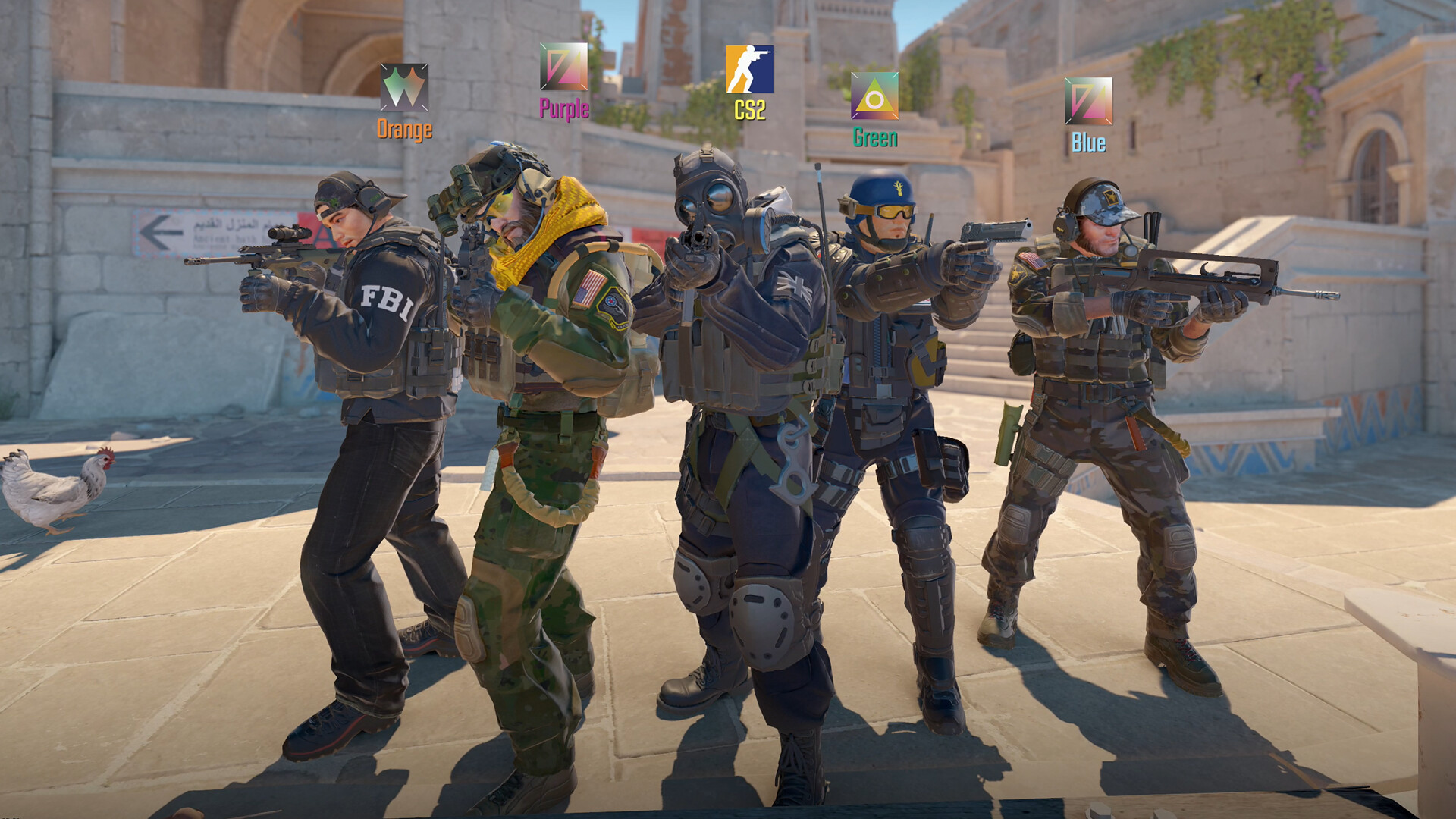
Gone are the 18 medal ranks of CS:GO: in Premier, your level is expressed through a CS Rating, a single number that rises and falls based on your results. The higher your score, the tougher the opponents you'll face. This number is dressed in a color that gives an immediate visual cue of your bracket. Here are the current tiers:
| Color tier | CS Rating range |
|---|---|
| Gray | 0 – 4,999 |
| Light Blue | 5,000 – 9,999 |
| Blue | 10,000 – 14,999 |
| Purple | 15,000 – 19,999 |
| Pink | 20,000 – 24,999 |
| Red | 25,000 – 29,999 |
| Gold | 30,000 and above |
To get your first CS Rating, you need to win ten calibration matches. The ranking is seasonal: at the start of each new season, your rating undergoes a partial reset, pulling you closer to the middle and forcing you to prove your level again. Don't chase the color: focus on your fundamentals, and the Rating will follow.
The Active Duty pool: the seven maps you need to know
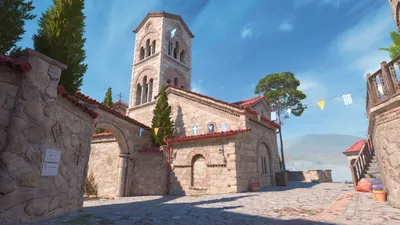
The Active Duty pool (the official competitive "roster") brings together the seven maps played in Premier and on the professional scene. This is the pool that matters for improving. In 2026, it consists of the following:
| Map | Profile |
|---|---|
| Mirage | The map to learn first: balanced, readable, essential. |
| Inferno | Close-quarters duels and smoke warfare, a demanding classic. |
| Nuke | Two-story verticality, very favorable to the Counter-Terrorists. |
| Ancient | Mid control and coordinated executes. |
| Anubis | Open, well-suited to smokes and angle-holding. |
| Dust II | The most iconic of them all, ideal for understanding the basics. |
| Cache | Back in the pool after its rework, readable and fast-paced. |
No need to learn them all at once. Pick two (Mirage and Dust II are perfect for starting out), memorize their callouts and a few basic smokes, and you'll already be much more useful to your team.
The economy, the true heart of the game
This is the point beginners neglect the most, and yet money wins matches. Each player starts with a budget, earns more by getting kills, winning a round, planting or defusing the bomb, and loses a bit with every defeat (the "loss bonus" increases as losses stack up). Three main types of rounds structure a match:
- Eco round: when the bank is empty, the whole team saves up. You buy little to nothing (a cheap pistol, a bit of utility), to rebuild your funds and above all to afford a full buy the following round.
- Force-buy: everyone spends what little they have at the same time (upgraded pistols, SMGs, armor). A risky but synchronized gamble, often played when losing the next round would be fatal.
- Full-buy: rifle (AK-47 or M4), armor with helmet, and the complete utility kit — smoke grenade, flashbang, incendiary/molotov, high-explosive grenade. This is the round where you play on equal footing.
To give you some numerical reference points, here are the rewards that grow your budget round after round:
| Event | Approximate reward |
|---|---|
| Rifle kill | $300 |
| Knife kill | $1,500 |
| Bomb plant (Terrorists) | +$800 to the team |
| Defuse (Counter-Terrorists) | $300 to the player |
| Loss bonus | from $1,400 to $3,400 (cumulative) |
The golden rule: buy as a team. Five players who eco together and then full-buy together are worth far more than five budgets managed separately in each player's corner. And never buy a rifle if it prevents your team from lining up a proper full buy the following round: economic discipline is what separates a team that's climbing from a team that's stagnating.
Essential settings: resolution, sensitivity and eDPI
Before blaming your aim, first sort out your setup. Two settings matter above all.
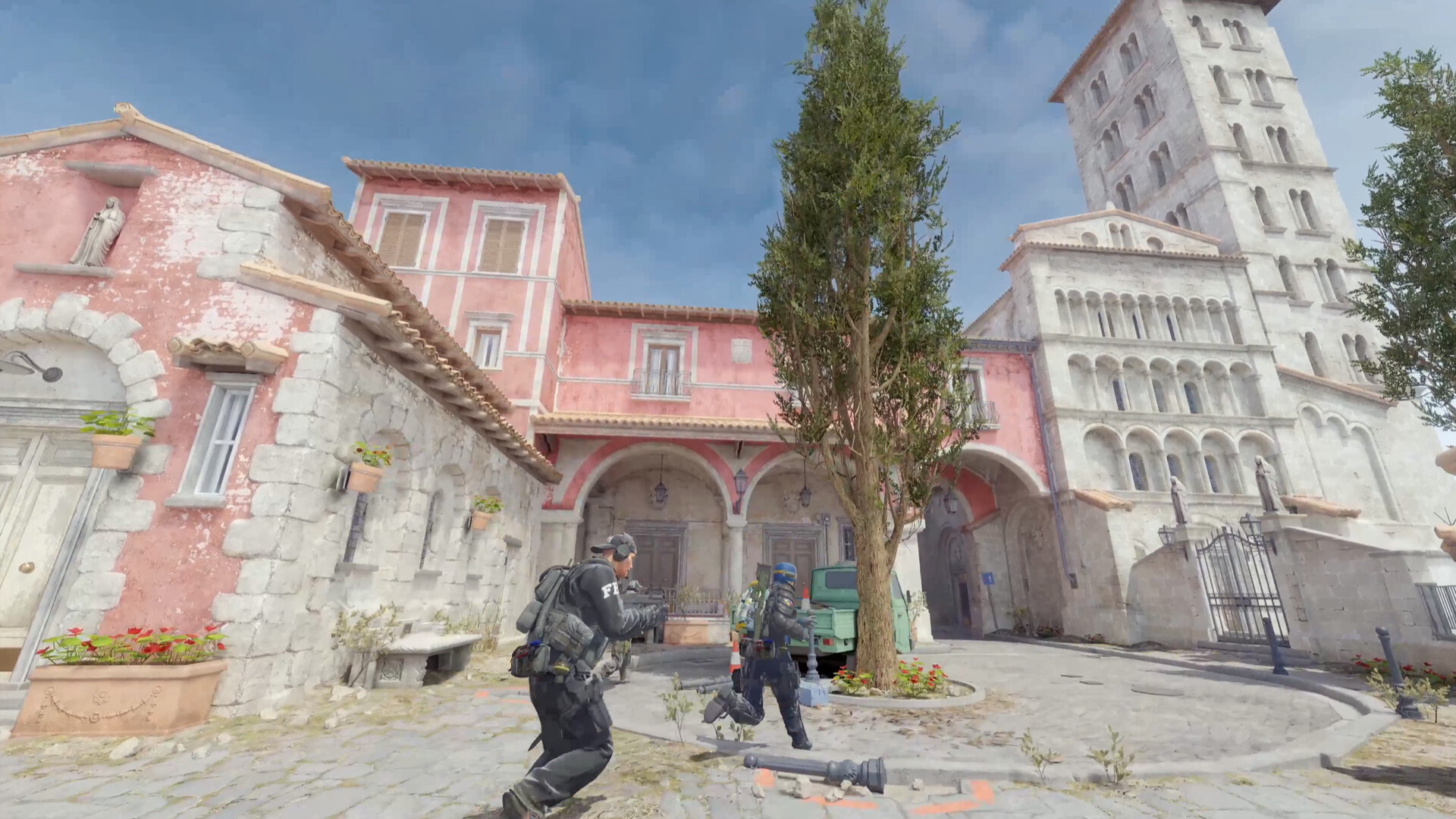
Resolution. Native 16:9 (1920×1080) offers the widest field of view and remains the best choice for a beginner. Many professionals play in stretched 4:3 (often 1280×960) because enemy models appear wider, but you lose peripheral vision: only switch if you know why.
Sensitivity. The value that matters isn't the sensitivity displayed in-game, but your eDPI: this is your mouse's DPI multiplied by your in-game sensitivity. A comfortable and popular setting hovers around 800 eDPI (for example 800 DPI × 1.0, or 400 DPI × 2.0). Too high, and you'll never line up a headshot; too low, and you won't be able to track close-range targets. Find a value, stick with it for several weeks, and let your muscle memory do the rest.
Sound, the secret weapon. It's often overlooked, but Counter-Strike is played as much with the ears as with the eyes: a headset and a clean audio profile let you precisely pinpoint footsteps, reloads and enemy grenade throws. Turn off the in-game music to keep only the sound effects, and you'll suddenly "see" enemies before they even appear on screen.
Setting up your crosshair and viewmodel
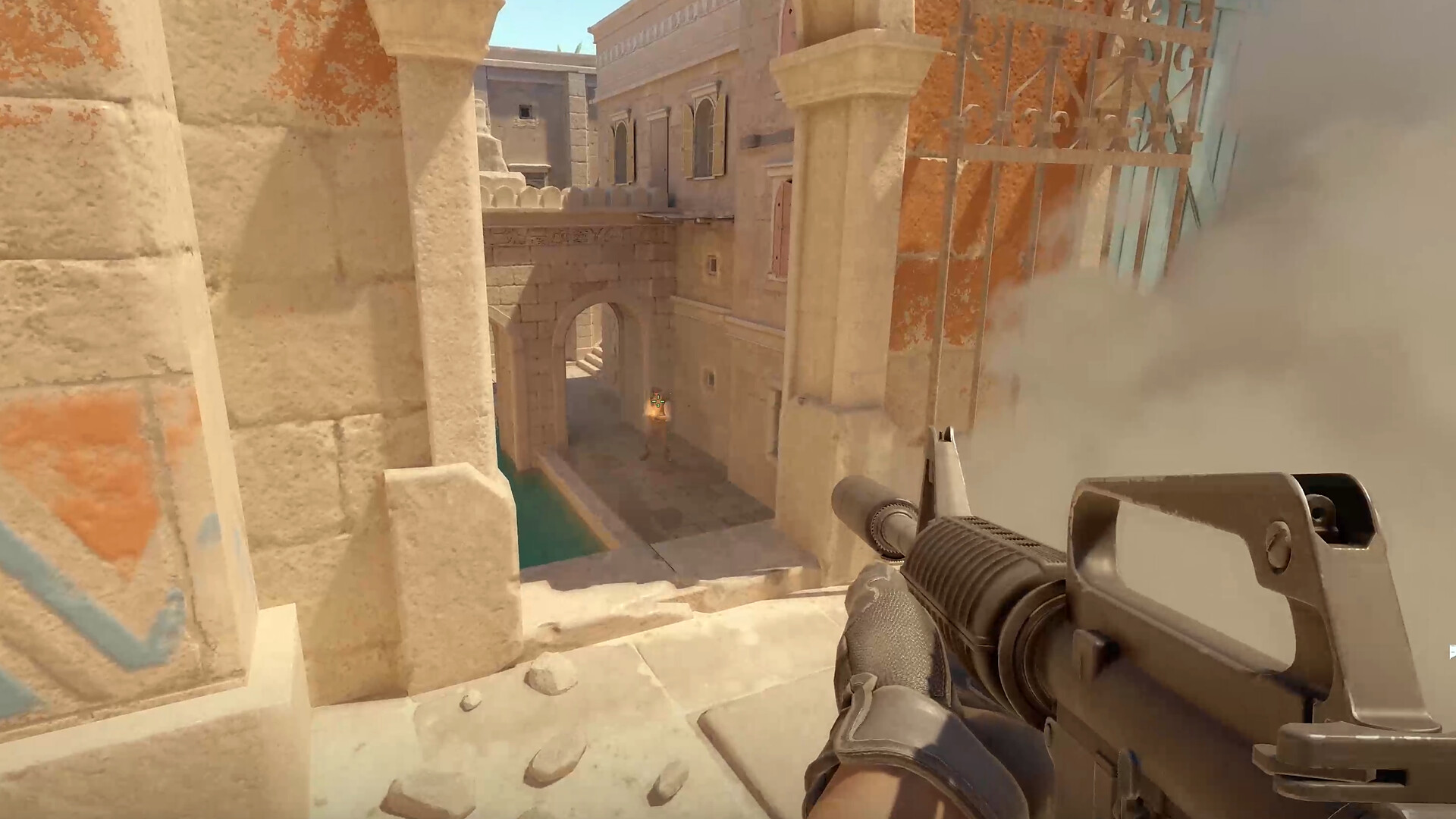
A good crosshair should be crisp, thin and always at head height. CS2 lets you export and import a crosshair via a simple shareable code, which is the fastest way to copy the one used by a player you admire. If you'd rather set it up manually, here are a few key commands:
cl_crosshairstyle 4: static crosshair (it doesn't spread when firing), the standard choice for improving.cl_crosshairsize,cl_crosshairthicknessandcl_crosshairgap: the size, thickness and gap of the lines.cl_crosshaircolor: the color, which should be chosen for strong contrast against the maps.
As for the weapon model (viewmodel), viewmodel_fov 68 clears as much view as possible, and viewmodel_presetpos lets you bring the weapon closer or push it further away. These are comfort settings: what matters is clearing your line of sight.
Console commands worth knowing
First, make sure to enable the developer console in the options (default key: tilde ~). Here are a few commands that are useful on a daily basis:
fps_max 0: uncaps your frame rate.cl_showfps 1: displays your framerate on screen.+cl_show_team_equipment: permanently shows your teammates' equipment.bind: to create shortcuts (quick weapon buy, jump throw for grenades, etc.).
To practice alone, a "practice" type map with sv_cheats 1 lets you test your smokes and flashes endlessly. It's the best way to learn a map's throws without disrupting a real match.
Cases, crates, and the Armory: the cosmetic economy
CS2 is famous for its skins market, these purely cosmetic weapon appearances that offer no in-game advantage. You get them through cases, which require a paid key to open, on the Steam Community Market, or as rewards. The Armory works like a battle pass style progression: you accumulate stars that convert into rewards (cases, skins, stickers, charms). Keep a level head: these items are a cosmetic pleasure and sometimes a speculative investment, never a necessity to win. A beginner doesn't need any skin to climb the CS Rating.
Our tips for getting started
To sum up, three habits will make you a useful teammate much faster than any skin: warm up in Deathmatch before every session, manage your money with the team rather than solo, and communicate cleanly (enemy positions, attack plan). Lock in a sensitivity and a crosshair, then don't touch them again. Learn Mirage and Dust II inside out before spreading yourself thin. Counter-Strike 2 rewards patience and consistency: the first few hours are rough, but the satisfaction of a well-played round, once you've mastered the basics, has no equal in the genre. Time to train.
Share this article
Which mode will you start with in Counter-Strike 2?
Frequently asked questions
Is it worth paying for Prime status in 2026?
Strongly recommended once you're hooked. Prime places you in a pool of verified players, drastically reduces cheaters and throwaway accounts, and unlocks cosmetic rewards. It's not mandatory, but you'll gain a lot in overall experience quality for a modest price.
Which mode should I start with if I'm completely new?
Run some Deathmatch to warm up (working on your aim), then move to Competitive to learn one or two maps without the pressure of a vote. Once you're comfortable with the fundamentals, switch to Premier to play with CS Rating.
What exactly is CS Rating, and how does it work?
It's a single number that rises and falls based on your results in Premier, replacing the 18 medal-based ranks from CS:GO. You earn your first CS Rating after ten calibration matches. At the start of each new season, it undergoes a partial reset that pulls you closer to the middle and forces you to prove your level again.
Do I really need to learn all seven Active Duty maps?
No. Pick two maps (Mirage and Dust II are perfect for starting out), memorize their zone callouts and a few basic smokes. You'll already be far more useful to your team than a player who jumps around everywhere without mastering a single map.
How do I manage my economy so I don't stay broke?
Buy as a team, not alone. Three types of rounds structure a match: the eco (where almost no one buys anything), the force-buy (everyone spends a little, but together), and the full buy (rifle, armor, utility). Economic discipline is what separates a team that's climbing from one that's stagnating.
Key takeaways
- Premier is the competitive mode with CS Rating: that's where you truly progress, not in classic Competitive.
- Team economy wins matches: listening in unison, then buying together, is the discipline that separates teams that rank up.
- Mirage and Dust II are enough to get started: forget learning all seven maps at once, master two of them along with their basic calls and smokes.
- Your eDPI (DPI × in-game sensitivity) matters more than the displayed number: settle around 800 eDPI and stick with it for weeks.
- Sound is a secret weapon: a good headset and turning off the music let you pinpoint enemies before you even see them.
Comments
No comments yet. Be the first to react!
Leave a comment
Similar guides
Latest articles







Your opinion counts
Rate Counter-Strike 2
Click a star to rate