



 Alexandre Jollier
Battlefield 6 Bipod: How to Use It, Our Detailed Guide
In brief
The bipod is an essential tactical accessory in Battlefield 6 that drastically improves the stability and accuracy of your weapons at medium and long range. This detailed guide explains how to deploy it, optimize it, and navigate its advantages and drawbacks on the battlefield.
The bipod is a crucial weapon attachment in Battlefield 6, offering a decisive tactical edge in medium and long-range engagements. This underbarrel stabilization device greatly increases your weapon's stability, and therefore your accuracy, while significantly reducing recoil. Our detailed guide will explain how to deploy it during a firefight, and how to make the most of it on the battlefield.
How to deploy the bipodin Battlefield 6
Several steps are needed to deploy the bipod in Battlefield 6. First, keep in mind that this attachment isn't available for every weapon in the game. LMGs and sniper rifles all come with a bipod already unlocked from the start of your progression. For assault rifles and designated marksman rifles, you must consistently reach the minimum mastery level required with each of these weapons.
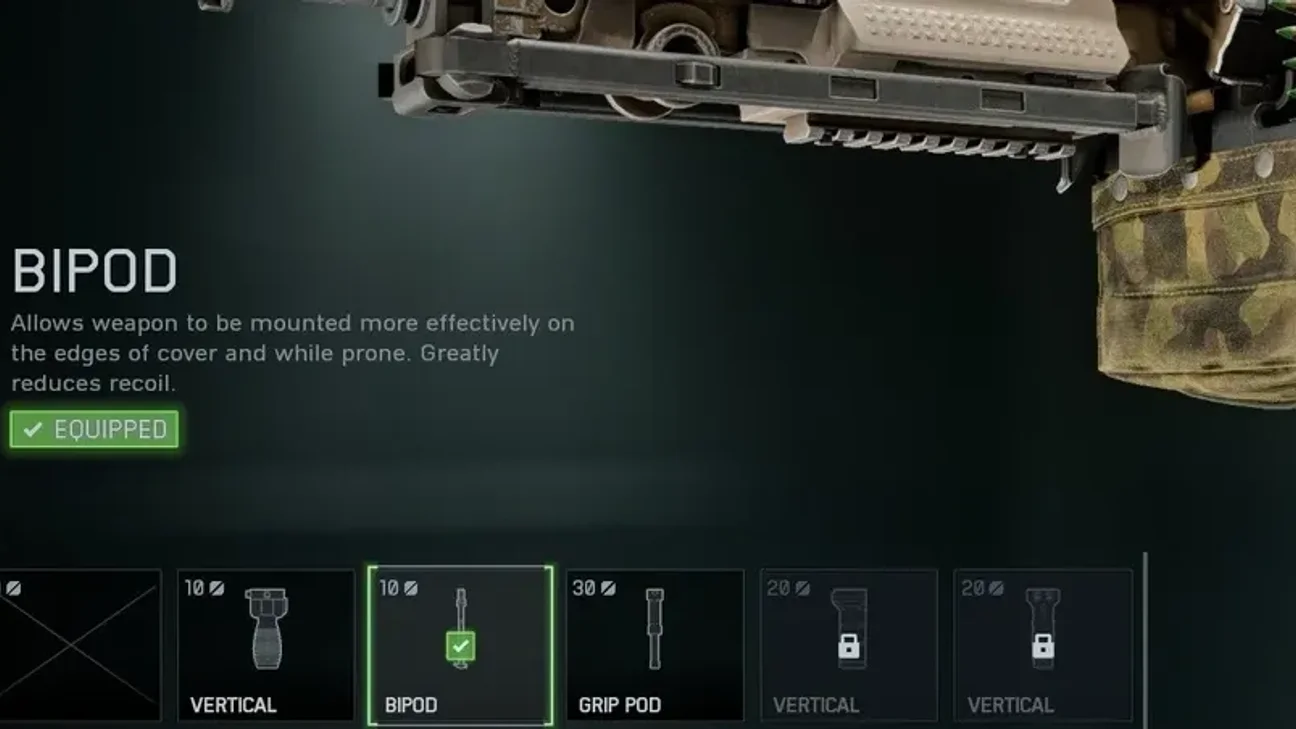
For the bipod, head to your weapon's customization menu and select the "Underbarrel Attachments" category; once out on the field, you'll immediately benefit from increased precision comfort.
To activate the bipod during a match, while lying prone or hidden behind suitable cover, simply press the appropriate button (V on keyboard or R3 on controller), which will be indicated by a prompt on the left side of your screen.
Note
Be careful, once deployed, you won't be able to move until you stand up or shift to a less exposed position.
Pros and cons of the bipod
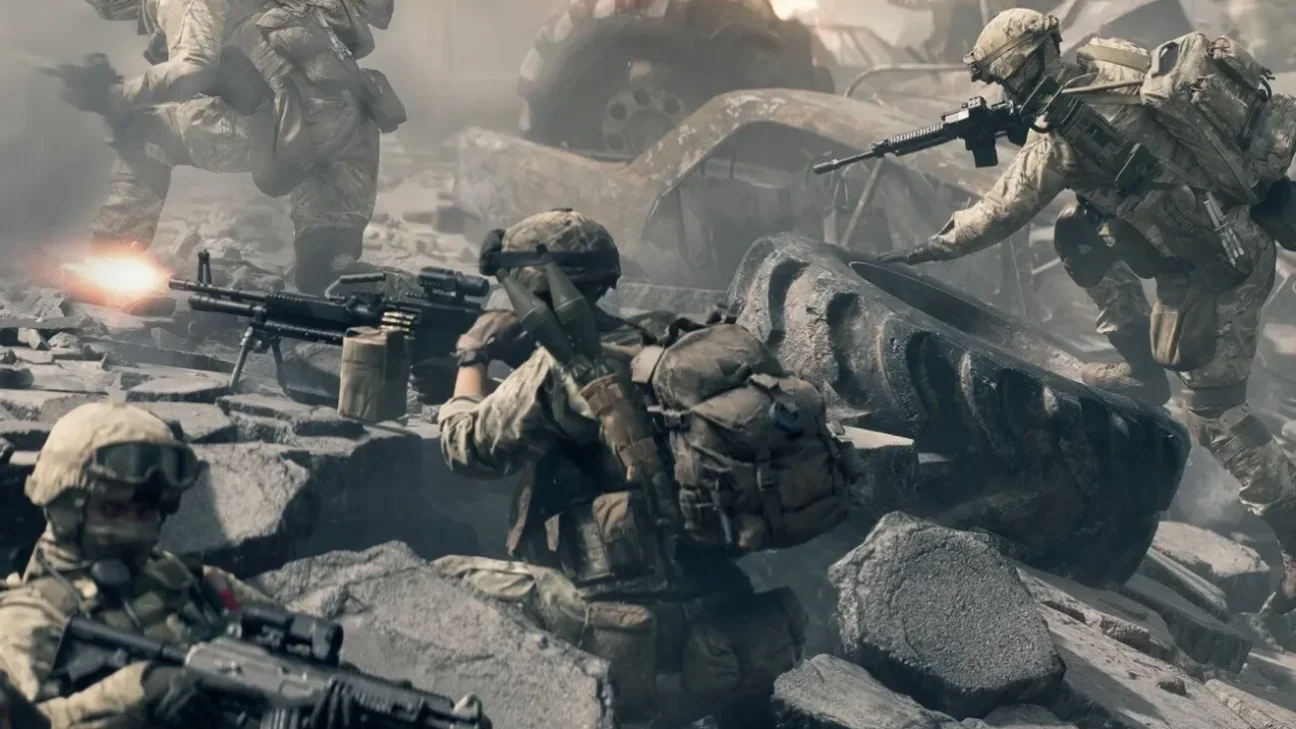
The bipod is a tool that naturally fits your weapon in Battlefield 6. By greatly reducing recoil and almost completely eliminating weapon sway, shots reach another level of quality for players who prefer the Support class, turning a light machine gun into a true stationary turret for relentless fire with a heavy-caliber weapon.
However, while the improvement in accuracy is undeniable, the tactical limitations that come with it definitely shouldn't be overlooked. You're immobile while using the bipod, making you an easy target, and your field of view is also considerably reduced, so you need to stay alert to what's happening behind or beside you!
The bipod is a powerful tactical attachment that can decide the outcome of a fight in many cases, but it isn't necessarily suited to every situation...
Share this article
Do you regularly use the bipod in Battlefield 6?
Frequently asked questions
Which weapons can use the bipod in Battlefield 6?
LMGs and snipers have access to the bipod from the start. For assault rifles and designated marksman rifles, you must first reach the minimum required mastery level with those weapons.
How do you activate the bipod during a match?
Go prone or take cover, then press the V key (keyboard) or R3 (controller). An alert will appear on the left side of your screen to confirm activation.
What are the drawbacks of the bipod?
Once deployed, you are immobilized and must stand up or change position to move. Your field of view is also significantly reduced, making you vulnerable to threats from the sides or rear.
Is the bipod suited to all playstyles?
No, the bipod is powerful for defensive positions and ranged combat, but it isn't suited to every engagement. You need to consider the tactical context before deploying it.
Key takeaways
- The bipod significantly reduces recoil and eliminates sway, turning your shots into formidable precision.
- LMGs and snipers have the bipod available from the start, but you need to unlock the minimum mastery level for assault rifles and designated marksman rifles.
- Once deployed via the V key (keyboard) or R3 (controller), you are immobilized and vulnerable to attacks from the sides or rear.
- The bipod turns light machine guns into stationary turrets, ideal for players in the Support class.
Comments
No comments yet. Be the first to react!
Leave a comment
Similar guides


Latest articles






Your opinion counts
Rate Battlefield 6
Click a star to rate