



 Fabian Lainé
Tips
Battlefield 6: TPM 2.0 strictly enforced since August 28 — 1.24% of players out of compliance, how to check yours and what's still allowed
In brief
Since August 28, Battlefield 6 has been strictly enforcing TPM 2.0 to block cheaters. Only 1.24% of players are out of compliance, and the majority of them are using emulators or spoofed hardware — but if you're simply behind on activation, a three-step fix is all it takes. EA is also tightening the screws on assistance accessories (XIM, Cronus Zen, reWASD) and recalibrating its detection system to stop false positives.
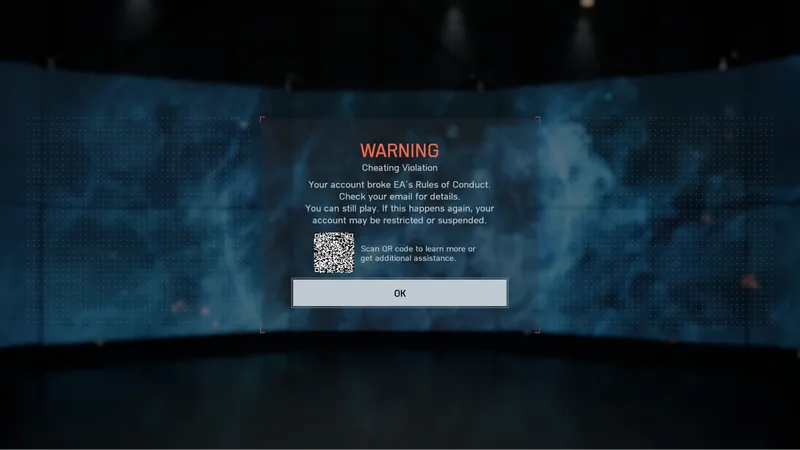
EA released its season 4 anti-cheat update for Battlefield 6 on Friday, August 28, with a decision that could stop you from playing: the TPM 2.0 requirement, previously relaxed, is now strictly enforced. The publisher writes "as of today," without a time or build number. It used to tolerate exceptions for stubborn TPM chips; cheaters took advantage of this in season 3, and those exceptions are now gone.
A note on sourcing: every quote below comes from EA's Steam announcement of August 28 and from its English-language support pages.
Checking your TPM 2.0 in three steps
EA's support page, on the other hand, is properly translated and gives the exact procedure:
- Press Windows + R.
- Type tpm.msc and select OK.
- In the information window, you should see Status: "The TPM is ready for use" and Specification version: "2.0".
If these two lines are missing, the TPM is disabled or absent. EA requires Windows 10 or 11 and warns: a PC without TPM 2.0 will not be able to run the game.
Enabling it from UEFI
- Press the Windows key, search for Change advanced startup options.
- Next to Advanced startup, choose Restart now.
- Advanced options, then UEFI Firmware Settings: you're now in the BIOS.
- Enable TPM, Security Device, Intel Platform Trust Technology (PTT), or AMD fTPM, save, and restart.
1.24% of players out of compliance, not 1.24% of cheaters
98.76% of players are already running fully enabled, compliant hardware. Of the remaining 1.24%, EA writes that "the majority" use third-party emulators, falsify their hardware compliance, or are associated with some level of botting or cheating.
The majority, not all of them: with an older motherboard or an fTPM that was never enabled, you fall into that 1.24% without having done anything wrong. The procedure above is meant for you.
Two other safeguards, HVCI and VBS, have been in the game since launch but EA is not yet enforcing them and has not decided between suspicious accounts, ranked mode, or official tournaments. It promises to give notice beforehand.
What's still allowed, and what just changed sides
A key point for players with disabilities: three solutions are not banned — the Xbox Adaptive Controller, the PlayStation Access Controller and Steam Input, which EA lists as "supported input devices and software".
Now moving to the banned side: XIM, Cronus Zen, Strikepack, and Titan Two on the hardware side, reWASD on the software side, previously allowed. EA points to a response from the Javelin team on its forums, and any banned product triggers a warning at launch.
The targeted software categories: remapping that masks a device or automates inputs (recoil neutralization, turbo); sound radars going beyond type, direction, and volume; sound equalizers that adjust themselves automatically in response to an event, for example by dampening everything else as soon as footsteps are heard; crosshair overlays that can be partially modified, artificial zoom, and target highlighting.
On the hardware side: what shifts aim assist to a keyboard-and-mouse setup, what allows scripting multiple inputs ("macro," "mod," or "combo"), EA is clear: it's cheating. Modified controllers and monitors that cancel out flashbangs too.
The "compatibility mode" test
An accessory promises you a "compatibility mode" with Javelin? Disable it and launch the game. If the block warning doesn't prompt you to re-enable it, the product is banned: every supported method is listed in the warning.
The new in-game "nudges"
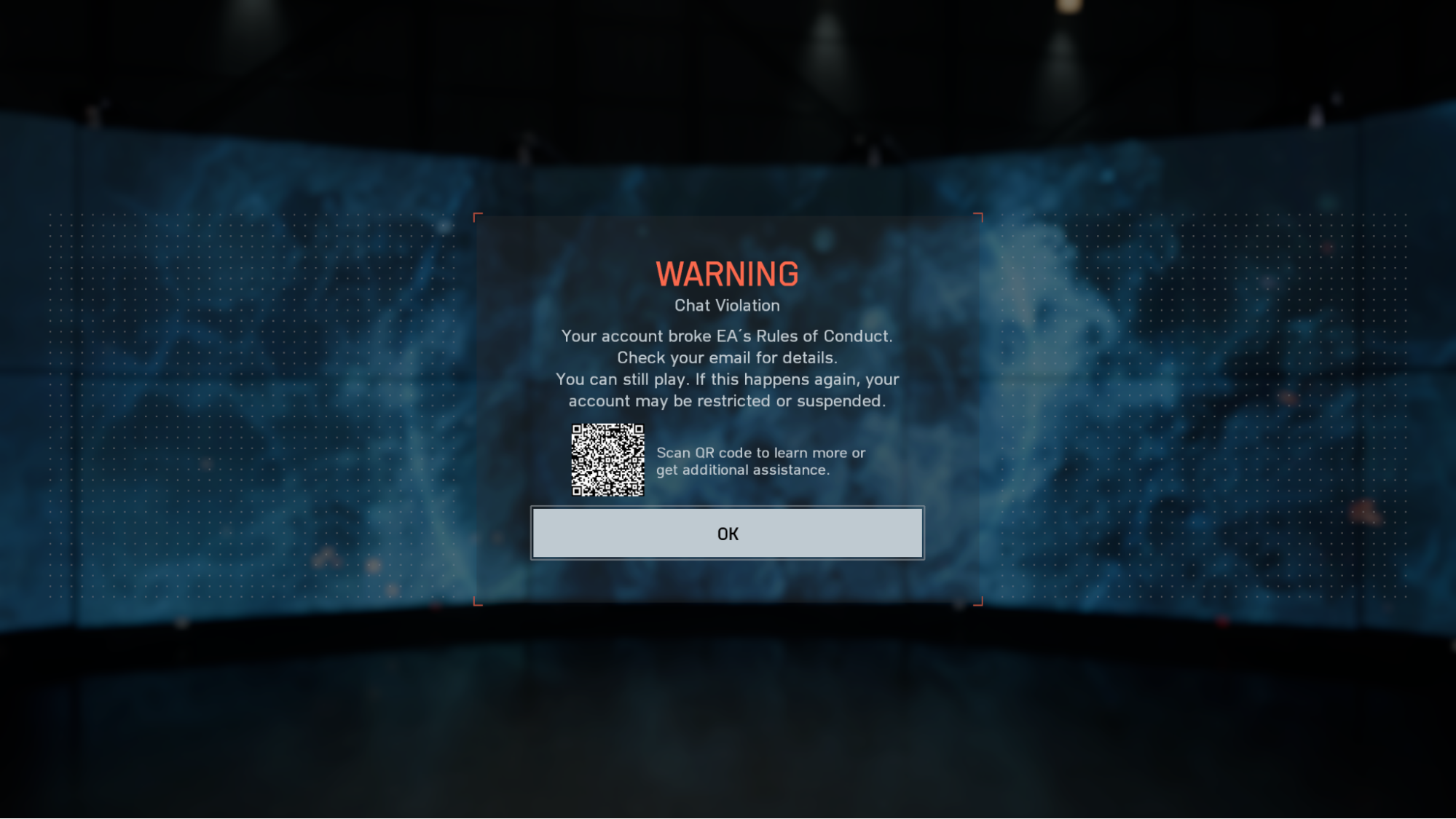
EA is adding moderation and anti-cheat notifications at three points: at the main menu, in pre-match lobbies, and in-match when you're dead and waiting to respawn. Never in the middle of the action.
They don't announce a punishment, but a minor violation to disengage from before it warrants more significant warnings or sanctions. Cases EA says it's still evaluating: repeatedly leaving the map boundaries; manipulating matchmaking (stream sniping, ranked collusion); abusively exploiting a bug; broadcasting sirens or footstep sounds over voice chat; a message that violates the Positive Play Charter.
The MIR recalculated: why mass reporting doesn't help
The Match Infection Rate (MIR) is "the percentage of matches across the title that were negatively impacted by at least one cheater", suspected cheaters included. A predictive metric, it aggregates signals, including reports.
But EA saw the MIR climb without any known cheating method evolving. The identified cause: reports targeting legitimate players, especially the most skilled ones and those who live in vehicles. The publisher says it found "one account that reported virtually every player in every match they played".
So the calculation is changing: a player who is constantly reported but never triggers any other signal, and repeatedly passes manual review, comes out of the MIR: the system sees them as "a skilled Battlefield veteran". The exclusion only holds as long as reports remain the sole indicator; at the slightest other signal, they're back in.
Hence the practical conclusion: mass reporting won't get anyone banned. A Little Bird pilot legitimately racking up more than 100 kills won't be punished for it. In-game reporting remains useful, though, since it triggers systems and telemetry; DMs to the BF_SledgeHammer account are no substitute for either reporting or appealing.
Share this article
Is your TPM 2.0 enabled and ready, or do you need to sort it out tonight?
Frequently asked questions
How do I know if my PC has TPM 2.0 enabled?
Press Windows + R, type tpm.msc, and hit enter. Look for two lines: "Status: The TPM is ready for use" and "Specification Version: 2.0." If they're missing, the TPM is off or absent.
If my TPM is disabled, how do I turn it on?
Access advanced startup options (Windows + Search), reboot into BIOS mode, then enable TPM, Intel PTT, or AMD fTPM depending on your motherboard. Save and restart.
Are all the players in that 1.24% cheaters?
No. EA says the majority are using emulators or spoofing their hardware, but a few just have an old motherboard or forgot to enable it in the BIOS. That's exactly who the fix procedure is for.
Are the Xbox Adaptive Controller or Steam Input banned?
No, they remain fully allowed. XIM, Cronus Zen, Strikepack, and reWASD, on the other hand, are now on the banned list.
Will mass-reporting skilled players get them banned?
Not anymore. EA has recalibrated its system: a player who's constantly reported but triggers no other signal is dropped from the infection calculation. Reporting without cause is pointless.
Key takeaways
- TPM 2.0 is now mandatory and enforced without exception: check your compliance by typing tpm.msc in Windows.
- Only 1.24% of players are affected, and most are confirmed cheaters, not collateral victims.
- XIM, Cronus Zen, Strikepack, and reWASD are now on the banned side; three accessibility controllers remain allowed.
- Mass reports no longer impact the TIP since EA now excludes veterans who are constantly reported wrongly.
- In-game warnings appear before any penalty, never in the middle of the action.
Comments
No comments yet. Be the first to react!
Leave a comment
Similar guides



Latest articles








Your opinion counts
Rate Battlefield 6
Click a star to rate