



 Alexandre Jollier

Full Guide
Outbound Carrying Capacity: How to Increase It
In brief
Carrying capacity in Outbound is crucial for progressing efficiently. This guide shows you how to increase it by unlocking the sewing machine, upgrading your backpacks up to 80 capacity, and smartly using your camper van's storage.
In Outbound, managing your carrying capacity is essential. We'll guide you through this guide across the different ways to improve it.
Unlocking the sewing machine blueprint
To increase your capacity, you must first unlock the sewing machine blueprint. By crafting backpacks using this blueprint, you'll get a bonus that raises your carrying limit.
- Explore the signal towers: These towers are found all over the map and are functional. They often contain useful blueprints.
- Interact with the computers: Some computers are present in the game, and by interacting with them, you may gain access to blueprints.
Once you've retrieved the blueprint, you can craft the sewing machine using 5 fibers.
Upgrading your backpacks
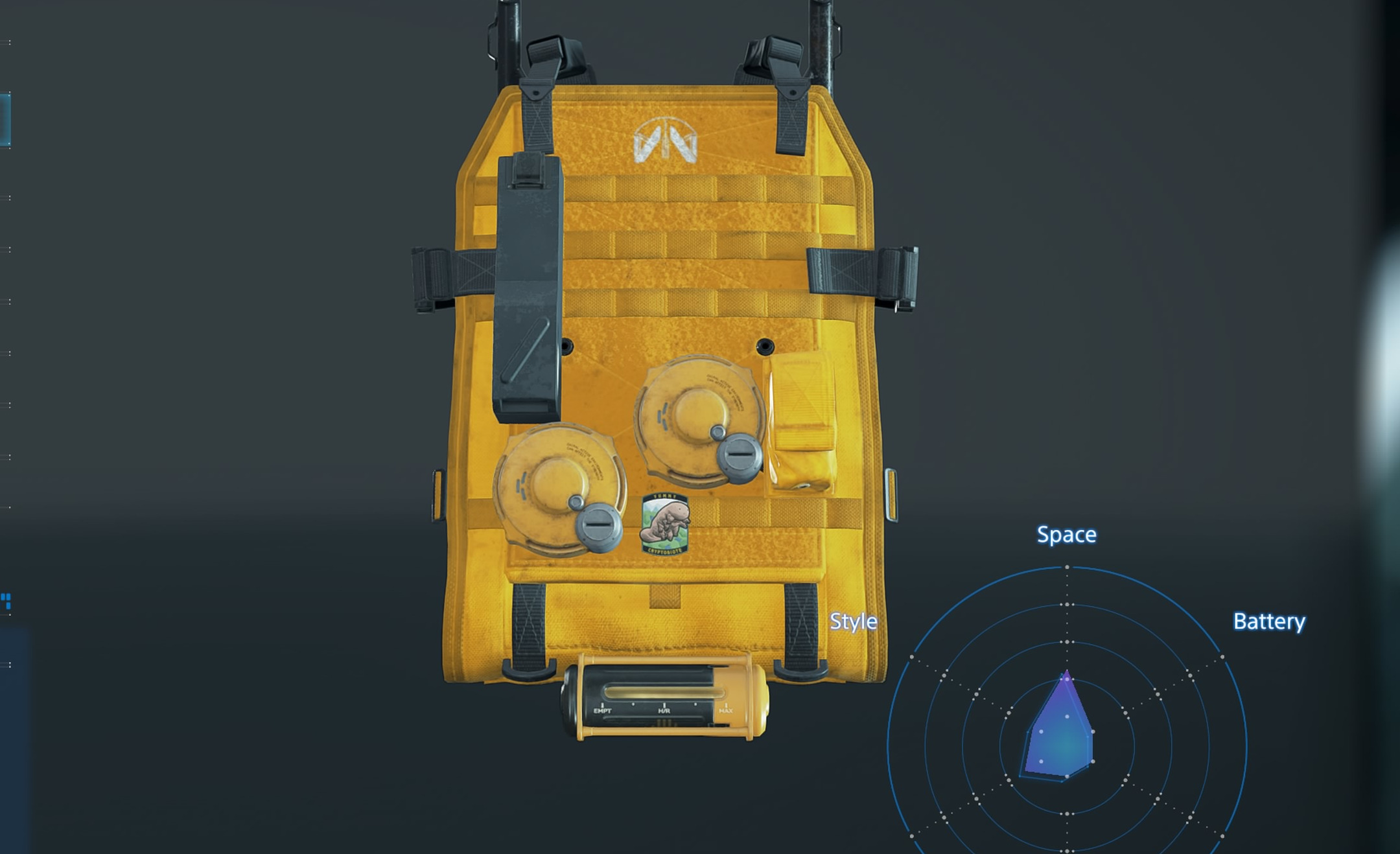
The first upgrade, called "IMPROVED BACKPACK 1", doubles your capacity from 20 to 40. To craft the first upgrade "IMPROVED BACKPACK 1", you'll need 12 Fibers, which you can gather from the orange or brown plants in the open world.
- Access the sewing machine
- Select the desired upgrade
- Press the button to craft the item
- Explore the other backpack upgrades.
Once your first upgraded backpack is crafted, you can go further by unlocking other blueprints.
- IMPROVED BACKPACK 2: 60 capacity
- IMPROVED BACKPACK 3: 80 items carried.
You can retrieve these blueprints by going to a computer or a signal tower.
Using your RV's storage
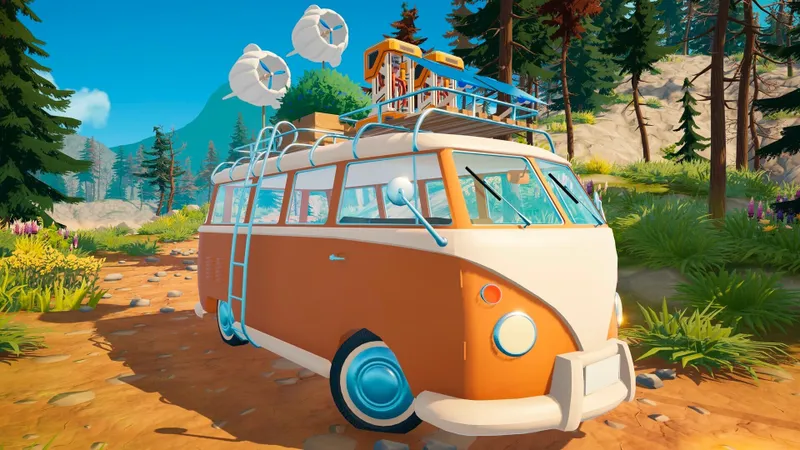
You can also manage your inventory and increase your carrying capacity by using your RV's storage. Simply scan the small panel near the RV's window. You'll then be able to transfer items from your inventory to your RV's storage.
Tip
To avoid losing your important items, you can lock them in your inventory without fear of losing your precious resources.
Share this article
Which method do you primarily use to increase your carrying capacity?
Frequently asked questions
How do you unlock the sewing machine in Outbound?
You first need to find the sewing machine blueprint by exploring the signal towers scattered across the map or by interacting with the game's computers. Once you've retrieved the blueprint, you can craft the sewing machine with 5 fibers.
How many fibers do you need to upgrade your first backpack?
You'll need 12 fibers to craft the upgraded backpack 1, which increases your capacity from 20 to 40 items. You can find these fibers by picking orange or brown plants in the open world.
What is the maximum possible carrying capacity?
The maximum capacity reaches 80 items carried with the upgraded backpack 3. You can obtain the blueprints for upgrades 2 and 3 by exploring computers or signal towers.
How do you use the camper van's storage?
Scan the small panel located near your camper van's window to access the storage. You'll then be able to freely transfer items between your inventory and the camper van's storage.
Key takeaways
- First unlock the sewing machine blueprint by exploring the game's signal towers and computers.
- The level 1 backpack upgrade doubles your initial capacity from 20 to 40 items with just 12 fibers.
- Progress up to the upgraded backpack 3 to reach a maximum carrying capacity of 80 items.
- Use your camper van's storage by scanning the panel near the window to manage your inventory efficiently.
- Lock your important items in your inventory to avoid losing your valuable resources.
Comments
No comments yet. Be the first to react!
Leave a comment
Similar guides



Latest articles








Your opinion counts
Rate Outbound
Click a star to rate