



 Alexandre Jollier


Full Guide
Halo Campaign Evolved: how to switch to third-person view
In brief
Halo: Campaign Evolved offers a third-person view thanks to the Perspective Skull, found as early as the first mission. Once activated, you see Master Chief from behind to show off your skins, but aiming remains in first person and switching back requires starting a new campaign.
Halo: Campaign Evolved is an FPS, but it offers skins for Master Chief - so you might as well be able to admire them in-game. The solution is the Perspective Skull, and the good news is that it's found in the very first mission. No need to go far.
The Perspective Skull: what is it, what does it do?
The Perspective Skull is the skull that unlocks the third-person camera. Once activated, you see Master Chief from behind - perfect for enjoying your skins. Be careful though: even in TPS view, aiming remains first-person. So no compromise on gameplay.
Important point
You can't switch between the two views on the fly. If you want to go back to FPS, you need to deactivate the Skull, then start a new campaign or restart from a fresh checkpoint. No mid-run toggle.
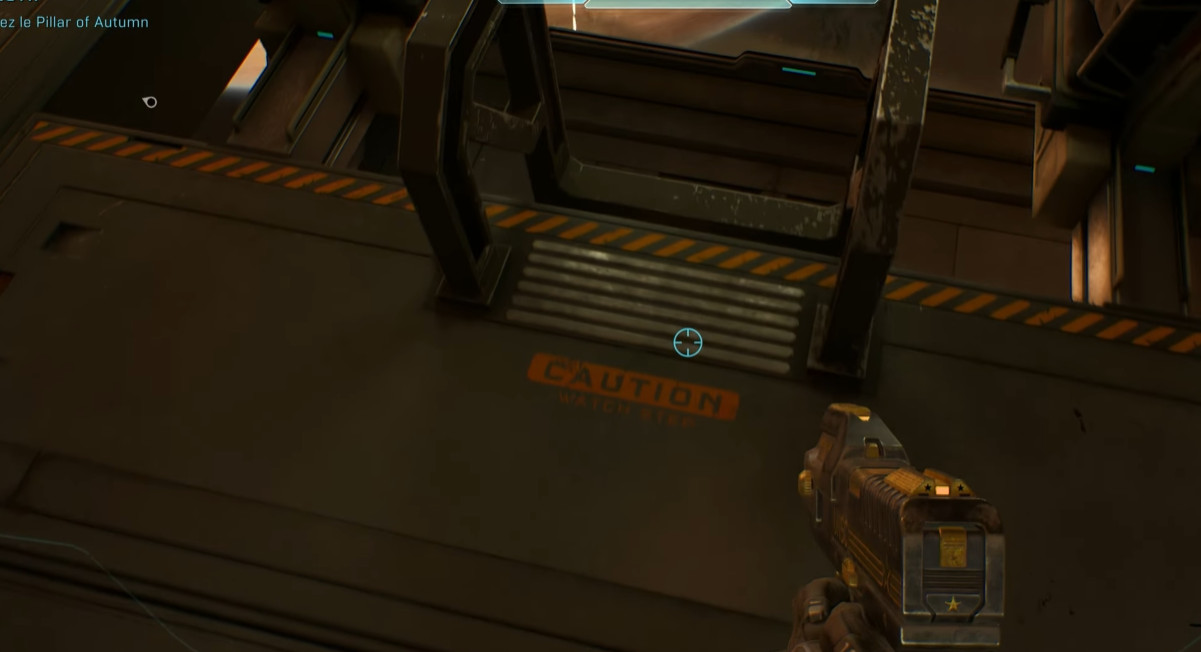
Where to find the Perspective Skull
The Skull is hidden in "The Pillar of Autumn", the game's first main mission. Here are the steps in order:
- Reach Rally Point Bravo. At this stage, you're at the Autumn's helm with Captain Keyes.
- Let the cutscene play out to the end.
- Exit the room through the doors and move forward until you pick up the Magnum.
- As soon as you have the weapon in hand, turn back. Return to Keyes's room.
- Locate the ladder next to the two pilots and climb down.
- At the bottom of the ladder, look to the left. The Perspective Skull is there.
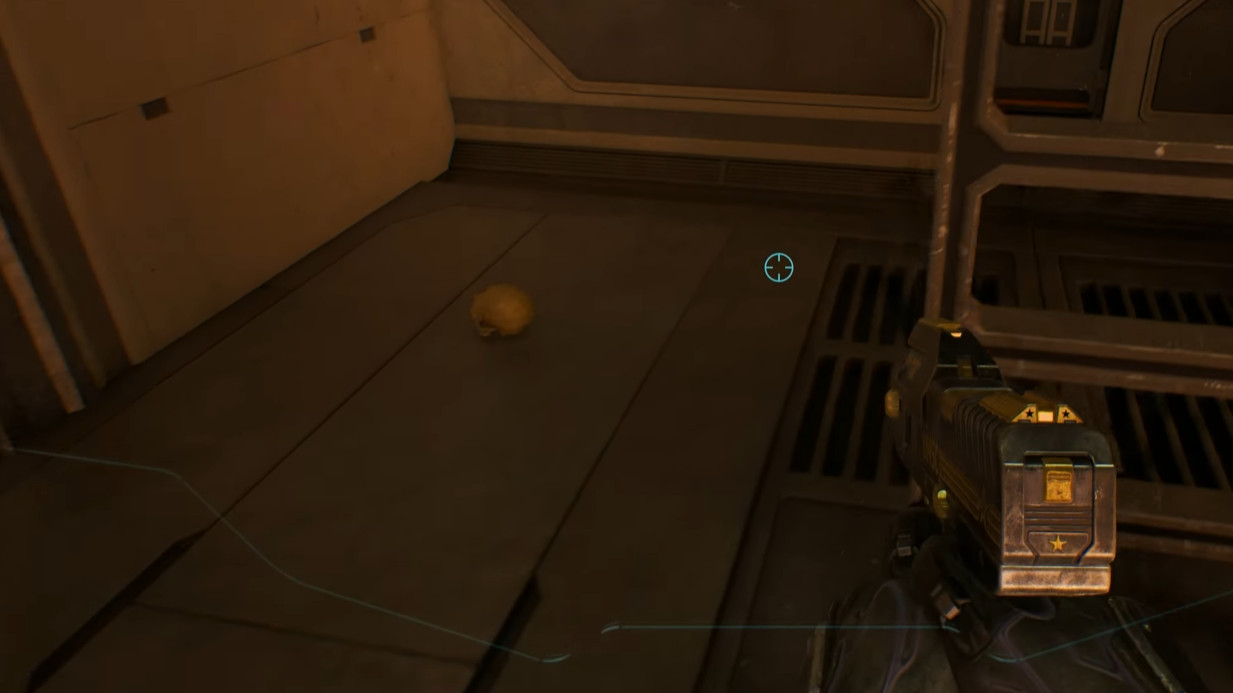
Activating third-person view
Picking up the Skull isn't enough. For the TPS camera to be active, you need to start a new campaign or restart from a fresh checkpoint with the Skull equipped. The change doesn't apply to the current session.
The process is quick, the mission is the first in the game - no reason to deprive yourself of it if you've invested in a skin for Master Chief.
Share this article
Do you prefer playing shooters in FPS or TPS?
Frequently asked questions
Where exactly is the Perspective Skull located?
In "The Pillar of Autumn", reach Rally Point Bravo, pick up the Magnum on your way out of the room, head back to Captain Keyes, climb down the ladder next to the two pilots, and look to the left at the bottom. The Skull is sitting there.
Can I change the camera view during a mission?
No. Once the Perspective Skull is activated, you're locked into TPS for the entire campaign. To go back to FPS, you need to deactivate the Skull and restart a new campaign or resume from a clean checkpoint.
Does aiming in third person change anything about the gameplay?
No, aiming remains fully first-person even in TPS view. It's just the movement camera that switches to third person so you can admire your skin.
Do I need to finish the first mission to activate TPS?
No, the Skull is accessible very early in "The Pillar of Autumn". You just need to reach Rally Point Bravo and follow the steps described to grab it quickly.
Key takeaways
- The Perspective Skull unlocks the TPS camera and can be picked up in "The Pillar of Autumn", the game's first mission.
- Aiming stays in first person even in TPS mode, so there's no compromise on gameplay.
- You can't switch between FPS and TPS on the fly: you need to restart a campaign or a fresh checkpoint after activating the Skull.
- The item is located under the ladder near the two pilots, on the left after climbing down from Captain Keyes' room.
Comments
No comments yet. Be the first to react!
Leave a comment
Similar guides






Latest articles







Your opinion counts
Rate Halo: Campaign Evolved
Click a star to rate