



 Alexandre Jollier
Clair Obscur: Expedition 33 Skills - How to Reset Them
In brief
Discover how to reset your skills and attributes in Clair Obscur: Expedition 33 using the Renewal material. This guide explains where to find this precious resource and how to use it at Expedition Flags to adapt your party to the game's challenges.
As part of your characters' progression in Clair Obscur: Expedition 33, increasing your attributes and/or unlocking skills will be fundamental. But what to do if you want to shift to a different strategy or if you've inadvertently allocated too many points in the wrong place? Well, the game offers a fair amount of flexibility since a material, the Renewal, is provided as the cornerstone of your reset. Let's take a look together at how to get this material and do what's needed to optimize your potential in the game.
Where to Find Renewal in Clair Obscur: Expedition 33
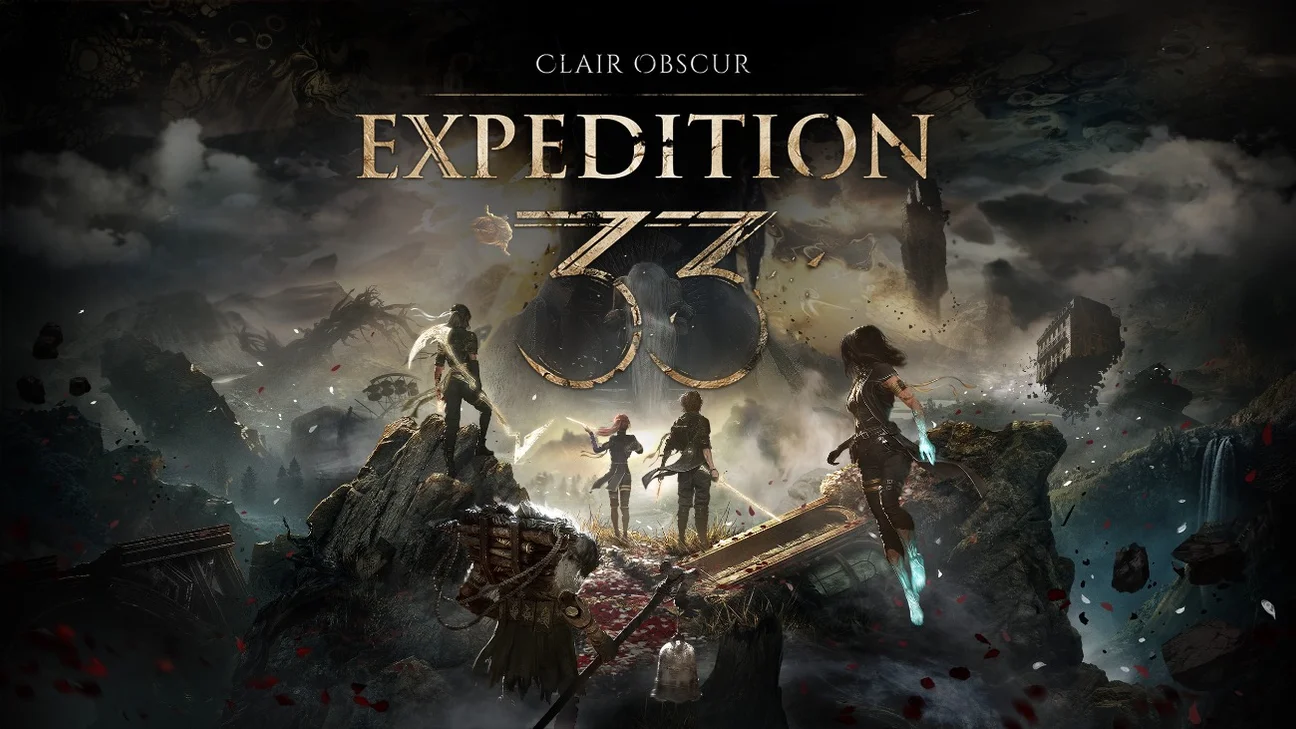
It's now possible to make use of a reset system in Clair Obscur: Expedition 33. Renewal will be the key material for this, the one you'll spot by its purple color, obtained from possible interactions between your party and the different worlds. Although it's relatively accessible, it's still worth looking into the main sources that will let you collect it before you set off. Defeating powerful enemies appears to be a reliable way to acquire Renewal. The bosses found at the end of mapped zones can give you this precious material. The Guardians of the Flying Waters or of the Stone Wave Cliffs turn out to be among the first enemies able to provide you with this material.
Tip
Creatures called Petanks are also a significant source of Renewal. These particular characters, which you'll encounter in several regions early in the game such as the Ancient Sanctuary, the Stone Wave Cliffs, or Esquie's Nest, will give you a Renewal after combat. So, hunting down Petanks can be a good strategy for building up your stock of this material, whether by a little or a lot.
Careful exploration of the environments can also pay off. Renewal sometimes appears as purple items on the ground, waiting to be carefully picked up by adventurers exploring the area. For example, you can find some near the Gestral Gambler in Gestral Village. Remember to keep your eyes open as you move around the game so you don't miss any of these occasional finds.
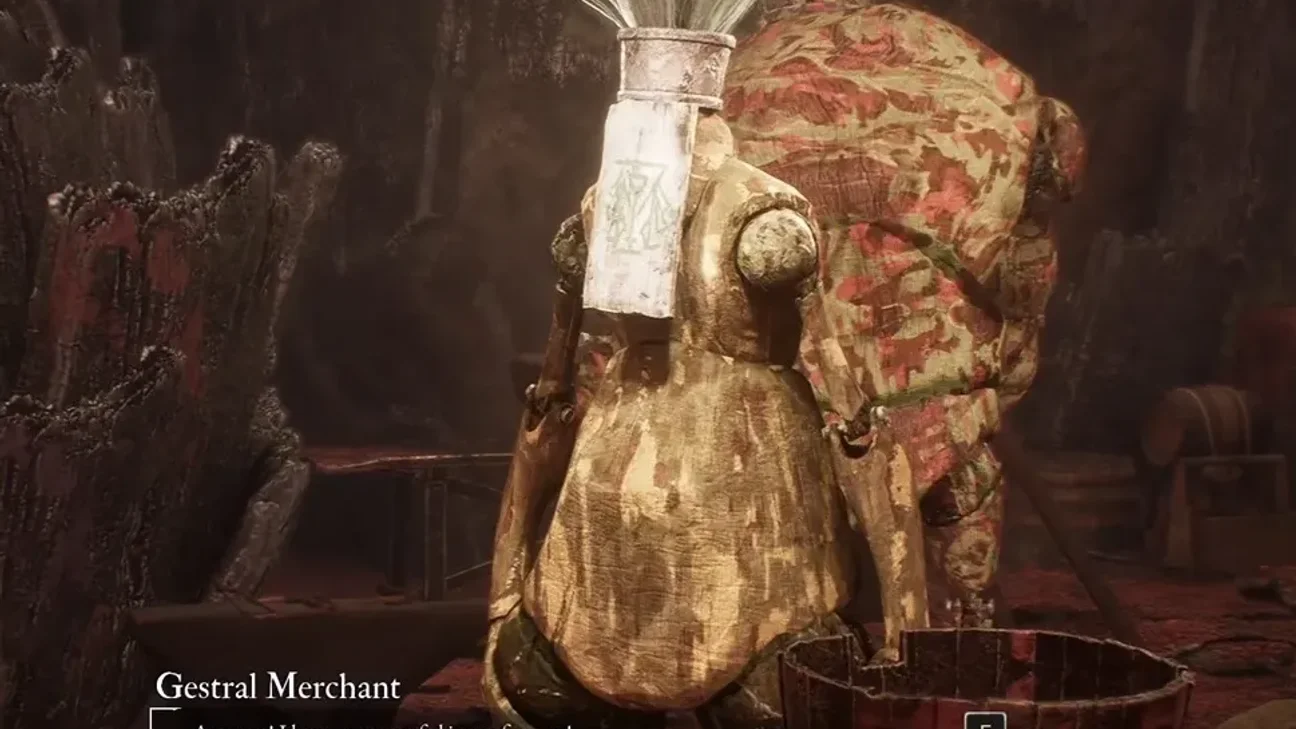
Ultimately, trading is a solid way to get Renewal. Many merchants sell it, in fact. The Gestral Merchant at the Gestral Village Bazaar is notably one of the first accessible merchants offering this material. If you have the right currency, gathering Renewal this way can make things easier.
How to Reset Attributes and Skills
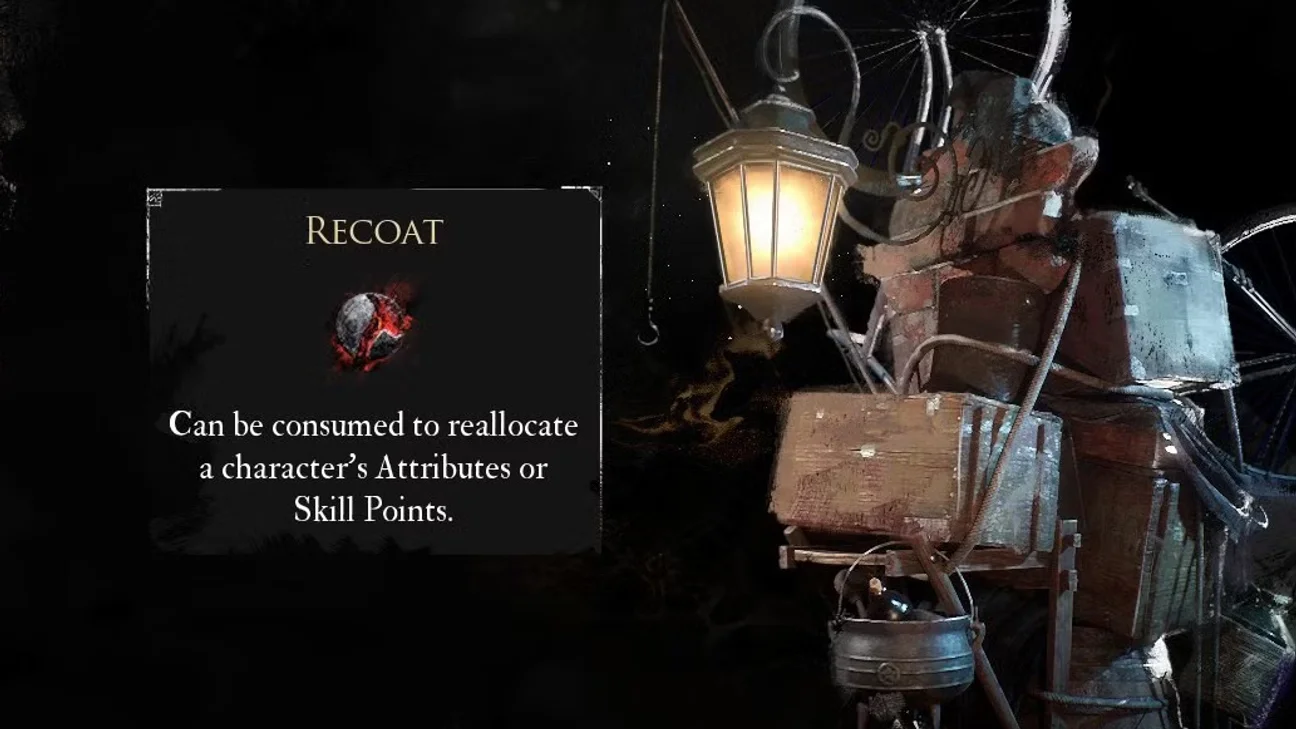
Once you have one or more Renewal in hand, performing the reset is fairly simple. This action lets you recover all the points invested in a character's stats or skill tree, allowing you to reallocate them however best suits your strategy or preference.
The first step to carry out a reset is to find an Expedition Flag, those save and rest points scattered throughout the game world that serve as hubs for various actions, including resetting characters' attributes and skills. To reset one of your companions' attributes, you need to select the "Upgrade Attributes" option at the Expedition Flag, then choose the character from the list that appears. At the bottom right of the screen, the "Reset Attributes" option will appear. Consume a Renewal, and get back all the attribute points previously allocated.
To reset the entire skill tree, this time start from "Learn Skills at the Expedition Flag". After selecting the desired character, look in the top right corner for the "Consume to reset the tree" prompt. Then hold down the button to proceed. This will consume a Renewal, allowing you to redistribute all skill points.
Flexible character management is one of the game's strong points. This lets you adapt your party to face challenges, or simply fix choices that didn't pan out. Resetting skills and attributes in Clair Obscur: Expedition 33 is one of the strategic elements of the game that will accompany you throughout its progression. By mastering it, you'll be able to adapt your team to face the many challenges of this mysterious world!
Share this article
What is your main source of Renewal in Clair Obscur: Expedition 33?
Frequently asked questions
Where can you find Renewal in Clair Obscur: Expedition 33?
Renewal can be obtained by defeating powerful bosses like the Flying Waters Guardians, hunting creatures called Petanks, exploring environments to pick up purple items on the ground, or buying from merchants like the Gestral Merchant at the Gestral Village Bazaar.
How do you reset a character's attributes?
Head to an Expedition Flag, select the "Upgrade Attributes" option, choose the desired character, then click "Reset Attributes" in the bottom right. Consume a Renewal and recover all your attribute points.
Is it possible to reset the entire skill tree?
Yes, go to the Expedition Flag, select "Learn Skills", choose the character, then locate the "Consume to reset tree" indication in the top right and confirm the action. This will consume a Renewal and redistribute all your skill points.
How much Renewal is needed for a reset?
A single reset (attributes or skills) consumes only one Renewal, which makes the system fairly accessible and flexible.
Key takeaways
- Renewal is the key material for resetting your attributes and skills in the game.
- You can obtain Renewal by defeating bosses, hunting Petanks, exploring the environment, or from merchants.
- Resetting is done at Expedition Flags by consuming a single Renewal per reset.
- You get back all your attribute and skill points to redistribute according to your strategy.
- This flexibility allows you to adapt your party to the various challenges you encounter.
Comments
No comments yet. Be the first to react!
Leave a comment
Similar guides





Latest articles







Your opinion counts
Rate Clair Obscur: Expedition 33
Click a star to rate