



 Alexandre Jollier

Beginner's Guide
AC Black Flag Resynced: unlocking and using fast travel
In brief
Fast travel in AC Black Flag Resynced only works to synchronization points you've activated (recognizable by their yellow icon on the map). Make sure to synchronize every viewpoint to progressively unlock a teleportation network, but keep in mind that you can't teleport directly to just any visited location — only synchronized points and captured forts work.
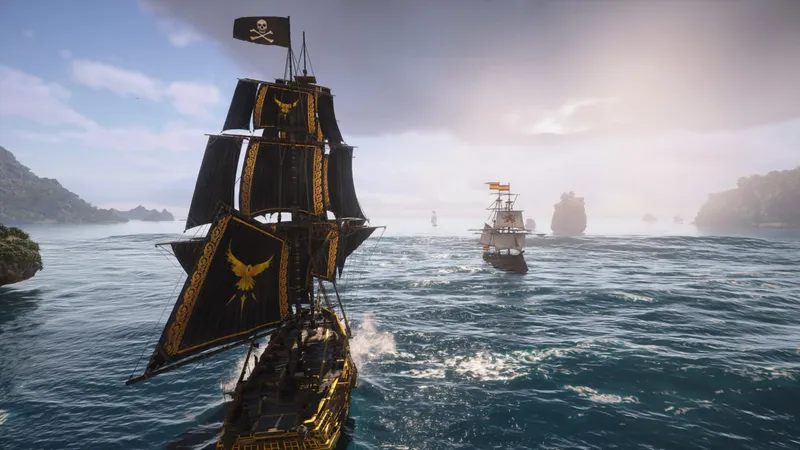
The map in Assassin's Creed Black Flag Resynced is massive. Between two islands, a crossing on the Jackdaw can easily eat up ten minutes, even if you keep yourself busy with boarding actions along the way. Fast travel solves this - but the system has a few rules you need to know before relying on it blindly.
Requirement: synchronize to unlock
Fast travel isn't available right away to just any location. You can only teleport to synchronization points you've already visited and activated. That's the basic rule, and it governs everything else.
Note
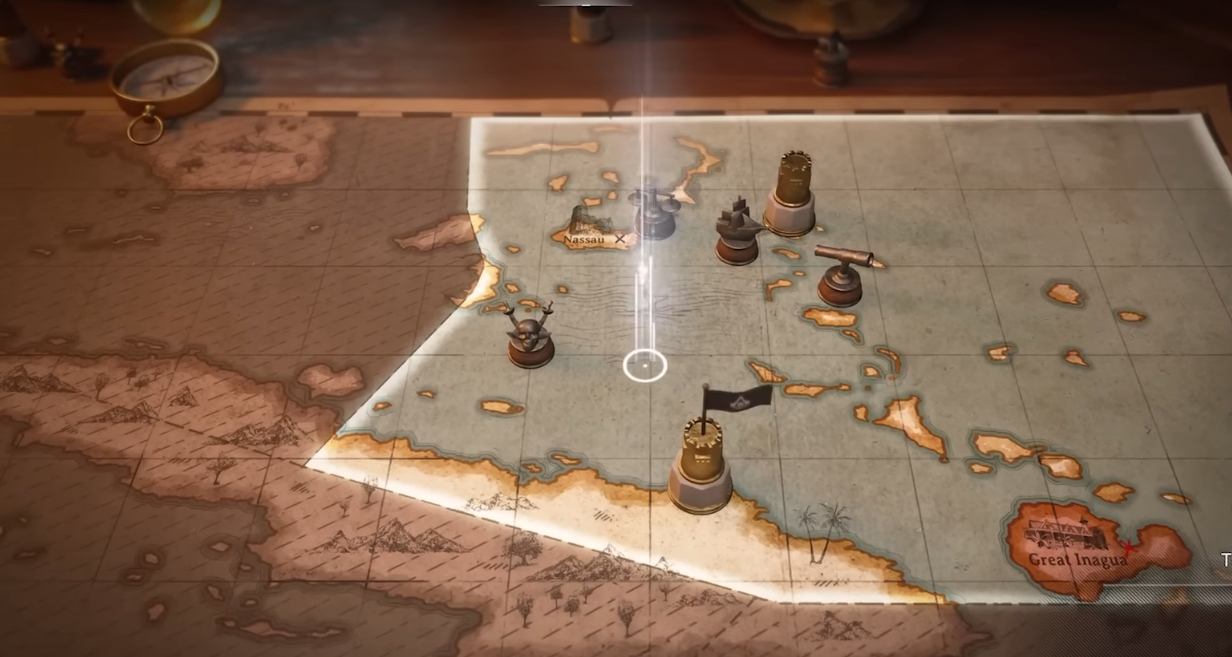
You'll recognize a synchronized point immediately on the map: its icon turns from white to yellow. As long as it stays white, it's inaccessible via fast travel. It's that simple.
Logical conclusion: synchronize every viewpoint you come across, systematically. Not just for fast travel - each synchronization reveals additional icons in the area (sea shanties, hidden chests, various activities). It's time invested now, paid back twofold later.
How to use fast travel
The process is quick:
- Open the map.
- Hover over a synchronization point with a yellow icon.
- Hold Triangle (PS) / Y (Xbox) to confirm the teleport.
There's no distance restriction. You can teleport from the other side of the world to any synchronized point. The map is your hub, the rest follows. And it's not limited to classic viewpoints either. Forts you capture also become fast travel destinations. The further you progress through the campaign, the more your network of teleport points naturally grows.
Getting back to the Jackdaw quickly
Are you on foot on an island and want to get back to your ship without swimming? Two methods exist:
- Via the map: open the map, select the Jackdaw icon, hold Triangle/Y. Fast, reliable, always works.
- Via a rowboat: if a small rowboat is moored on the shore, you can use it in the open world - it triggers a loading screen and drops you off aboard the Jackdaw.
Tip
On paper, both methods work. In practice, rowboats are problematic: in the current version of the game, the loading screen can get stuck for about thirty seconds before simply dropping you back next to the rowboat, without teleporting you. Bug or isolated case, hard to say for now. Until a potential patch arrives, go through the map instead. Zero risk of wasting time.
What the system doesn't allow
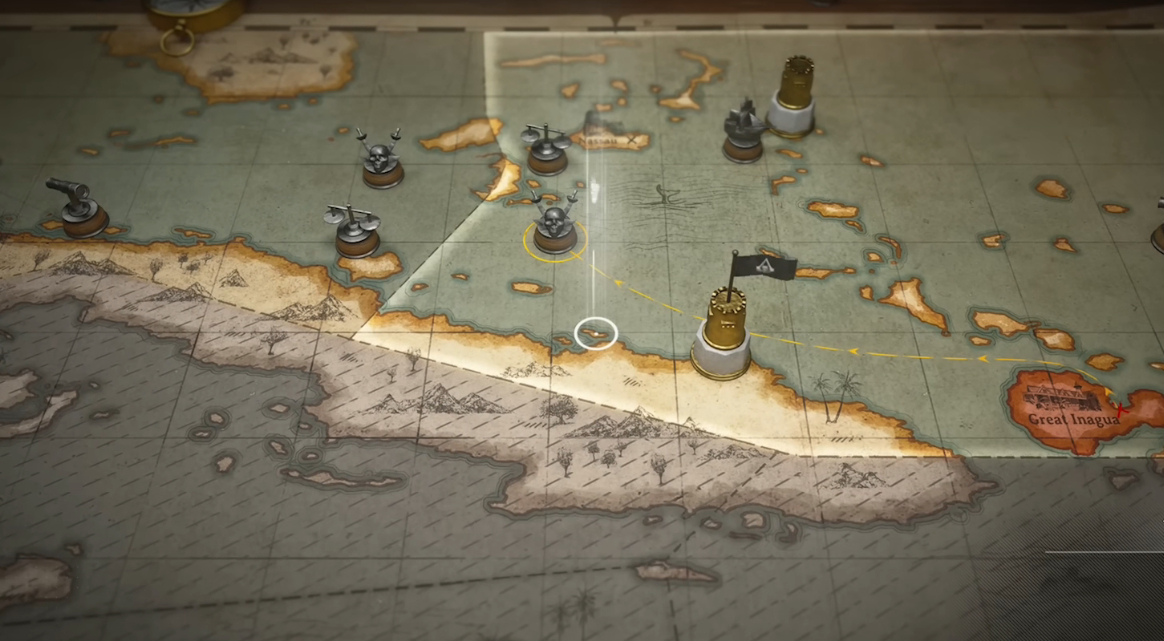
An important point to avoid frustration: you cannot teleport directly to just any location you've visited. A merchant you passed along the way, a beach you spotted, a side quest on an unsynchronized island - none of that is accessible via fast travel.
You always have to go through a synchronized point (or a captured fort) and then travel on foot to your final destination. That's the system's limit, and it stays consistent with the original game's logic. Synchronize ahead of time, and you'll keep these detours to a minimum.
Share this article
What annoys you most in open world games: long travel times or having to synchronize before fast traveling?
Frequently asked questions
How do I unlock fast travel to a location?
You first need to synchronize with the viewpoint located in that area. Once synchronized, the icon turns from white to yellow on the map, and you can teleport there instantly.
I see a white icon on the map — can I select it?
No, not for fast travel. White icons mean you haven't synchronized that point yet. You need to reach it on foot or by boat first to activate it.
Is there a distance limit for teleporting?
None at all. You can teleport from one end of the world to a synchronized point with no distance restriction — the only requirement is having activated it beforehand.
Can I teleport directly to a side quest or a merchant?
No, that's not possible. Fast travel only works to synchronized points and captured forts. To reach a quest or merchant that isn't synchronized, you must first teleport to the nearest point, then continue on foot.
How do I quickly get back to the Jackdaw from an island?
Open the map, select the Jackdaw icon, hold Triangle/Y. Avoid coastal rowboats — they're currently buggy and will leave you stuck on an endless loading screen.
Key takeaways
- Synchronize every viewpoint: it's the only way to unlock fast travel in that area.
- Yellow icons = accessible by teleportation, white icons = still inaccessible.
- Hold Triangle (PS) or Y (Xbox) on the map to confirm your teleport, no distance limit.
- Forts you capture automatically become additional fast travel points.
- Coastal rowboats are currently buggy — prefer the map to reach the Jackdaw, it's faster and more reliable.
Comments
No comments yet. Be the first to react!
Leave a comment
Similar guides


Latest articles








Your opinion counts
Rate Assassin's Creed: Black Flag Resynced
Click a star to rate