



 Alexandre Jollier
Crafting
Pokémon Pokopia: how to get the Ditto print blocks recipe (Expansion Pass)
In brief
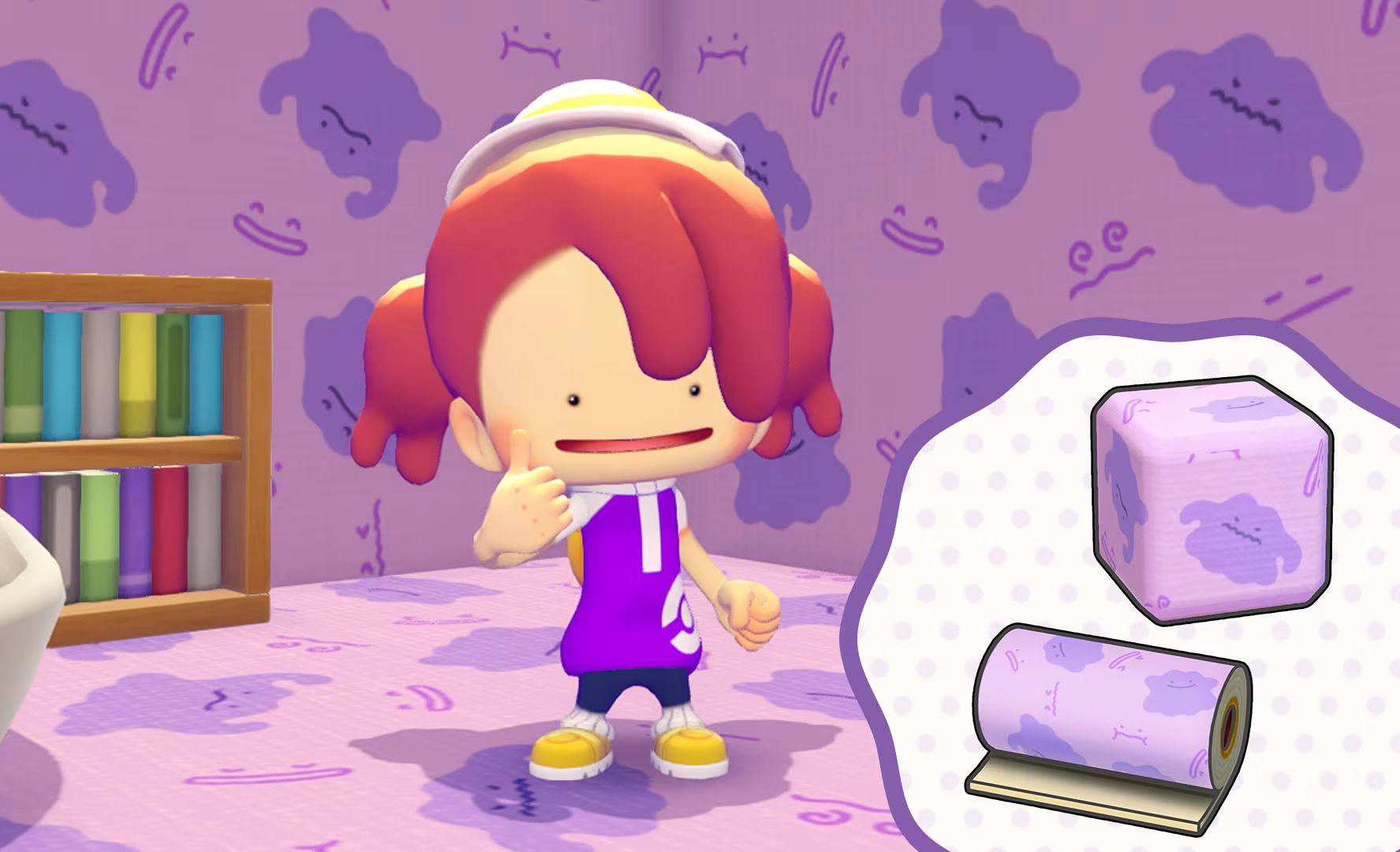
Ditto's dynamic print block is an exclusive bonus reserved for owners of the Pokémon Pokopia Expansion Pass: two cosmetic recipes for decorating floors and walls. The process requires updating the game to version 1.1.0 minimum, then retrieving the recipes via the Pokédex menu before crafting them at the workbench using basic resources.
The Dynamic Print Block is an exclusive bonus reserved for players who bought the Expansion Pass for Pokémon Pokopia. Specifically, these are two cosmetic recipes: a Ditto pattern for your floors, and another for your walls. Nothing technically complicated, but the process goes through several menus and can leave you going in circles if you don't know where to look.
Give yourself five minutes flat if you follow the steps in order. The only prerequisite: having already purchased the Pass and being connected to the internet.
Step 1: update your game
First and foremost, check that your version of Pokopia is at least 1.1.0. Without that, the bonus content won't show up anywhere, even if you've paid for the pass.
- On the Switch 2 home screen, select the game icon without launching it.
- Press the + button to open the context menu.
- Choose Software Update, then Via the Internet.
Let the download finish before launching the game. Once done, you can play normally.
Step 2: get the recipes from the Pokédex
This is the step most players miss, because the menu isn't exactly intuitive. The Ditto Print doesn't automatically land in your inventory: you have to go get it.
- Open the Pokédex menu with the + button.
- Click on the supply bag icon in the bottom right to access the Downloadable Content menu.
- You'll see the 3 phases of the Expansion Pass appear, with two options below: open the eShop or Check Items.
- Select Check Items. A bubble will appear indicating that the Dynamic Ditto Print recipes are available.
- Press Receive. The recipes land directly in your crafting menu, no need to physically pick them up somewhere on the map.
Step 3: craft your Ditto patterns
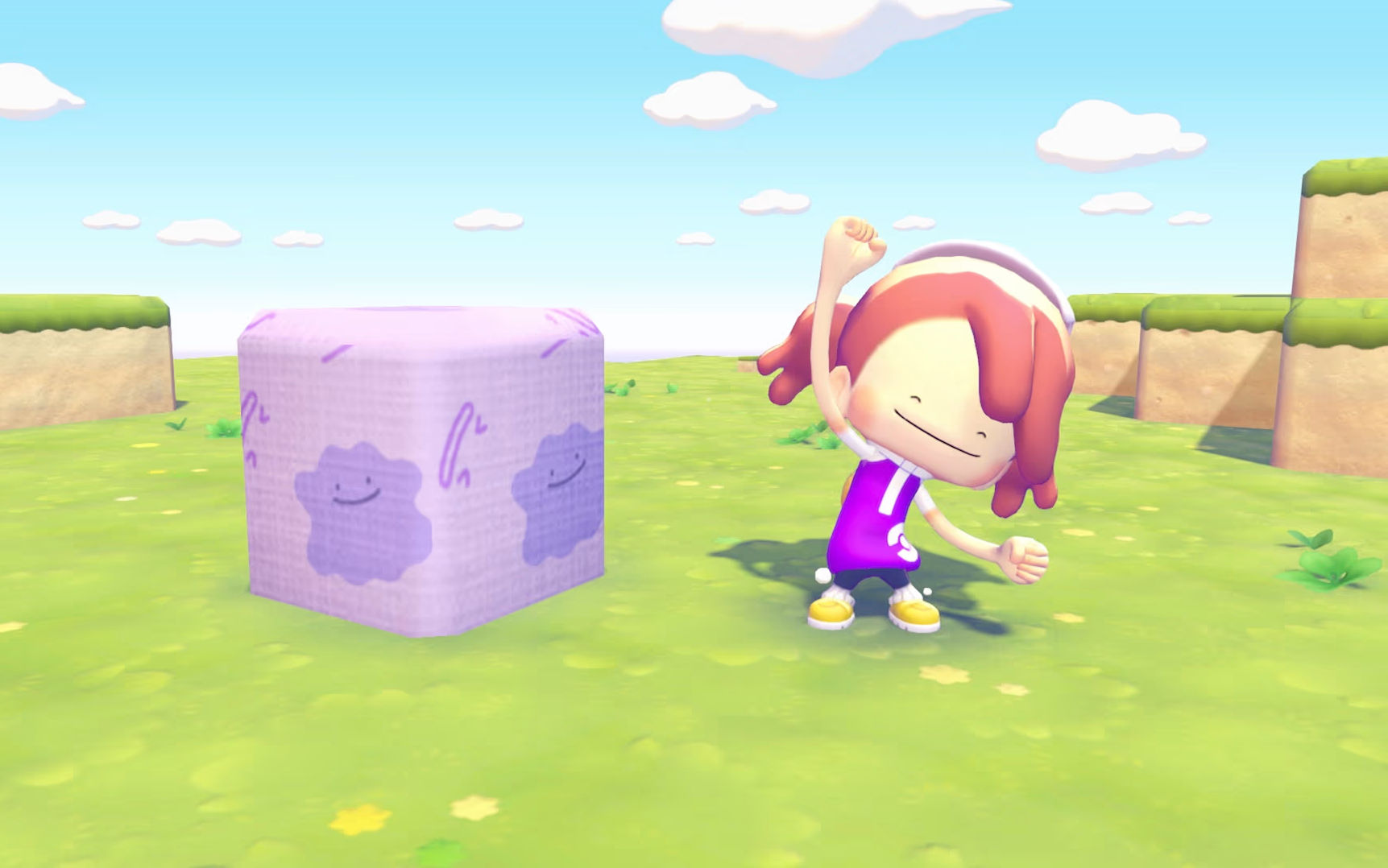
Once the recipes are unlocked, head to any Pokopia crafting bench. You'll find two new entries there: the floor block and the wall wallpaper, each with its own list of ingredients.
| Item | Recipe |
|---|---|
| Ditto Dynamic Print Blocks (Ditto - floor) | 2 String / 10 Blocks |
| Ditto Dynamic Wallpaper (Ditto - wall) | 6 Paper / 1 batch (piece) |
The floor block stays accessible without too much detour, since string and basic building blocks are easy to find while exploring Pokopia. The wall wallpaper, on the other hand, requires a more demanding resource: paper.
To craft paper, you need to go through either Sparkling Skylands or Dragonite's Dream Island. If you haven't unlocked these areas yet, that's the real bottleneck before you can wallpaper an entire room in Ditto pattern. So plan for a bit of paper farming if you want to decorate several rooms at once, since each batch only covers one room at a time.
Share this article
Did you buy the Expansion Pass for the cosmetic patterns, or more for the gameplay content?
Frequently asked questions
Do you really need to update the game to access the Pass's bonus content?
Yes, absolutely. Without version 1.1.0 minimum, the Ditto recipes won't show up anywhere, even if you've paid for the pass. Head to Software Update on the Switch 2's home screen.
Why aren't the recipes showing up in my inventory after buying the Pass?
They don't drop automatically. You need to retrieve them manually via the Pokédex menu (+ button), then click on the supply bag icon, select Downloadable Content, and press Receive. They'll then land directly in your crafting menu.
What ingredients are needed to craft the two Ditto patterns?
The floor block requires 2 Strings and 10 Blocks. The wall wallpaper requires 6 Papers and 1 coin batch. String and blocks are easy to find, but the paper requires farming in Sparkling Skylands or Dragonite's Dream Island.
Can you craft multiple Ditto wallpapers to decorate several rooms?
Yes, but each batch of paper only covers one room at a time. So plan for multiple paper resources if you want to decorate several rooms in a row.
Key takeaways
- The Expansion Pass offers two cosmetic recipes: a Ditto pattern for the floor and one for the walls.
- The 1.1.0 update is mandatory, otherwise the bonuses will never appear.
- The critical step: go get the recipes from the Pokédex menu via Downloadable Content, not automatically in your inventory.
- The paper for the wall pattern requires farming in Sparkling Skylands or Dragonite's Dream Island, which can slow things down if these areas aren't unlocked yet.
Comments
No comments yet. Be the first to react!
Leave a comment
Similar guides


Latest articles







Your opinion counts
Rate Pokémon Pokopia
Click a star to rate