



 Fabian Lainé
Full Guide
Pokémon Pokopia: decoration and monuments — the 2026 decor guide
In brief
Pokémon Pokopia turns decoration into a genuine progression system thanks to the 3D printer and Environment Level. This guide covers the essentials for going from casual player to true landscape architect: unlocking iconic monuments, mastering the five themed zones, and making the most of every building kit to build the village of your dreams.
Six months after its release on Nintendo Switch 2, Pokémon Pokopia has established itself as the big cosy game of 2026 thanks to its terraforming loop. Once past the main storyline and the first automated orchards, dedicated players are all turning to the same thing: building a real village. Building kits, Pokémon statues, bridges, fountains, area themes, the environment level system, the developers' island for snagging rare items… this 2026 decor guide brings together everything you need to know to turn your Ditto into a landscape architect and bring your towns to the top.
The 3D printer, the beating heart of decoration
Any serious decorating in Pokopia relies on a single item: the 3D printer, unlocked as soon as you rebuild the first Pokémon Center in Rocky Ledge. The idea is simple but brilliant: pull out your camera with the Y button, take a photo of pretty much anything (furniture, statue, fountain, berry tree, floor block), then head back to the Center to duplicate the item in exchange for Poké Metal.
Common items cost regular bars, while rare items (imported berry trees, unique furniture, complete kits) require rare Poké Metal, which is farmed from mineral deposits with Rock Smash or earned as an exploration reward. Remember this rule: photograph everything, all the time. A sign, a bench, a wall torch, a flowerpot spotted at a friend's place or on a Dream Island instantly become duplicable. It's the mechanic that literally unlocks your entire creativity, and the only one that gives access to certain decor items that can't be found in shops.

The environment level, your true village score
Many players are looking for a « village score » similar to K.K. Slider's in Animal Crossing. In Pokopia, this rating does indeed exist, but it's called Environment Level. Each town (Rocky Ledge, Arid Beach, Slant Hills, Millefeux Floating Isles, New Town) has its own counter, ranging from 1 to 10, with a nice « Max » display when you reach the cap.
This level determines everything: the items that appear in the Pokémon Center shop, new building kits, advanced cooking recipes, and above all the unlocking of the next area. In practical terms, reaching level 5 for each town opens up access to the next region and makes PP Plus appear in the shop. Level 10 unlocks the entire PC catalog, including the makeover kits used to apply a chosen visual theme to the Pokémon Centers of other towns.
To level up quickly:
- Complete habitats — this is by far the most profitable source of points, with each completed habitat giving a big batch of environment XP.
- Move Pokémon into houses rather than leaving them living in the wild habitat — a housed Pokémon earns more.
- Quick friendship — each Pokémon befriended for the first time in a given area gives a big bonus (with diminishing returns afterward, so vary your regions).
The five areas and their visual themes
Pokopia has five main regions, each with a very distinct decorating identity. The game encourages you to respect the local theme — but nothing stops you from mixing everything together with the 3D printer once you have the kits in hand.
| Zone | Visual Theme | Signature Resources |
|---|---|---|
| Rocky Ledge (Terrassec) | Sandy coastal ruins | Sandstone, ruins, "mysterious" signs and statues |
| Arid Beach (Grisemer) | Flooded coastline, dusk atmosphere | Shipwrecks, planks, jetties, parasols, buoys |
| Collinangle | Volcanic hills and slopes | Copper, limestone, torches, braziers |
| Flotîles-Millefeux | Vertical floating archipelago | Verticality, suspended bridges, eerie candles |
| New Town | Creative sandbox | Renameable, exclusive habitats, no quest |
The great particularity of New Town: it's the only zone without a narrative thread, unlocked fairly early to accommodate your most ambitious decorating projects. It's also from here that multiplayer functions are launched — you can't invite a friend until it's unlocked.
Building kits: over 50 modules ready to place
The Pokémon Center shop sells more than fifty building kits, ranging from simple shelters to true villas. Each kit is crafted at a workbench and then placed on the ground using materials (wood, stone, brick, metal) and Pokémon labor (Foliage, Cutting, Fertilizing specialties, etc.).
Three main profiles to know:
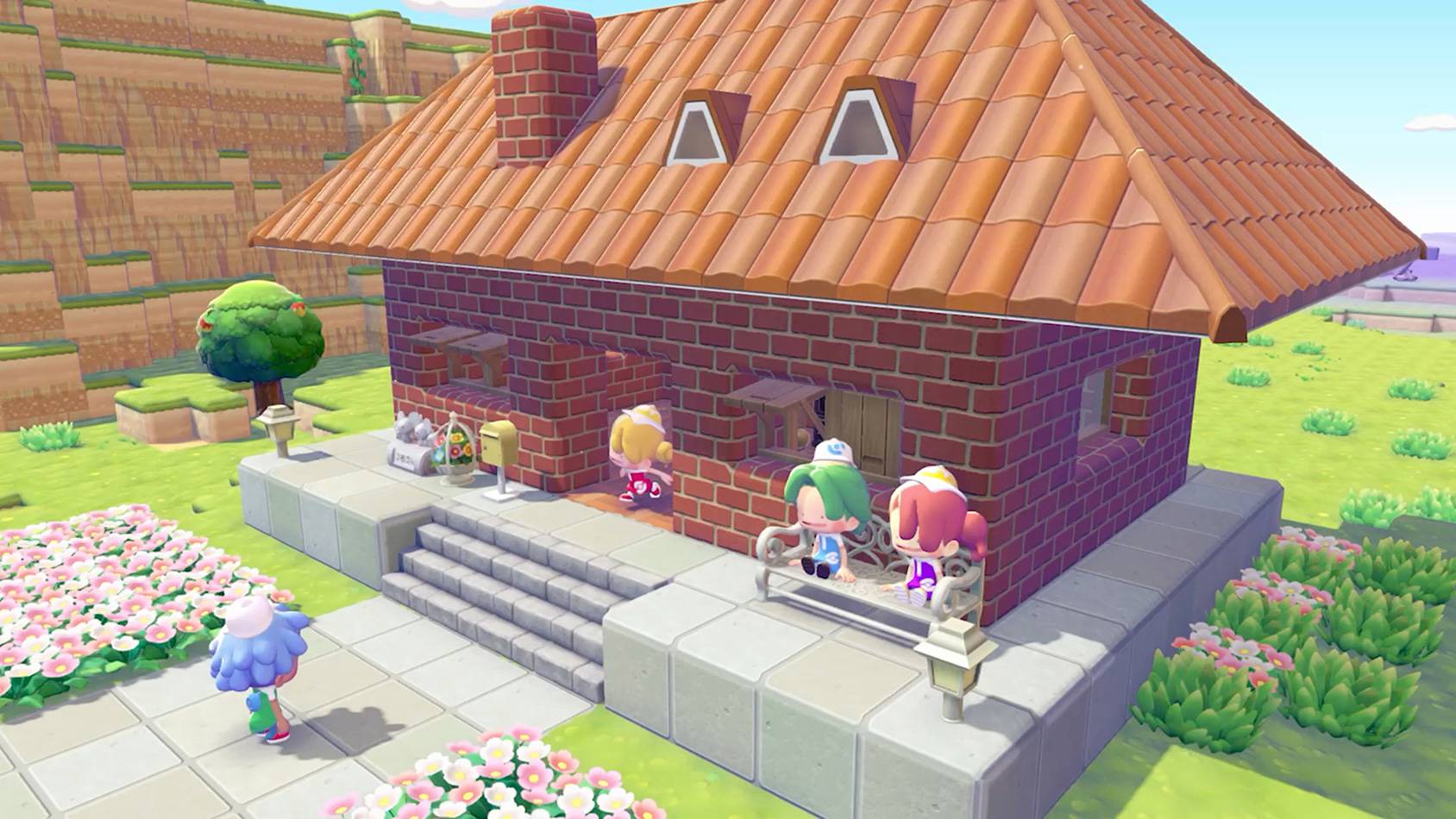
- Themed housing — Leaf, Rose, Sand, Orange, Stone, Grey, Urban, Yellow houses. Each theme offers small cabins, cottages, and manors to durably populate an area.
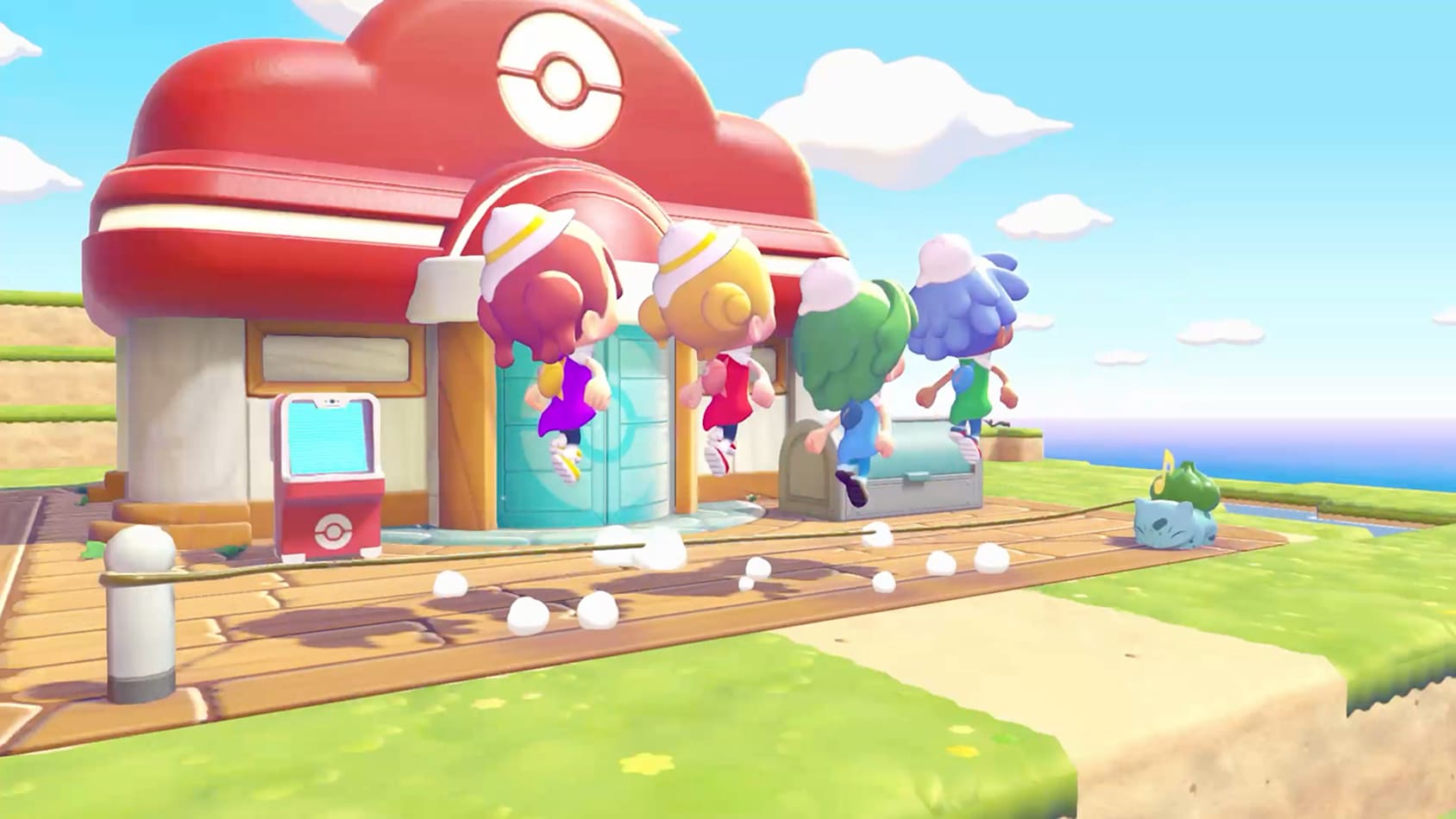
- Specialized buildings — Pokémon Centers (one variant per region: Plains, Coastal, Hills, Flotîles, New Town), Pokémon Shop, Elegant Café, Concert Hall, Air, Water, and Fire generators for energy.
- Monuments and plazas — the game's true decorating signature, to unlock and place as a priority (see next section).
Decorator's tip: Cheffelina's Work specialty brings any construction down to 1 real hour instead of the usual "start of the next day". Place her as a permanent assistant on a construction site, and you can churn out kits without waiting.
Monuments to unlock: statues, fountains, and bridges
Monuments are the big visual highlights of a town. They often require reaching a certain environment level to appear in the PC shop, then a great deal of wood, stone, and copper to build. The must-haves to aim for:
- Fountain Square Kit — the quintessential centerpiece, it spawns a Soggy-Soak Fountain surrounded by neat paving. It unlocks in the PC shop from environment level 4 of New-Town and costs 20 planks, 20 stones and 20 copper ore. Plan for space around it for pathways and comfort furniture.
- Moonlight Dance Statue — a tribute to the Moonlight Dance from the main series, it stands out as the most sought-after nighttime monument for a central square.
- Pikachu Fountain — the iconic alternative to the Soggy-Soak Fountain, perfect for an entrance pathway.
- Twin Freeze — a sculpted duo that fully embraces symmetry, very photogenic in a mountainous area like Angle-Hill.
- Abandoned Power Plant — the "industrial ruin" monument that gives a post-apocalyptic feel to a corner of Arid Beach.
- Embers Altar — the centerpiece of a volcanic area, to combine with braziers, wall torches and a large campfire.
- Mysterious Statue — a nod to the Kanto gym statues, with the description "No one really knows what this statue represents…". Place it at a town entrance to set the mood for visitors.
For bridges, the game offers a useful progression: simple aligned planks to cross two banks, a pontoon that works on uneven terrain and water, and finally true ornamental arched bridges that come together in two structures — ideal for connecting two islets of Thousand-Leaf Floating Isles or crossing a hand-dug canal.
Outdoor decoration: the complete range
Once the big monuments are placed, the finishing touches come down to small outdoor objects. Seven families to know by heart:
- Lighting — campfire, large campfire, torch, wall torch, brazier, thin candle, eerie candle. Unlockable as you progress through levels 2 to 5 in the shop, or craftable.
- Water — Hypotrempe Fountain as the centerpiece, complemented by pools and channels to dig using the O-Gun.
- Street furniture — benches, directional signs, weathervanes, mailboxes, wooden birdhouses, often unlocked as early as level 2.
- Decorative vegetation — flower pots, trimmed shrubs, berry trees cloned from your orchards or from the Dream Islands.
- Narrative elements — graves of Terrassec, blank canvas to have painted by Queulorior, beach parasols, stranded boats.
- Sound elements — wall-mounted golden bell that emits a pleasant sound when struck, very effective for marking the entrance to a location.
- Pokémon statues — beyond the Mysterious Statue, the 3D printer lets you duplicate a good part of the statuary bestiary spotted on neighboring islands.
Developers' Island: the PXQC G03S code and its trove of rare items
There's a reason every Pokopia guide keeps talking about the PXQC G03S code: it's the key to the Developers' Island, a Cloud Island built by the Game Freak and Omega Force teams, packed with elaborate constructions, secrets, and endgame Pokémon.
To access it, you need:
- Unlock New City and the Cloud Islands in the main storyline.
- Buy the mysterious goggles from the Pokémon Center shop in any area with an environment level of 3 or above.
- An active Nintendo Switch Online membership (required for all online visits).
- Enter the code
PXQC G03Sfrom the Link Cable menu.
Once there, it's impossible to interact with objects or pick them up directly. Everything, as on any island you visit, is captured through the camera: snap away at the Pikachu Fountain, the Charizard rug, the rare statues, the never-before-seen architecture kits. Back at your Pokémon Center, the 3D printer does the rest. This is currently the best way to get everything missing from your catalog in a single session.
Dream Islands: the hidden source of rare resources
Alongside the developer island, the daily Dream Islands generated by Baudrive remain the best source of exotic materials for your monuments. The biome you get depends on the plush toy you show Baudrive:
- Eevee plush → Plain biome: tall grass, wildflowers, light wood.
- Clefairy plush → Mountain biome: limestone, crystals, rare moss.
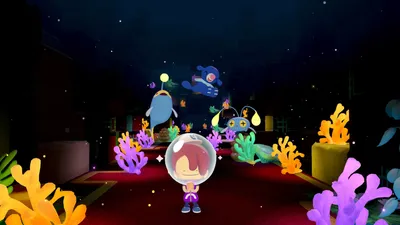
- Pikachu plush → Ocean biome: coral, seashells, deep-sea algae.
- Arcanine plush → Volcano biome: obsidian, molten rock, scorching ores.
Here too, the winning strategy is to photograph everything you don't already have. Since Dream Islands are single-use, a beautiful sculpture you spot and then forget will become unrecoverable — unless you've taken a picture of it.
Sharing Your Village With Friends
Pokopia relies heavily on asynchronous multiplayer. Three options are available to you:
- Visiting a Friend's Town — from New Town, choose "Visit a Friend's Town" in the multiplayer menu. You wander around, take pictures, and leave gifts if you like.
- Shared Cloud Island — every Cloud Island you create generates an 8-character alphanumeric code. Share it: your friends head to a PC, choose "Link Cable," then "Play on a Cloud Island," and finally "Join an Existing Island." The code does the rest.
- Switch 2 GameShare — even lets a friend without a copy of the game join you locally, a much-appreciated little Switch 2 exclusive.
Sharing has real value for decorating: every visitor can photograph your monuments, turning your village into a living catalog for the community. Conversely, a single visiting session at three friends' places is enough to bring back plenty of ideas and plans to build a complete village of your own.
Weekly Decorating Routine for a Regular Player
To wrap things up, here's a routine tested by the community since the servers opened:
- Monday: farming rare Poké Metal in Collinangle and Flotîles-Millefeux, with a Rock Smash buff in hand.
- Tuesday: a trip to a Dream Island to photograph the exotic plants and minerals of the day's biome.
- Wednesday: building a construction kit with Cheffelina to wrap it up in 1 hour.
- Thursday: a developer island session with the code PXQC G03S, to complete the decor catalog.
- Friday: visiting one or two Cloud Islands of friends, to gather layout ideas and photograph their monuments.
- Weekend: a big push on a town's Environment Level — moving in 5 Pokémon, finishing 2 habitats, aiming for the next shop tier.
Conclusion: your village, your showcase
Pokopia isn't just an Animal Crossing with a Pokémon coat of paint: it's a genuine landscaping game with a double loop — material (Poké Metal, materials, Pokémon labor) and creative (photography + 3D printer). Master this loop, aim for level 10 on New Town first to unlock the full catalog, make the rounds of the developer island and the Dream Islands for your photo library, then chain together monuments — Hypotrempe Fountain, Moon Dance Statue, Ember Altar. In two or three weeks of regular sessions, your Ditto will go from an apprentice tinkerer to an architect capable of building a village worthy of the showcases shared by the developers themselves.
Share this article
Which type of monument appeals to you most for your first decorated town?
Frequently asked questions
Where should I start if I really want to decorate my town?
Unlock the 3D printer at the Terracove Pokémon Center as soon as possible, then photograph every item you come across. At the same time, raise your Environment Level by completing habitats and getting Pokémon to move in — it's the most profitable source of points for unlocking monuments in the shop.
How do I get rare monuments like the Sopor Fountain or the Moondance Statue?
They appear in the PC shop once you reach a certain Environment Level (often level 4 or 5). The Sopor Fountain requires 20 planks, 20 stones, and 20 copper ores to craft. So you need to both level up AND stockpile materials.
What is the Chef Cheffelina work specialty and why is it essential?
It's a Pokémon skill that reduces construction time from "start of the next day" to just 1 real-time hour. Placing a Pokémon with this specialty on your construction sites lets you chain kits without waiting — it's a game-changer for impatient decorators.
Do I have to stick to each zone's visual theme, or can I mix things up?
The game encourages you to (each zone has its own theme: ruins, shipwrecks, volcanic, etc.), but nothing forces you to once you've got the kits in hand thanks to the 3D printer. You can create totally wacky hybrids if that's your thing — it's your village after all.
What's the difference between New Town and the other zones?
New Town has zero storyline, which means it unlocks early and is perfect for your most ambitious decoration projects without any lore to respect. It's also the starting point for multiplayer — you can't invite a friend until it's open.
Key takeaways
- The 3D printer is absolutely key: photograph every item you come across to duplicate it at will and access decorations you can't find in the shop.
- The Environment Level (1 to 10) governs everything: new shop items, zone unlocks, and above all access to the full PC catalog.
- Monuments (the Sopor Fountain, the Moondance Statue, ornamental bridges) are the true visual markers of a successful town.
- Completing habitats and getting Pokémon to move into houses earns massive amounts of environment XP — this is the priority grind.
- New Town has no storyline: it's your free-creation zone, ideal for the most ambitious decoration projects.
Comments
No comments yet. Be the first to react!
Leave a comment
Similar guides
Latest articles







Your opinion counts
Rate Pokémon Pokopia
Click a star to rate