



 Alexandre Jollier

Full Guide
Paralives: How to speed up time and adjust day length
In brief
Paralives offers three game speeds to adjust the length of days to your play style: normal speed (40 minutes), fast speed (7 minutes 30 seconds), and ultra-fast speed (1 minute 30 seconds). Find out how to speed up time and choose the pace that fits your gaming goals.
Paralives immerses us in a life simulation where you can create characters and manage their daily lives. Here, we'll try to guide you through the different ways to change the length of a day, which can be useful in many situations!
Day length in Paralives
Day length is an essential element that shapes your character's pace of life. Thus, a 24-hour cycle in the game equals about 40 minutes in real time. However, several options exist to change this:
| Speed option | Real-time duration | Key |
|---|---|---|
| Normal speed | 40 minutes | 1 |
| Fast speed | 7 minutes 30 seconds | 2 |
| Very fast speed | 1 minute 30 seconds | 3 |
These options let you choose the pace that suits you best depending on your goals and your playstyle.
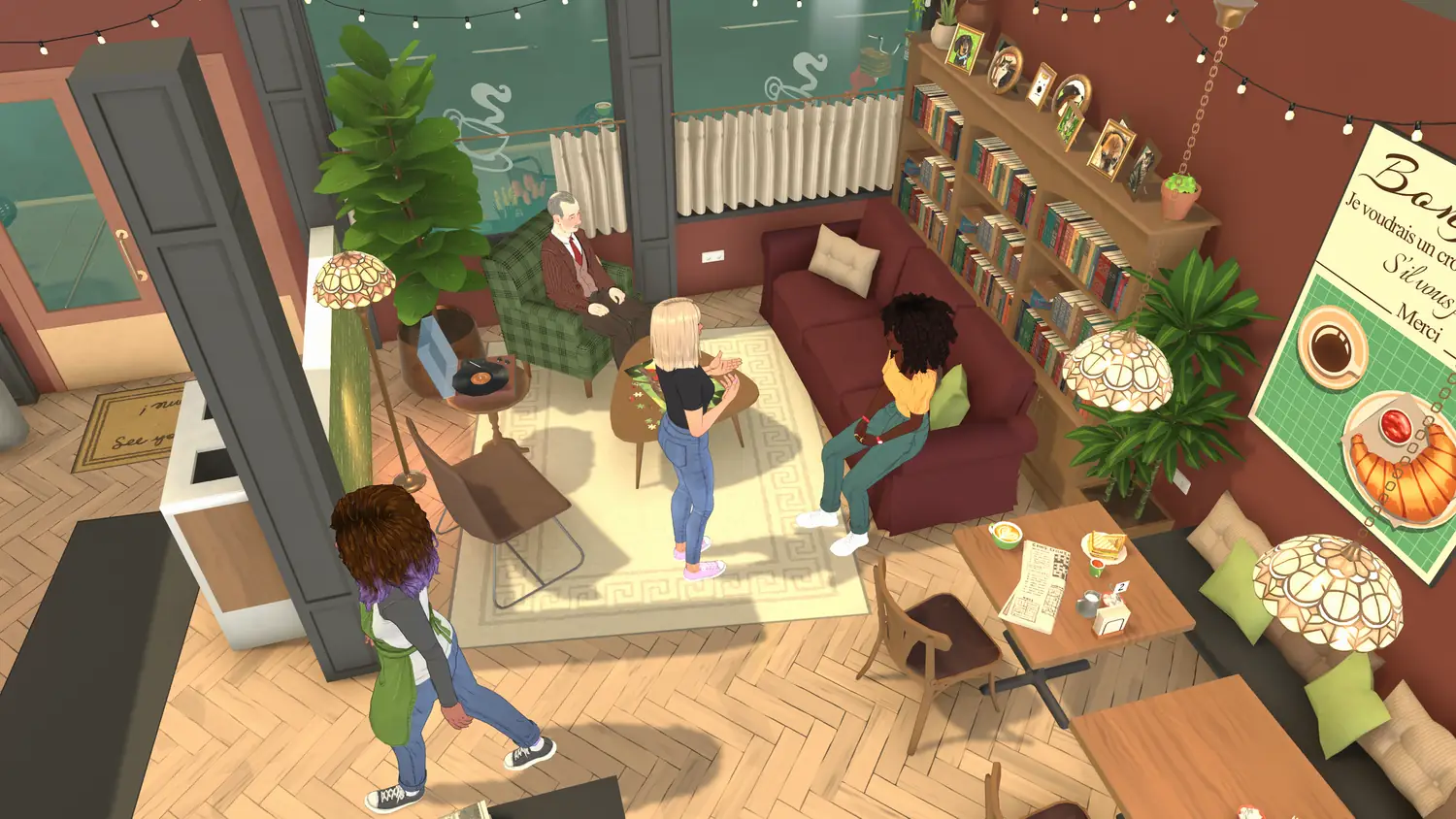
Speeding up time: how to do it in Paralives
Normal speed is the game's default mode. With this option selected, the game's characters live as they would in real life, taking their time to go about their daily activities. Normal speed can become your main choice again:
- by pressing the "1" key on your keyboard
- by clicking the right-pointing triangle icon at the bottom right of the screen
In case you feel that a day's length is too long, choose fast speed, which is 5 times faster:
- by pressing the "2" key on your keyboard
- by clicking the double right-pointing triangle icon
If the goal is to finish a day as quickly as possible, then you guessed it, very fast speed is the most suitable. At this speed, a full day passes in 1 min 30 sec:
- by pressing the "3" key on your keyboard
- by clicking the triple right-pointing triangle icon
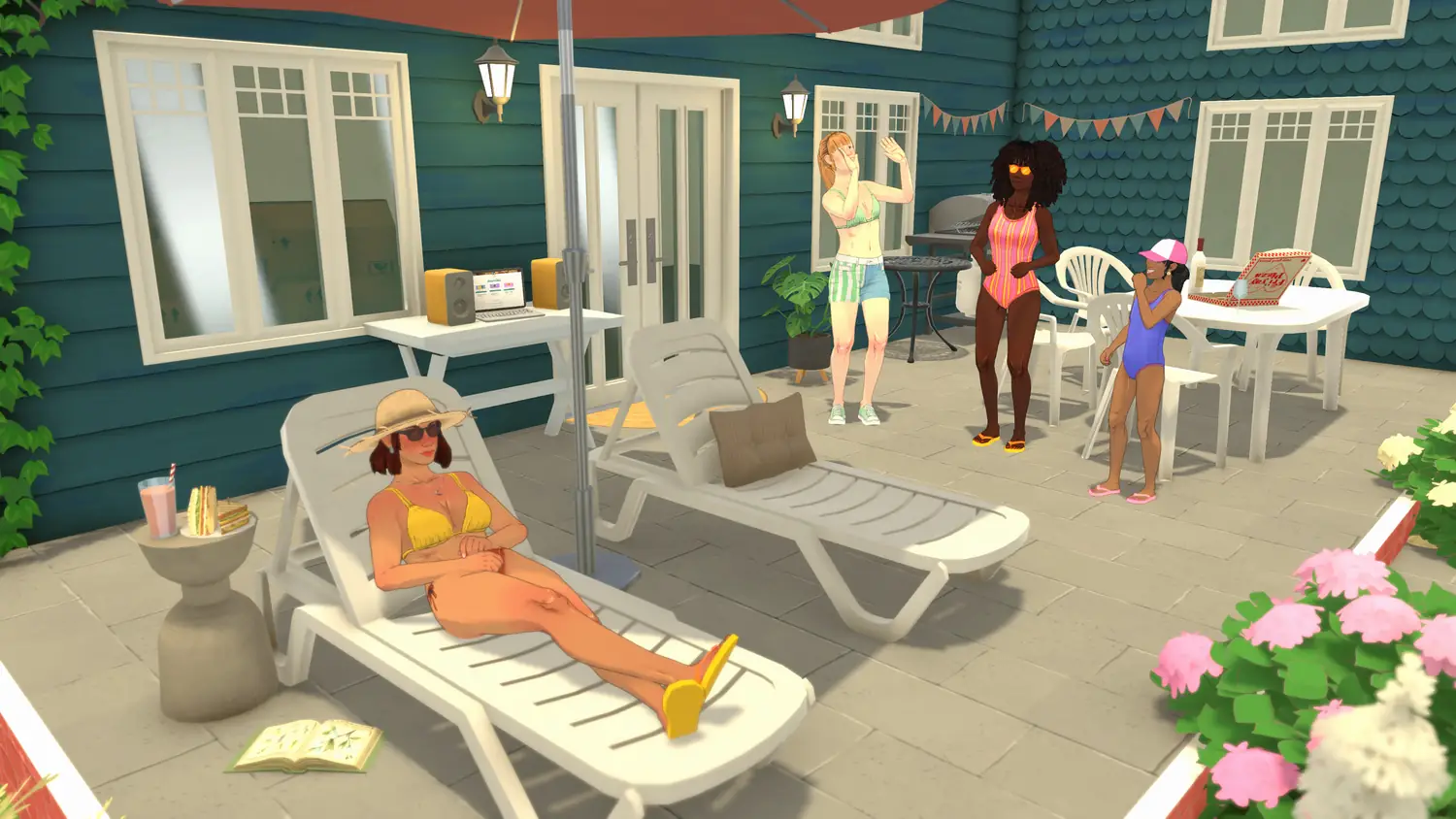
When should you use each speed?
- Normal speed is the one you should choose when you want to explore the town, have interactions through character dialogues, and develop social relationships.
- Fast speed is appropriate when your goal is to perform simple tasks. Completing daily chores can easily be done at this speed.
- Very fast speed is used when you intend to quickly get through a day.
Changing the game's day length
To change the day length, simply open the settings menu by clicking the three small dots at the top right of the screen, then make your choice under "general settings > day length".
Share this article
Which speed do you prefer when playing Paralives?
Frequently asked questions
How long does a full day take in Paralives?
A full day lasts about 40 minutes in real time at normal speed. However, this time can be reduced to 7 minutes 30 seconds at fast speed or 1 minute 30 seconds at ultra-fast speed.
How do I quickly speed up time in Paralives?
You can speed up time by pressing the "2" key (fast speed) or "3" key (ultra-fast speed) on your keyboard, or by clicking the corresponding icons in the bottom right corner of the screen.
Which speed should I choose to develop my character's social relationships?
Choose normal speed, which lets you explore the town, engage in dialogue interactions, and properly develop your characters' social relationships.
Where can I find the menu to change the length of days?
Click the three small dots in the top right corner of the screen to open the settings menu, then go to "general settings > day length".
Key takeaways
- A full day lasts 40 minutes in real time at normal speed
- Three speeds available: normal, fast (5x faster) and ultra-fast (26x faster)
- Change the speed by pressing the 1, 2, or 3 keys or via the icons in the bottom right corner
- Use fast speed for simple tasks and ultra-fast speed to quickly finish a day
- Change the length of days in the game's general settings menu
Comments
No comments yet. Be the first to react!
Leave a comment
Similar guides

Latest articles







Your opinion counts
Rate Paralives
Click a star to rate