



 Alexandre Jollier
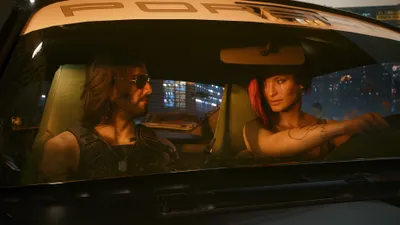

Cyberpunk 2077 Autodrive: How Does It Work?
In brief
Cyberpunk 2077's patch 2.3 introduces AutoDrive, an automated driving system that lets players cross Night City without intervention. The AI follows the rules of the road and also offers a cinematic camera mode for an immersive experience, while automatically deactivating during combat or heavy damage.
Now, with patch 2.3, players have access to AutoDrive in Cyberpunk 2077. This system allows players to travel across Night City without any input on their part (or almost, depending on circumstances). Let's take a look at how to use and optimize it during your nighttime rides through the neon-lit city.

AutoDrive: an automatic, and a drive?!
The implementation of AutoDrive in Cyberpunk 2077 is a real step forward, since you can now travel around without having to drive. Indeed, it's the AI that takes over, steering your vehicle all the way to the destination on your route. If no landing point is set, AutoDrive will take you on a random ride through the city's various districts.
What's interesting about this feature is that it's realistic. The autopilot actually follows the rules of the road: stopping at red lights, respecting speed limits, and staying in lanes. So no stunts or daring shortcuts.
Note
It should be noted, however, that AutoDrive automatically deactivates in certain situations. If you get into a fight during your ride or your car takes heavy damage, you'll immediately regain full control of it.
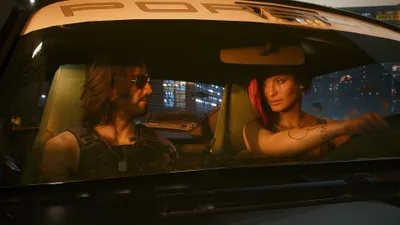
An additional feature is added for players who have completed the "Don't Lose Your Mind" quest. You can call autonomous Delamain taxis at any time by opening the "call vehicle" menu and then selecting "Delamain Cab", these taxis running on the AutoDrive system and driving you around fully autonomously.
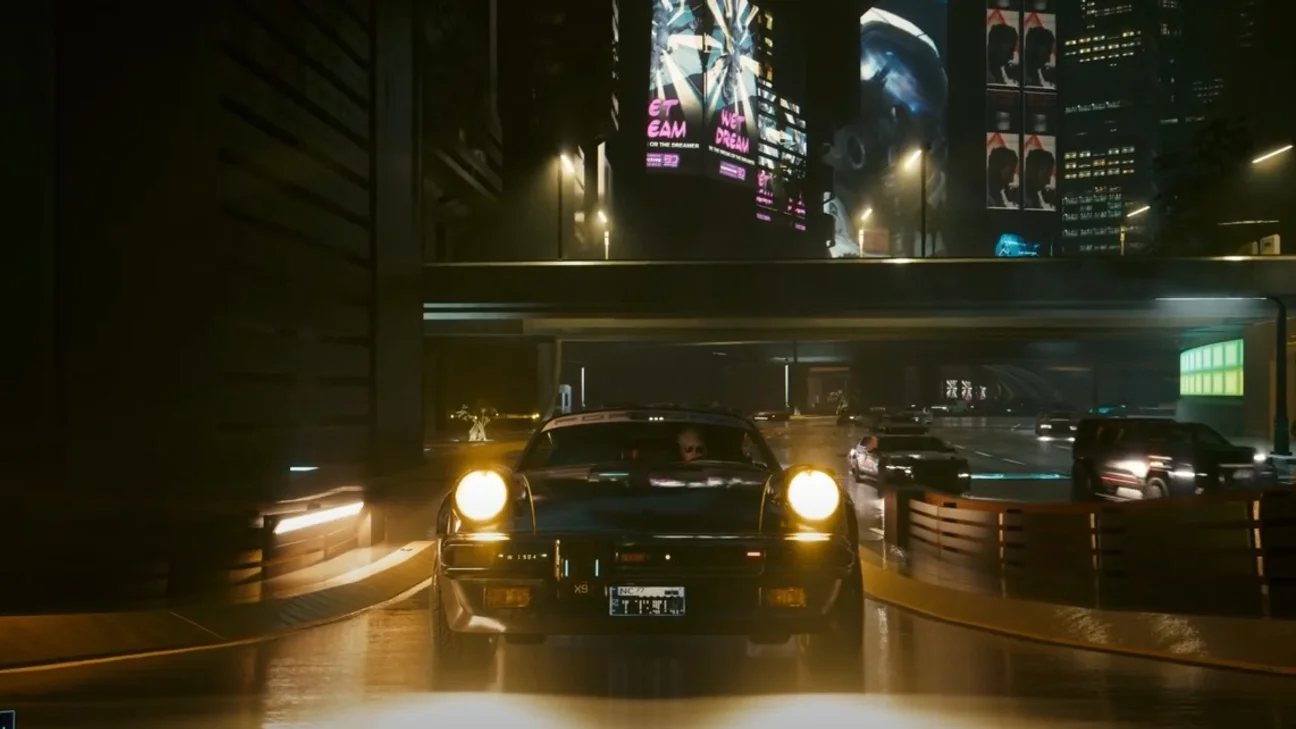
How to activate and use AutoDrive
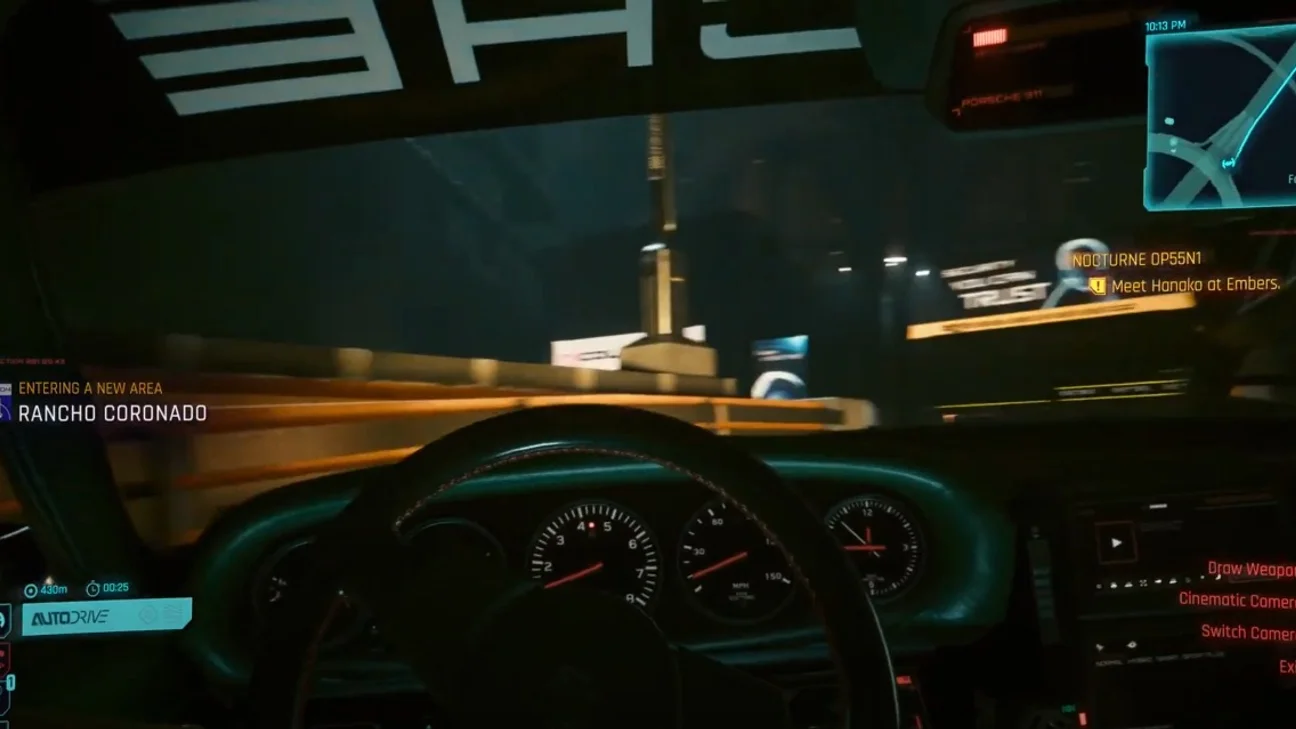
Activating AutoDrive in Cyberpunk 2077 is extremely simple. Once you're in any compatible vehicle, all you need to do is hold down the H key on PC or the left stick click (L3) on console. The automated system then takes over, driving you to the destination marked on the map.
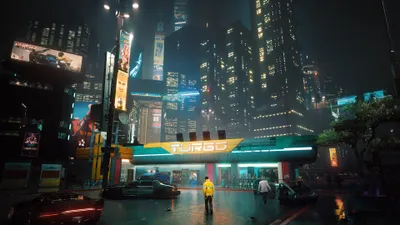
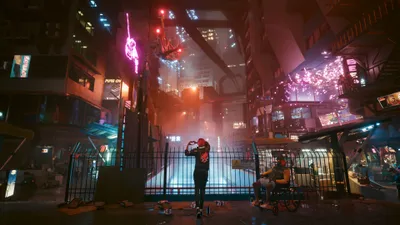
On top of that, AutoDrive comes with a cinematic camera mode that enhances the experience. To activate it, hold down the Q key on PC or press right on the D-pad on console. This mode offers spectacular viewing angles during your ride, showcasing the impressive architecture and unmatched atmosphere of Night City.
Share this article
What do you think of the addition of AutoDrive in Cyberpunk 2077?
Frequently asked questions
How do you activate AutoDrive in Cyberpunk 2077?
Simply get into any compatible vehicle and hold down H on PC or L3 on console. The system will then automatically take over to your destination.
Does AutoDrive follow traffic rules?
Yes, the autopilot faithfully follows the rules of the road: it stops at red lights, observes speed limits, and drives properly in lanes without taking shortcuts.
When does AutoDrive deactivate?
The system automatically deactivates during combat or if your vehicle is heavily damaged, immediately handing control back to you.
How do you activate the cinematic camera mode?
Hold down Q on PC or press right on the d-pad on console to activate spectacular viewing angles during your trip.
What happens if I don't set a destination?
AutoDrive will take you on a random ride through Night City's various districts until you set a destination.
Key takeaways
- AutoDrive enables fully automated driving by holding down a dedicated key (H on PC, L3 on console)
- The system faithfully follows the rules of the road, stopping at red lights and observing speed limits
- A cinematic camera mode enriches the experience with spectacular views of Night City
- AutoDrive automatically deactivates in the event of combat or significant damage to the vehicle
- Players who have completed 'I Fought the Law' can call autonomous Delamain taxis running on AutoDrive
Comments
No comments yet. Be the first to react!
Leave a comment
Similar guides

Latest articles







Your opinion counts
Rate Cyberpunk 2077
Click a star to rate