



 Alexandre Jollier
Quests
Ralph Disney Dreamlight Valley: how to unlock him via the 'Continue?' quest
In brief
Ralph finally arrives in Disney Dreamlight Valley through the "Continue?" quest. You'll need to track down a malfunctioning arcade machine across the Valley, feed it strange dishes, and resolve a forgotten conflict between Ralph and the Forgotten to officially secure his arrival.
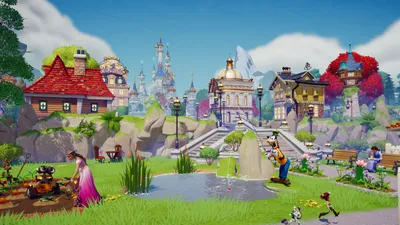
Star of the Pixel Perfect update, Ralph (Wreck-It Ralph) finally joins Disney Dreamlight Valley. To welcome him, you'll need to complete the "Continue?" quest, an adventure that sends you chasing after a malfunctioning arcade cabinet alongside the Forgotten. Here's the step-by-step guide.
Find the malfunctioning arcade cabinet
Head to the entrance of the Castle, at the Plaza, to find the famous cabinet sitting on the bridge. Interacting with it makes the machine start bringing up the Forgotten as well as Scrooge McDuck: that's the signal to kick off the quest. First, go talk to the Forgotten to understand what's going on. Your alter ego suggests you check out Scrooge's shop, where the cabinet is said to have moved.
Feed the temperamental machine
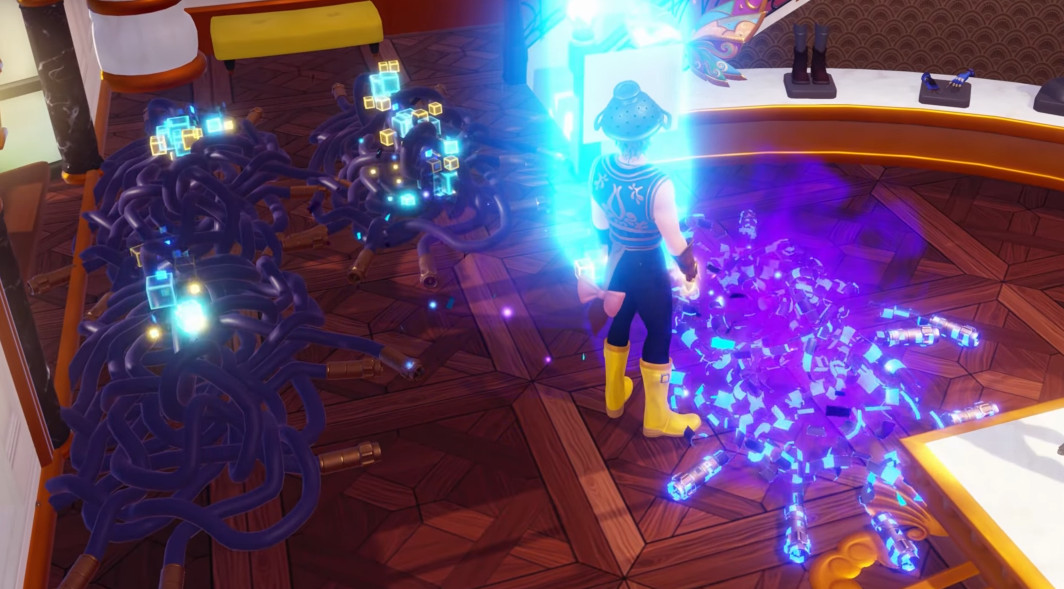
In the shop, you find the cabinet again... surrounded by strange cables that have sprouted all over the Valley. Remove these cables to collect two very particular dishes: a malfunctioning pie and a malfunctioning root beer. The cabinet is clearly hungry: offer it both dishes. Once fed, it disappears again.
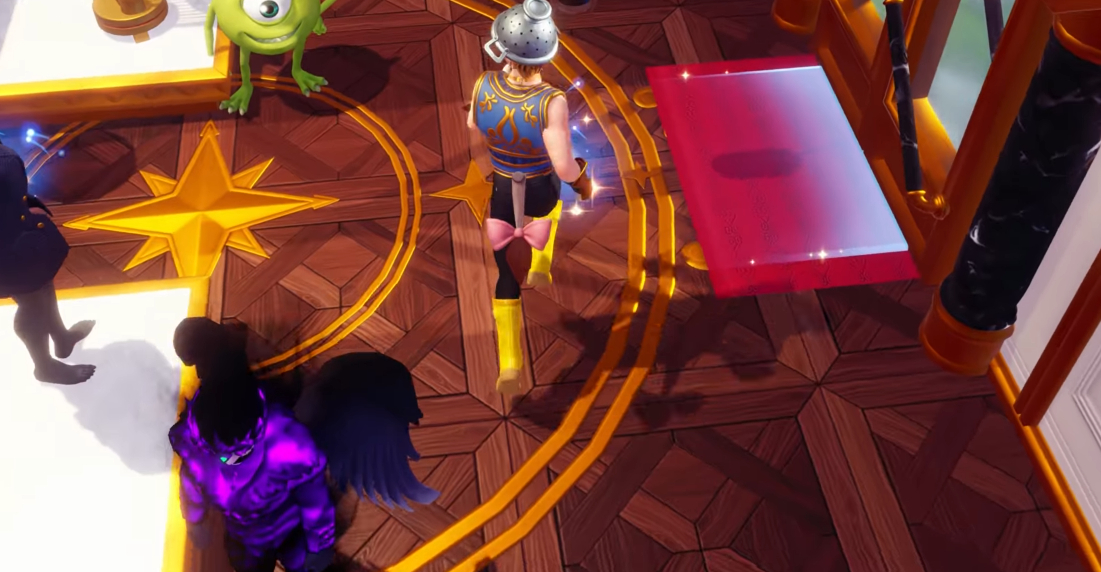
To track it down, ask the Forgotten or head straight to the Forgotten Lands. Enter the large treehouse surrounded by thorns: the cabinet is there. Grab your royal pickaxe, break the bricks surrounding it, and give them to the machine to make it vanish once again.
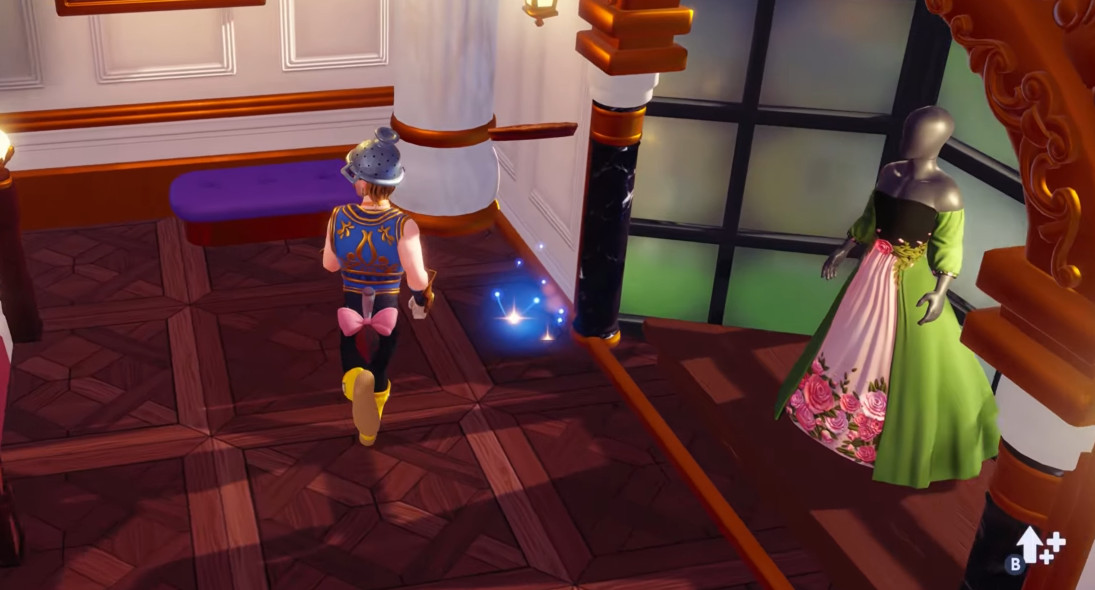
Unlock Ralph at Vanellope's house
Next, head to Vanellope's house - where the cabinet has beaten you there, now sporting a brand-new look. Two prerequisites are needed here: having unlocked Peter Pan and completed the "Music on the Walls" quest.
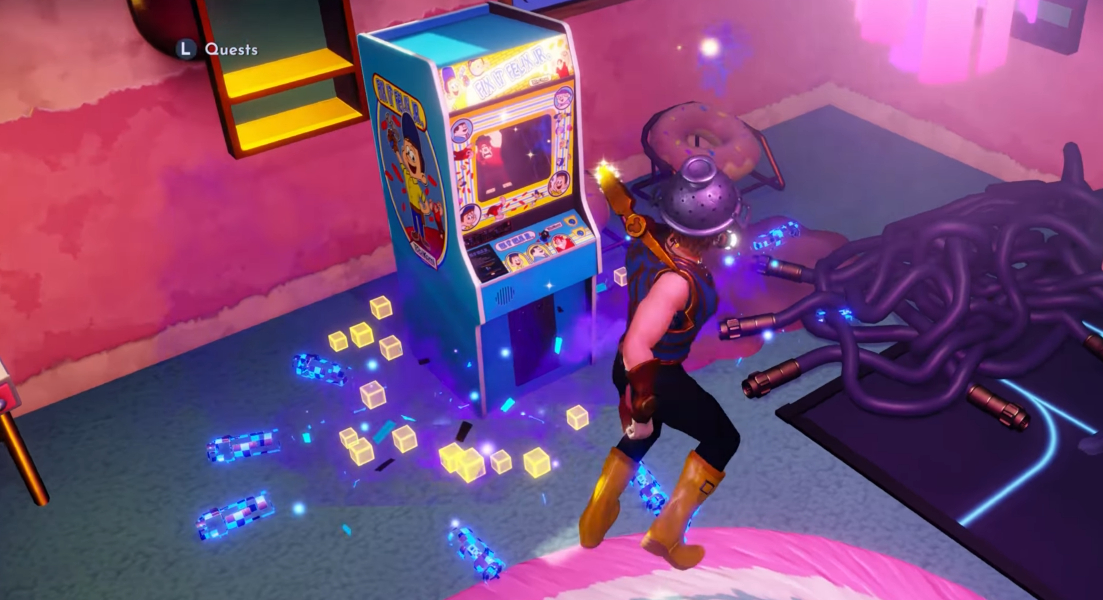
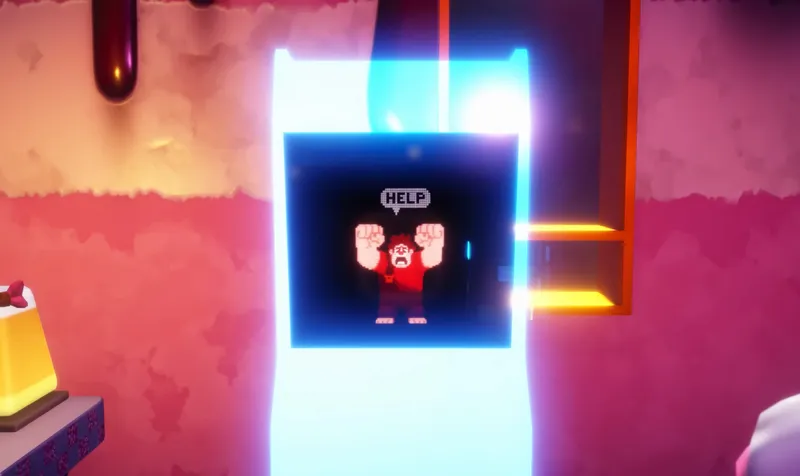
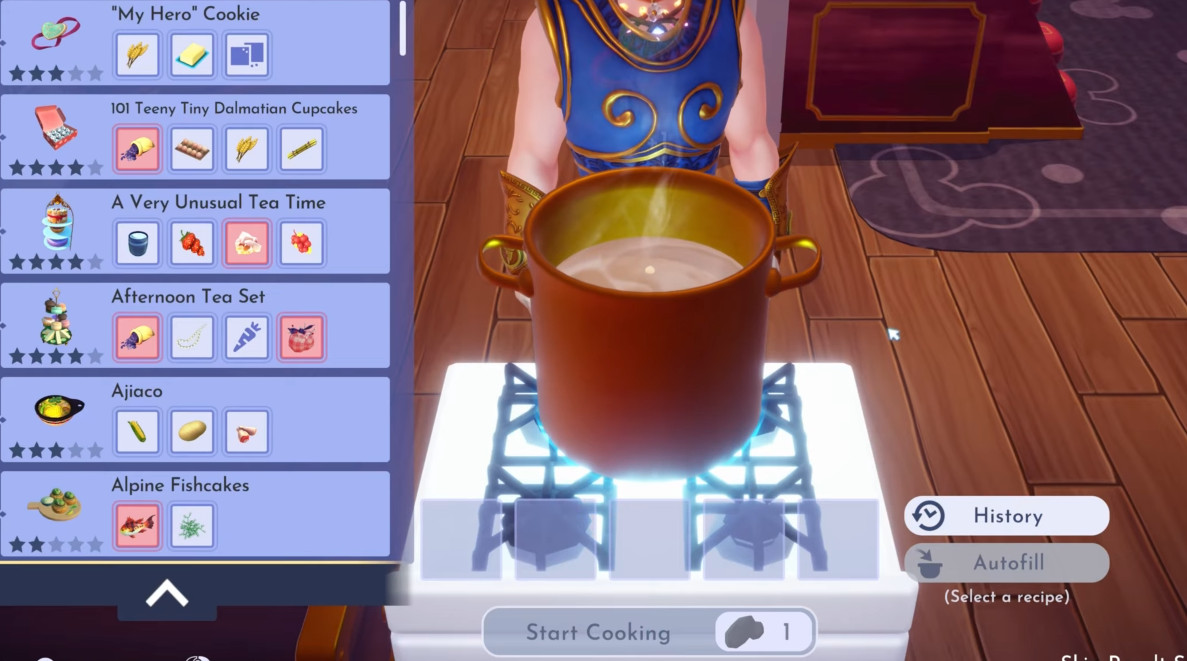
Vanellope has no idea how the machine got there, and strange obstacles keep her from approaching it. The machine is asking to be fed once more: prepare a "My Hero" Cookie by combining Wheat, Butter, and a sweet treat of your choice on a stove. Give it to the cabinet to make a fully pixelated Ralph appear, frozen in a T-pose.
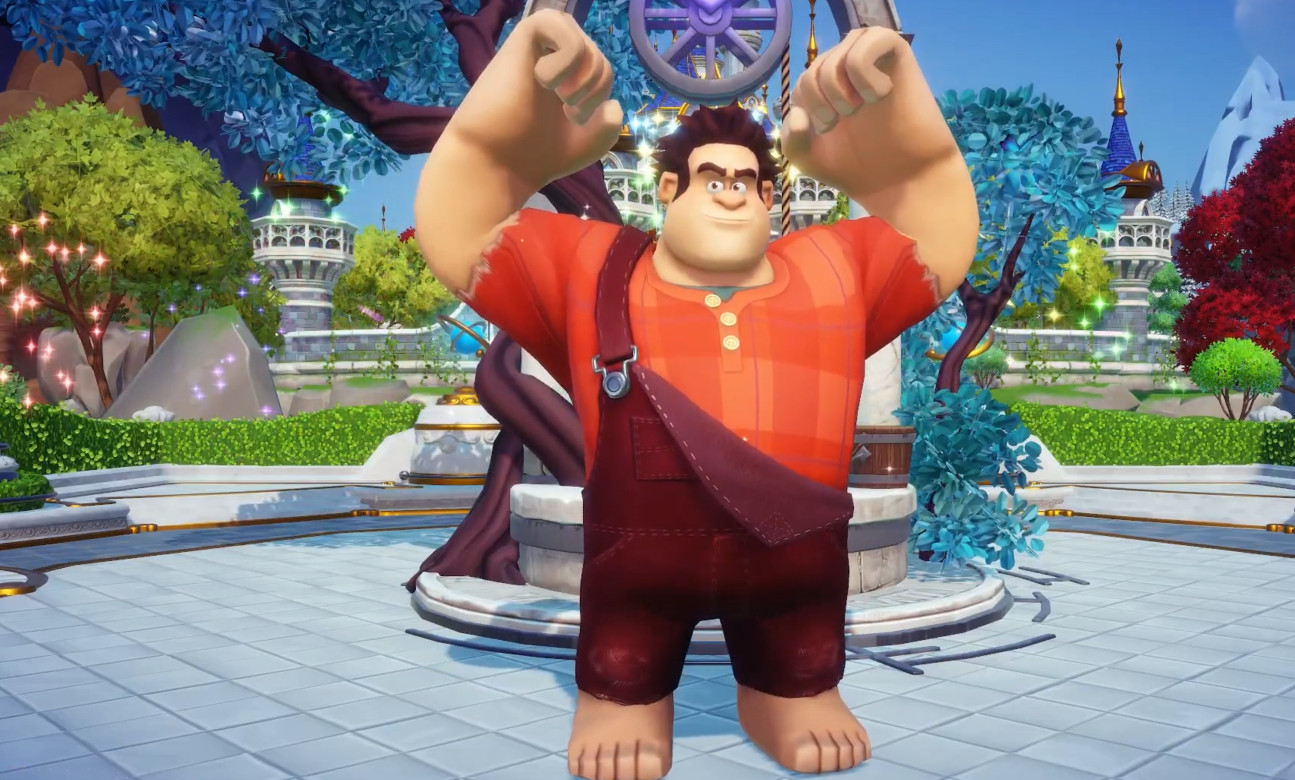
This is the moment of truth: the Forgotten then admits to having banished Ralph long ago, never daring to talk about it for fear of disappointing everyone. Understanding, Ralph forgives him, and you're given a token.
Final step: welcome Ralph
Insert this token into the cabinet to restore a clear image of Ralph. All that's left is to place his house somewhere in the Valley to officially confirm his arrival. Congratulations: Ralph is now one of your residents!
Share this article
Did you find the Ralph quest fun, or downright strange with that hungry machine?
Frequently asked questions
Where exactly is the first arcade machine located?
It's set on the bridge at the entrance to the Castle, on the Plaza. You can't miss it once you've interacted with it to trigger the "Continue?" quest.
What ingredients are needed for the "My Hero" Cookie?
You need Wheat, Butter, and a sweet treat of your choice. Mix them on any stove to get the cookie the machine is asking for.
Can you unlock Ralph without having Peter Pan first?
No, having unlocked Peter Pan is a mandatory prerequisite. The same goes for the "Music on the Walls" quest — complete it before you can welcome Ralph at Vanellope's place.
Will the machine keep moving after Vanellope's place?
No, once you offer it the "My Hero" Cookie at Vanellope's place and the token appears, that's the final step. After inserting it, Ralph is restored and stays in the Valley.
Where can I place Ralph's house?
Anywhere in the Valley, however you like. You have complete freedom to choose the spot that suits you.
Key takeaways
- The quest starts on the Castle Plaza with an arcade machine that talks about the Forgotten and Scrooge McDuck.
- You need to collect a glitched pie and a glitched root beer, then repeat the process with a "My Hero" Cookie to feed the machine.
- The Forgotten admits to having banished Ralph long ago, but Ralph forgives him after discovering the magic token.
- Two mandatory prerequisites: having unlocked Peter Pan and completed the "Music on the Walls" quest.
- Once Ralph is restored, you can place his house anywhere in the Valley to add him permanently.
Comments
No comments yet. Be the first to react!
Leave a comment
Similar guides

Latest articles






Your opinion counts
Rate Disney Dreamlight Valley
Click a star to rate