



 Fabian Lainé


Map
Palworld 1.0 interactive map: which one should you choose?
In brief
Palworld 1.0 explodes with 72 new Pals, three brand-new zones and a level cap of 80, but without a built-in map, you need community tools to avoid getting lost. Palworld.gg, MapGenie and Palworld.th.gl are your best allies for filtering critical spawns and endgame resources.
The 1.0 version of Palworld hit the map like a hurricane: 72 new Pals, three major new zones, a level cap raised to 80. Without a mapping tool, you'll spend more time wandering around than farming. Here's how to use community interactive maps so you don't miss a single critical spawn.
Which interactive map should you choose?
Two platforms clearly stand out: Palworld.gg and MapGenie. Both have been updated for 1.0 and cover all 287 Pals currently available in the game. A third tool, Palworld.th.gl, is also worth a look: it's been rebuilt from scratch for 1.0, with the World Tree and the floating islands integrated as fully selectable layers.
Each of these sites offers filters by category: Pals, fast travel points, shrines, Alpha bosses, instanced dungeons, NPC merchants. The difference often comes down to interface - try both and stick with whichever suits you.
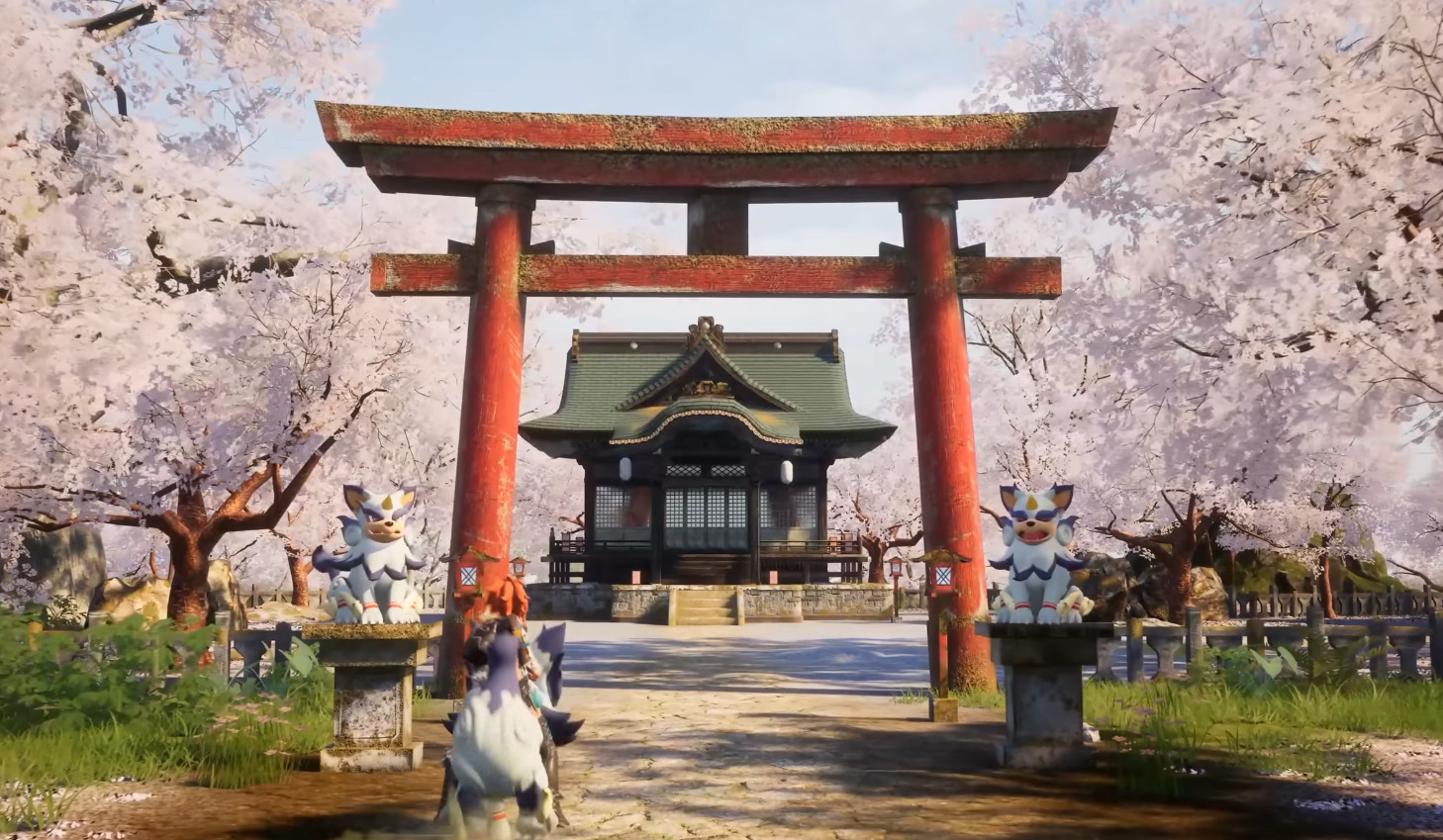
Filtering the 72 new Pals
The bestiary goes from 215 to 287 creatures, with 47 new species and 25 regional variants. On any of the maps mentioned, activate only the filter for new Pals so you don't get swamped by markers for old spawns. Spawn zones have been rebalanced to match the new level 80 cap - expect habitats to have shifted compared to what you knew before 1.0.
On IGN Interactive Map, you can also filter by elemental type, which is handy for targeting a specific resistance before attacking a tower or an Alpha boss.
The three priority zones to pin
1.0 adds map content in three directions. Here's what to notice first:
- Sunreach - An archipelago of floating islands. Exclusive resource: Soralite. A must-visit zone for endgame crafting.
- World Tree - The final zone of the main storyline. You'll find Paloxite and Radiant Gems here. MapGenie and Palworld.th.gl make it a separately selectable map, which saves you from having to search for it among the classic Palpagos islands.
- Seven new minor islands - Scattered across different biomes. Each island contains ancient ruins and watchtowers. Less spectacular than Sunreach, but useful for mid-tier resources and hidden chests.
Note
Spawn locations tied to the World Tree - particularly the eggs from that zone and the new ores - are still being integrated into some community maps according to feedback on Reddit. Check for updates on your preferred tool regularly.
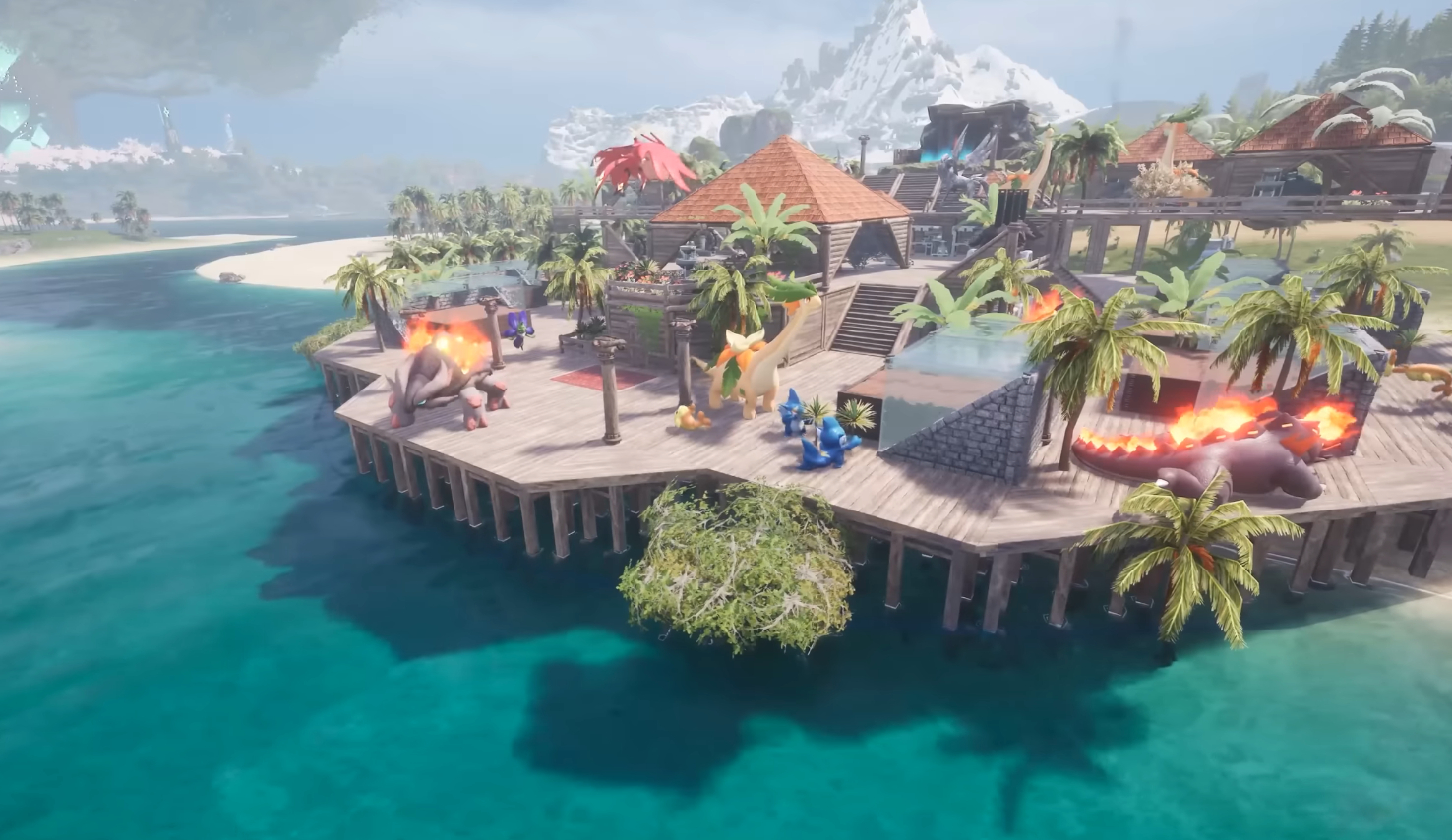
What else you can filter
Beyond Pals and zones, interactive maps cover everything that saves you unnecessary back-and-forth:
- Hidden chests and rare eggs
- Instanced dungeons
- Pal shrines
- Powerful bosses and Syndicate towers
- Fast travel points
- NPC merchants
If you're after a specific endgame resource like Paloxite or Soralite, filter directly by resource type rather than by zone - you'll get there much faster.
Practical tip: manage the layers
The World Tree and the sky islands form a separate map within the game. On MapGenie and Palworld.th.gl, this zone is accessible via a dedicated map selector - don't look for these zones on the main Palpagos map background, you won't find them there. It's the kind of detail that costs players ten minutes the first time they use these tools.
Share this article
Which of these three interactive maps will you use to explore 1.0?
Frequently asked questions
Which interactive map should you choose between Palworld.gg, MapGenie and Palworld.th.gl?
All three are up to date for 1.0. Palworld.th.gl has the advantage of having been rebuilt from scratch with the World Tree and floating islands as separable layers. The difference mainly comes down to interface preference — try both and stick with whichever suits you best.
Why aren't the new Pals and spawn zones displaying properly on my map?
Locations tied to the World Tree are still being integrated on some community maps. Regularly check for updates on your preferred tool and check Reddit for up-to-date reports.
How do you quickly find endgame resources like Paloxite or Soralite?
Filter directly by resource type rather than by zone. It's much faster than searching zone by zone, especially with the new level 80 cap and repositioned habitats.
The World Tree is a completely separate zone — how do you access it on the map?
On MapGenie and Palworld.th.gl, use the dedicated map selector. The World Tree doesn't appear on the main Palpagos map — a detail that makes new users waste ten minutes.
Key takeaways
- Palworld.gg and MapGenie are up to date for 1.0 and cover all 287 available Pals.
- Turn on the "new Pals" filter so you don't get overwhelmed by 72 additional creatures and their repositioned habitats.
- Sunreach, the World Tree and seven minor islands are the three priority zones to explore first for endgame resources.
- The World Tree is a separate map on MapGenie and Palworld.th.gl — don't look for it on the main Palpagos map.
- Filter by resource type (Paloxite, Soralite) rather than by zone to save time on endgame grinding.
Comments
No comments yet. Be the first to react!
Leave a comment
Similar guides




Latest articles







Your opinion counts
Rate Palworld
Click a star to rate