



 Alexandre Jollier
Heartopia Tip: How to Play with Friends
In brief
Heartopia offers an enriching multiplayer experience, allowing you to play with your friends on public or private servers. Discover how to add your contacts, visit their worlds and develop your in-game friendship to unlock exclusive interactions and benefits.
Heartopia is a little gem that offers maximum interaction with the game's villagers, all within an always pleasant atmosphere; but you'll admit, it's even better if your real-world friends can enjoy it with you!!! Here's how to add friends and enjoy the game's multiplayer.
"This will place you in the same public server as the friend you selected"
How to add friends in Heartopia
To begin your social adventure in Heartopia, you first need to add your friends to your contact list.
To do this, you'll need their personal Builders Association UID code. This code is each player's unique identifier and is linked to their profile. You'll find yours at the bottom left of the screen and in your Smartwatch, near your portrait.
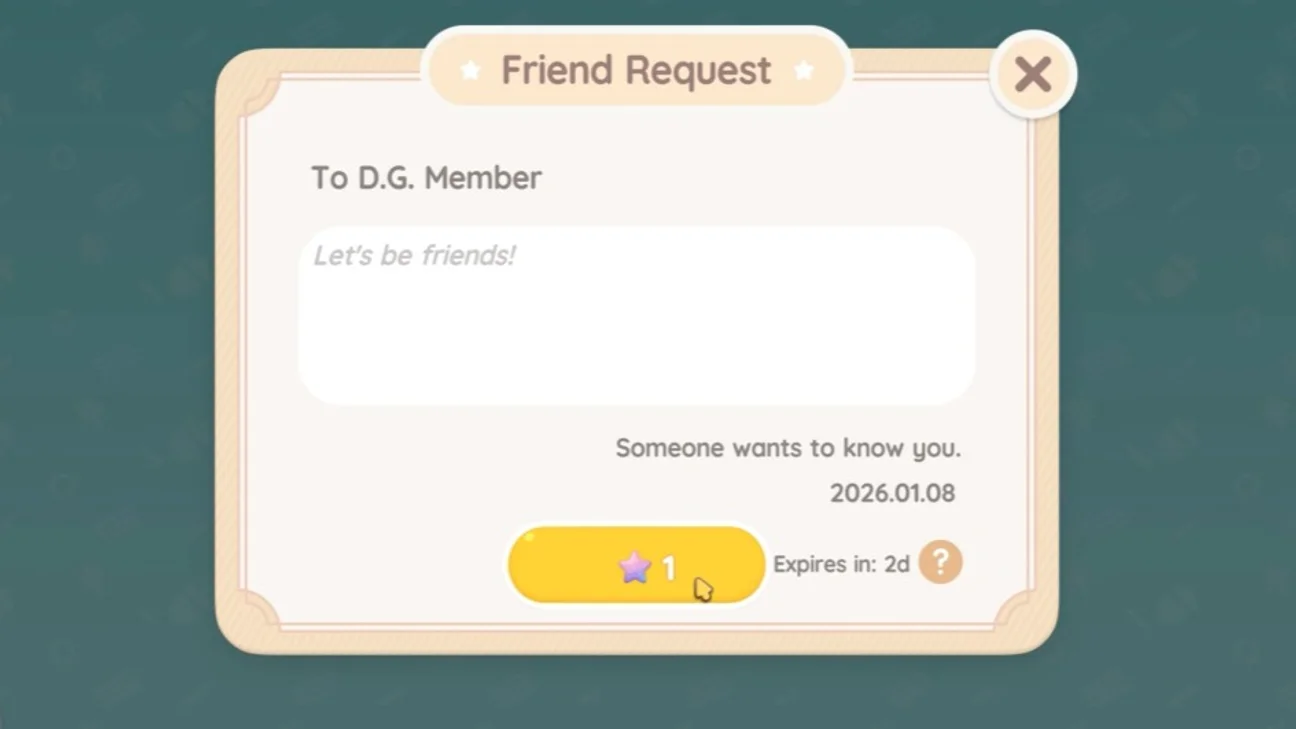
Once you have this code for your friend, head to the Friendship Journal app on your virtual phone. Select the magnifying glass icon at the bottom left and enter the code. By choosing to "Invite" a friend of your choice, a friend request will be sent, and your friend can decide whether to accept it to add you to their contacts.
How to play with your friends
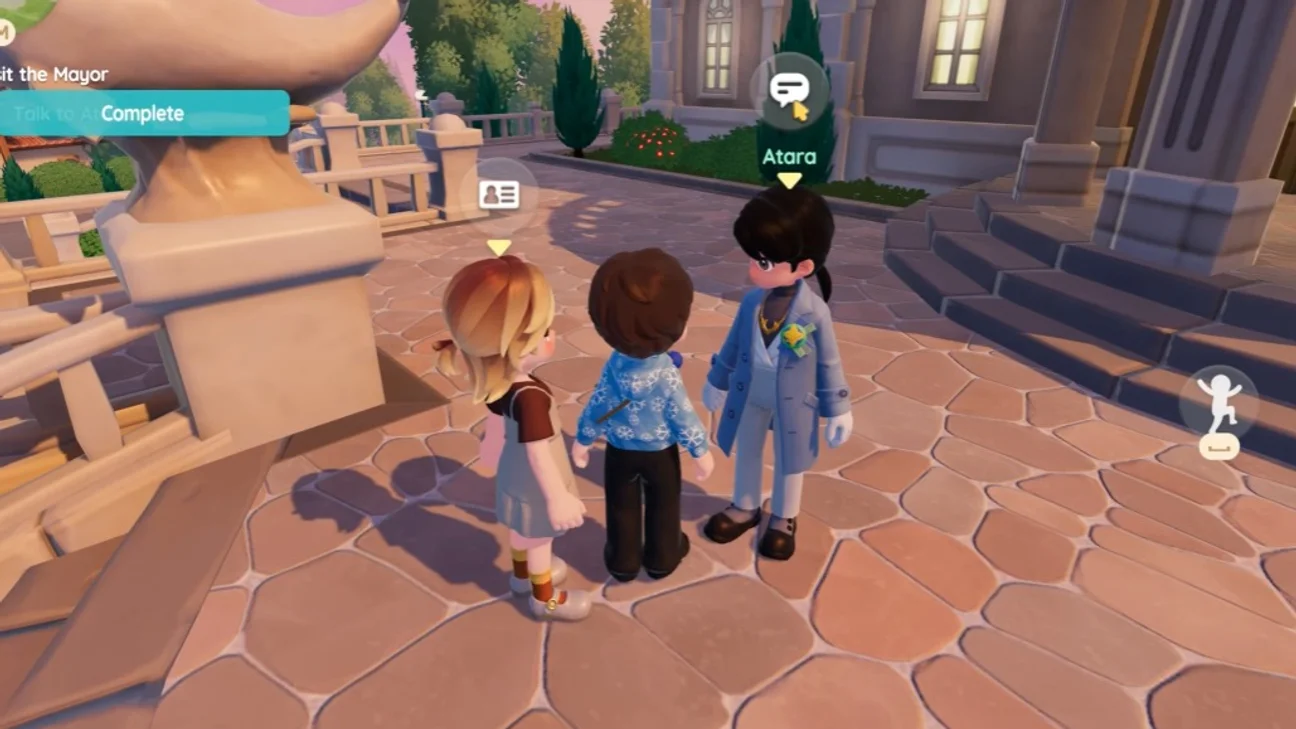
The friends you have on your list in Heartopia can be found in the "Friends" tab of your Friendship Journal. To play online with your friend, you need to click on the name of a friend who is currently connected to the game and choose the "Visit" option from the menu.
This will place you in the same public server as the friend you selected. You also have the option of meeting up to 10 other nearby players. To communicate with your friend during the game, you need to use the chat tool located in the bottom left corner of the screen. You also have the option of using emoticons and emotes by selecting the smiley icon on the right side of the screen.
Instead of visiting, you can simply create your own town or join a friend's. On the title screen, position yourself on the windmill symbol to reach the Town menu. When creating a town in Heartopia, you'll get a private server that can stay active for 1 to 24 hours.
To keep a private town running, you'll need to pay 5 Moon Crystals per hour. After 24 hours, you'll instead need to pay with Diamond Hearts. There's a weekly time counter in place, which will let you plan your gaming sessions.
Grow your friendship in the game
Every interaction you carry out as a duo with a friend earns you Friendship Tokens. The more tokens you accumulate, the higher your Friendship Level will rise. After a few stages, you'll reach Best Friends status with that friend, unlocking new interactions and exclusive perks.
To speed things up, you can visit Annie in the Central Plaza and buy items from her Friendshop. These items will help you in your quest to raise friendship levels in Heartopia.
Share this article
Do you prefer playing multiplayer on a public server or creating a private town with your friends?
Frequently asked questions
Where can I find my D.G. Member UID code in Heartopia?
Your personal code can be found at the bottom left of the main screen, as well as in your Smartwatch next to your portrait. This is the unique identifier you'll need to share so your friends can add you.
How do I play online with a friend in Heartopia?
Go to the "Friends" tab in your Friendship Journal, select a friend who's online and choose "Visit". You'll then be placed on the same public server and can communicate via chat and emotes.
How much does it cost to create a private town in Heartopia?
Creating a private town costs 5 Moon Crystals per hour, for a maximum duration of 24 hours. Beyond 24 hours, you'll need to pay with Diamond Hearts.
What is Best Friends status and how do I get it?
Best Friends status unlocks after accumulating enough Friendship Marks by performing duo interactions with a friend. This status opens up access to new interactions and exclusive benefits.
Key takeaways
- Add your friends using their D.G. Member UID code via the Friendship Journal app.
- Visit the worlds of your connected friends to play together on the same public server.
- Create private towns that can stay active for up to 24 hours by spending Moon Crystals.
- Increase your Friendship Level by performing duo interactions to reach Best Friends status.
- Use Annie's Friendshop to speed up the progression of your friendship levels.
Comments
No comments yet. Be the first to react!
Leave a comment
Similar guides

Latest articles







Your opinion counts
Rate Heartopia
Click a star to rate