



 Alexandre Jollier

Heartopia Music Sheets: How to Get Them
In brief
Discover how to unlock music in Heartopia by completing the "Astralis in the Flower Field" quest and receiving your first lute from Vernie. Learn how to play your sheet music and get instruments for free or by purchasing them from Annie.
In Heartopia, music is essential, even though it is not officially listed as one of the seven main passions. In this article, we'll explain how to unlock it, as well as the various instruments that are available.

How to unlock music compositions
To begin your musical adventure in Heartopia, you need to complete the quest "Astralis in the Flower Field". It's during this mission that you'll receive your first instrument, a lute, from Vernie. This will be your first step towards musical exploration, and it will unlock the "Instruments and Music Sheets" section in the Daily Life Guide:
- Access your smartwatch: Open the City Guide app
- Navigate to the section: If the Instruments and Music Sheets section is hidden, scroll down in your watch's app, from the central section.
- Accept the quest: You need to click on the entry and then press the accept button located at the bottom right of the interface.
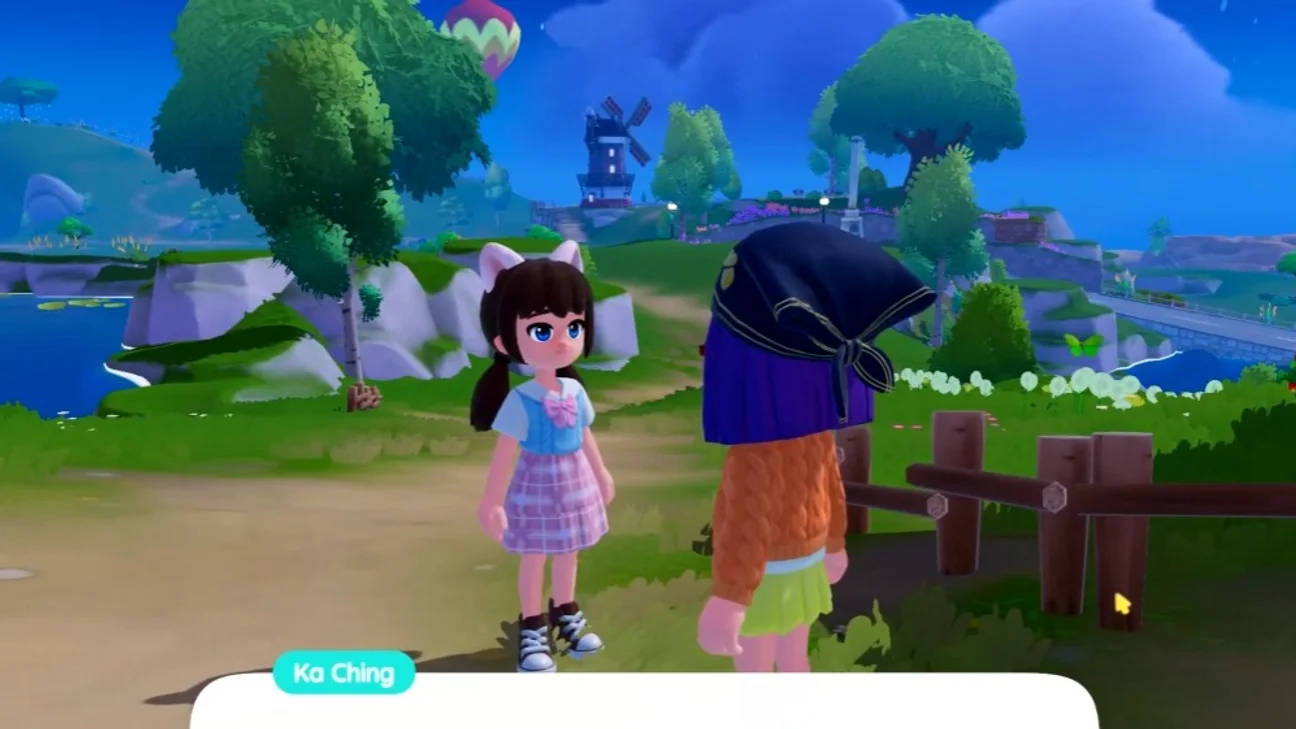
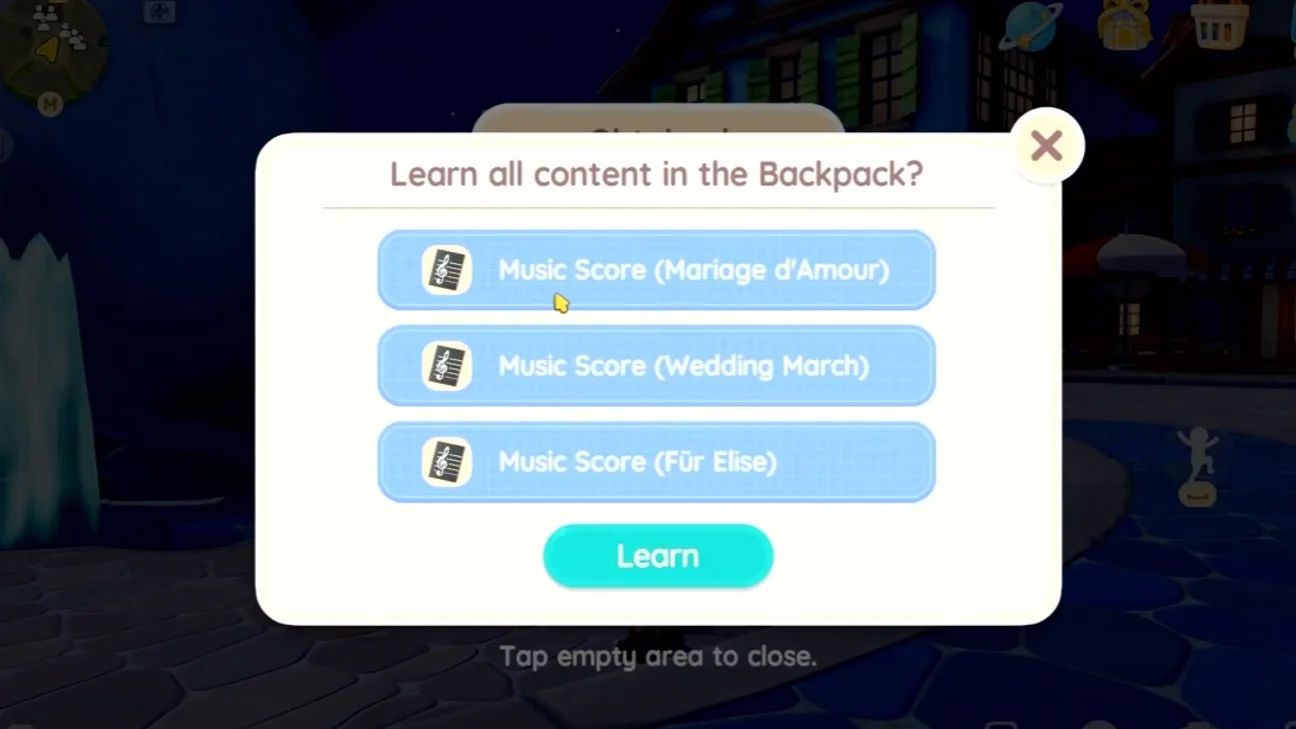
Once you've accepted, you'll receive a call from Ka Ching who will offer you the quest "New Song to Summon the Astralis". Although Ka Ching provides you with a list of notes, it won't be mandatory to play them to progress in the game. You can play at your own pace and continue until you see Annie, who will give you 7 music sheets, among which are classics such as:
- Love Wedding
- Wedding March
- Für Elise
- Pachelbel's Canon
- Happy Birthday
- Edelweiss
- Twinkle, Twinkle, Little Star
Using music sheets
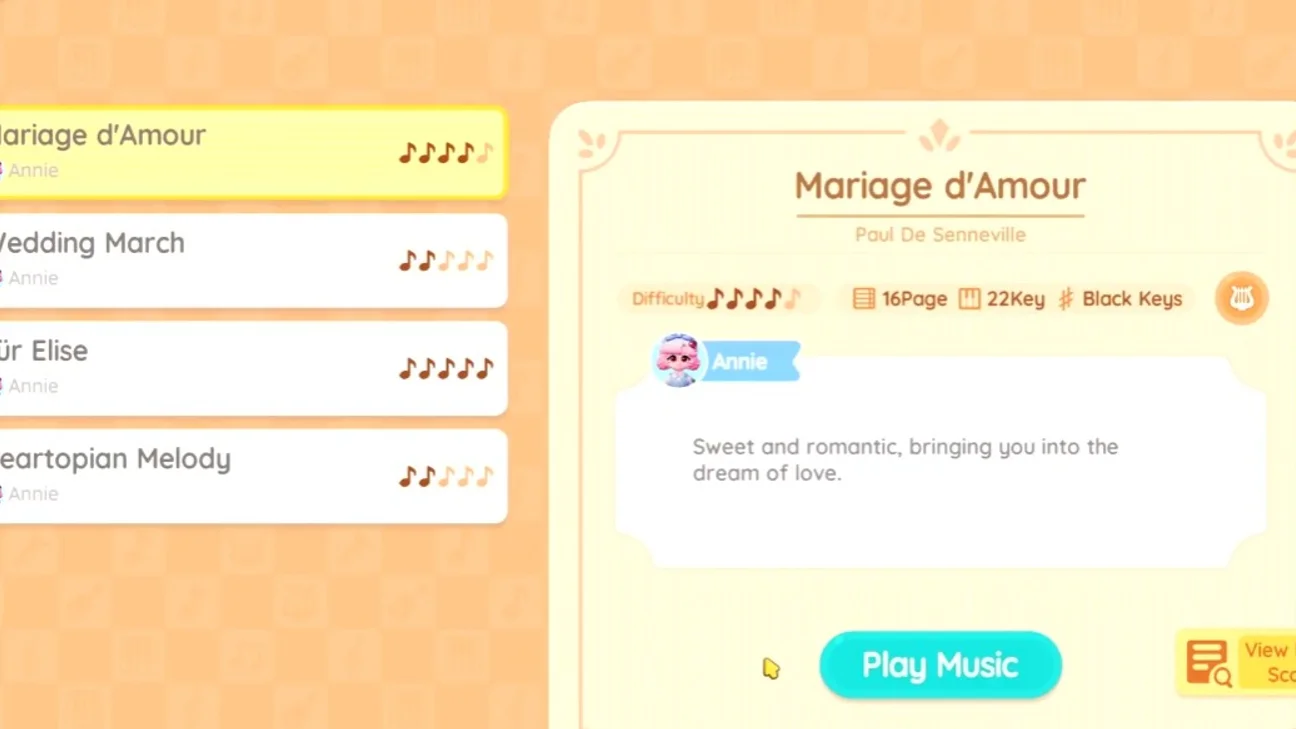
You'll need to play with your instrument. When the instrument's keys appear on screen, click on the sheet icon with a music note located at the top right of the screen. You'll then access a new screen where all the music sheets you own are displayed.
Each music sheet has the following specifications:
- Difficulty: the skill level needed to play.
- Number of pages: the number of pages in the sheet.
- Keys used: indicates the notes to be played.
- Recommended instruments: you can see the recommended instruments by clicking on the lute icon located next to the basic difficulty information.
Once you've chosen the sheet, click on the Play Music button on the previous screen. The sheet will then appear above the screen.
How to get instruments
To play music in Heartopia, an instrument is essential. You can buy one from Annie or, sometimes, from the Collector. But there are also a few ways to get instruments for free.
Free instruments
- Vernie's Lute: obtained during the quest "Astralis in the Flower Field".
- Eric's Flute: obtained at the end of the quest "Astralis in the Onsen Mountain".
- Piano: gift obtained on Day 3 of the 07-Day Login Event.
Annie's music shop
The easiest, but also the most expensive, way to get instruments is to go to her shop. To do this, simply go to the central square, talk to Annie, then choose the shop option and Music Shop. She offers 14 instruments ranging from 38,000 to 195,000 gold coins. Here are a few instruments you can buy from Annie:
| Instrument | Price (in gold coins) |
|---|---|
| Lute | 38,000 |
| Bass | 38,000 |
| Violin | 57,000 |
| Conga | 72,000 |
| Piano | 195,000 |
Share this article
What type of instrument do you prefer to play in Heartopia?
Frequently asked questions
How do you unlock music in Heartopia?
You need to complete the "Astralis in the Flower Field" quest, where you'll receive your first instrument (a lute) from Vernie. This will automatically unlock the "Instruments and Sheet Music" section in the Daily Life Guide.
What sheet music is available at the start of the game?
Annie gives you 7 classical sheet music pieces including Wedding March (Mendelssohn), Bridal Chorus, Für Elise, Pachelbel's Canon, Happy Birthday, Edelweiss, and Twinkle, Twinkle, Little Star.
Where can you buy instruments in Heartopia?
Instruments are mainly purchased from Annie in the central square, with prices ranging from 38,000 to 195,000 gold coins. You can also get some for free through certain quests and login events.
How do you play a piece of sheet music?
When the instrument interface appears, click on the sheet icon with a music note in the top right corner, select your sheet music from the list, then press the "Play Music" button.
Key takeaways
- The "Astralis in the Flower Field" quest is mandatory to unlock instruments and sheet music.
- You'll receive 7 classical sheet music pieces from Annie, including famous titles like Für Elise and Pachelbel's Canon.
- Instruments can be found for free through quests or events, or purchased from Annie for between 38,000 and 195,000 gold coins.
- Each sheet music piece has a difficulty level, a number of pages, and recommended instruments to play it.
Comments
No comments yet. Be the first to react!
Leave a comment
Similar guides


Latest articles







Your opinion counts
Rate Heartopia
Click a star to rate