



 Alexandre Jollier
Full Guide
Forza Horizon 6 Photo Mode: How to Download Your Creations on PC, Xbox and Steam)
In brief
Discover how to use Forza Horizon 6's Photo Mode to capture high-definition shots and download them on PC, Xbox, and Steam. This guide walks you through the steps to access Photo Mode, adjust the shooting settings, and share your best creations on social media.
In Forza Horizon 6, Photo Mode lets you capture memorable moments. Let's see how to access your photos to download them.
Accessing Photo Mode
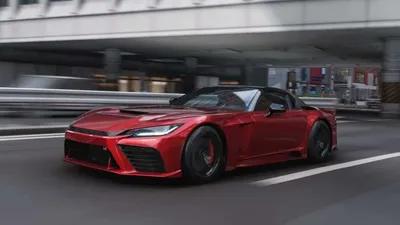
Open Forza Horizon 6 and start your adventure. Choose your car to photograph, and press the dedicated button to enter Photo Mode. Once in this mode, you'll be able to adjust several settings to get the perfect shot. You'll have the option, for example, to choose the camera angle, the zoom, or even the lighting.
Photo Mode lets you save shots in high-definition format. To get the perfect image, here are a few tips:
- Use filters to bring an original atmosphere to your photos.
- Play with depth of field to blur your background and make your car stand out.
Good to know
Photo Mode will automatically remove the user interface elements, allowing you to focus solely on your shot.
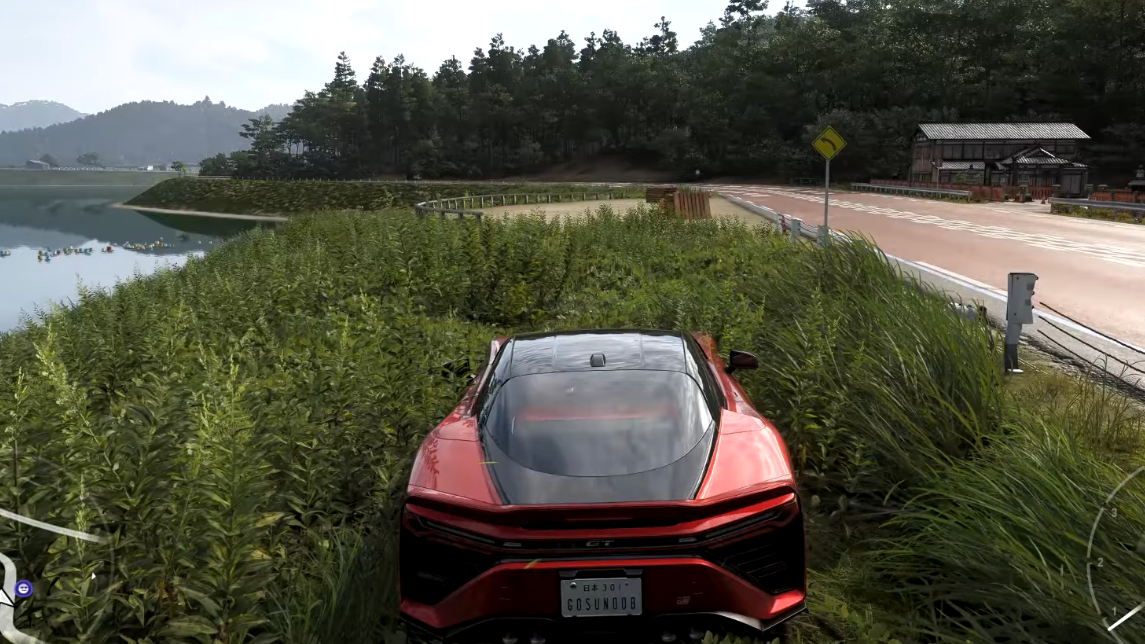
Downloading Your Photos
Before exiting Photo Mode, don't forget to save your image. Then head to the website dedicated to Forza games using the same account you used to play. Once your photo is uploaded to the site, you'll be able to retrieve it.
If you're playing on a computer, other methods exist for capturing images. On Steam, you can use the Steam overlay, or if you're playing with the Xbox app, you can use the Game Bar. Although convenient, these methods are nonetheless less optimal than Photo Mode, which remains the best method for console players.
Share Your Creations
Once you've downloaded your photos, you can share them on various platforms:
- Gaming forums
Share this article
Which tool do you mainly use to capture photos in Forza Horizon?
Frequently asked questions
How do I access Photo Mode in Forza Horizon 6?
Launch the game, choose your car, and press the dedicated button to enter Photo Mode. Once activated, the game's interface automatically disappears so you can focus solely on your shot.
Where can I download the photos I've captured in-game?
After saving your image in Photo Mode, head to the official Forza website using the same account you play with. You'll then be able to download and retrieve your photos.
What are the alternatives to Photo Mode on PC?
On Steam, you can use the Steam overlay, and if you're playing via the Xbox app, the Game Bar is available. However, these methods are less optimal than the game's native Photo Mode.
How do I share my photos after downloading them?
Once your photos are downloaded, you can share them across multiple platforms: Instagram, Twitter, and video game forums.
Key takeaways
- Photo Mode offers comprehensive tools to adjust the angle, zoom, and lighting of your shots.
- Use filters and depth of field to create memorable photos featuring your car.
- Saved photos are downloaded via the dedicated Forza website using your player account.
- On PC, Steam and the Xbox App offer their own tools, but Photo Mode remains the best option.
Comments
No comments yet. Be the first to react!
Leave a comment
Similar guides


Latest articles







Your opinion counts
Rate Forza Horizon 6
Click a star to rate