



 Alexandre Jollier
Create a Bear Disney Dreamlight Valley: Complete Guide
In brief
The "Build-A-Bear" quest in Disney Dreamlight Valley has you retrieving three memory fragments with Sadness, solving a console puzzle, then crafting a giant comfort bear by gathering diamonds, emeralds, cotton and other materials scattered around the valley.
Disney Dreamlight Valley offers a quest allowing players to create a special teddy bear with Sadness. The “Create a Bear” quest unlocks once the last Joy quest is completed.
Searching for memory fragments
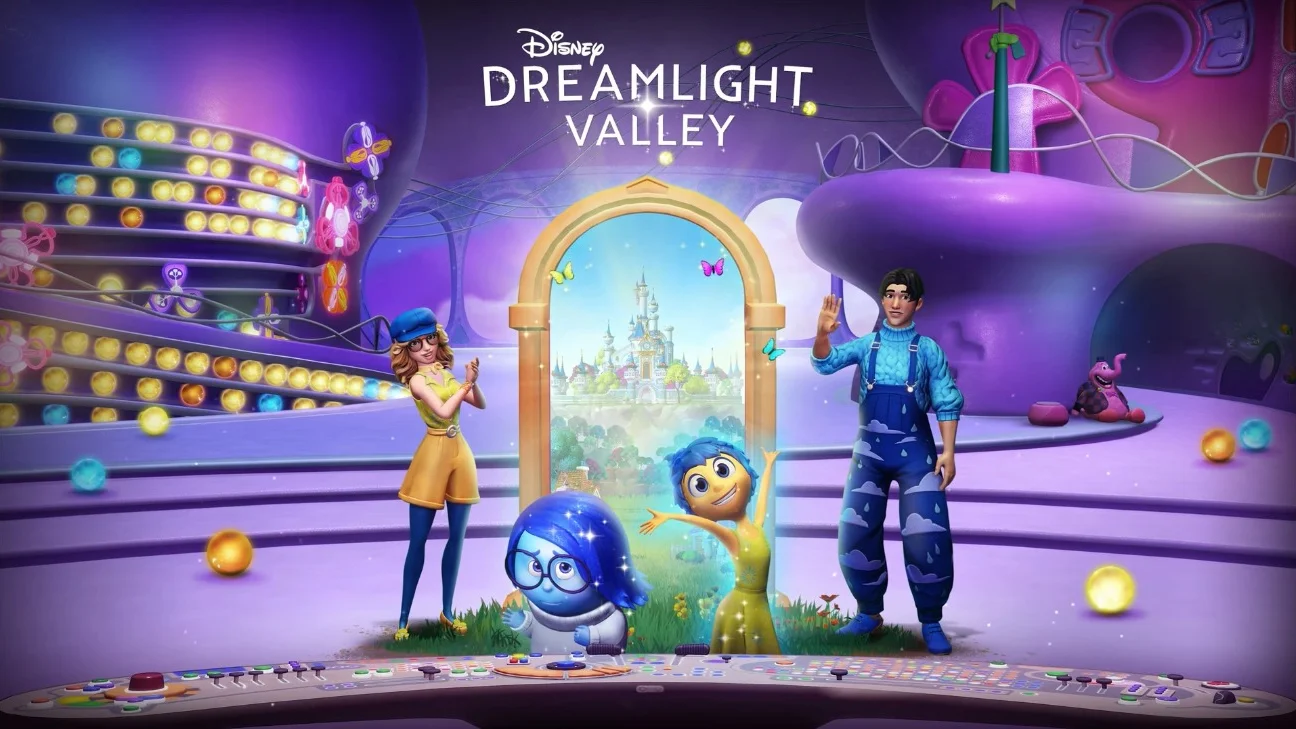
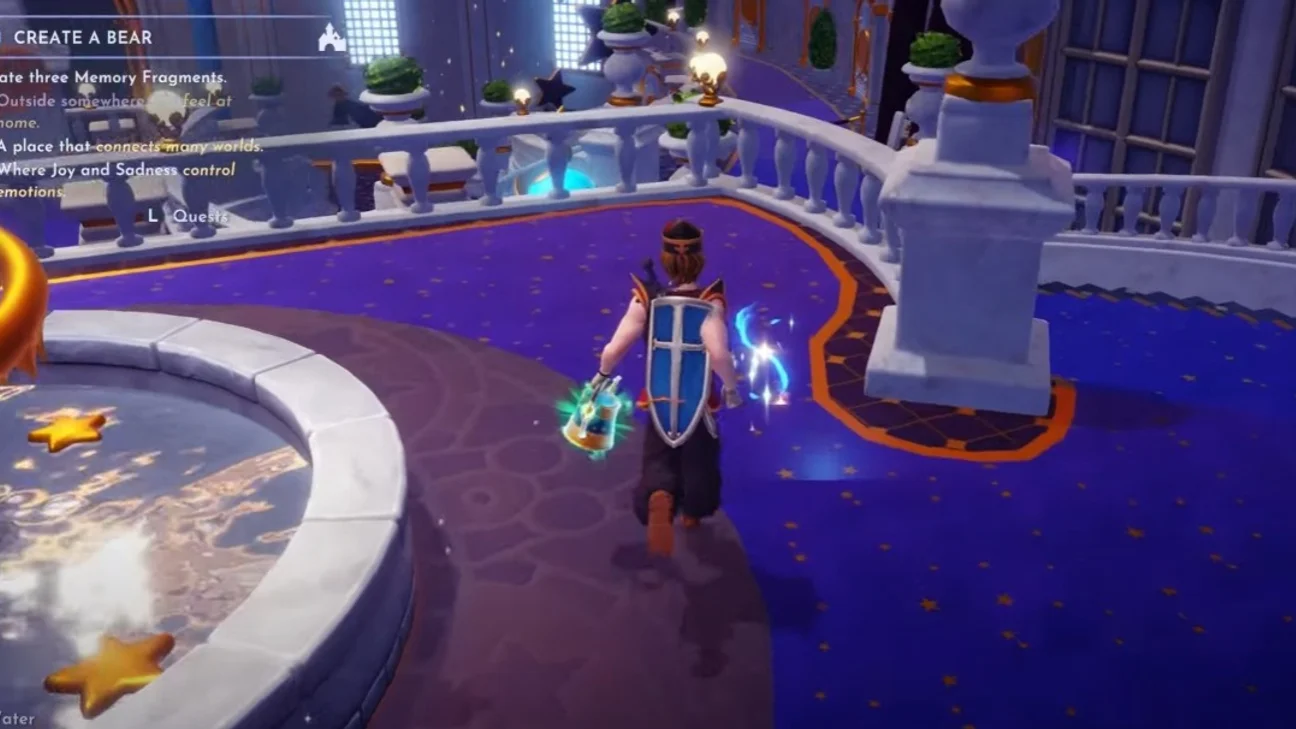
To start the “Create a Bear” quest, you must first talk to Sadness, who is willing to help you understand your emotions. She will ask you to find three memory fragments scattered around the valley. Here's where to find them:
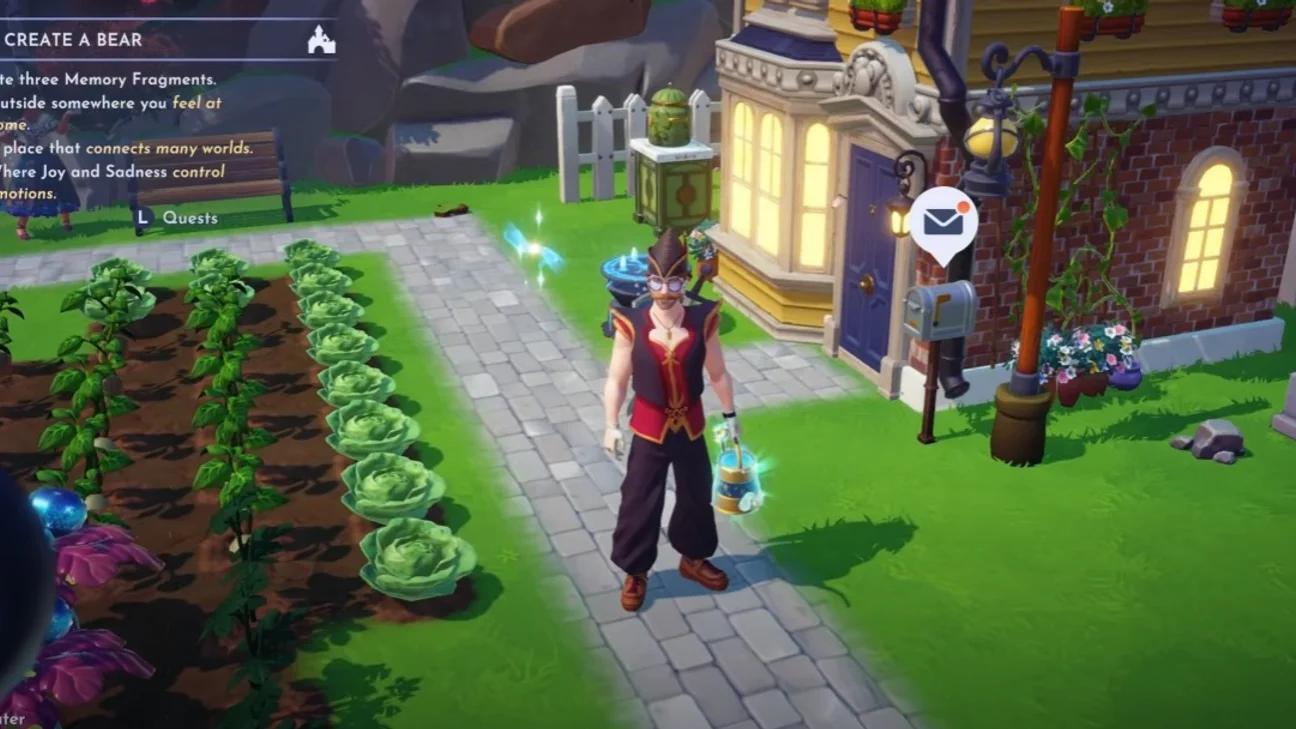
- First fragment: Look around your house, in a place where you feel at home. This fragment is usually found near the main entrance of your house.
- Second fragment: To be found in a place that is the connection between several worlds. This is indeed the Dream Castle, more specifically in the entrance hall where the doors to the different realms are located.
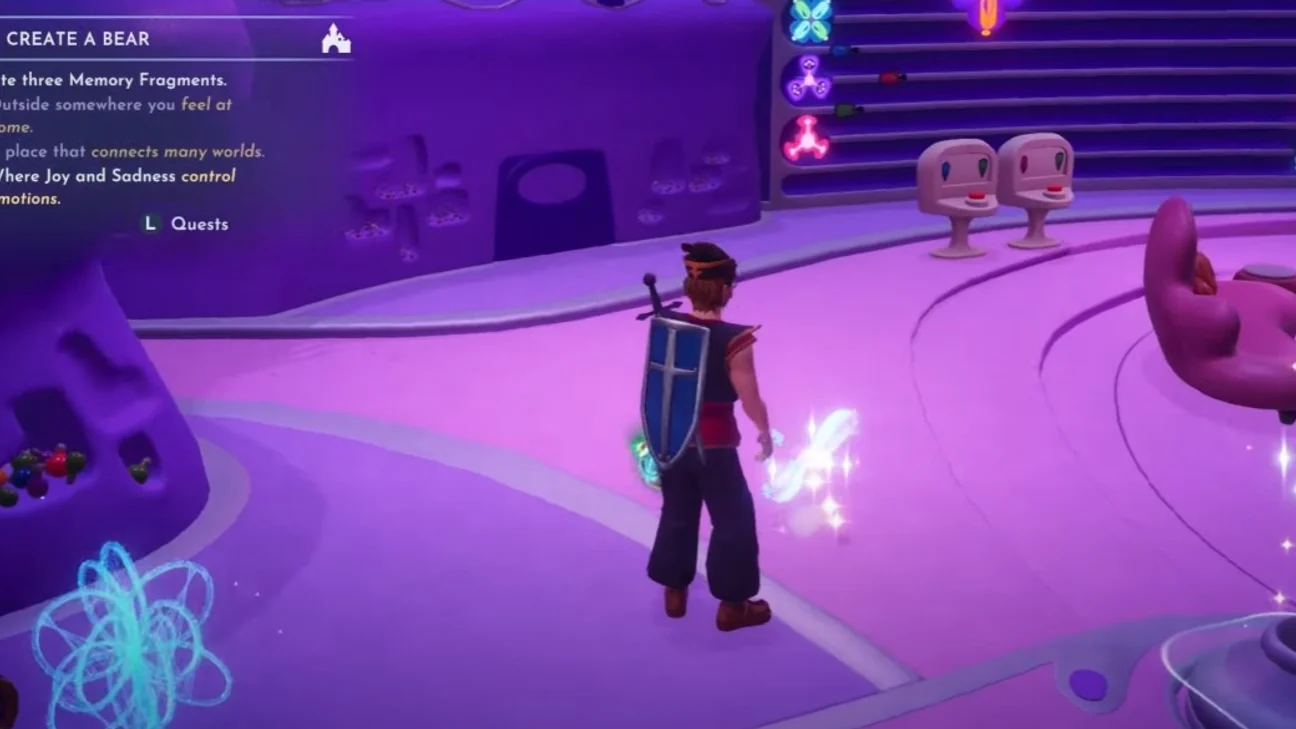
- Third fragment: At the level where Joy and Sadness compose emotions. This fragment is hidden in the Inside Out Realm, accessible from the HQ room.
Once all the fragments have been collected, return to the console in the HQ room to reconstruct your lost memory.
Reconstructing the forgotten memory
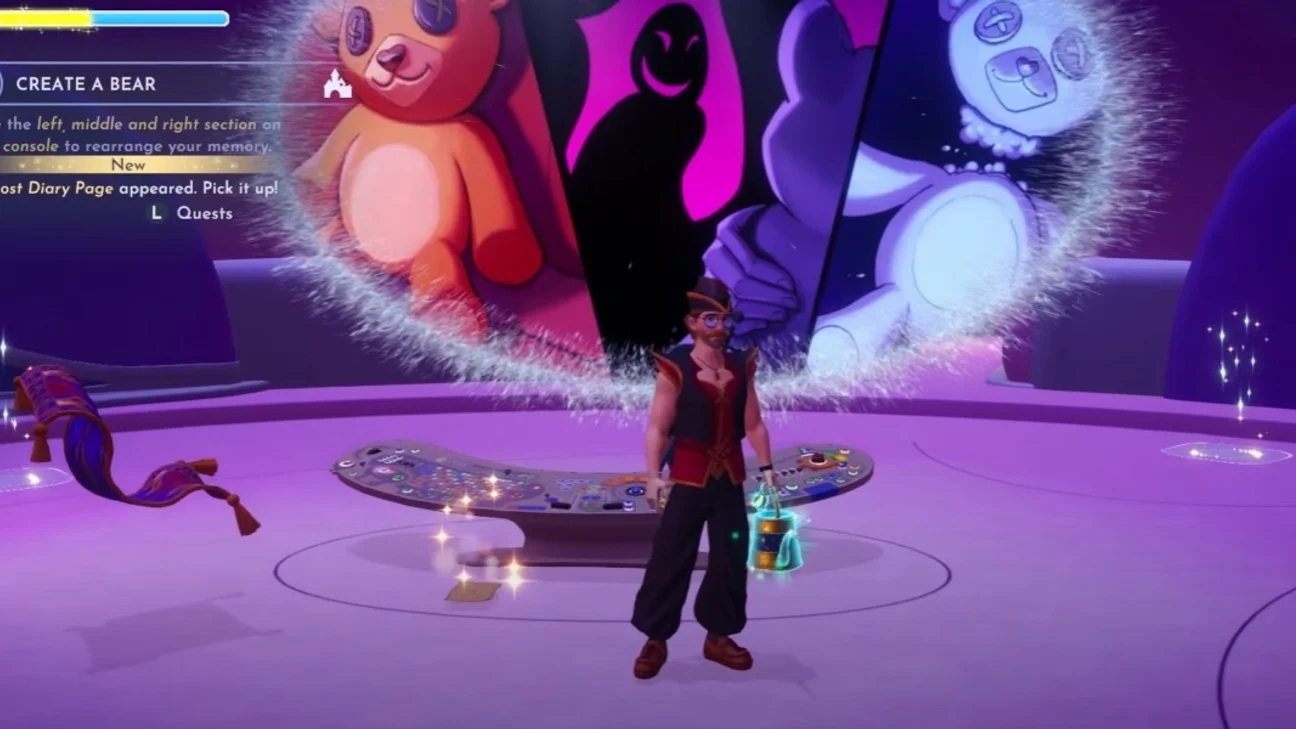
The HQ console has 3 sections (left, middle, and right) to use to correctly reorder the memory fragments. Let's solve this puzzle in record time:
- Click three times on the left section,
- Click once on the center section,
- Click twice on the right section.
This combination will let you access an important memory for your character. After watching it, read the misplaced journal page that will appear and go back to see Sadness to share this emotion with her.
Making the comfort bear
The final step is to craft the New Comfort Bear by combining old pieces with new materials. Here is the list of materials needed:
| Material | Quantity | Location |
|---|---|---|
| Diamond | 5 | Forgotten Lands |
| Emerald | 5 | Forest of Valor Bayou of Trust |
| Tourmaline | 5 | Sunlit Plateau Frosted Heights |
| Cotton | 50 | Sunlit Plateau |
| Fiber | 50 | 1 Seaweed = 5 Fiber Buy from Kristoff's stall if available |
| Dream Shard | 30 | Dig up sparkling holes Remove night thorns |
| Yellow Nasturtium | 30 | Forgotten Lands |
| Purple Impatiens | 10 | Forgotten Lands |
Once all these materials have been gathered, you need to make two intermediate items:
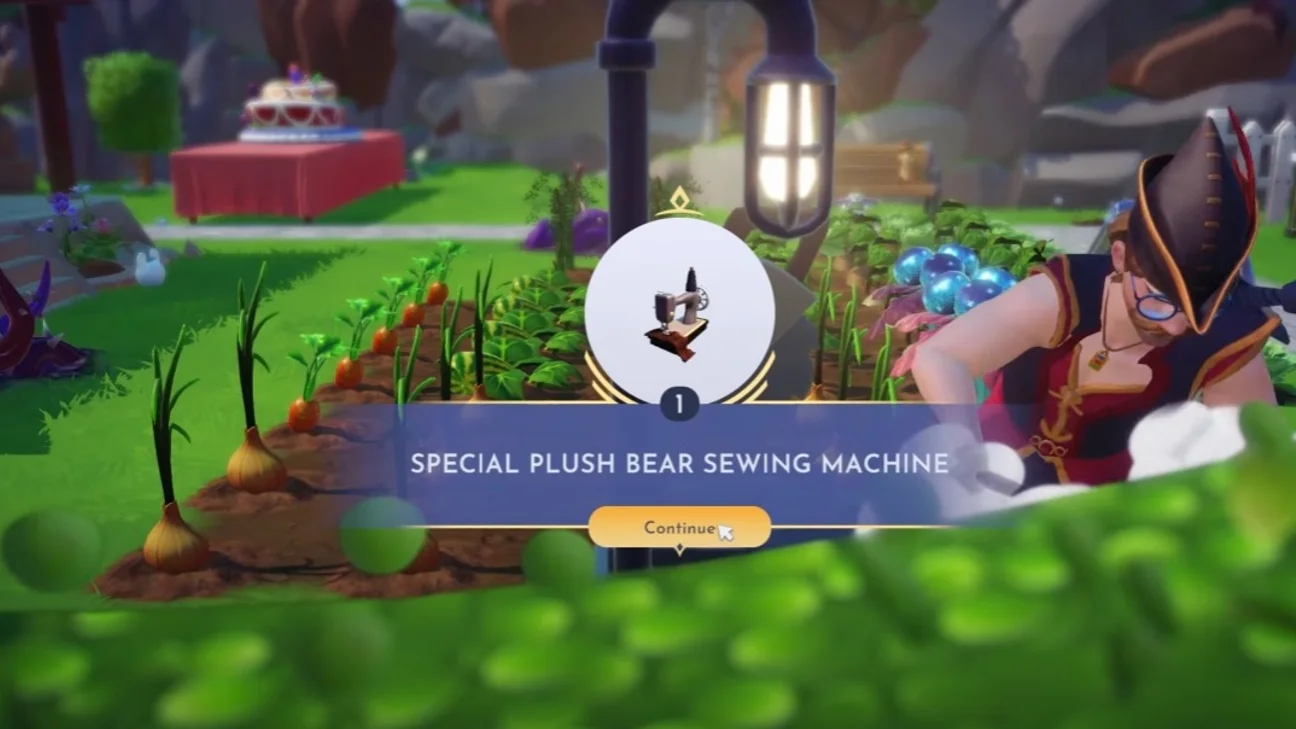
- The "Special Teddy Bear Sewing Machine",
- The bear's "Blueprint",
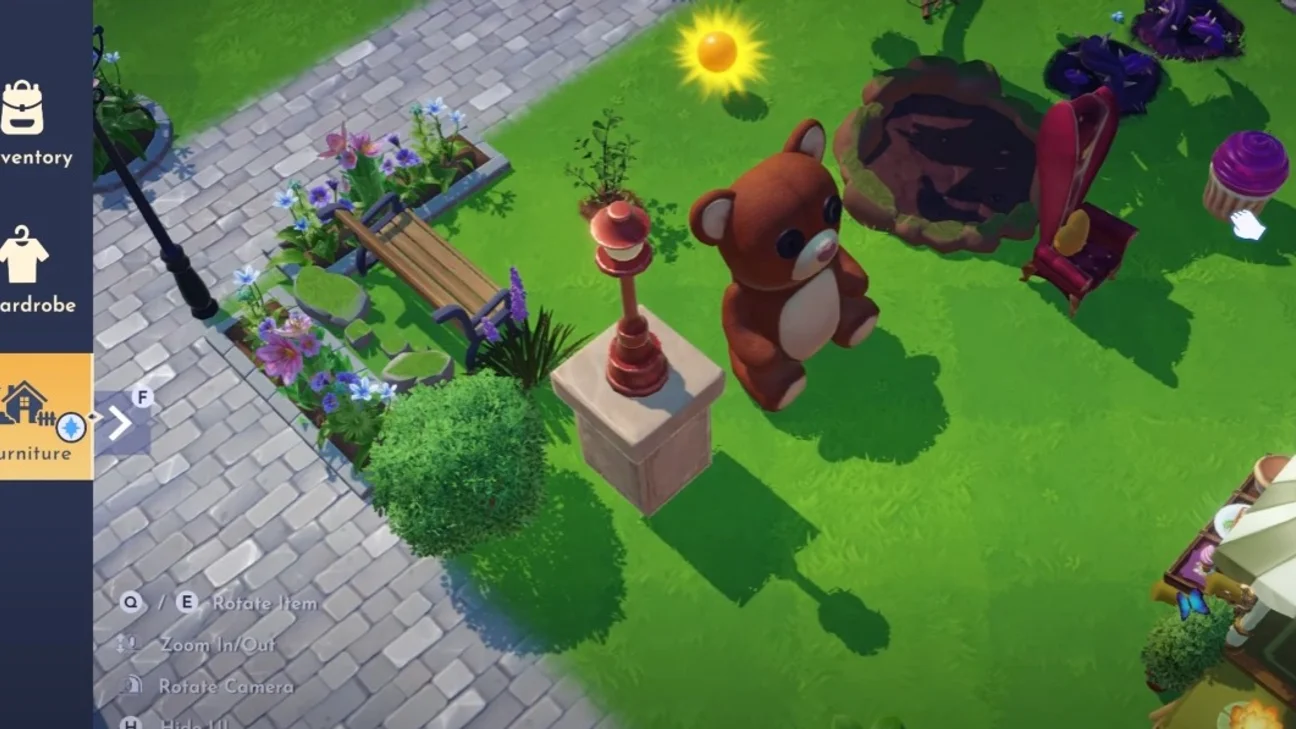
which will then allow you to unlock the recipe for the "New Comfort Bear". After crafting it, place this giant bear wherever you like in the valley and present it to Sadness.
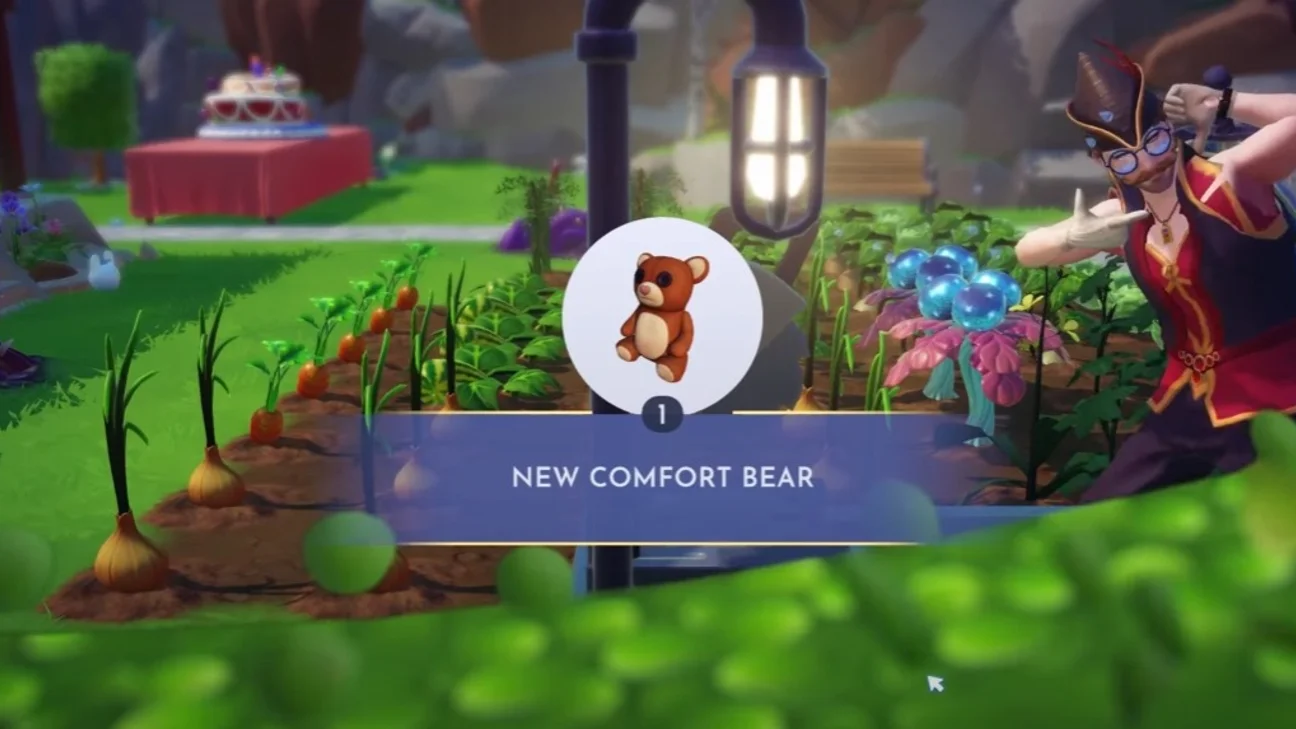
To finish the quest, decorate the area around the bear with blue and yellow items, then take a photo with the Inside Out characters. You'll earn an overalls outfit set and a "Touch of Magic" item that lets you create your own version of a basic teddy bear.
Good luck with the rest of your adventures in Disney Dreamlight Valley!
Share this article
Do you find this quest with Sadness pretty relaxing, or does it ruin your progression?
Frequently asked questions
Where exactly do you find the first fragment near the house?
The first fragment usually hides near the main entrance of your house, in the immediate surroundings. It's the most accessible of the three.
How many materials do you need in total to craft the comfort bear?
There's quite a bit to gather: 5 diamonds, 5 emeralds, 5 tourmalines, 50 cotton, 50 fiber, 30 dream shards, 30 yellow nasturtiums, and 10 purple impatiens. It's a grind, but doable.
What happens if I get the console puzzle wrong?
There's only one correct answer: three clicks left, one center, two right. If you mess up, you can simply try again with no penalty.
What's the final reward after completing the quest?
You receive an overalls outfit and the "Touch of Magic" item, which lets you create your own version of a basic teddy bear.
Key takeaways
- Unlock the quest after completing Joy's last quest and talk to Sadness
- Three memory fragments are scattered around: near your house, at Dream Castle, and in the Inside Out Realm
- The console puzzle is solved with three clicks left, one center, and two right — nothing weird
- You need to craft two intermediate items before making the comfort bear itself
- Surround your giant bear with blue and yellow decor, then take a photo with the Inside Out characters to complete it
Comments
No comments yet. Be the first to react!
Leave a comment
Similar guides



Latest articles






Your opinion counts
Rate Disney Dreamlight Valley
Click a star to rate