



 Alexandre Jollier
Full Guide
Clash Royale: How to Unlock Ken's Shop
In brief
Ken's secret shop in Clash Royale does exist, but it takes a few steps to activate. After the update, you'll first come across a basic version: play a few matches, completely empty out the initial shop, then restart the game to access the real version filled with Khaos rewards.
The Khaos season has just landed on Clash Royale with the Chaos x Ken collab, and of course, everyone is rushing to the new shop. Except many players are getting stuck with a light version that only offers a handful of items. No panic, the real secret shop does exist, you just need to follow the right procedure to make it appear.
Nothing complicated, but the step is clearly not explained by the game. Here's how to proceed, in order.
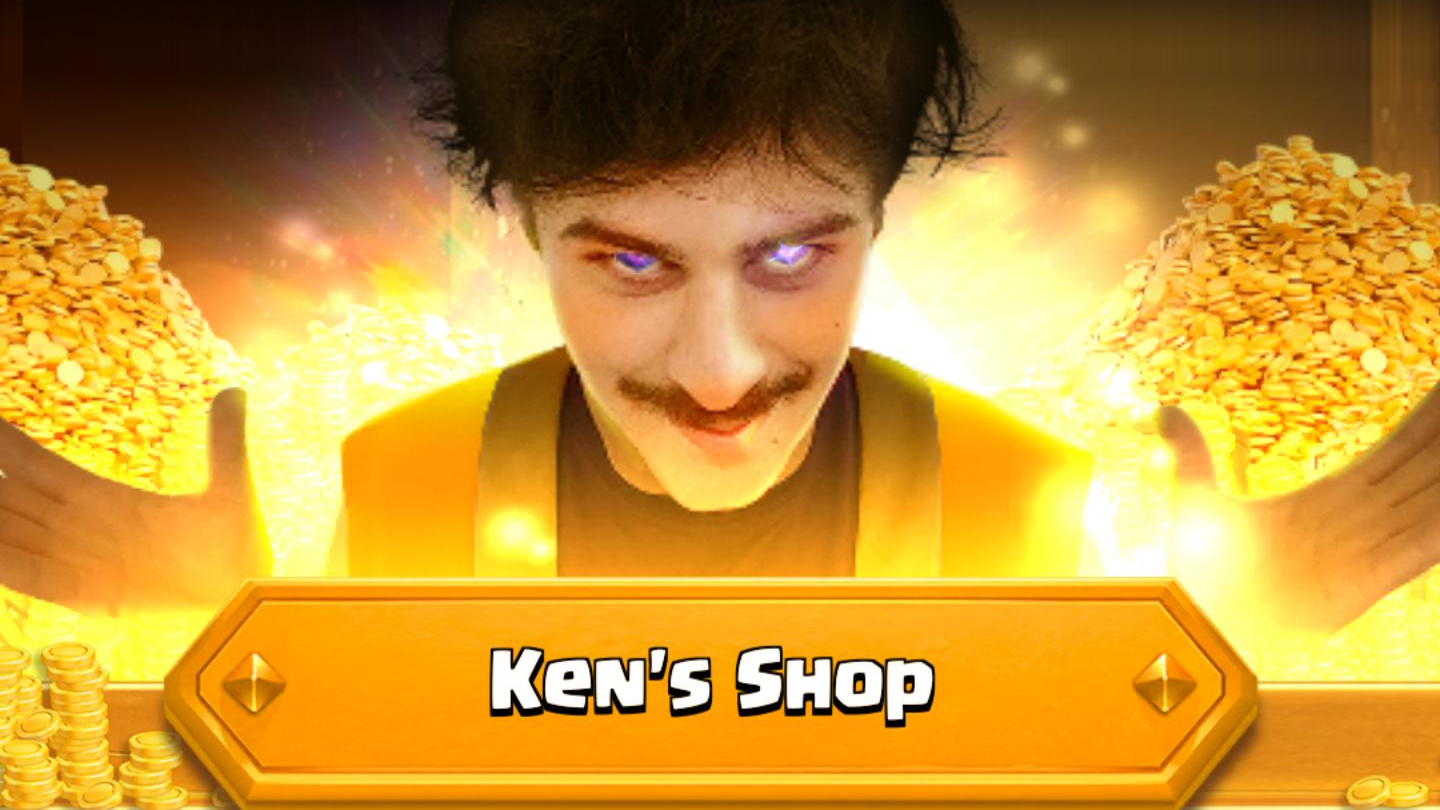
The steps to unlock the secret shop
After updating Clash Royale, Ken's shop that appears on the main screen is actually a basic version. That's normal, it's only the entry point.
- Play a few matches. Three is usually enough in most cases, but expect a bit more if it doesn't unlock right away.
- Collect all the items available in Ken's base shop. You need to fully empty this first version before moving on to the next step.
- Completely close the game, not just to the background: force close the app.
- Relaunch Clash Royale. Ken's secret shop should then appear in place of the classic version.
Note
If nothing happens after this cycle, play a few more matches then restart the game once again. For some players, it takes a bit longer to trigger, but the method stays the same: play, collect everything, relaunch.
What awaits you in the shop
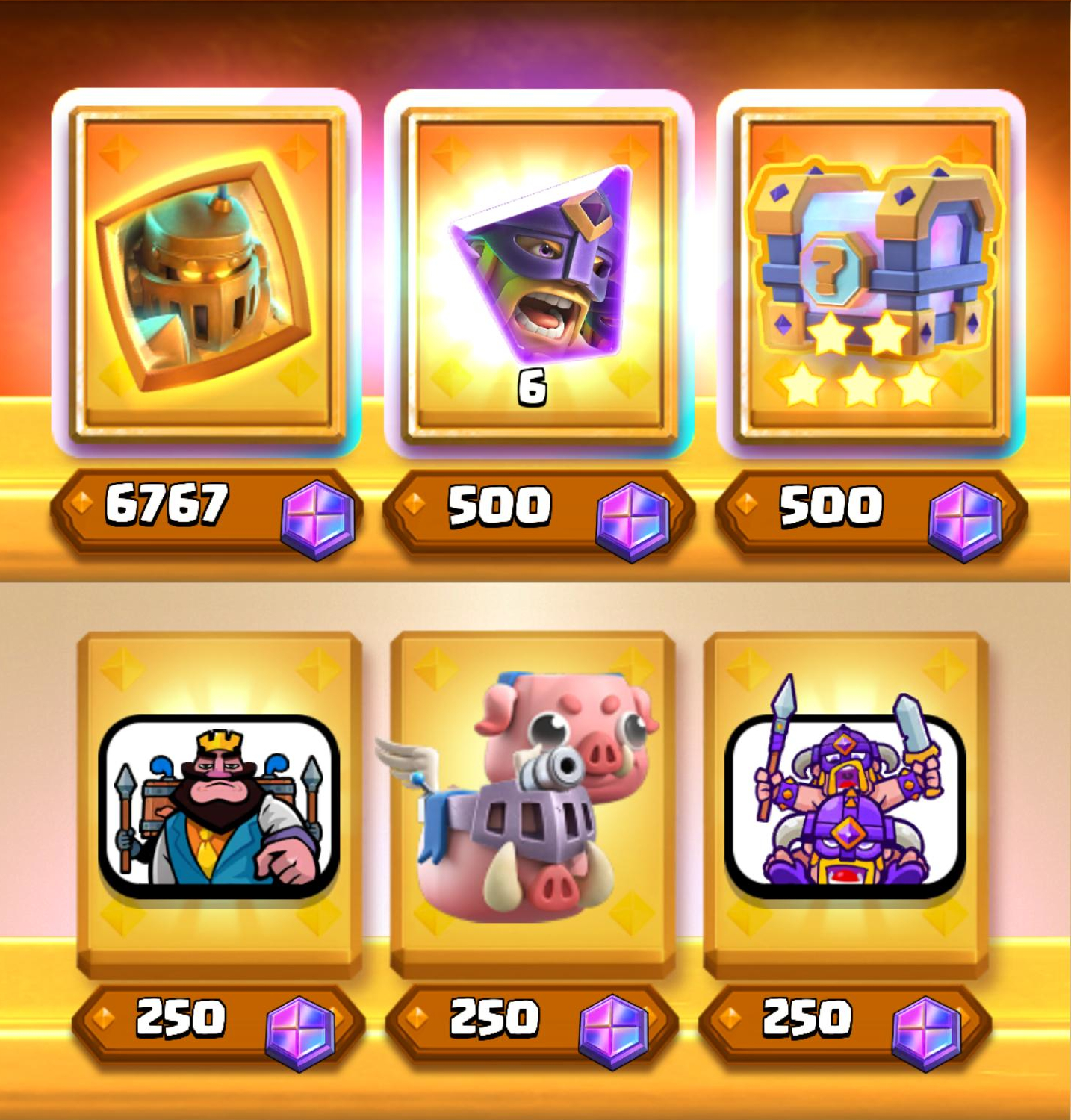
Once unlocked, the shop is packed with rewards tied to the Khaos season: emotes, chests, and even the Evolved Elite Barbarians. Enough to fully justify the few matches needed to access it.
One item particularly stands out in this shop: the Evolved Mega Knight. Unlike the other rewards, which are normally bought with KHAOS tokens or show a message if you don't have enough, clicking on this item triggers absolutely nothing.
Above all, remember this about the shop itself: unlocking Ken's secret shop takes patience, not strategy. Play, collect everything, restart. Repeat if needed!
Share this article
Did you manage to unlock Ken's secret shop on your first try?
Frequently asked questions
Why do I only see a few items in Ken's shop?
That's normal the first time you open it. You're looking at the basic version, which is just the entry point to the real shop. It intentionally displays only a handful of items.
How many matches do I need to play exactly?
Three is enough in most cases, but for some players it may take more. If nothing triggers on the first try, play a few more matches and restart.
What happens if I just close the app in the background without truly relaunching it?
That won't work. You need to force-close the app completely — a real restart, not just going back to your phone's home screen.
What's up with this Evolved Mega Knight that doesn't do anything when I tap on it?
No official word from Supercell so far, but everything suggests it's a joke from the devs. It doesn't respond to any purchase attempt or 'insufficient tokens' message, it just sits there with no reaction.
Key takeaways
- Ken's shop first displays a light version with few items
- You need to play between three and a few extra matches to unlock access
- The crucial step: collect ALL items from the basic shop before restarting
- Fully close the app, don't just leave it running in the background
- The secret shop contains emotes, chests, Evolved Elite Barbarians and other exclusive rewards
Comments
No comments yet. Be the first to react!
Leave a comment
Similar guides



Latest articles






Your opinion counts
Rate Clash Royale
Click a star to rate