



 Alexandre Jollier
A Little Dreaming Disney Dreamlight Valley: Complete Guide
In brief
The "Dream a Little" quest is the final step to max out your friendship with Joy in Disney Dreamlight Valley. You'll need to collect items, rebuild a forgotten memory of the ruler, then solve a light puzzle to unlock the exclusive "Retro Joyful" outfit.
The "A Little Dreaming" quest in Disney Dreamlight Valley, the final step in the friendship relationship with Joy, will plunge you into the ruler's forgotten memories to unlock an exclusive outfit.
How to unlock the "A Little Dreaming" quest
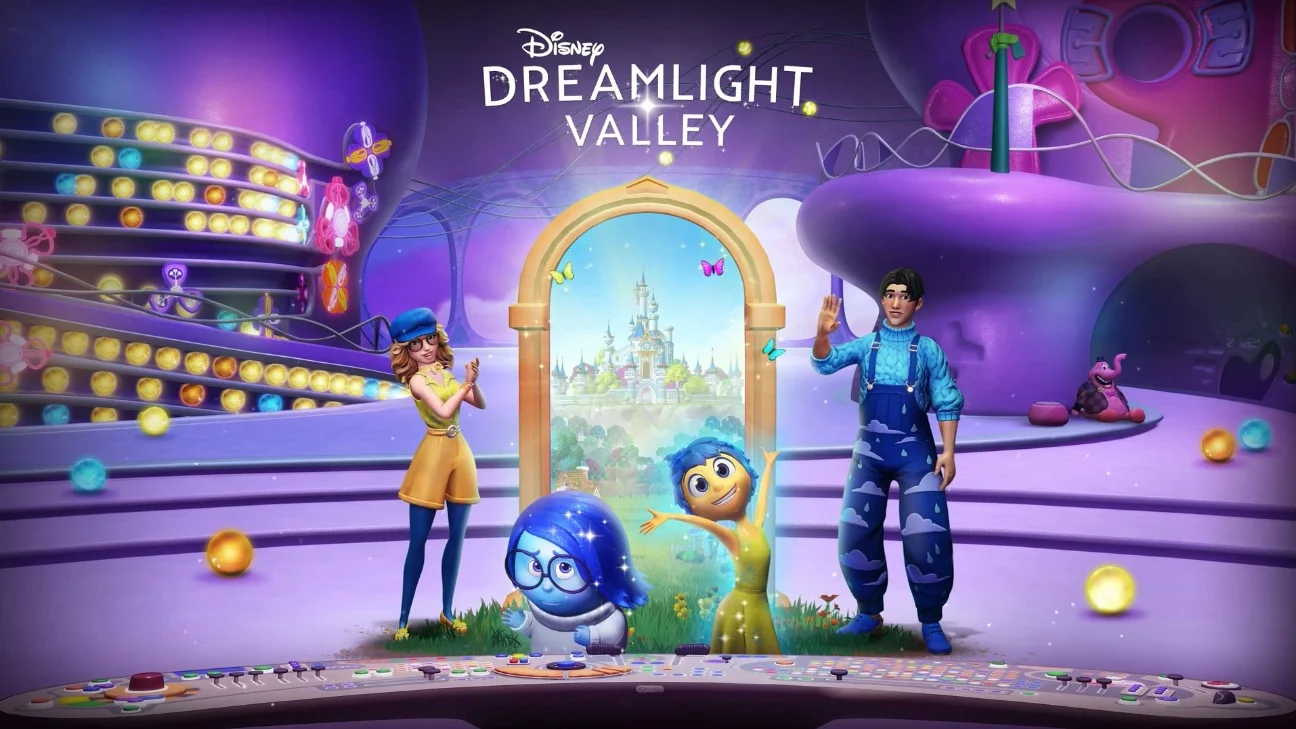
You'll only be able to start this quest after fulfilling two prerequisites. First, you need to reach friendship level 10 with Joy, which means spending time with her and completing various tasks together. Second, you need to have completed Sadness's third friendship quest. Once these requirements are met, talk to these two emotions to access the quest.
You'll first need to collect items in order to rebuild the ruler's lost memory. First, retrieve the Spotlights from your mailbox, then head to the Inside Out realm to look for the missing items.
Explore the upper left area among the stacks of documents where you'll find the Dream Documentation, then head to the Production set to grab the Dream Camera and then the Green Paint pot.
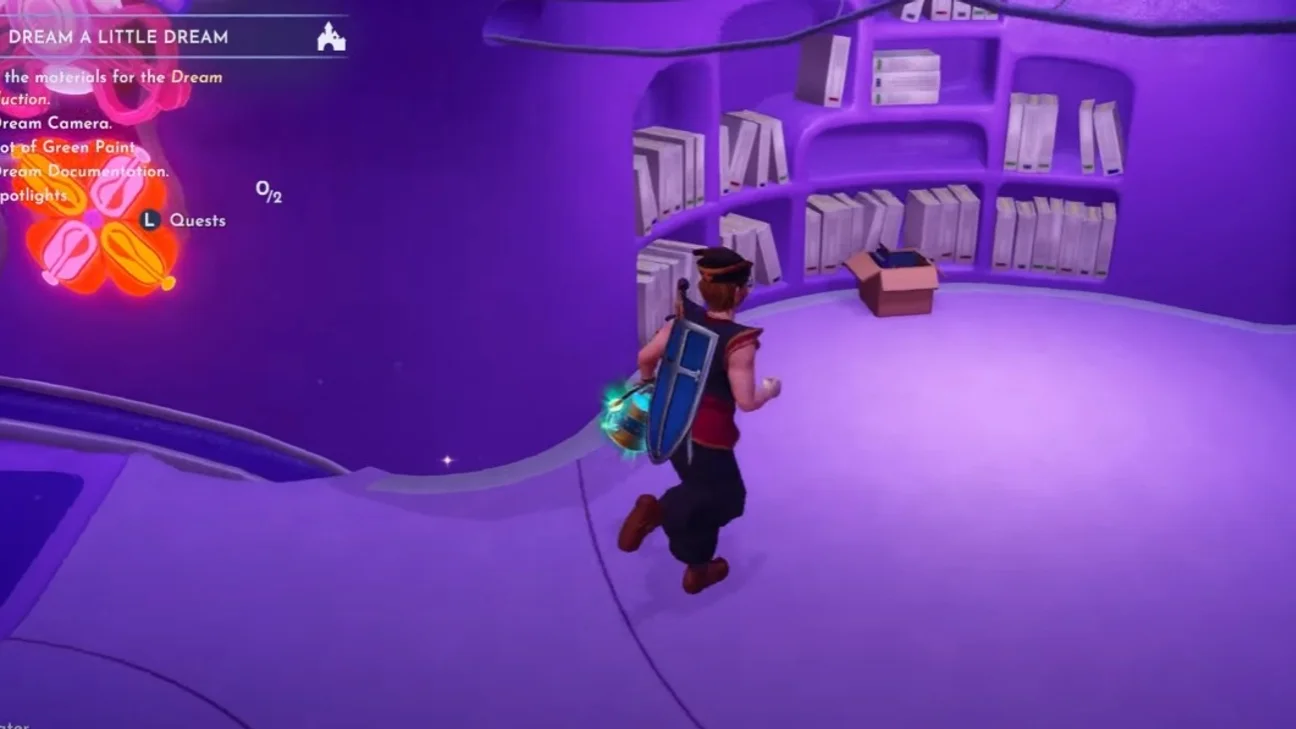
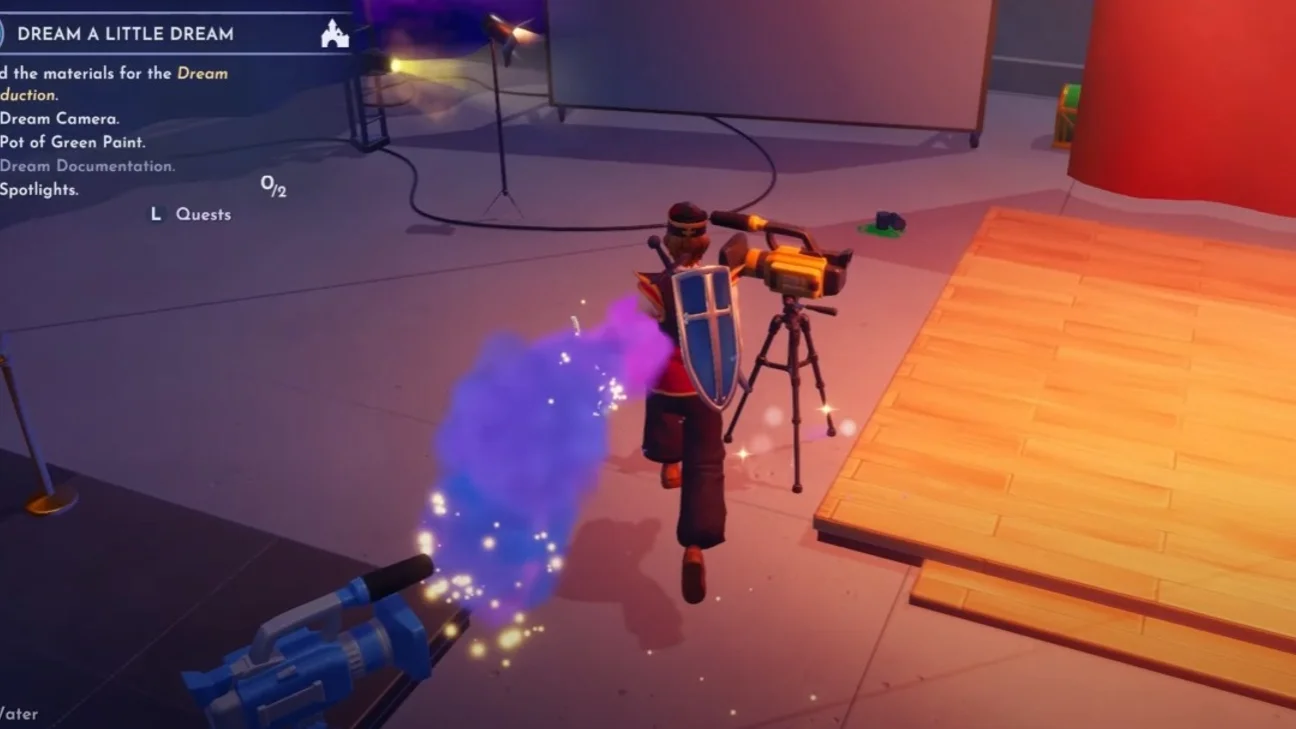
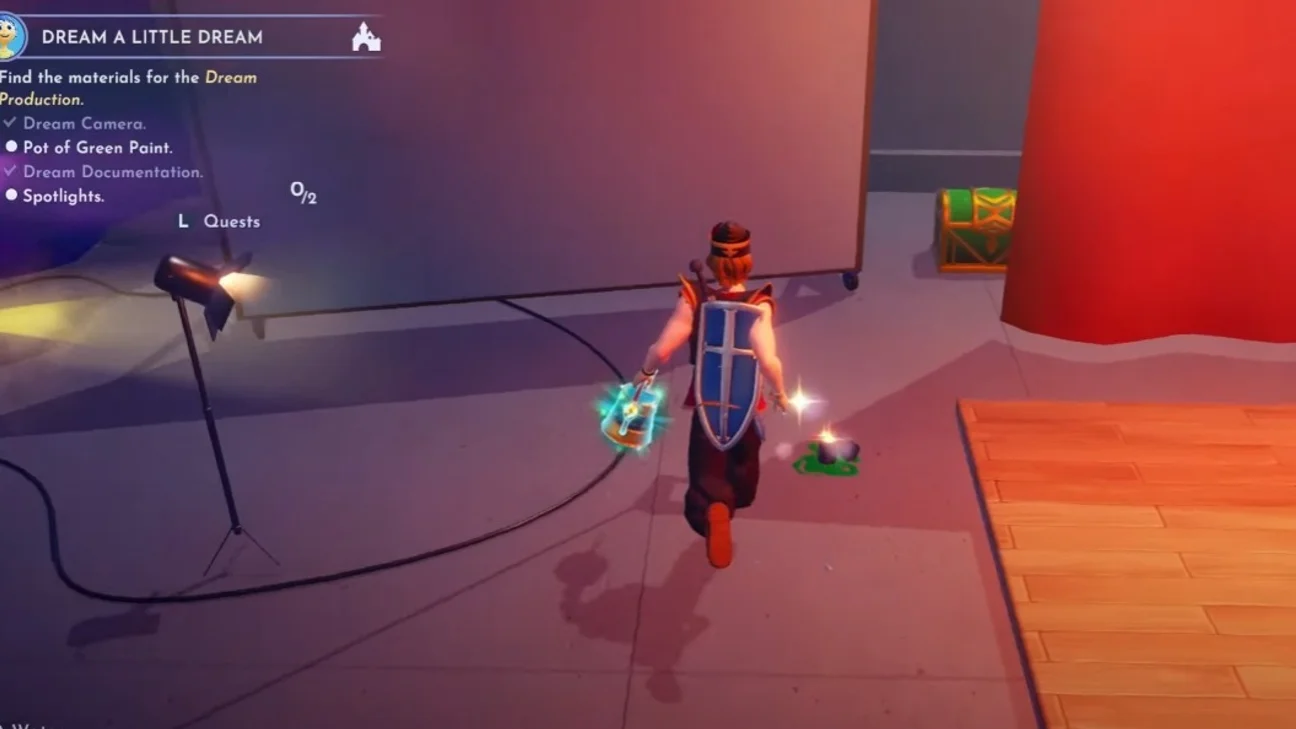
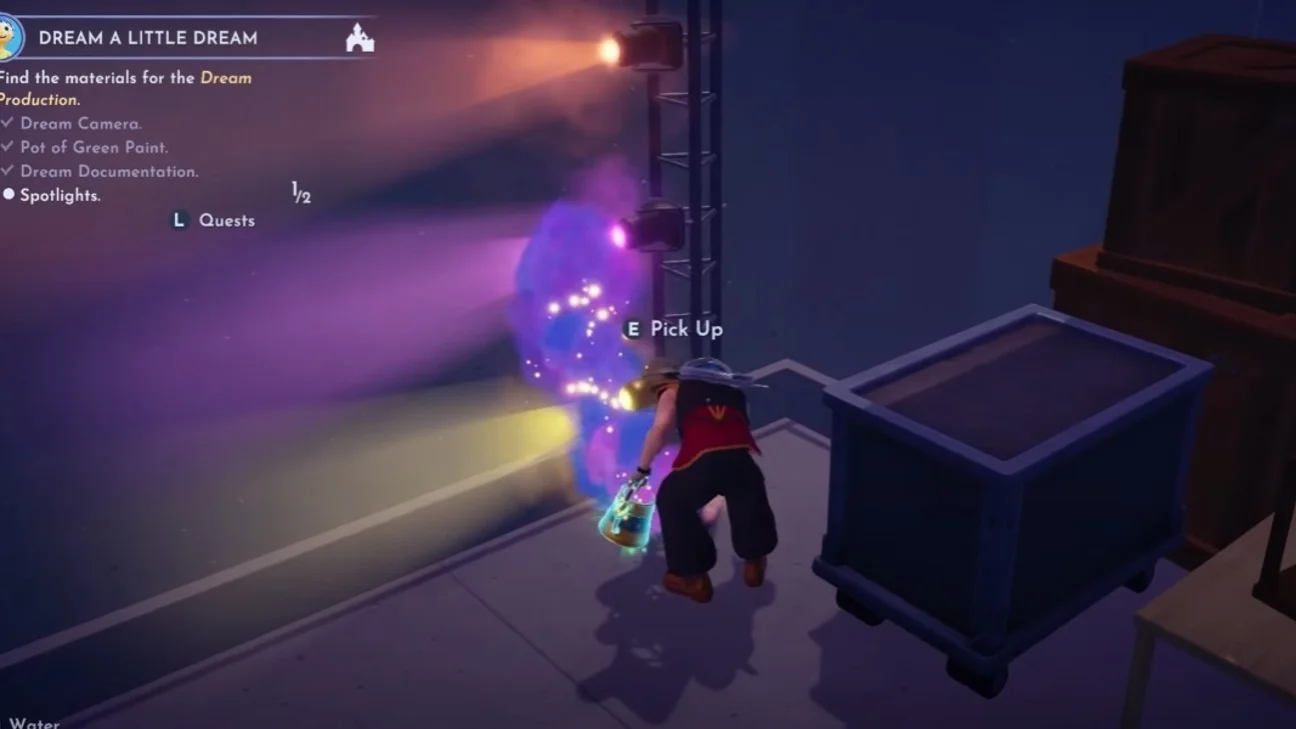
After collecting these items, hand over the Dream Documentation to Belle, who needs to become a screenwriter. Finally, your next task is to craft a Camera Lens Filter, which requires several precious gems:
- Topaz
- Amethyst
- Emerald
- Garnet
- Ruby
- Sapphire
- Tourmaline
Once the filter is prepared, head to the secret room in the Frosted Heights where you need to place all the equipment you've collected and then attach the filter to the Dream Camera to begin the Dream Production. The next step will have you visit The Forgotten One to give him a job within this specific Production.
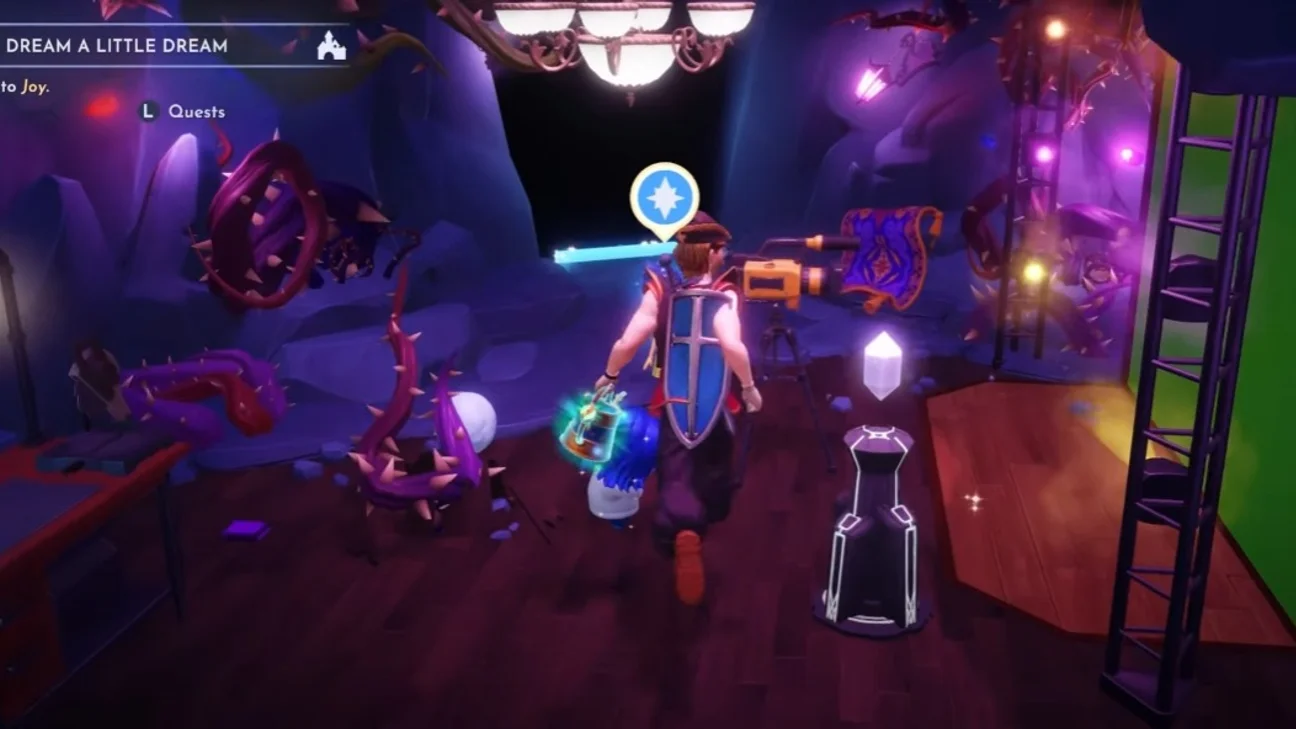
Solving the lighting issues then setting the right mood at the right time
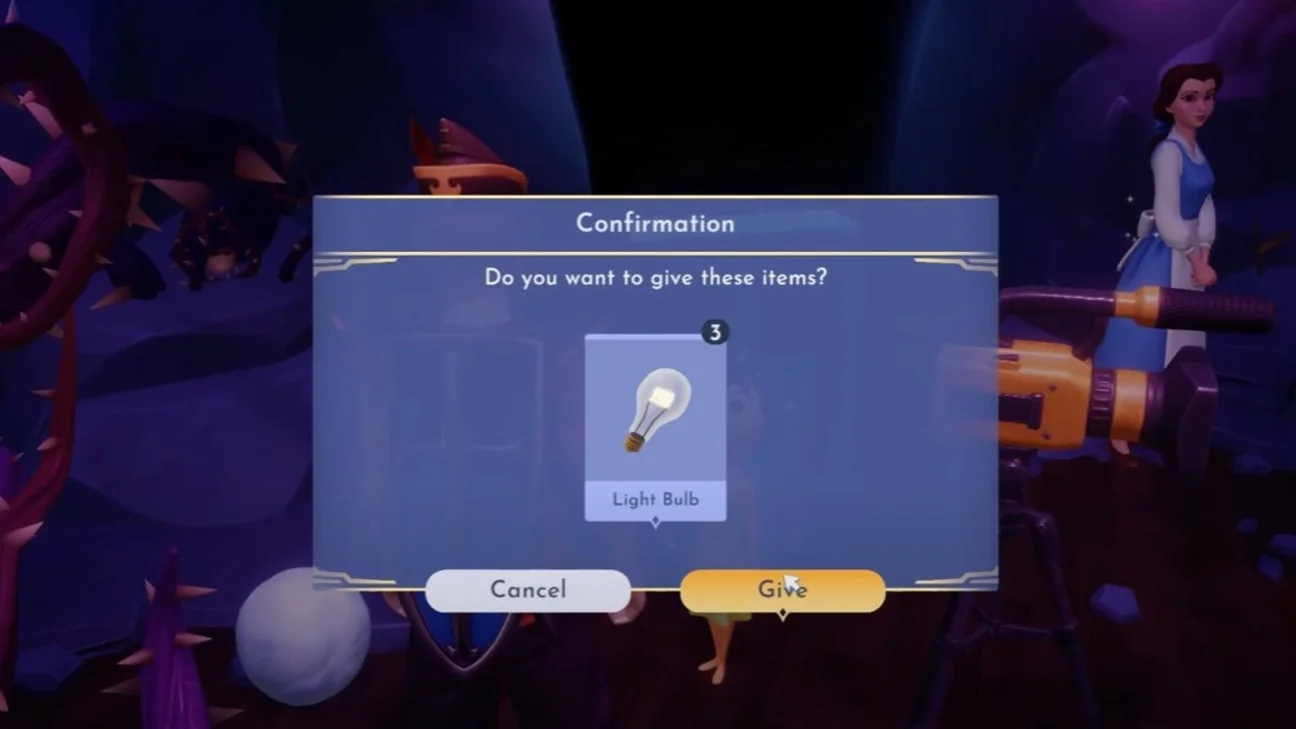
After the first scene plays out, an incident occurs: spotlights suddenly explode right before your eyes. Your task then is to pick up the fallen Glass and create 3 spare Light Bulbs. Once this repair is complete, Joy also leaves you a tricky task to complete: set the right lighting to match the mood at just the right moment for each part of the scene.
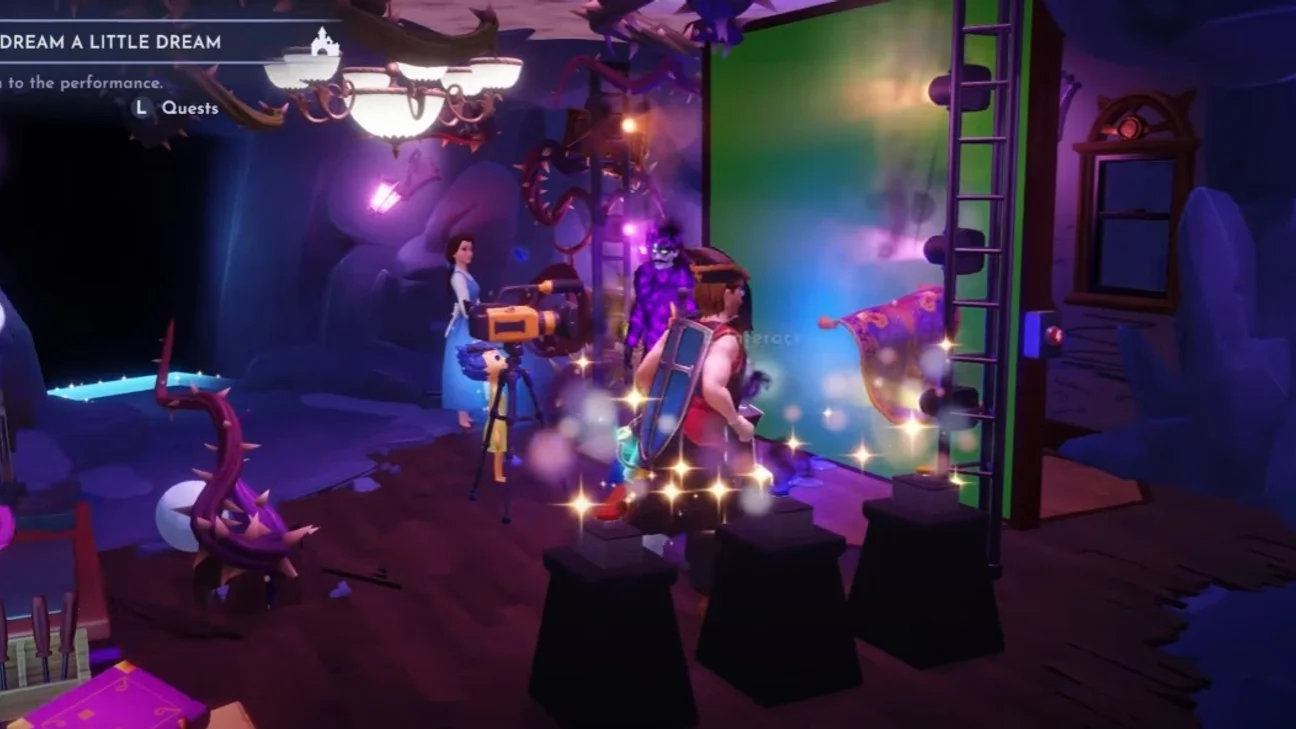
To succeed at this key step, you'll need to work the three light buttons that control the lighting for this Dream Production. Remember that the lights blend together to create new ones, here's how to proceed:
- For the beginning of the scene, the mood needs to be yellow. Just press the yellow button.
- For the middle of the scene, you need blue lighting, which means turning off the yellow and activating the blue button.
- For the very end of the scene, you need a purple mood, so you leave the blue on and press the red button.
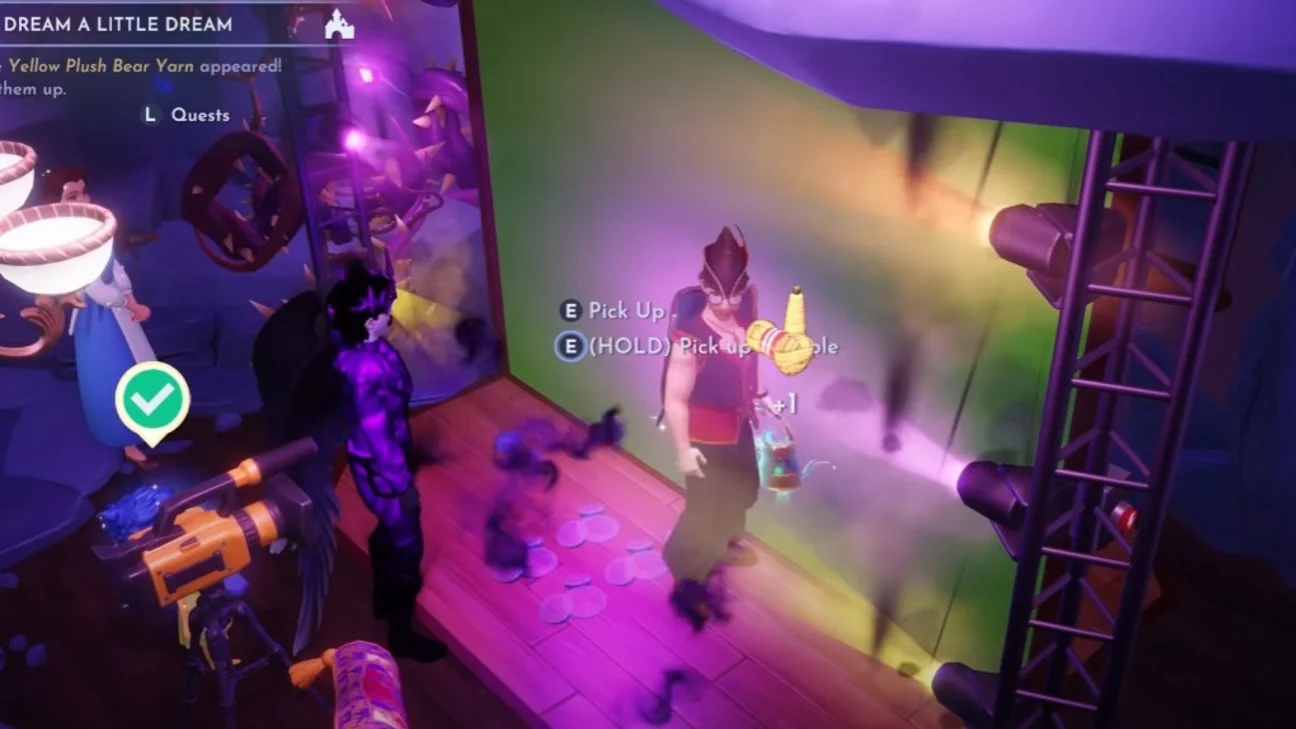
Once the lighting is properly set, pick up the Yellow Plush Thread and talk to Joy to wrap up this memorable scene. You'll receive the magnificent "Joyful Retro" outfit along with its matching "Joyful Retro Hat," both emblematic of your success in this touching adventure in Disney Dreamlight Valley.
Share this article
Do you prefer heavy narrative quests or pure mechanical challenges in Dreamlight Valley?
Frequently asked questions
Do you really need to finish all of Sadness's quests before starting "Dream a Little"?
Yes, Sadness's third friendship quest is mandatory. There's no way around it, it's an immovable prerequisite. Combined with reaching level 10 with Joy, these two conditions unlock the start of the quest.
Where exactly do I find the Projectors at the start?
The Projectors arrive directly in your mailbox. No need to search for them in the world — it's automatic loot.
If I miss the right moment to turn on the lights, do I have to restart the scene?
The guide doesn't specify, but this is standard in games of this type: you can probably click the buttons as many times as needed. The order remains: yellow first, then blue in the middle, then purple (blue + red) at the end.
Are the seven gems for the filter hard to get?
It depends on your overall progress. These are standard resources in the game, so if you farm regularly, you probably already have them. Otherwise, plan for a short mine grinding session.
Key takeaways
- Reaching level 10 friendship with Joy and completing Sadness's third quest are the two non-negotiable conditions to access this quest.
- Crafting the Camera Lens Filter requires gathering seven different gems — it's the most demanding crafting step in the guide.
- The light puzzle isn't complicated once you understand that the colors mix: yellow, then blue, then blue + red for purple.
- The "Retro Joyful" outfit and its matching hat reward your patience — two cosmetic pieces that are truly worth it.
Comments
No comments yet. Be the first to react!
Leave a comment
Similar guides


Latest articles






Your opinion counts
Rate Disney Dreamlight Valley
Click a star to rate