



 Alexandre Jollier


Taking an enemy hostage in CoD Black Ops 7: Our tips
In brief
Discover how to master hostage-taking in Call of Duty: Black Ops 7, one of the game's most strategic mechanics. Learn the essential controls, tactics for approaching your enemies stealthily, and how to use your hostage as a human shield to dominate fights.
Call of Duty: Black Ops 7 has been equipped with an impressive arsenal of tactics to deploy to eliminate enemies. Taking an enemy hostage seems to be one of the most strategic and satisfying mechanics in the game. Here's everything you need to know about it.
"First off, once you've captured one of your enemies, you'll be able to grab them by the neck to make them a human shield"

How to take an enemy hostage
To take an enemy hostage in Black Ops 7, you need to play strategically and go for optimal timing. To pull off this maneuver, the first step is to get behind an opponent without being spotted, then quickly press the melee button twice.
On PC, this is the V key by default, while on PlayStation and Xbox, you need to press the right analog stick (R3) twice.
First off, once you've captured one of your enemies, you'll be able to grab them by the neck to make them a human shield. This position will let you absorb frontal fire for a while, though it obviously won't protect you from side or rear attacks.
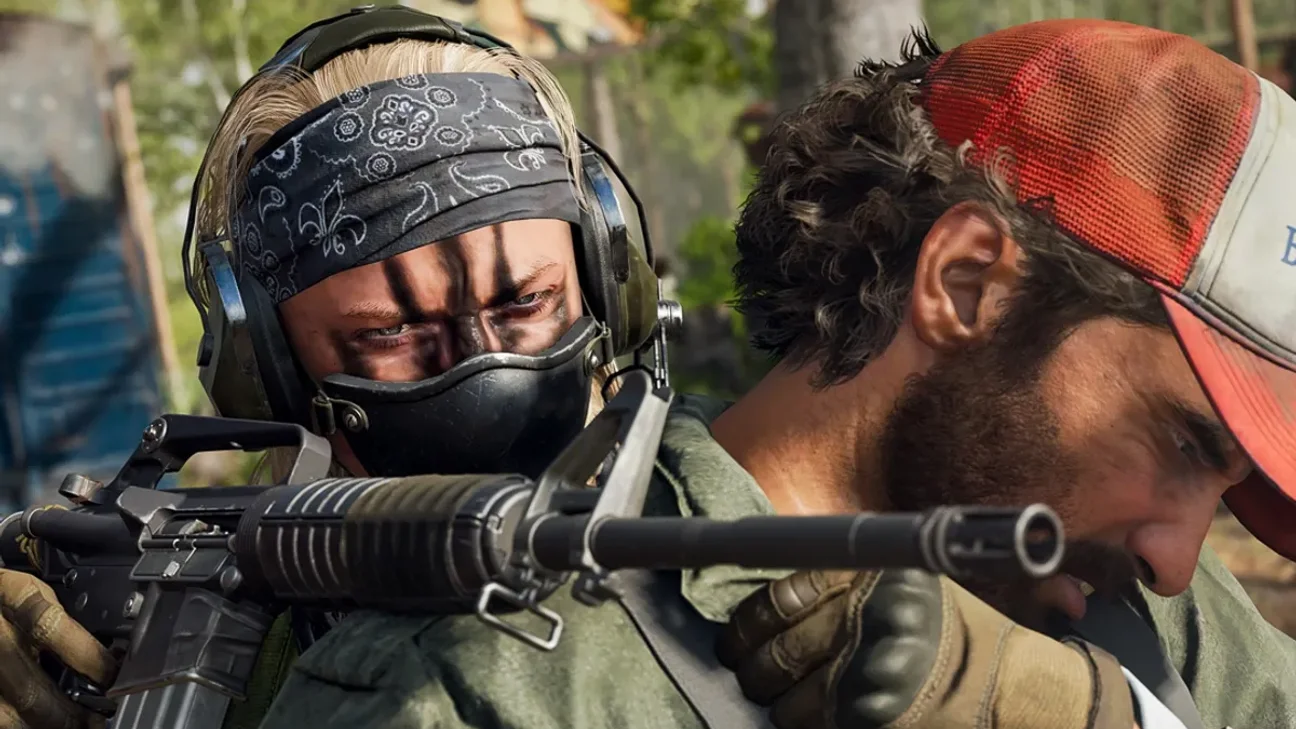
What to do once you have a hostage on your hands?
Having an enemy trapped will leave you with two choices, useful depending on the situation:
- Eliminate your hostage: A single press of the melee button will be enough to make your hostage flee and will naturally put your character back into combat.
- Treat yourself to a good show: A double press of the melee button will trigger a much more satisfying execution animation.
Choosing between option two will be more a matter of tactical context, and your own read of the situation on the ground!
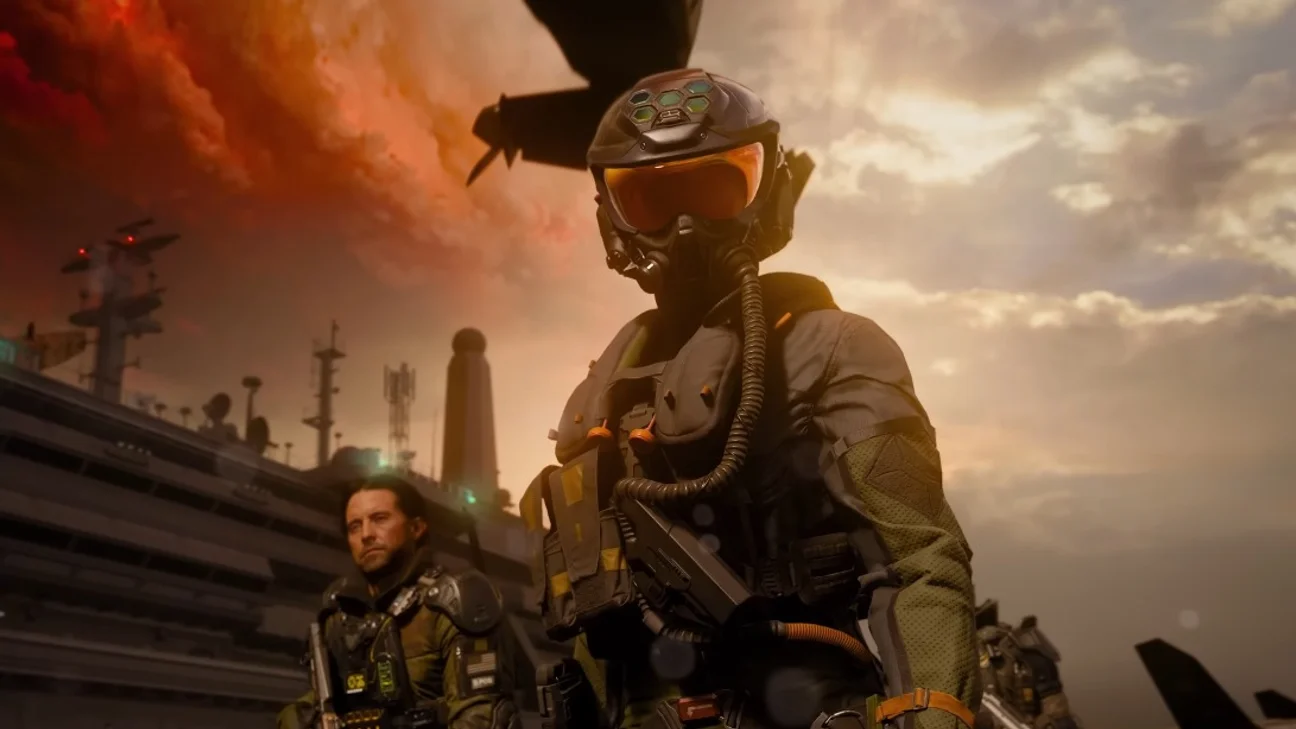
A few tips to master hostage taking
To maximize your chances of successfully capturing an enemy, here are some practical tips:
- Use the Ninja perk: This gear reduces the noise of your footsteps, making it easier to approach the enemy. Note that this perk only unlocks around level 5. Using it will require a certain amount of time invested in the game.
- Prioritize objective modes: Modes centered around Domination, Hardpoint, or Search and Destroy are particularly well-suited for hostage taking.
- Learn the maps: Knowing the maps well helps you anticipate enemy movements toward the best hiding spots and the best cover to use.
- Patience and timing: Haste is the enemy of stealth. Take the time to observe your opponent's movements before attempting your capture.
Share this article
What's your preferred approach to hostage-taking in Black Ops 7?
Frequently asked questions
What are the controls for taking an enemy hostage?
On PC, press V twice quickly. On PlayStation and Xbox, press the right analog stick (R3) twice. You must first sneak up on your enemy from behind without being spotted.
What can I do once I have a hostage?
You have two options: press the melee button once to quickly eliminate your hostage, or twice to trigger a more spectacular execution animation. The choice depends on your tactical situation.
How does the Ninja perk help me?
The Ninja perk significantly reduces your footstep noise, making it much easier to sneak up on enemies without being detected. It's unlocked around level 5.
Which game modes are best for hostage-taking?
Objective-based modes like Domination, Hardpoint, and Search and Destroy are particularly well-suited for hostage-taking, as they offer ideal tactical situations.
Key takeaways
- Approach quietly from behind and press the melee button twice (V on PC, R3 on console) to capture an enemy.
- Once you've captured a hostage, use them as a human shield to absorb frontal shots during your engagements.
- The Ninja perk is essential for reducing your footstep noise and making it easier to sneak up on enemies.
- Objective-based modes like Domination and Search and Destroy are the most conducive to successful hostage-taking.
- Patience and timing are crucial: watch your opponents' movements before attempting a capture.
Comments
No comments yet. Be the first to react!
Leave a comment
Similar guides


Latest articles








Your opinion counts
Rate The Outer Worlds 2
Click a star to rate