



 Alexandre Jollier

Full Guide
Subnautica 2 Tools and Batteries: How to Recharge Them
In brief
In Subnautica 2, all tools run on batteries that require regular recharging. Find out how to recharge your tools directly from your inventory and build a battery charger in your base to recharge up to 6 batteries simultaneously.
In Subnautica 2, tools all need batteries to function. Let's take a look right away at how to recharge them.
Charging Tools in Subnautica 2
To be able to recharge your tools, you need to use a Battery charged to the max. Go to your inventory and select the tool in the shortcut menu, then press "R" to open the recharging menu. In the pop-up menu, select the Battery and press the "Charge" key shown on screen to swap the empty battery for the charged one. The charged battery will then be inserted into the tool, and the empty battery will be in your inventory.
If you're out exploring and an essential tool like the Scanner runs out of power (leaving you stranded...), you can transfer the remaining power from another tool. To do this, select the tool you want to remove the charge from, open the recharging menu with the "R" key, then press the "Discharge" key to drop a Battery from your inventory into it. Then use that Battery to recharge your dead tool.
Note
Some vehicles like the Tadpole run on Power Cells rather than Batteries; Power Cells are rechargeable at a Power Cell Charger.
Recharging Batteries in Subnautica 2
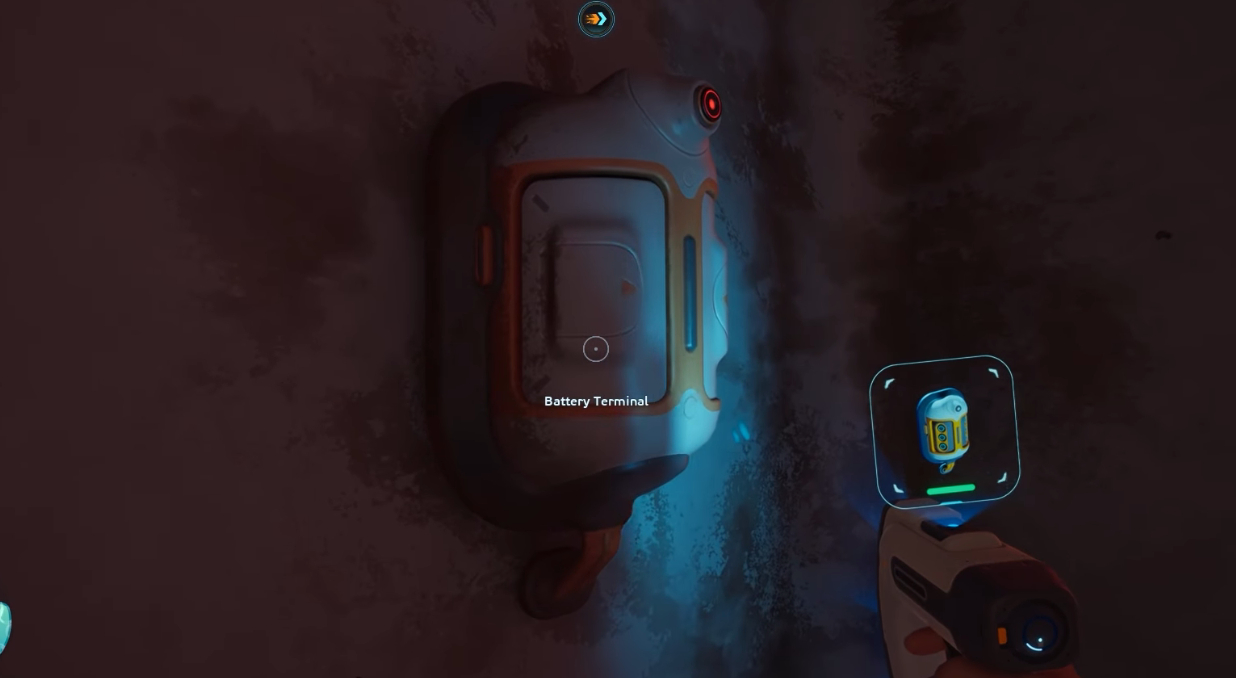
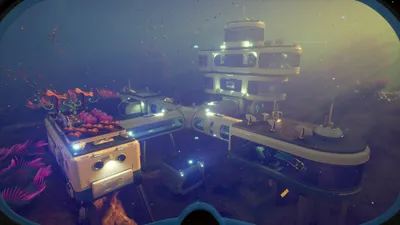
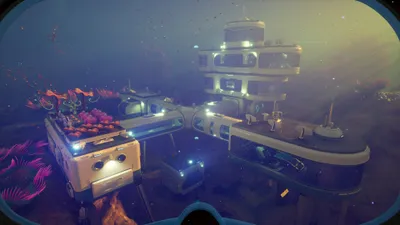
The Battery Charger is a base module that lets you recharge up to 6 batteries simultaneously using the base's power. To unlock the full Battery Charger blueprint, you need to find and scan at least two Battery Charger fragments. These fragments can be found in the old base located 220m southeast of the Lifepod.
Then build a Battery Charger in your base with the following ingredients:
- 2 x Titanium
- 2 x Quartz
- 1 x Copper Wire
Once you've installed the Battery Charger in your base, simply drop your depleted Batteries into it, and they'll start recharging automatically as long as the charger has power. Batteries recharge very quickly, going from 0 to 100% in under a minute.
Each battery charging in the charger draws power from the base's supply, at a rate of 1 power per second. Charging 6 batteries at once in the charger therefore requires 6 power per second, while charging 1 battery only consumes 1 power per second.
Share this article
What's your biggest challenge with battery management in Subnautica 2?
Frequently asked questions
How can I quickly recharge my tools while exploring?
You can transfer power from one tool to another via the recharge menu by pressing R, then selecting Unload to remove a standard battery and reuse it on your priority tool.
Where can I find the battery charger blueprints?
Battery charger fragments can be found in the old base located 220 meters southeast of the lifepod. You need to scan at least two of them to unlock the full blueprint.
How long does it take to recharge a battery at the charger?
Batteries recharge very quickly at the battery charger, going from 0 to 100% in under a minute.
How much energy does the battery charger consume?
Each battery being charged consumes 1 energy per second. When charging 6 batteries simultaneously, the charger therefore draws 6 energy per second from your base's power supply.
Key takeaways
- Recharge your tools by pressing R and selecting a charged standard battery from your inventory
- The battery charger is built with 2 Titanium, 2 Quartz and 1 Copper Wire in your base
- Batteries recharge in under a minute with the battery charger
- In an emergency, transfer power from one tool to another via the recharge menu
Comments
No comments yet. Be the first to react!
Leave a comment
Similar guides


Latest articles







Your opinion counts
Rate Subnautica 2
Click a star to rate