



 Alexandre Jollier


Beginner's Guide
Starfield Guide: How to Crouch on PC, Xbox, and PS5
In brief
Mastering crouching in Starfield is essential for stealth, pickpocketing, and combat. Discover the platform-specific keys (Ctrl on PC, B on Xbox, Circle on PS5) and how to effectively use the detection indicator to stay hidden or act quickly.
In Starfield, moving your character around is all well and good, but knowing how and when to crouch is just as important. Crouching is one of the fundamental mechanics to master, and there are several situations where it becomes essential. This article will walk you through the different ways to crouch in Starfield.
Understanding crouching in Starfield
Crouching lets you take a few stealthy steps to avoid being spotted by enemies, but it's also useful for pickpocketing, or in combat. Indeed, in Starfield, when you crouch, you can move without making noise. Avoiding detection is essential when it comes to stealing, but it can also be useful for taking cover when engaging enemies in combat, by shooting from specific angles. This posture is often necessary to interact with certain game elements, such as pickpocketing.
How to crouch on the different platforms
On PC
Press the Left Ctrl key to crouch. While crouched, an indicator will appear at the top of the screen, letting you know whether you've been detected or are safely hidden.
On Xbox
For Xbox players, press the B button to crouch. As on PC, a status indicator tells you whether you are hidden or detected.
On PlayStation 5
Press the Circle button to crouch. The indicator works the same way as on the other platforms.
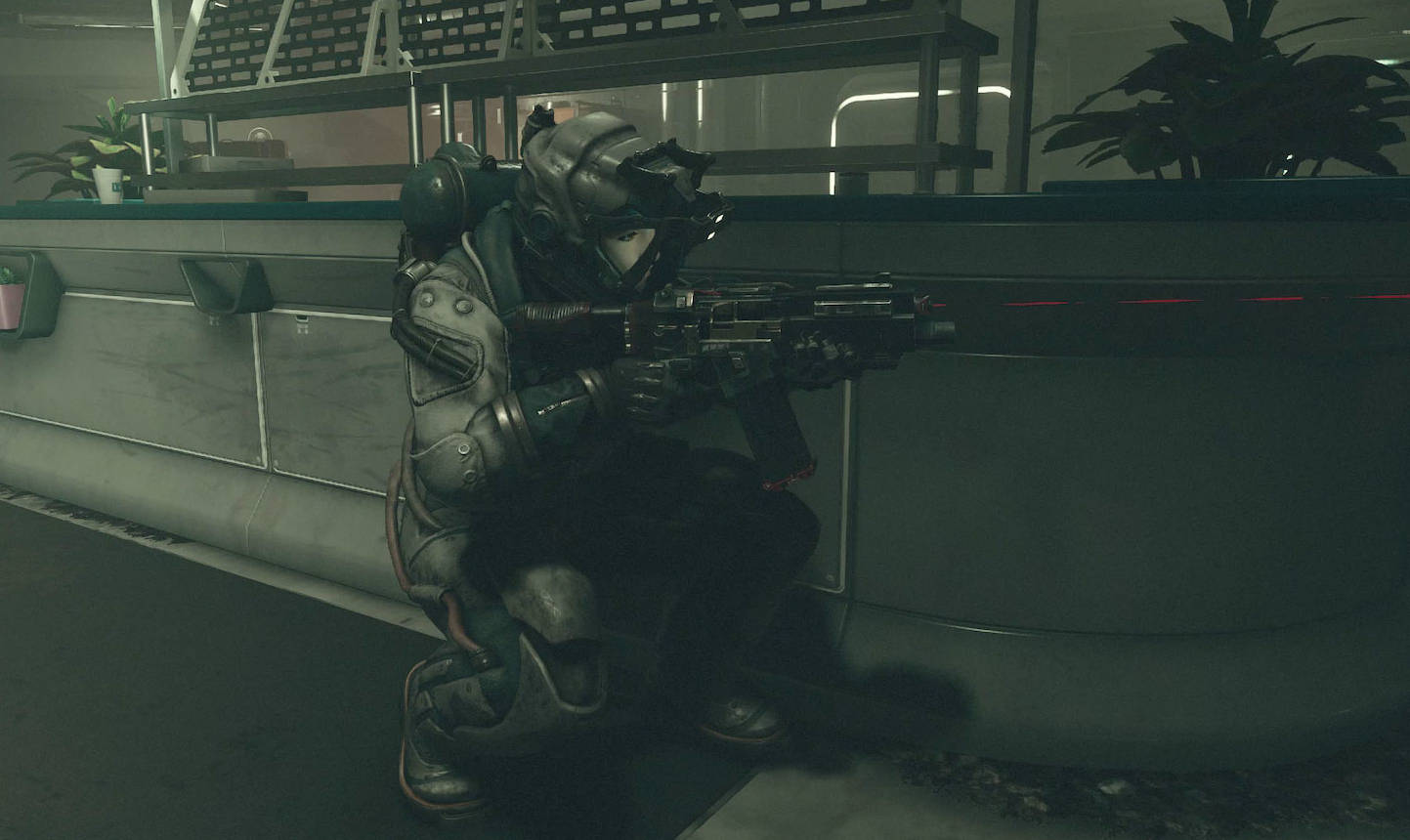
Using crouching for stealth
It's very useful for stealthy approaches. Here are a few tips to make the most of this feature:
- By crouching, you can approach enemies without being detected.
- Use crouching to observe enemy movements before making your move.
- Stay crouched whenever you're near enemies so you don't get spotted.
Detection indicators
When you crouch, a detection indicator appears on screen, here's what it means:
- Hidden status: The indicator is white with the word “HIDDEN”, you're all good...
- Imminent detection: The indicator starts to change, meaning you're about to be spotted.
- Danger: The indicator turns red with the word “DANGER”, you've been spotted, and you need to act fast!
Share this article
Do you mainly use crouching for stealth or for combat in Starfield?
Frequently asked questions
What is the key to crouch on PC in Starfield?
Press the Left Ctrl key to crouch on PC. An indicator will appear at the top of the screen to show your detection status.
How do you crouch on Xbox and PlayStation 5?
On Xbox, press the B button. On PlayStation 5, press the Circle button. In both cases, a status indicator appears to inform you whether you are hidden or detected.
What does the red 'DANGER' indicator mean while crouching?
The red 'DANGER' indicator means you've been spotted by an enemy and you need to act quickly to respond to the threat.
Is crouching useful in combat?
Yes, crouching lets you take cover during a fight and shoot in specific directions without noise, giving you a tactical advantage.
Key takeaways
- Crouching lets you move without noise to avoid being detected by enemies
- On PC, use Left Ctrl; on Xbox, press B; on PS5, use the Circle button
- An on-screen detection indicator informs you in real time whether you are hidden, in imminent danger, or discovered
- This mechanic is essential for theft, pickpocketing, and stealth approaches
Comments
No comments yet. Be the first to react!
Leave a comment
Similar guides


Latest articles







Your opinion counts
Rate Starfield
Click a star to rate