



 Fabian Lainé


Full Guide
Halloween: The Game co-op, multiplayer and crossplay - how to play with friends
In brief
Halloween: The Game offers two multiplayer modes: classic matchmaking with strangers or private matches with friends. The game supports full crossplay between Steam and consoles via a friend code system, but be careful: your progression is tied to your platform, there is no cross-progression.
Once you're dropped into Haddonfield, you'll quickly understand that surviving alone against Michael Myers is not a great idea. Halloween: The Game is an asymmetric game: one player controls the killer, while the others play as civilians trying to hold out until morning. Before starting a match with friends, it's best to know how to put your group together, especially if you're on different platforms.
There are two ways to play multiplayer here: classic matchmaking, which throws you into a queue with strangers (and your group if you have one), or the private match, where you invite your friends directly. For a controlled horror night with friends, the private match is obviously the option to go for.
Adding friends on the same platform
Open the Friends menu via the icon showing three silhouettes, at the top left of the screen. You can access it before starting matchmaking, or directly from a lobby you've already found.
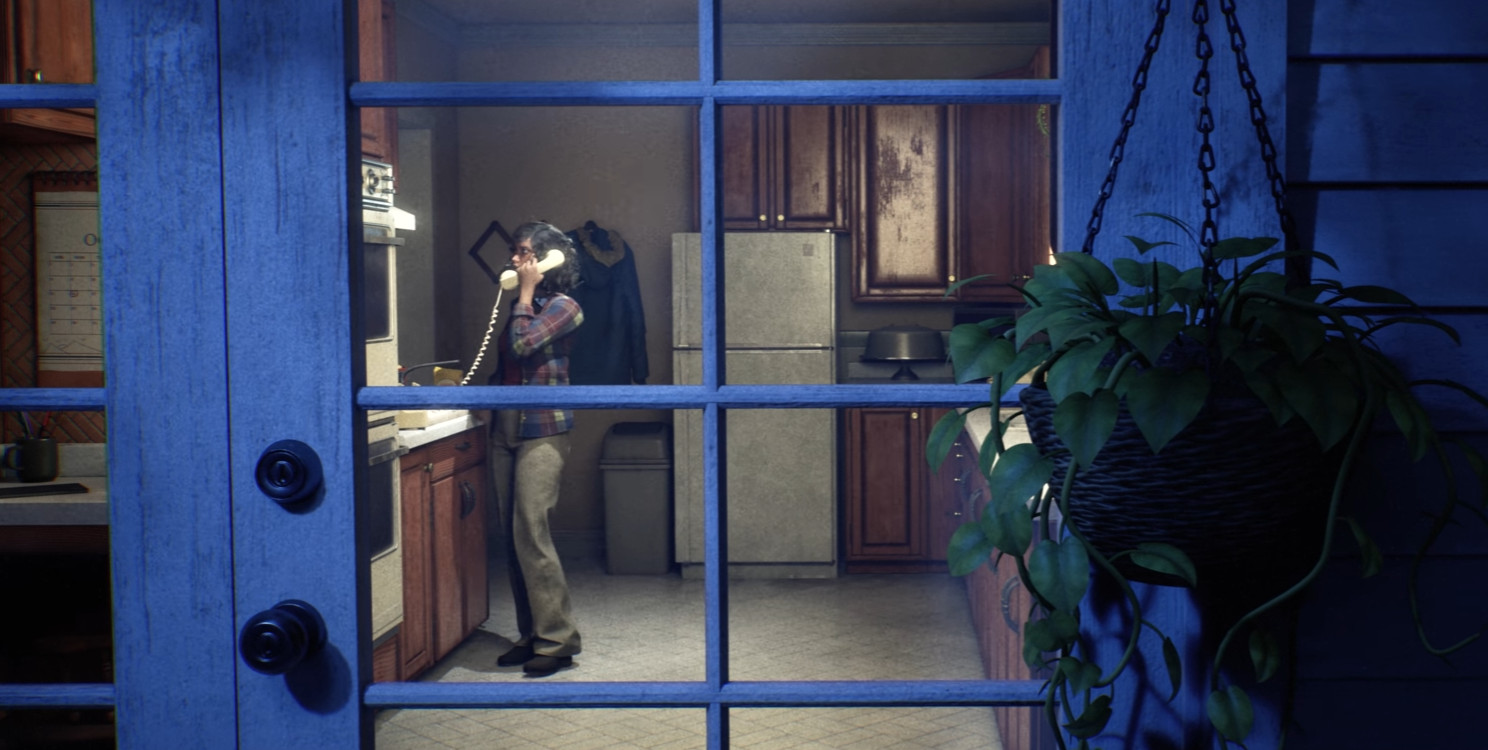
By default, the game automatically displays your friends list linked to the platform you're playing on. A Steam player will see their Steam friends, a PlayStation player will see their PSN list, and so on. If your whole group is playing on the same platform, there's no need to go any further: just pick from this list to send your invitations.
Adding friends on another platform
The real challenge of multiplayer here comes up when your friend is playing on PC while you're on console. In that case, the classic friends list is useless: you'll need to use the dedicated friend code system for crossplay.
- Open the Friends menu (three-silhouette icon, top left corner).
- Go to the second tab of the menu: that's where you'll find your unique friend code.
- Share this code with your friend on the other platform, by any means (Discord, text, smoke signals, whatever works...).
- Your friend opens the same menu on their end and enters your code in the field provided.
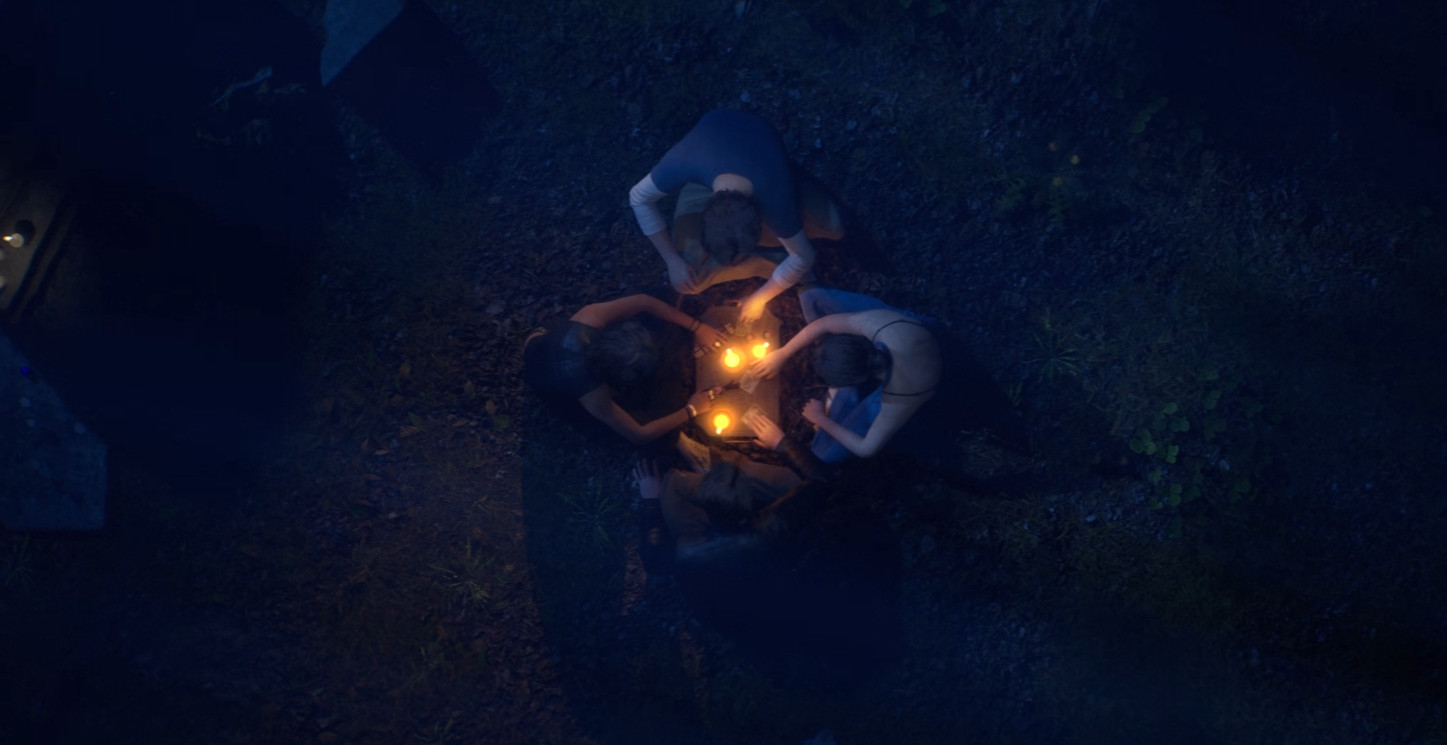
Once the addition is confirmed on both sides, you can manage your group directly from this Friends menu: send game invitations, receive them, and check your team's current makeup. Once everyone has joined the lobby, all that's left is to start the private match together.
Crossplay, yes. Shared progression, no
Good news: Halloween: The Game does support crossplay. Steam, consoles, whatever the combination, as long as the friend code has been exchanged, everyone can end up in the same lobby and face the Boogeyman together.
One small detail that matters, though: there's no cross-progression. Your progress, your unlocks, everything you've built on one platform stays on that platform. Switch to another platform and you'll start back at square one in terms of progression, even though you'll obviously still have access to all your friends via the code. Worth keeping in mind before migrating to a new system partway through.
Share this article
Are you going to play Halloween: The Game in private matches with friends or in matchmaking with strangers?
Frequently asked questions
Can I invite a friend on a different platform than mine?
Yes, thanks to the crossplay system. Open the Friends menu (three silhouettes icon in the top left), go to the second tab to get your unique friend code, and share it with your friend. They enter it on their end and you'll be able to play together in the same lobby.
How do I create a private match with my friends?
After adding your friends (on the same platform or via crossplay friend codes), open the Friends menu, send them match invitations, and once everyone is in the lobby, launch the private match. It's more controlled than classic matchmaking.
Does my progression sync if I play on multiple platforms?
No. There is no cross-progression in Halloween: The Game. Your progress, unlocks, and customizations remain tied to the platform where you earned them. If you switch platforms, you start from scratch progression-wise.
Does crossplay really work between Steam and consoles?
Yes, crossplay is fully supported. Steam, PlayStation, Xbox — no matter the combination, as long as you've exchanged friend codes, you can find each other in the same match and face Michael Myers together.
Key takeaways
- Private matches are the best option to control who faces Michael Myers with you.
- Crossplay works perfectly thanks to friend codes: exchange your unique code and you're good to go.
- Your character progression does not carry over to other platforms — you start from scratch.
- On the same platform, simply use your native friends list (Steam, PSN, etc.).
Comments
No comments yet. Be the first to react!
Leave a comment
Similar guides

Latest articles






Your opinion counts
Rate Halloween: The Game
Click a star to rate