



 Alexandre Jollier

How to Grow Mushrooms in Schedule 1: Full Guide
In brief
Schedule 1 introduces mushroom cultivation in beta, a new gameplay mechanic. This guide explains how to get started with the "Vibin' on the Cybin" quest and master the full cultivation process, from choosing your equipment to the final harvest.
Magic mushrooms are arriving in Schedule 1 in beta after numerous requests from the community, and here is a concise guide to help you grow your own mushrooms (in the game!).
"Growing magic mushrooms in Schedule 1 follows a relatively simple process"
Getting Your First Mushrooms
To get your first batch of magic mushrooms, you need to complete several steps, especially if you're just starting out in Schedule 1. It all starts with a quest called "Vibin' on the Cybin".
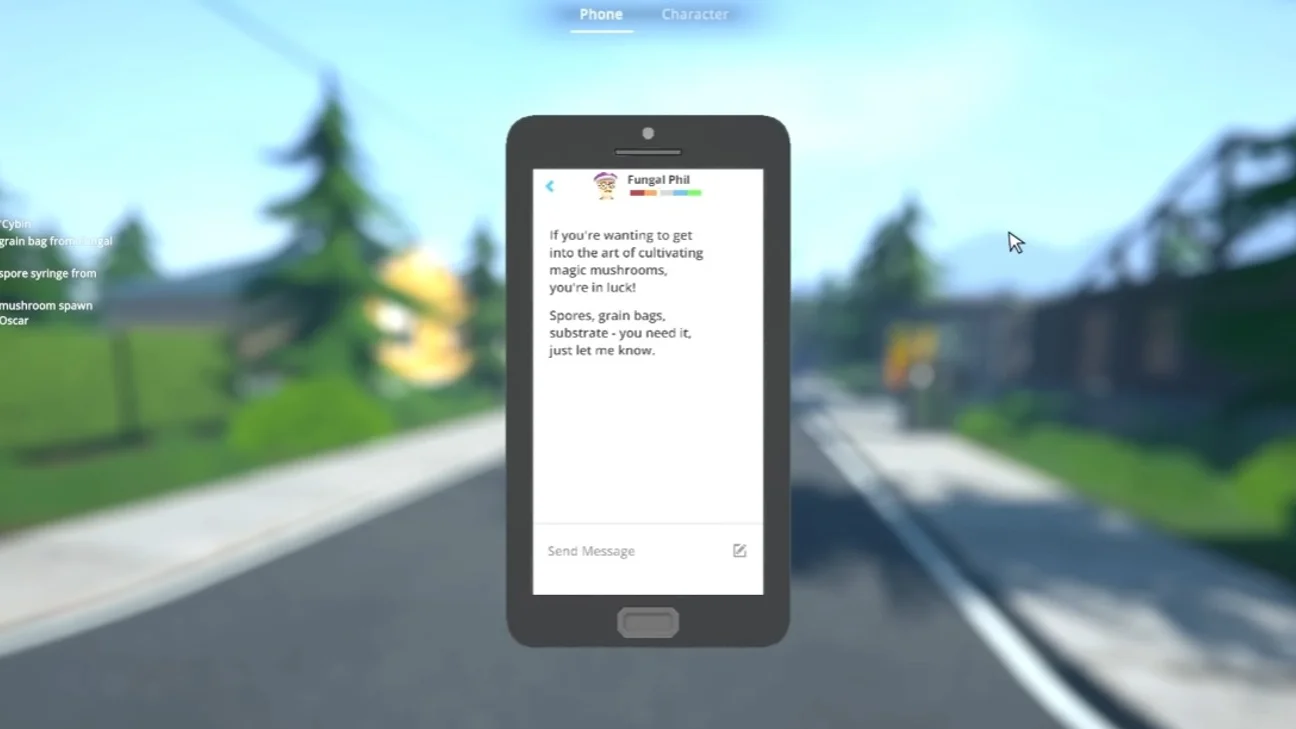
To do this, open your mobile phone (still in the game...), you'll receive a text from Fungal Phil, then you'll need to get the main items, namely spores, grain bags and of course substrate (purchases possible via the dead drop). Also visit the DIY store to buy a spray bottle and an air conditioner, then wait for sunset and go see Oscar to get the mushroom generator and the grow bed.
Step-by-step Growing Process
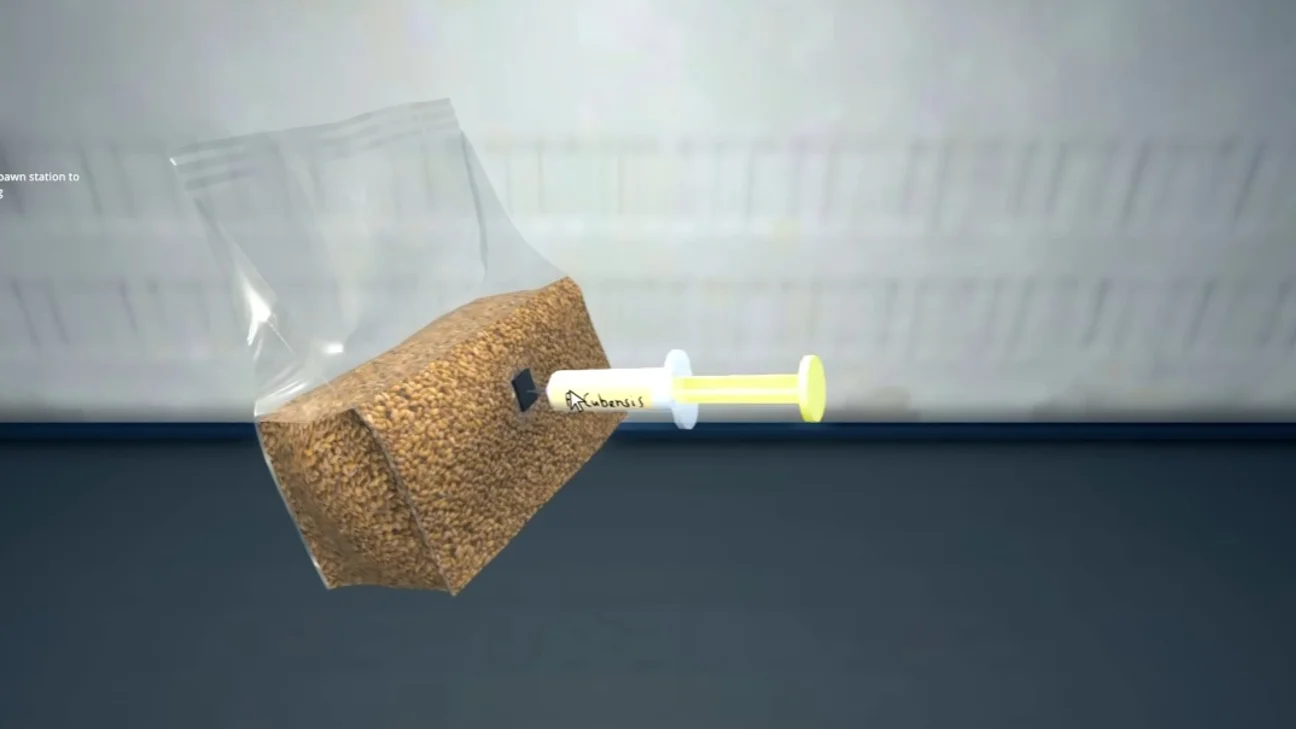
Growing magic mushrooms in Schedule 1 follows a relatively simple process. First, choose a property to place the equipment. Once you've placed the generator, which has a slot for the grain bag and another for the syringe, remove the cap from the syringe to insert it into the bag. Then install the grow bed and collect the product from the generator, which you'll pour onto it. Next, place the mushroom spores on the growing substrate before covering it with soil for the growth phase.
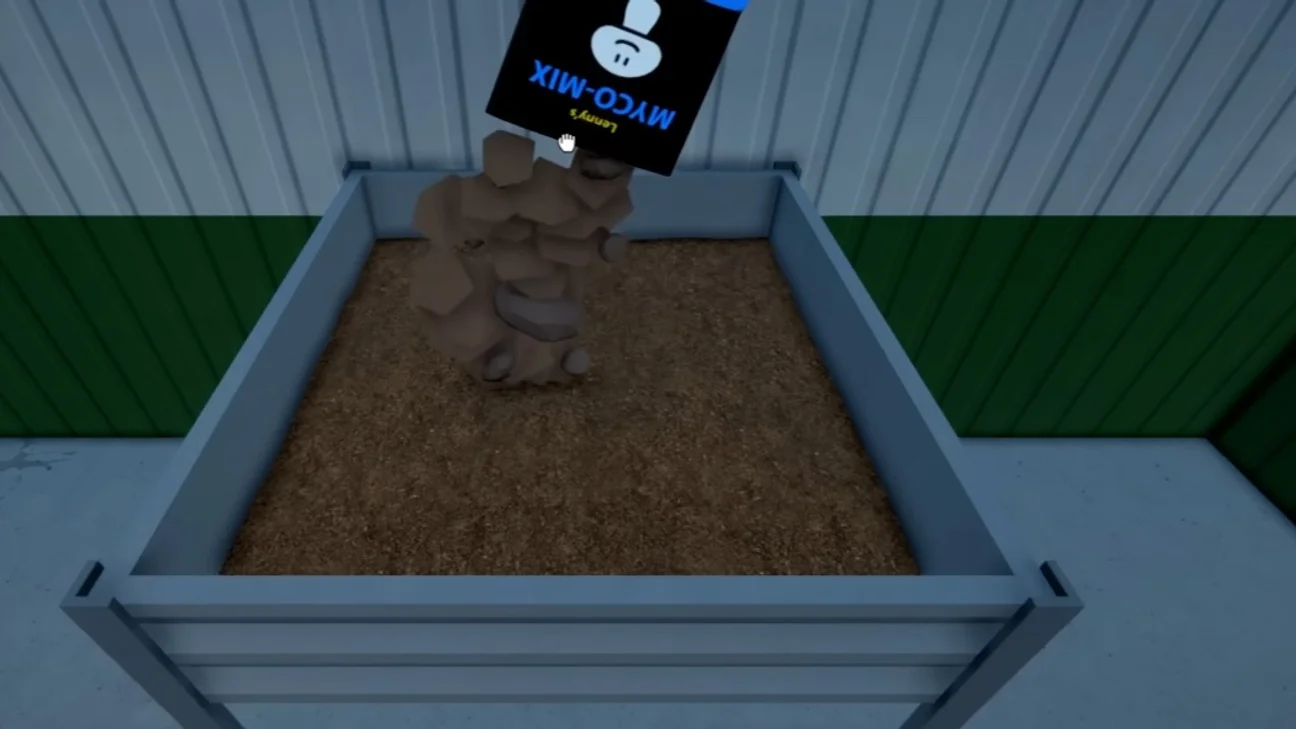
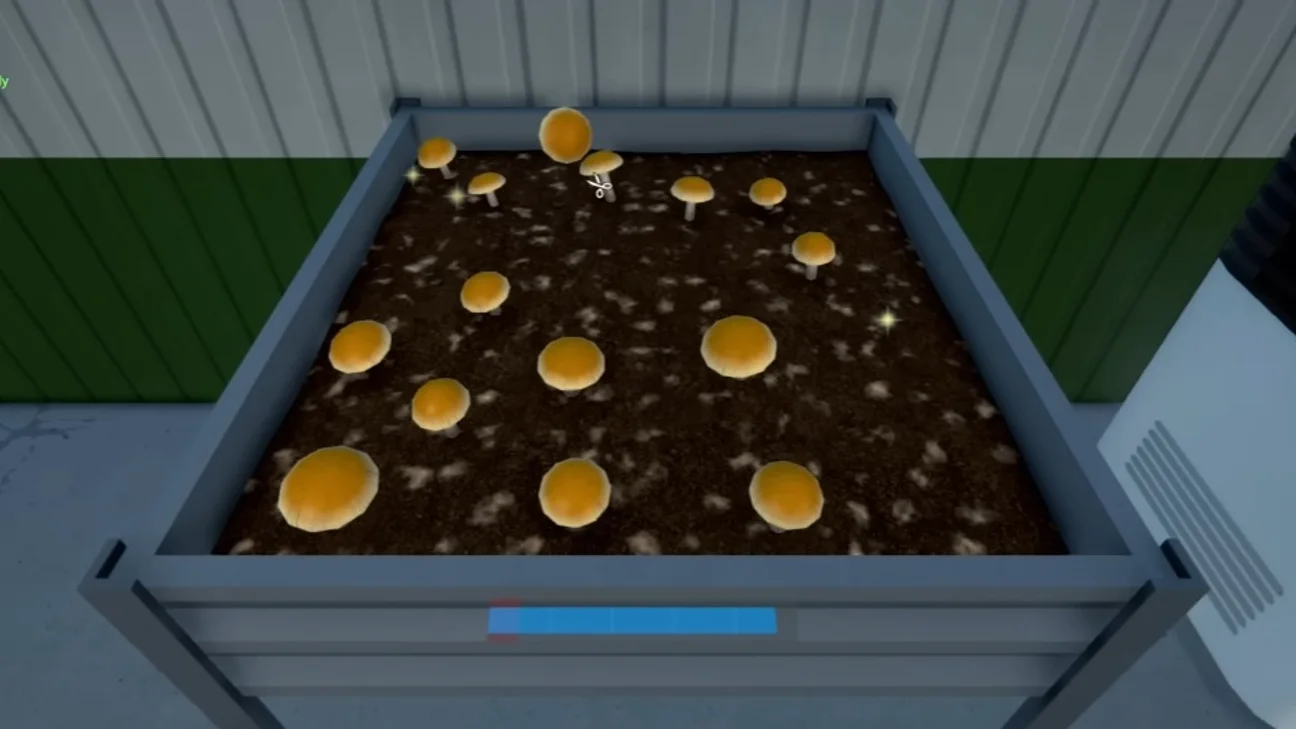
The environment matters: install the air conditioner to lower the temperature in the room, then the spray bottle, which you'll use to moisten, one at a time, five different areas of the substrate. Your setup is complete and all that's left is to wait...
Once the mushrooms are ready for harvest and, after processing, ready for sale, you can either add fertilizer during the growing phase to improve their quality, or use a dryer to obtain custom-tailored products.
Share this article
Are you going to try mushroom cultivation in Schedule 1?
Frequently asked questions
How do you start growing mushrooms in Schedule 1?
Start with the "Vibin' on the Cybin" quest, which you'll receive by text from Fungal Phil on your in-game phone. You'll then need to gather the key items: spores, grain bags, substrate, and the necessary equipment.
Where can you buy the materials for cultivation?
Spores, grain bags, and substrate can be bought via the dead drop. The mister and air conditioner are available at the DIY store. The mushroom spawner and grow bed are obtained from Oscar at sunset.
What equipment is essential for a successful grow?
The air conditioner regulates temperature, while the mister moistens five different areas of the substrate. Both are crucial for creating the optimal environment for mushroom growth.
Can you improve the quality of the mushrooms you grow?
Yes, you can add fertilizer during the growing phase to improve quality, or use a dryer to get tailor-made products based on your needs.
Key takeaways
- The "Vibin' on the Cybin" quest unlocks your first mushroom cultivation.
- You must first gather spores, grain bags, substrate, and equipment via the dead drop and the DIY store.
- The cultivation process requires precise environmental management with an air conditioner and a mister to maintain ideal conditions.
- Adding fertilizer during the growing phase improves the quality of the harvested mushrooms.
Comments
No comments yet. Be the first to react!
Leave a comment
Latest articles






Your opinion counts
Rate Schedule 1
Click a star to rate