



 Alexandre Jollier

Full Guide
Is Orbitals Online Multiplayer? Co-op Explained
In brief
Orbitals enforces two-player co-op, and the developers have thought of everything to make organization easier: from local play on a shared screen to the free Friend Pass that spares the second player from buying the game. Four methods allow you to launch a game, depending on your hardware configuration and location.
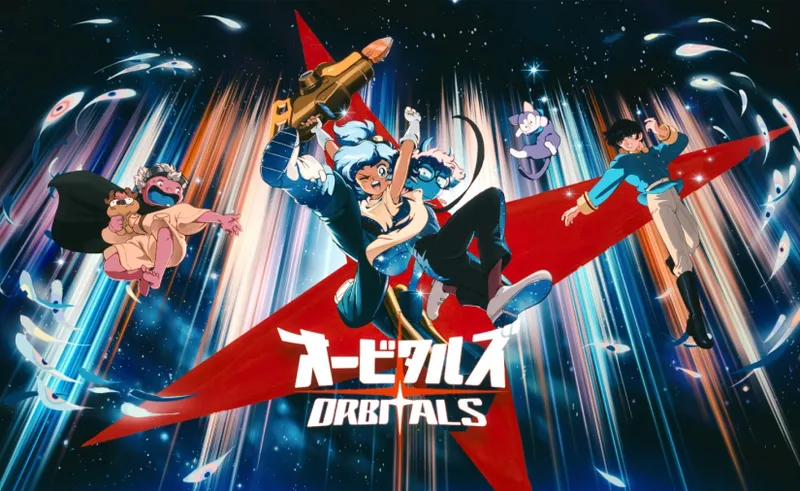
Orbitals, the co-op adventure from Shapefarm and Kepler Interactive, is strictly two-player. Everything has been designed to make setting up a session easy - right down to a free Friend Pass that spares both players from having to buy the game. Whether local or online, you'll enjoy a split screen. Here are the four ways to get started.
Setting up local co-op
This is the simplest method. On launch, the home screen offers "Continue", then invites you to sign up for Nintendo Switch Online: skip this step (press B) to reach the main menu - NSO is only needed for online play.
Then choose "Play locally", and connect a second controller. Note: it's not possible to play with two separate Joy-Cons - each player needs two Joy-Cons or a Pro Controller. Joy-Cons and Pro Controllers from the original Switch remain compatible with the Switch 2.
Once the second controller is recognized, each player picks their character (Omura or Maki, more on this below). This is the recommended setup; otherwise, make sure you can communicate easily during the session.
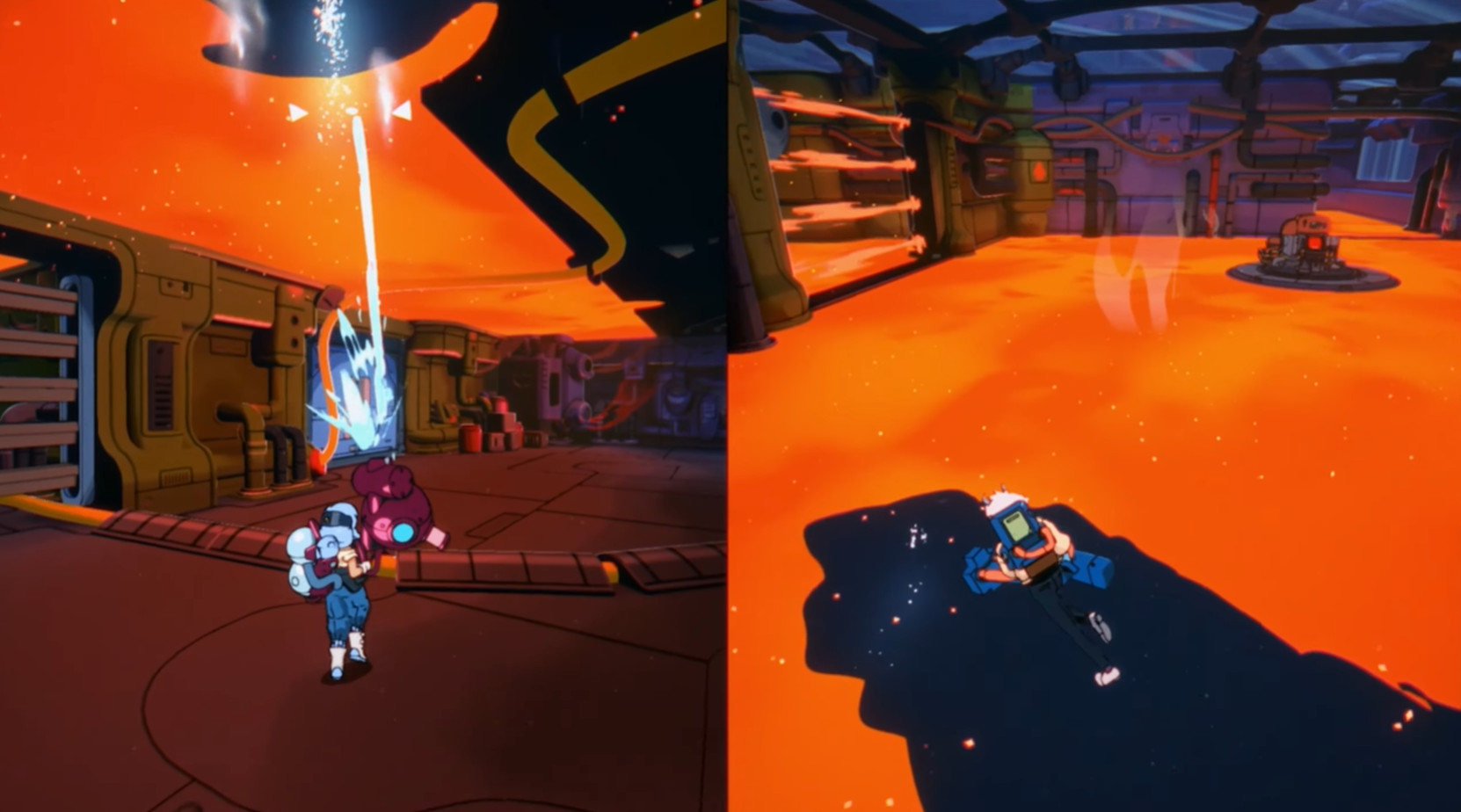
Setting up online multiplayer
This option is for those who want to play each on their own Switch 2. Two requirements: both players must have an active Nintendo Switch Online subscription (local co-op, on the other hand, doesn't need it), and your partner must either own the game or have downloaded the free Friend Pass.
In the main menu, select "Play online". The host player chooses to invite a friend: the console displays your friends list, where you pick the desired person. The invitation then appears for the other player under "Online Invitations", via the profile icon in the top left corner.
Using the Friend Pass
The Friend Pass is useful when only one player owns Orbitals and plays online with someone who doesn't. It can be downloaded free of charge from the Nintendo eShop, but it's not a copy of the game: its holder can only play if paired with a player who owns the title. Once the Pass is installed, simply wait for the invitation from the host.
It's an alternative to GameShare: the Pass avoids the black border and the potential connection issues of the latter. However, it does not work with a player on the original Switch. It also allows launching a demo version on a Switch 2 that doesn't have the full game.
Playing with an original Switch via GameShare
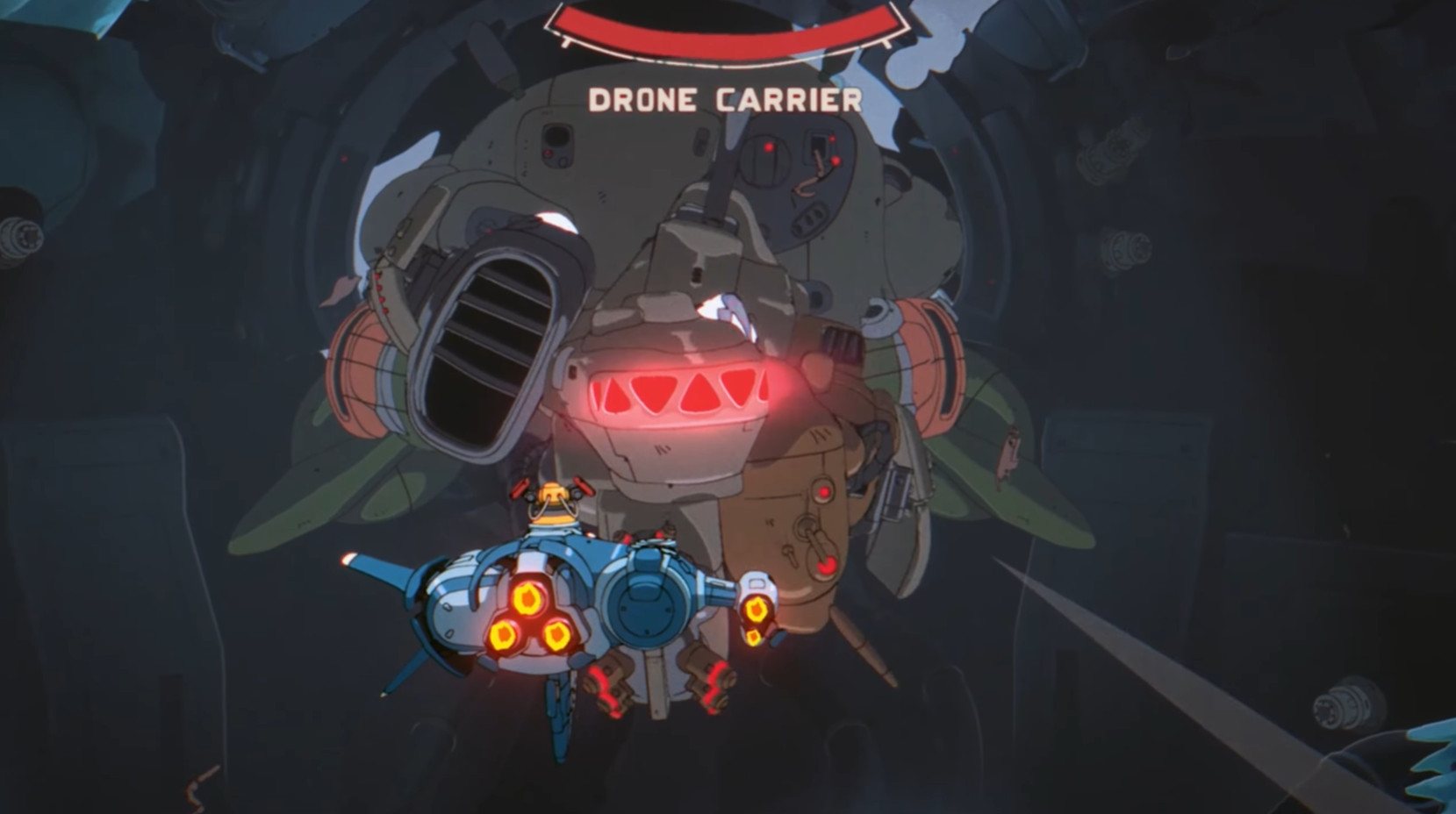
Last method: GameShare, the Switch 2 feature that shares a multiplayer game with a player who doesn't own it. It makes Orbitals playable on an original Switch, but with lower-quality visuals, so it should be a last resort.
With an original Switch, GameShare is only available locally: stay close to each other. The partner opens GameShare from the taskbar on the home screen, then chooses "Join a GameShare". On your side, select the GameShare option in the Orbitals menu: the consoles find each other quickly. A black border appears on both screens.
Between two Switch 2s, the process is identical, with the added bonus of online GameShare (no need to be in the same location) and access to GameChat.
Should you choose Maki or Omura?
Unlike Hazelight's games, no ability is tied to the character in Orbitals. The two protagonists are visually unique, but all the tools are found on the ship: when heading out on a mission, each player grabs the tool of their choice. During piloting sequences or boss fights, the roles of Pilot and Gunner simply depend on the seat occupied - feel free to switch with each mission.
In other words, whether you pick Omura or Maki, the choice has no impact on gameplay: it's entirely up to you and your partner's preferences.
Share this article
What setup do you prefer for playing co-op?
Frequently asked questions
Is Nintendo Switch Online mandatory for local play?
No. Nintendo Switch Online is only needed for online multiplayer. In local co-op, you can skip the registration step and go straight to the main menu by pressing B.
My friend doesn't own Orbitals: how can he play with me online?
He can download the Friend Pass for free from the Nintendo eShop. Once installed, he waits for your online invitation and plays without a black border, unlike GameShare. The Friend Pass only works online between two Switch 2s, however.
Can I play co-op with an original Switch and a Switch 2?
Yes, but only locally via GameShare, with a black border and diminished quality. The Friend Pass doesn't work with an original Switch. It's a last resort if you have no other option.
Does choosing Omura or Maki have any impact on gameplay?
None. The two protagonists differ visually, but all tools are found on the ship. You can alternate characters with each mission with no strategic impact.
How many Joy-Con should each player have locally?
Two Joy-Con or one Pro Controller per player. Impossible to play with two individual Joy-Con. The Joy-Con and Pro Controllers from the original Switch remain compatible with Switch 2.
Key takeaways
- Local co-op remains the recommended formula: just ignore Nintendo Switch Online at startup and plug in a second controller.
- The free Friend Pass allows your partner to play online without owning Orbitals, unlike GameShare which requires physical proximity.
- Each player must own two Joy-Con or a Pro Controller in local co-op: impossible to play with two separate Joy-Con.
- The roles of Pilot and Gunner alternate freely depending on the seat occupied; Omura or Maki has no influence on gameplay.
- GameShare also works between two Switch 2s online, but generates a black border and represents a last resort.
Comments
No comments yet. Be the first to react!
Leave a comment
Latest articles







Your opinion counts
Rate Orbitals
Click a star to rate