



 Alexandre Jollier

Dragon Quest 7 Reimagined Save Guide: Our Guide
In brief
Dragon Quest 7 Reimagined offers several methods to save your progress throughout your dozens-of-hours-long adventure. This guide explains how to use the two main save points: churches and sacred statues, while emphasizing the importance of manual saving despite the presence of an autosave feature.
In Dragon Quest 7 Reimagined, your journey can span several dozen hours of gameplay. There are different save methods to make sure you don't lose your progress. While the game does have an auto-save feature, we strongly recommend saving manually, especially before ending a play session. Rest assured, saving is quite simple, and this guide will walk you through the different save methods in Dragon Quest 7 Reimagined.
When the auto-save kicks in, you'll see a small golden feather icon appear in the bottom right corner of your screen. This feature is useful, but it shouldn't be seen as a substitute for a manual save. Manual saving remains the safest option, especially before quitting the game for a long period of time!
This remake of the Square Enix game lets you save your progress using two main methods: churches, and sacred statues.
Churches
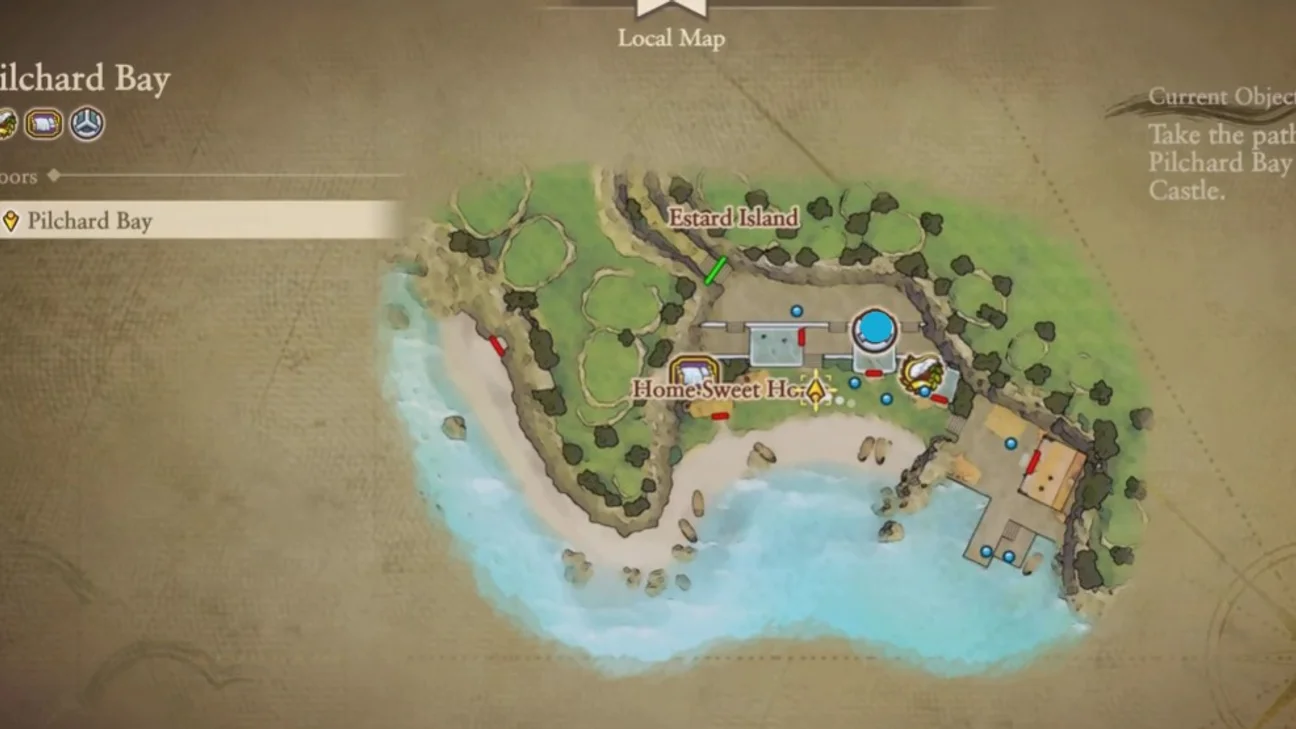
Churches are the most classic way to save your progress. They're very easy to spot on the map and the mini-map thanks to their silver icon. You'll find one in almost every town, starting with your very first town, Pilchard Bay. To find a church, all you need to do is check the regional map. The game shows you which services are available in each town.
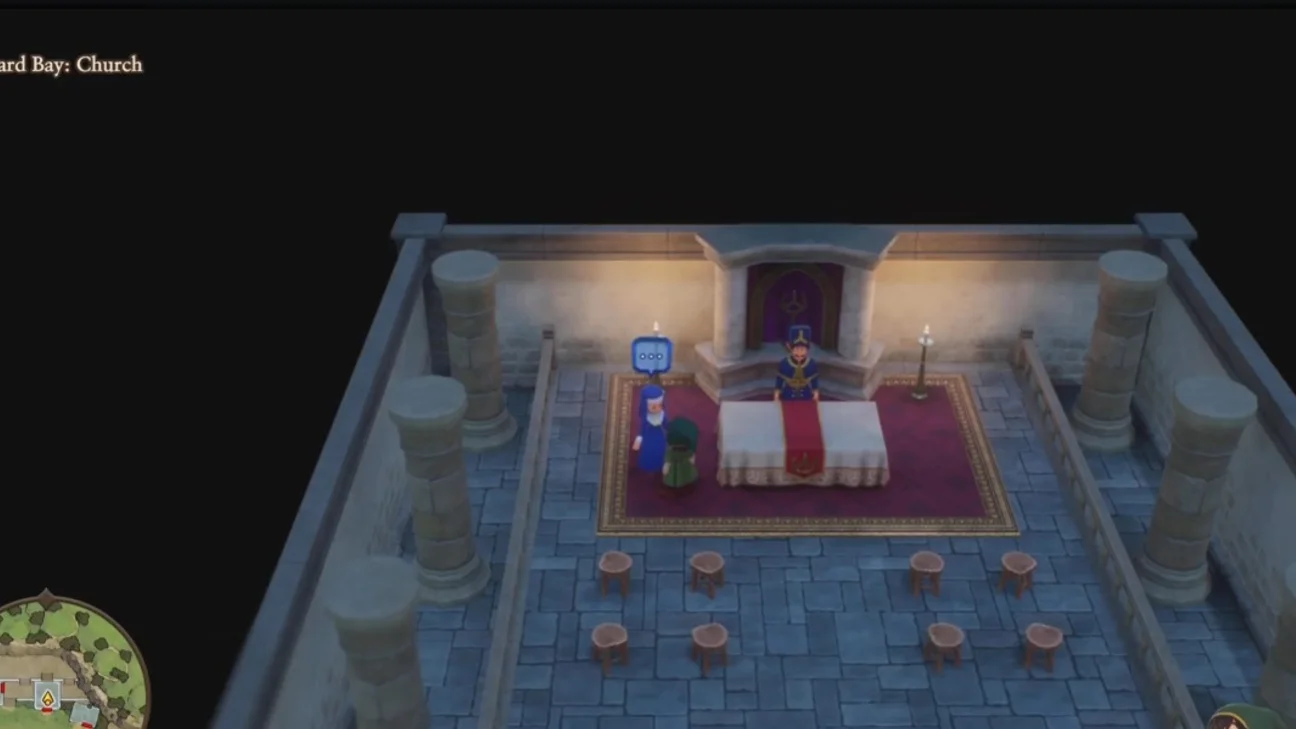
Upon entering a church, go talk to the NPC behind the altar. Speak with them, then choose the “Confession (Save)” option. Select the slot you want to save your game to, and wait for the confirmation.
Tip
Use the teleport spell to travel to a town with a church as soon as it's available! It'll save you time on your quest...
The Sacred Statues
Sacred Statues are the second save method, and their presence is especially valuable while exploring a dungeon. The statues can be recognized by their angelic appearance, and you'll find the first one on your way to the Rainbow Mine. To save, simply interact with the statue and select the "Confess (Save)" option, which you're already familiar with!
The main advantage of Sacred Statues remains their ability to fully restore your party's hit points (HP) and magic points (MP).
Dragon Quest 7 Reimagined is set to release on February 5, 2026 on PS5, Xbox Series, Nintendo Switch, Nintendo Switch 2 and PC.
Share this article
Which save method do you prefer using in RPG games?
Frequently asked questions
Where can I save my game in Dragon Quest 7 Reimagined?
You can save your progress in two main locations: churches (found in almost every town and recognizable by their silver icon) and sacred statues (particularly useful in dungeons). Simply interact with the NPC behind the altar or statue, then select the "Confession (Save)" option.
Is autosave enough on its own?
No, although the game features an autosave function (recognizable by a golden feather icon in the bottom right corner), we strongly recommend saving manually, especially before ending a play session. Manual saving remains the safest option.
What is the main advantage of sacred statues?
Sacred statues offer two major benefits: they let you save inside dungeons, where churches aren't accessible, and they automatically restore your entire party's hit points (HP) and magic points (MP).
From what point in the game can I access sacred statues?
You'll encounter the first sacred statue on your way to the Rainbow Mines. It represents the second major save point in the game after churches.
Key takeaways
- Churches are the classic way to save, easily spotted thanks to their silver icon on the map.
- Sacred statues let you save inside dungeons and fully restore your party's HP and MP.
- Manual saving is more reliable than autosaving, especially before ending a play session.
- Use the teleport spell to a church as soon as it's available to save time between saves.
Comments
No comments yet. Be the first to react!
Leave a comment
Similar guides
Latest articles








Your opinion counts
Rate Dragon Quest VII Reimagined
Click a star to rate