



 Alexandre Jollier


Beginner's Guide
Deep Rock Galactic: Rogue Core Co-op - How to Invite Friends in Multiplayer
In brief
Deep Rock Galactic: Rogue Core supports up to four players in co-op. Find out how to invite your friends via Steam, join public sessions, or create your own lobby for shared expeditions.
Deep Rock Galactic: Rogue Core allows up to four players to share their adventure together. Find out here how to share this moment with friends.
How to invite friends
To start, each participant needs to own a copy of the game. Once you're all ready, you can choose whether or not to follow the tutorial. Then head to the Mission Terminal in the lobby area. This is where you can prepare for your next expedition, make upgrades, change your outfit, and so on... Open the terminal to choose the desired mission. Select "Host (Friends Only)", and you'll be able to invite your friends.
Note
Keep in mind that your friends need to be on your Steam friends list for the invitation to work. Otherwise, they can, thanks to their Steam friends list, join your session directly as long as you haven't already started a mission.
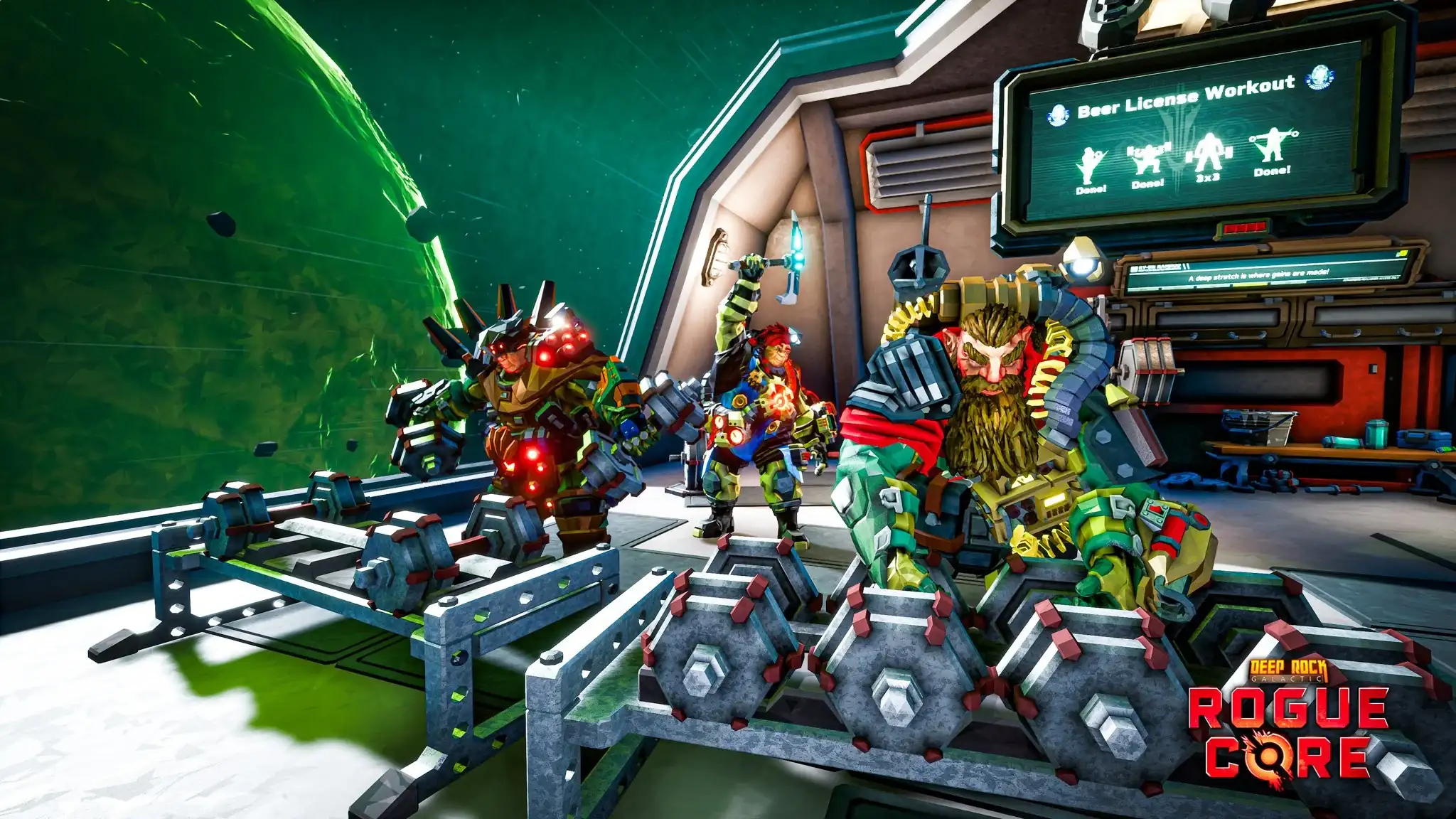
Playing co-op in Deep Rock Galactic: Rogue Core
It's possible to play with other players even if you don't have any friends available. To do this, head to the Mission Terminal, and choose the "Join" option, you'll have access to a list of servers and missions created by other players.
Creating a public lobby
When launching the mission, it's also possible to create a public lobby. Other players wishing to take part in your mission can then automatically come and join you.
Share this article
How do you prefer to play co-op in Deep Rock Galactic: Rogue Core?
Frequently asked questions
How many players can play co-op in Deep Rock Galactic: Rogue Core?
Up to four players can share an adventure together in co-op.
Do my friends need to be on my Steam list to invite them?
Yes, your friends must be on your Steam friends list for the invitation to work. However, they can also join your session directly through their Steam friends list as long as you haven't started the mission yet.
How can I play co-op if I don't have friends available?
You can access the Mission Terminal and choose the "Join" option to view a list of servers and missions created by other players, or create a public lobby so other players can come join you.
Can you create a mission with a public lobby?
Yes, when launching the mission, you can create a public lobby that will allow other players to join you automatically.
Key takeaways
- Each player must own a copy of the game to play in co-op
- Friend invitations go through the Mission Terminal using the "Host (Friends Only)" option
- Your friends must be on your Steam friends list to receive an invitation
- You can join public missions created by other players via the "Join" option
- Public lobbies allow other players to join you automatically during the mission
Comments
No comments yet. Be the first to react!
Leave a comment
Latest articles







Your opinion counts
Rate Deep Rock Galactic: Rogue Core
Click a star to rate