



 Alexandre Jollier

ARC Raiders Multiplayer: Playing with Friends and Enabling Crossplay
In brief
ARC Raiders is an action game against machines that really shines in multiplayer. Find out how to enable crossplay and add your friends via your Embark ID to play together, no matter your platform.
Now fully available, ARC Raiders is a game that focuses on action and combat against ARC machines and other players, but it's mainly with others that the experience is most enjoyable. Let's first discover how crossplay works and how to play with your friends, regardless of their gaming platform.
How to enable crossplay in ARC Raiders
To enable crossplay from the main menu, follow these simple steps:
- Find and click on the settings icon located in the bottom right corner of the screen, just below the Play button
- Go to the first tab titled "Gameplay"
- Scroll down until you find the "Crossplay" option in the Online section
- If this feature isn't already enabled, simply turn it on
Note
In this same settings section, you can also change your game region, which can be useful for improving your ping and latency.
How to add friends and play together
Once crossplay is enabled, you'll need to add your friends to your list in order to play together. The Embark ID, a unique identifier that brings together all players regardless of platform, is the foundation of ARC Raiders' crossplay.
To find your Embark ID and add your friends:
- Click on the "+" icon located near your profile picture, close to the Play button.
- In the friend/party menu that appears, click on "Manage Embark ID" in the bottom left section.
- You will then be redirected to a screen asking you to log in with your Steam, Epic Games, PlayStation or Xbox account to gain access to the Embark ID portal.
There, you'll see your Embark ID, this time displayed under "Display Name", in the usual NAME#1234 format, which you can share with your friends so they can add you, regardless of their platform.
If you already have your friend's Embark ID and want to add them:
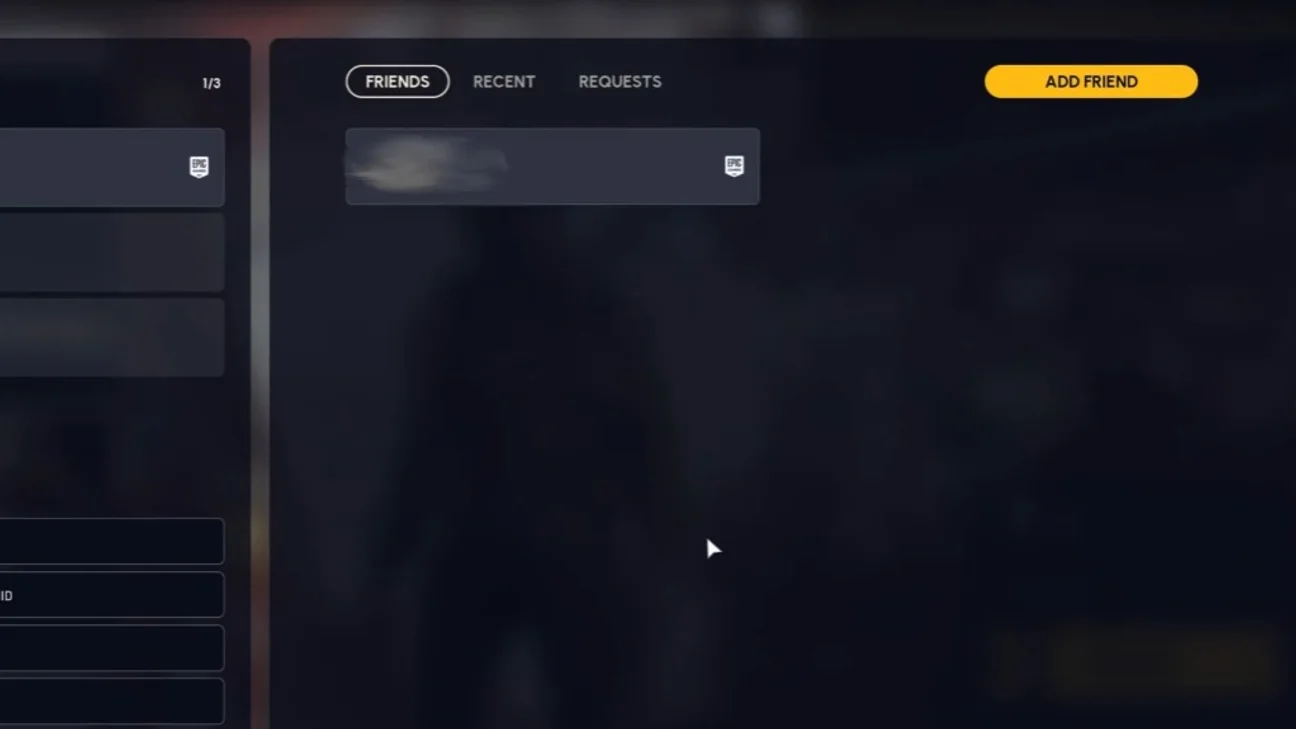
- Click on "Add Friends" in the top right of the friend/party menu
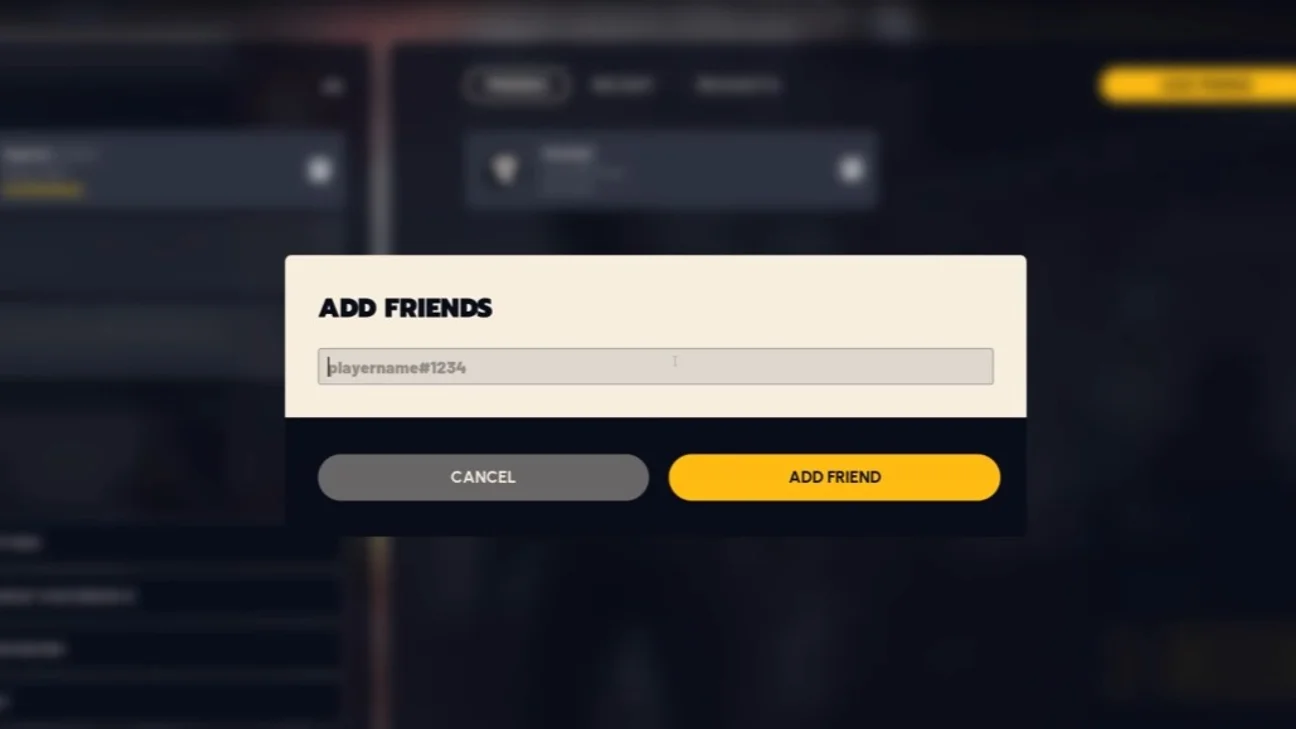
- Paste your friend's Embark ID into the window that appears
- Confirm to send the friend request.
Once the request is accepted, you'll be able to create a party to head out on adventures together in ARC Raiders!
Share this article
Do you usually play ARC Raiders solo or in multiplayer with friends?
Frequently asked questions
How do you enable crossplay in ARC Raiders?
Click the settings icon in the bottom right of the main menu, go to the Gameplay tab, then enable the Crossplay option in the Online section.
What is the Embark ID and how do you find it?
It's a unique identifier in the format NAME#1234 that lets all players find each other regardless of platform. You'll find it by clicking the '+' near your profile, then managing your Embark ID.
How do I add a friend if I don't have their Embark ID yet?
Click 'Add Friends' at the top right of the friend/group menu, paste your friend's Embark ID, and confirm your add request.
Are there other useful settings to change along with crossplay?
Yes, you can change your game region in the same settings section to improve your ping and latency.
Key takeaways
- Crossplay can be enabled in three clicks from the Gameplay settings in the main menu.
- The Embark ID is the universal identifier that lets you play with your friends on any platform.
- Share your Embark ID in the format NAME#1234 so your friends can easily find you.
- Once your friends are added, create a group to launch missions together in ARC Raiders.
Comments
No comments yet. Be the first to react!
Leave a comment
Similar guides






Latest articles







Your opinion counts
Rate ARC Raiders
Click a star to rate